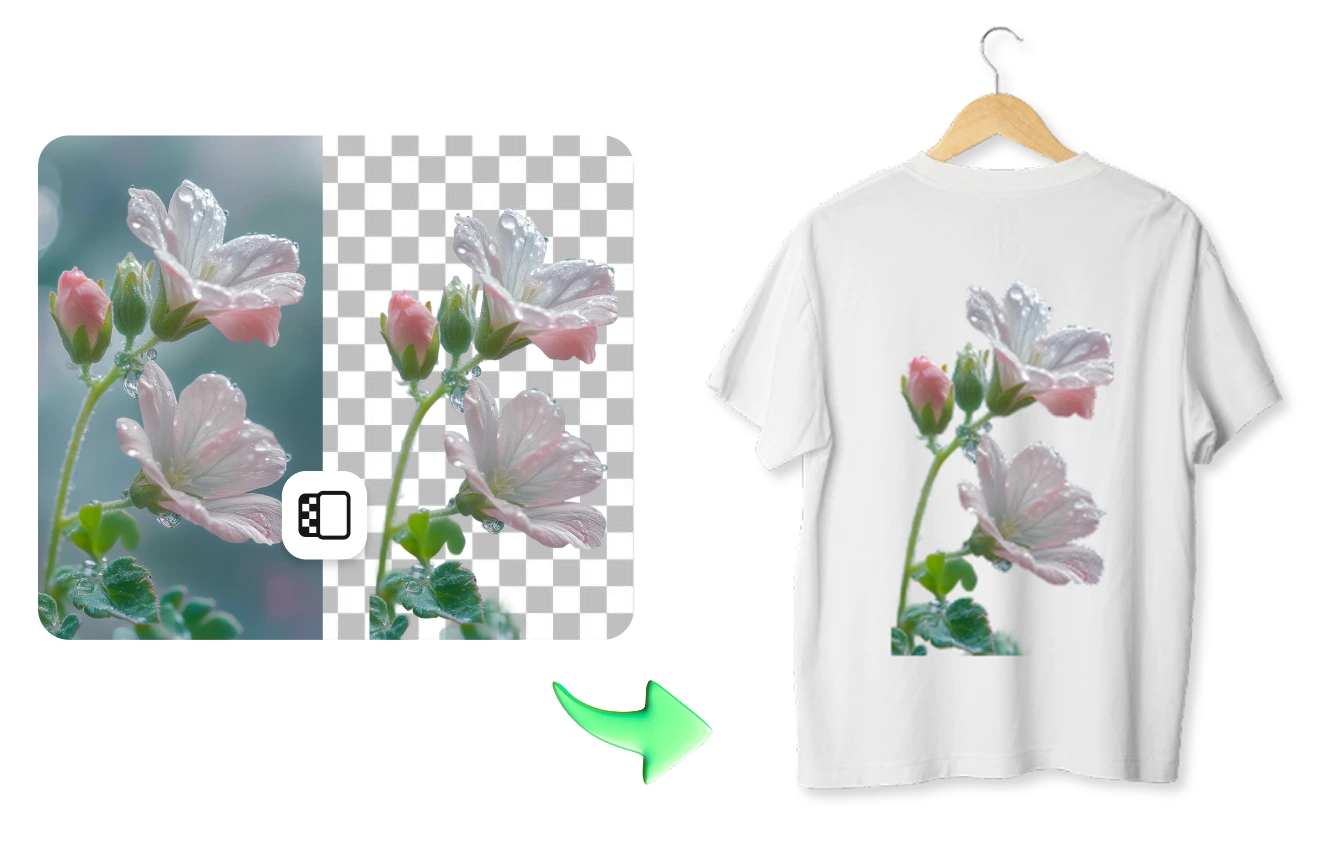
 أسهل محرر صور بالذكاء الاصطناعي لإزالة الكائنات غير المرغوبة من الصور.
احصل على التطبيق


أسهل محرر صور بالذكاء الاصطناعي لإزالة الكائنات غير المرغوبة من الصور.
احصل على التطبيق
© 2026 SnapEdit. جميع الحقوق محفوظة.
أسهل محرر صور بالذكاء الاصطناعي لإزالة الكائنات غير المرغوبة من الصور.جهّز تصميماتك للطباعة دون القلق من الهالات البيضاء. يزيل SnapEdit الخلفيات لطباعة DTF بشكل جماعي مع دعم حتى 50 صورة في الدفعة الواحدة، وملفات PNG شفافة حقيقية، وحواف دقيقة ونظيفة.
Ctrl + V للصق الصورة
ليس لديك صورة؟ جرّب واحدة من هذه
معظم أدوات إزالة الخلفية صُممت للتجارة الإلكترونية حيث يكون الهدف هو خلفية بيضاء. أما في طباعة DTF، فأنت تحتاج إلى خلفية شفافة تمامًا. يزيل SnapEdit الخلفية بالكامل، بحيث لا تبقى أي بكسلات، حتى الباهتة منها، قد تظهر على القماش بعد الطباعة.
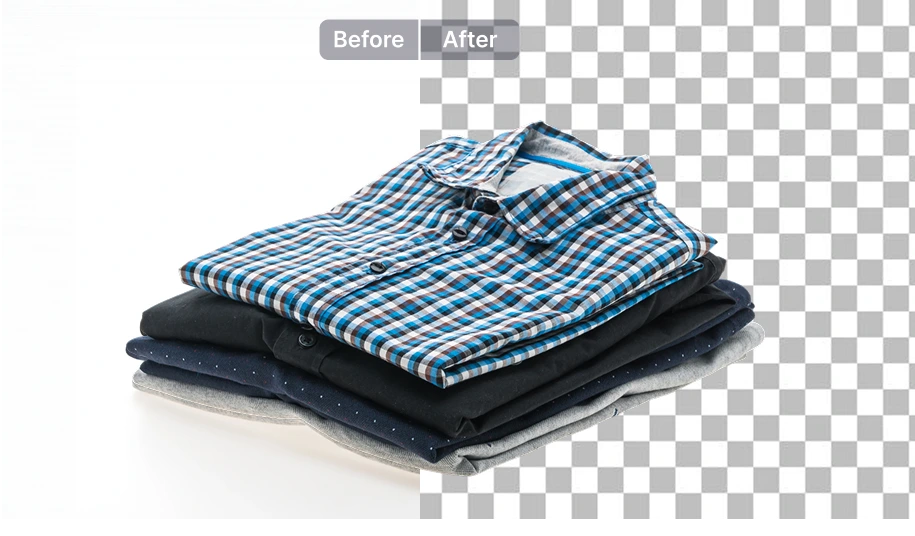
يتم تصدير كل صورة بصيغة PNG شفافة حقيقية. لا ملفات JPG بخلفية مدمجة، ولا حاجة لإعادة التصدير يدويًا قبل استخدامها في برنامج RIP أو عند إعداد Gang Sheet.
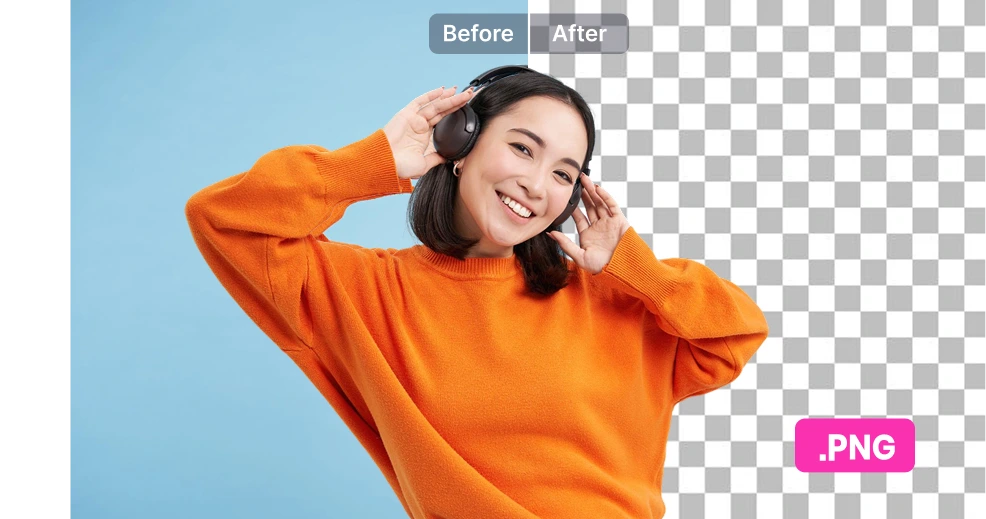
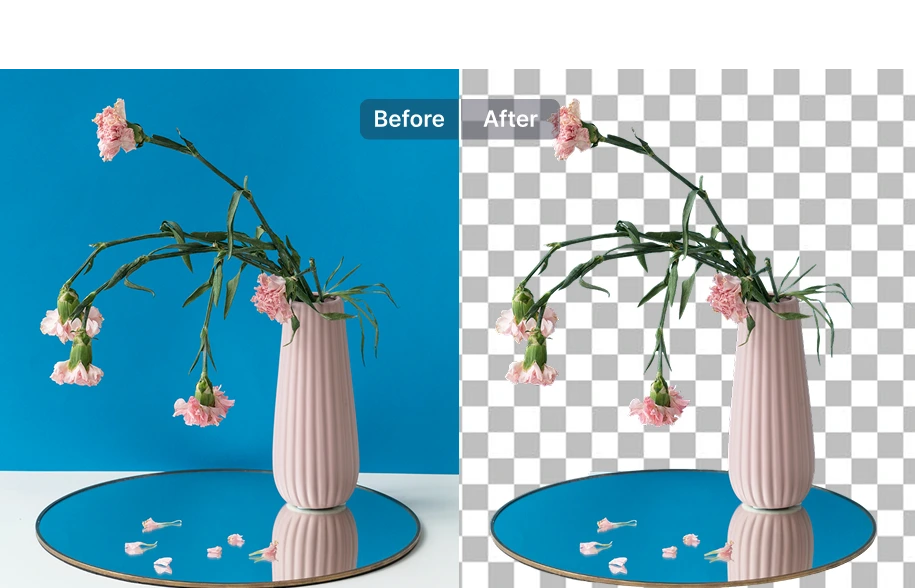
تم تدريب الذكاء الاصطناعي في SnapEdit على عزل التفاصيل الدقيقة بدقة عالية، مثل الخطوط الرفيعة والنصوص الصغيرة والحواف المعقدة، والتي غالبًا ما تقوم الأدوات الأخرى بطمسها أو قصها. هذه الدقة تساعد على تجنب إعادة الطباعة بعد انتهاء عملية الكبس.
استخدمه مباشرة عبر SnapEdit
ارفع مجموعة من التصميمات، واحصل على ملفات PNG شفافة جاهزة، ثم نزّلها وأرسلها مباشرة إلى برنامج RIP. يدعم حتى 50 صورة في الدفعة الواحدة. أو جرّب أداة إزالة خلفية الرسومات للصور الفردية.
أنشئ سير عمل مخصصًا
أنشئ سير عمل يقوم أولًا بتحسين الصورة وزيادة حدتها، ثم إزالة الخلفية لتصبح جاهزة للطباعة. مهما كانت جودة الملفات التي يرسلها العملاء، ستخضع جميعها لنفس العملية الموثوقة قبل وصولها إلى الطابعة. أنشئ سير العمل الخاص بك.
ادمجه في نظامك عبر API
ادمج واجهة Remove Background API في نظامك إذا كنت تدير منصة POD أو نشاطًا يعالج تصميمات العملاء تلقائيًا بكميات كبيرة. تعرّف على SnapEdit API.