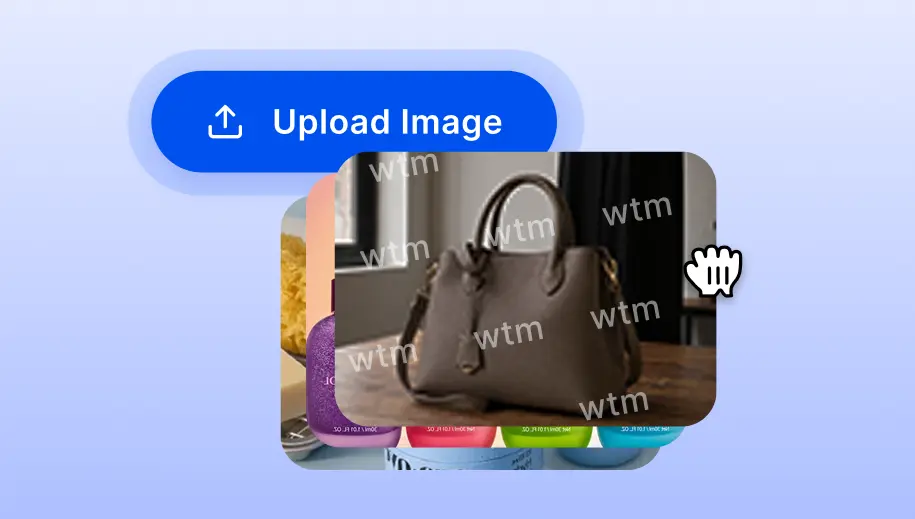
الخطوة 1: جهّز الصور وحدد احتياجاتك
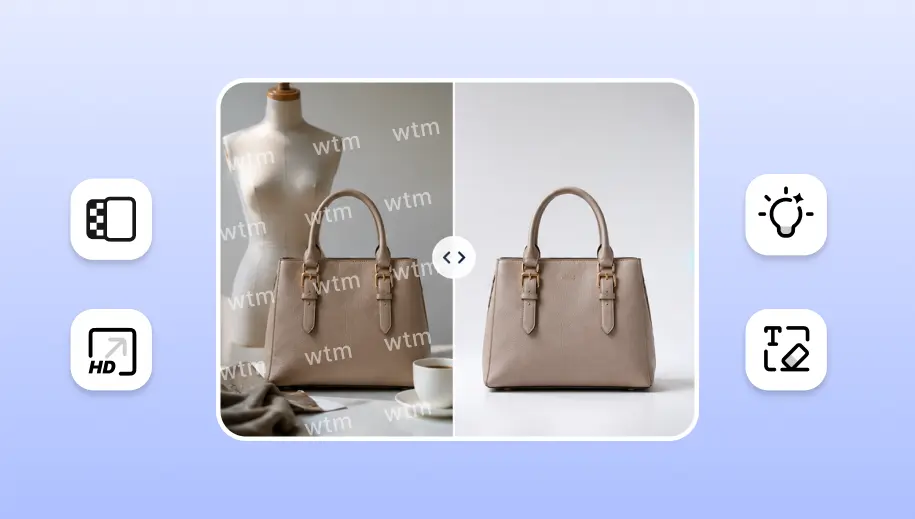
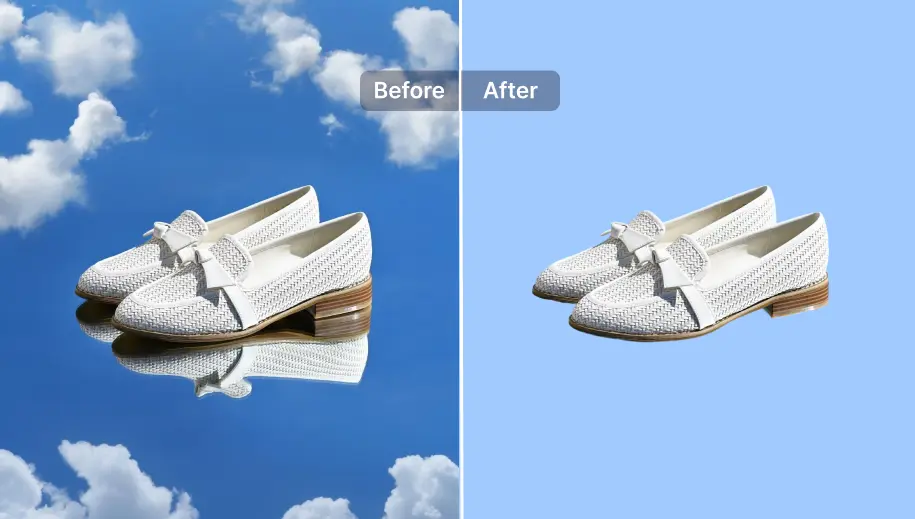
قيّم صورك الأولية (صور مسطحة، مانيكان شبحي، أو خلفيات فوضوية) وحدد متطلبات المخرجات النهائية بدقة. تصوّر الخطوات المنطقية اللازمة لسد الفجوة.

 أسهل محرر صور بالذكاء الاصطناعي لإزالة الكائنات غير المرغوبة من الصور.

الأزياء
يحوّل حل تجربة الملابس الافتراضية من SnapEdit صور المنتجات التي تملكها بالفعل إلى صور واقعية على عارضة أزياء بالذكاء الاصطناعي، دون الحاجة لحجز جلسة تصوير جديدة مع كل إصدار.
ابنِ مسار عمل صور الأزياء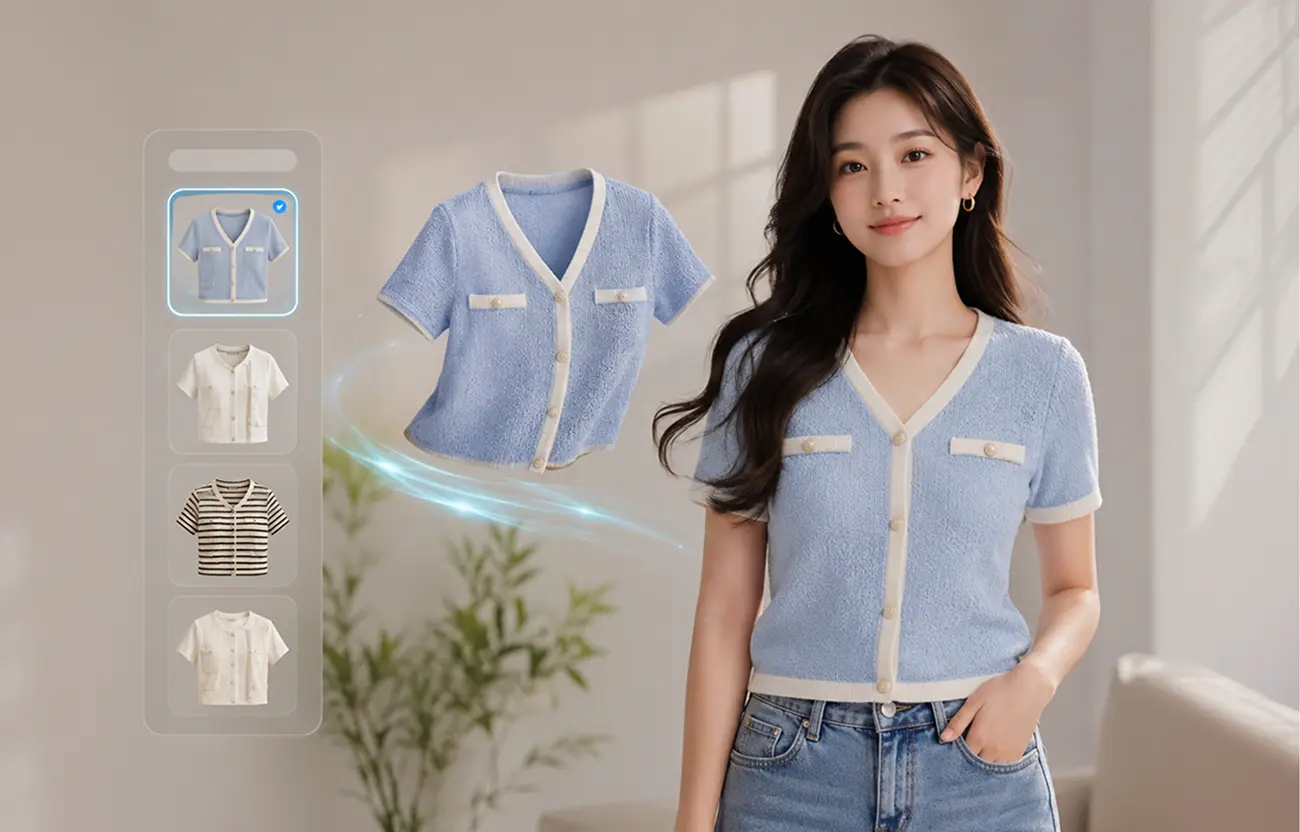
تبدأ معظم علامات الأزياء بأي صورة يوفرها المورّد أو آخر جلسة تصوير: صورة مسطحة (flat lay)، صورة مانيكان شبحي، صورة على شماعة، أو صورة للملابس على مانيكان فعلي. تعمل تجربة الملابس الافتراضية بالذكاء الاصطناعي من SnapEdit مع أي من هذه الصور، بحيث لا تحدد صيغة البداية ما هو ممكن.
تصوير الملابس بشكل مسطح على طاولة هو أرخص طريقة للتصوير، وأصعبها من ناحية البيع. لا يستطيع المتسوقون رؤية المقاس، أو انسدال القماش، أو كيفية حركته فعليًا. تقرأ SnapEdit الصورة المسطحة وتولّد صورة على عارضة أزياء بالذكاء الاصطناعي توضح كيف تنسدل القطعة وتُطوى وتستقر على الجسم، دون إعادة تصوير القطعة.
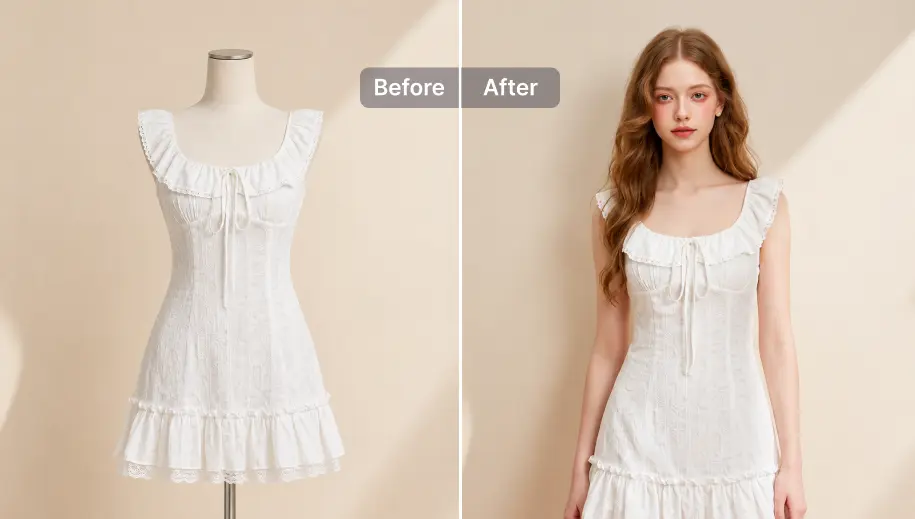
يُظهر تصوير المانيكان الشبحي بالفعل شكل الملابس بأبعاد ثلاثية، مما يجعله من أكثر نقاط البداية موثوقية لتوليد صورة مقنعة على عارضة أزياء. تحوّل SnapEdit صورة المانيكان غير المرئي إلى صورة لنفس القطعة يرتديها عارض يبدو حقيقيًا، مع الحفاظ على الأبعاد وبنية الأكمام وخط الرقبة كما هي.
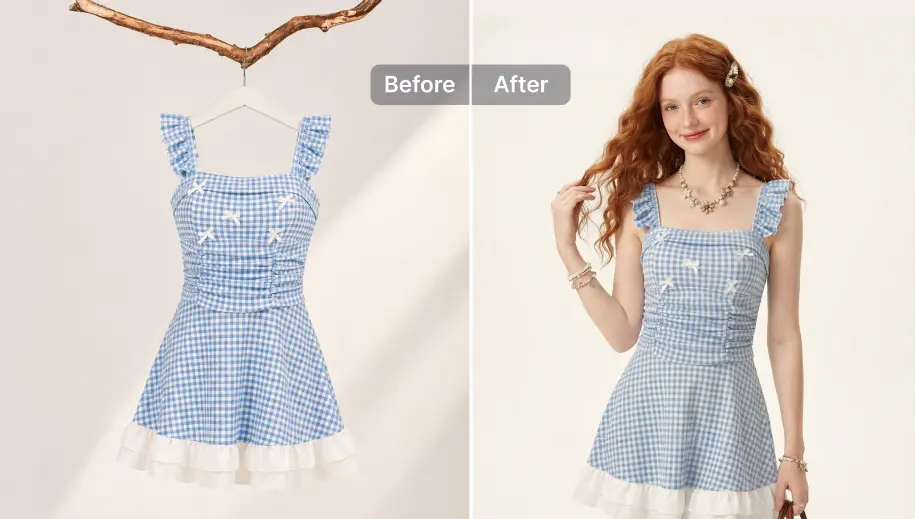
تحمل الصور الملتقطة على مانيكان فعلي أو شماعة معلومات مفيدة عن الشكل، لكنها لا تزال تبدو "غير جذابة بما يكفي" للمتسوقين. ينطبق نفس أسلوب التوليد هنا: تُرفع القطعة عن المانيكان أو الشماعة وتُوضع على عارض حقيقي بشكل مقنع.
توليد صورة واحدة على عارضة أزياء يحل فقط مشكلة المقاس والواقعية. الإعلان يحتاج إلى أكثر من ذلك: ألوان مختلفة، زوايا متعددة، والحجم والتنسيق الصحيح المتوافق مع كل منصة وقناة. ابنِ مسار عمل لأتمتة العملية بالكامل مع SnapEdit.
قيّم صورك الأولية (صور مسطحة، مانيكان شبحي، أو خلفيات فوضوية) وحدد متطلبات المخرجات النهائية بدقة. تصوّر الخطوات المنطقية اللازمة لسد الفجوة.
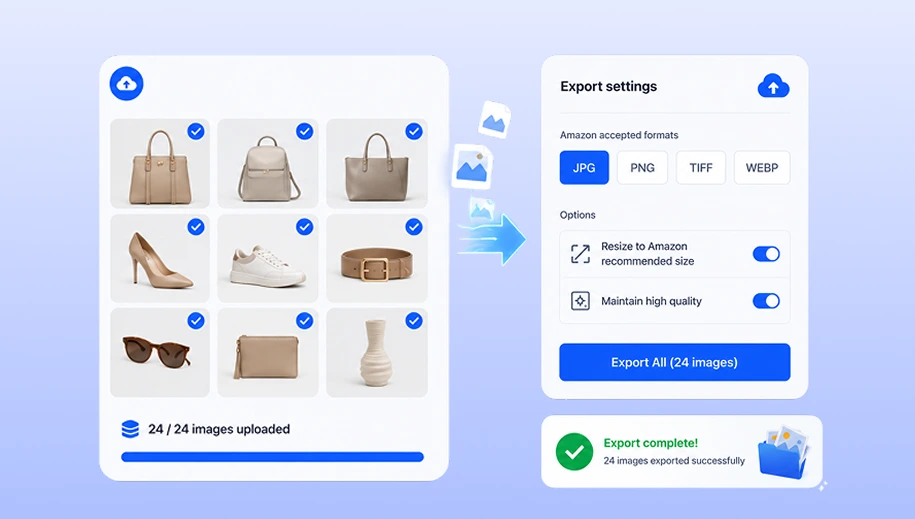
في أداة بناء مسار العمل من SnapEdit، لا تحتاج لاتباع عملية جامدة. اختر واربط فقط الوحدات التي تحتاجها علامتك التجارية فعليًا: إزالة الخلفية، تجربة الملابس الافتراضية، توليد خلفية جديدة، تغيير الحجم والتنسيق.
ارفع كتالوجك لتشغيل التسلسل التلقائي. احفظ مسار العمل مرة واحدة، وطبّقه على كل إصدارات المنتجات المستقبلية بنقرة واحدة.
بالنسبة لمنصات POD والأسواق التي تدير صور المنتجات لمئات أو آلاف البائعين، لا يصلح تشغيل الصور عبر واجهة ويب دفعة واحدة في كل مرة. نفس مسار تجربة الملابس الافتراضية، من تنظيف الخلفية إلى توليد صورة العارضة وتنسيقها، متاح عبر API الخاص بـ SnapEdit، بحيث يعمل داخل نظام الكتالوج أو الرفع الحالي لديك دون الحاجة لأي خطوة يدوية على الإطلاق.
اطّلع على أسعار API