Step 1: Choose an industry-specific template
Pick a ready-made workflow for your industry or start from a blank canvas and build your own image editing automation pipeline based on needs.

 The easiest AI photo editor to remove unwanted objects from photos.

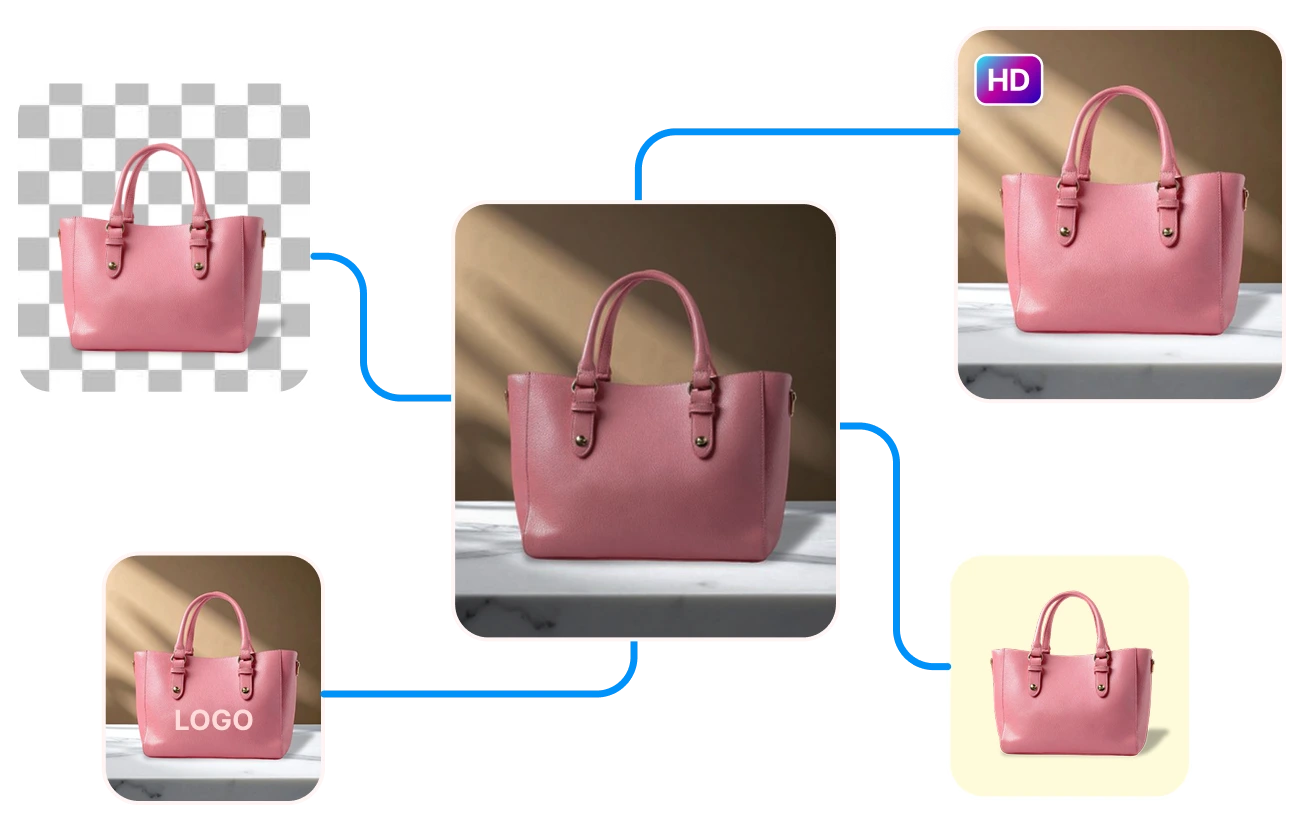
Build your workflow once and watch hundreds of images auto-edit in minutes. Jumpstart with SnapEdit's 20+ ready-made templates tailored to your niche.
Pick a ready-made workflow for your industry or start from a blank canvas and build your own image editing automation pipeline based on needs.
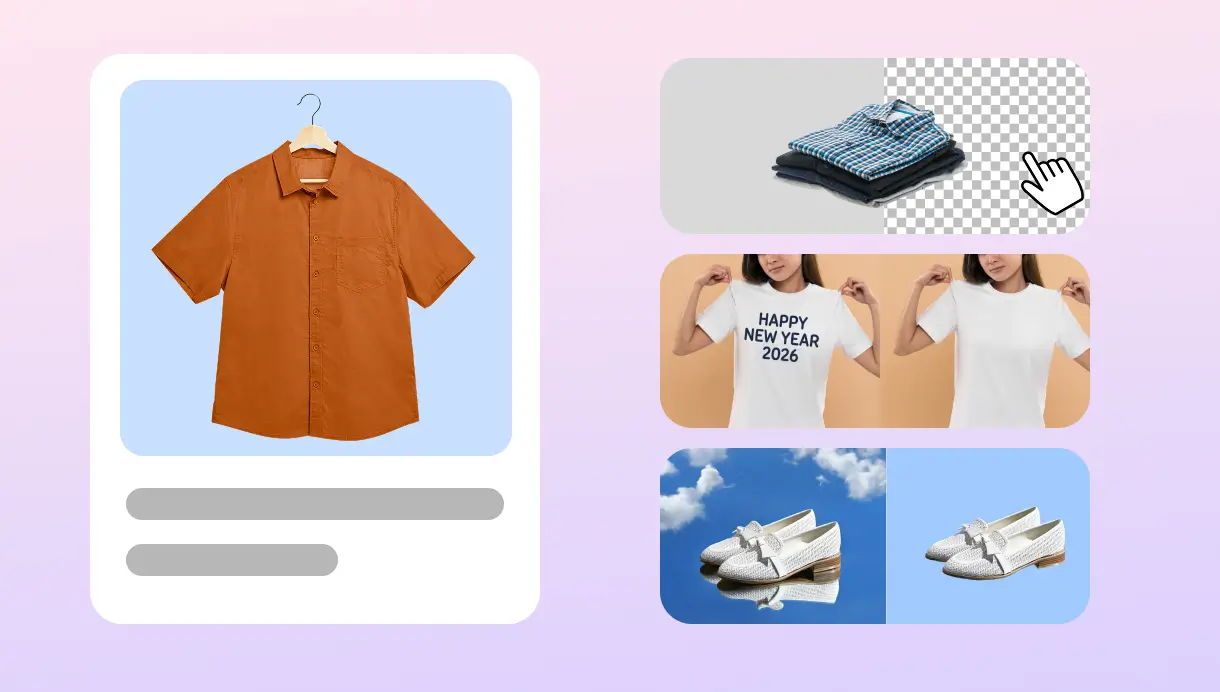
Chain editing actions like Remove Background, Upscale, Remove Text, and Crop into a sequence that matches your process. Drag and drop to connect, no coding required. Set up each node as you wish, like choose model, quality output.
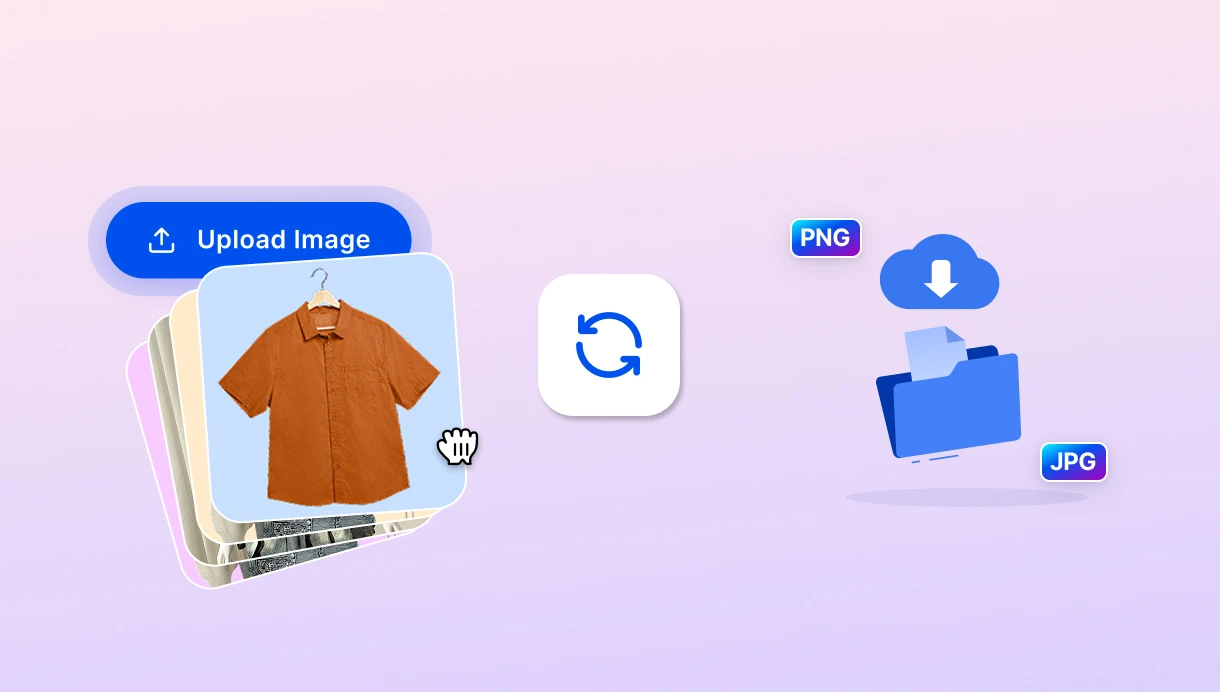
Upload your image batch, run the workflow, and export every result as PNG or JPG in one pass. Note that you must have enough available credits on account.
Start from a template built for your industry, then adjust it to fit your process.
 popular
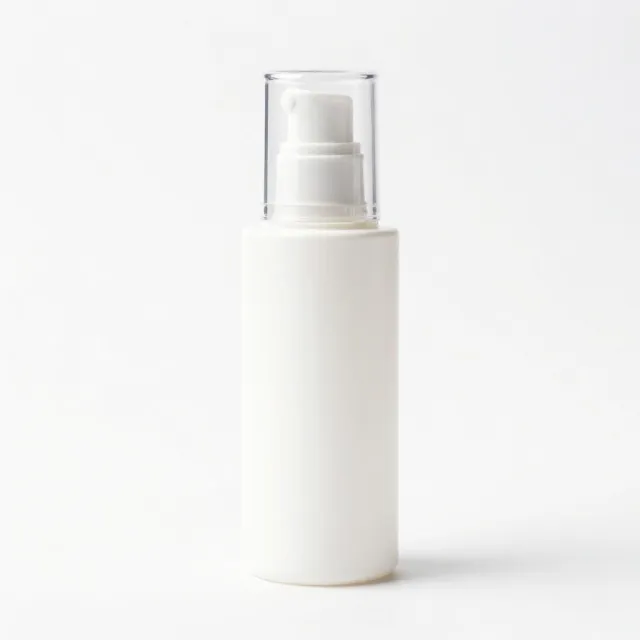
Batch product photos
Cut out the subject, drop it on a clean white background, then upscale — ready for marketplace listings.
 popular
Remove background bulk
Strip the background from every uploaded image and export transparent PNGs in one pass.

Product listing prep
Remove the background, place on white, and square-crop to 1:1 for consistent listing tiles.
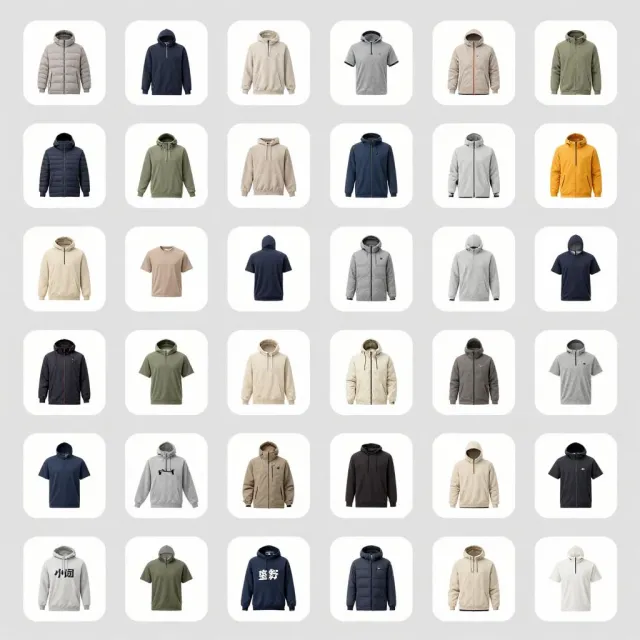
Batch catalog images
Uniform catalog shots: cut out, place on a light grey backdrop, and resize to a shared max side.

Property photo enhance
Brighten and sharpen interior/exterior shots with Magic Enhance, then upscale for crisp listings.
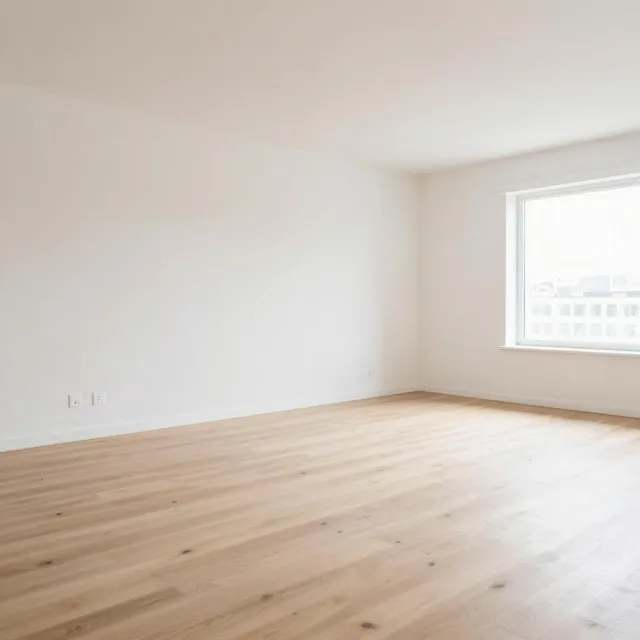
Virtual staging prep
Erase clutter from a room, then enhance the result — a clean base for virtual staging.

HDR photo enhance
Recover highlights and shadows with a high-HDR Magic Enhance pass, then upscale.
 popular
Lookbook creation
Cut out the model, blur the original backdrop, and composite onto a fresh studio background.

Model photo retouch
Remove distractions, enhance the portrait, and add a natural drop shadow to the subject.
 popular
Die-cut sticker prep
Cut the artwork off its background and scale it up to a clean, print-ready transparent PNG.

Poster print prep
Upscale the design 4× and crop to a 2:3 poster ratio — sharp enough for large-format printing.
 new
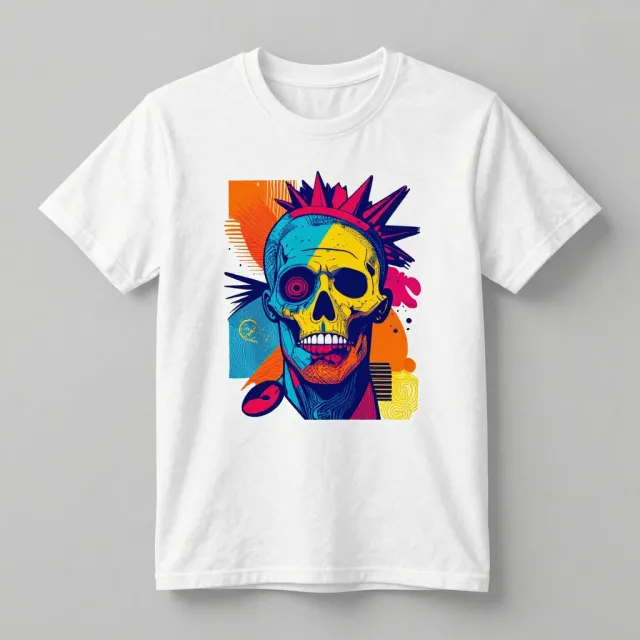
newApparel graphic prep
Isolate the graphic and upscale it to a high-res transparent file ready for DTG or vinyl printing.
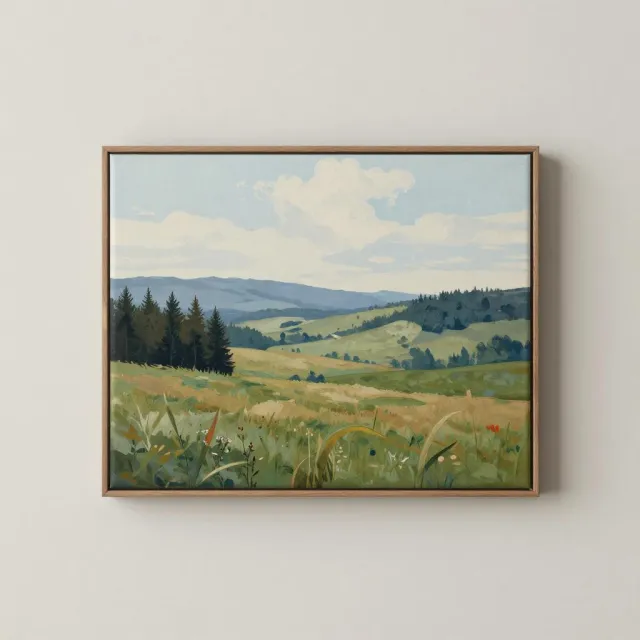
Canvas wall art
Enhance, upscale 4×, and square-crop a photo into gallery-ready canvas wall art.
 popular
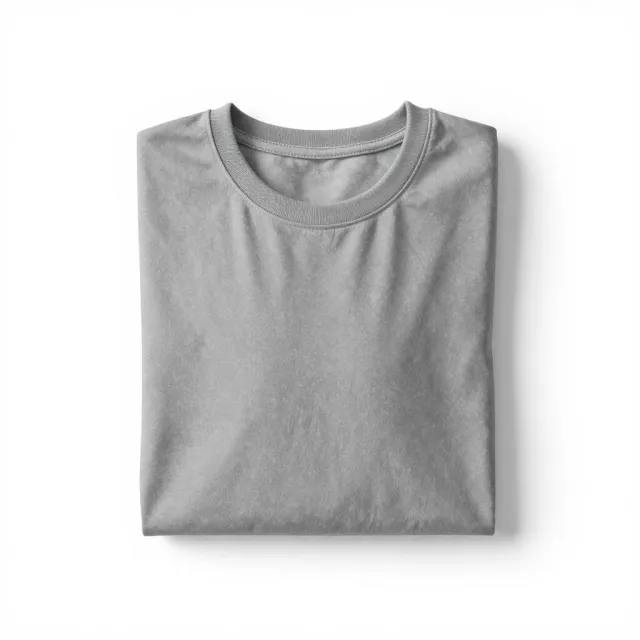
T-shirt listing tile
Cut out the shirt, drop it on white, and square-crop to a clean 1:1 marketplace tile.

Model tee shot
Enhance a model-wearing-the-tee photo and crop it to a 3:4 lifestyle listing shot.
 new
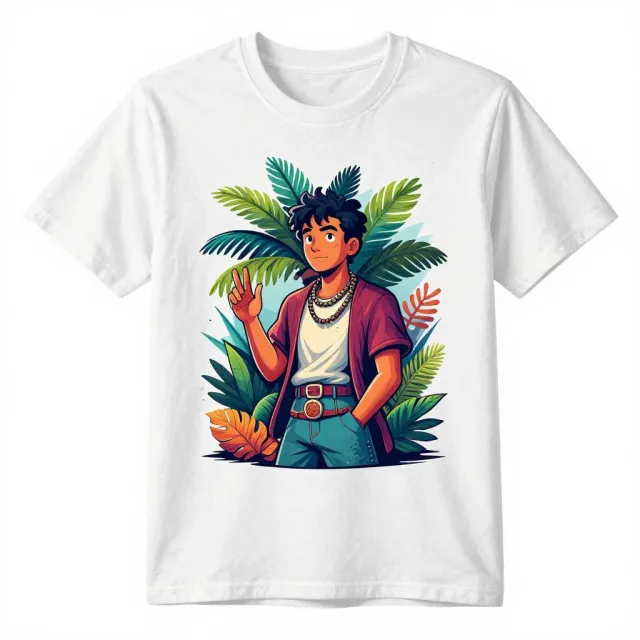
newDesign cleanup
Erase stray marks or a watermark from a design, then upscale it 4× for crisp printing.
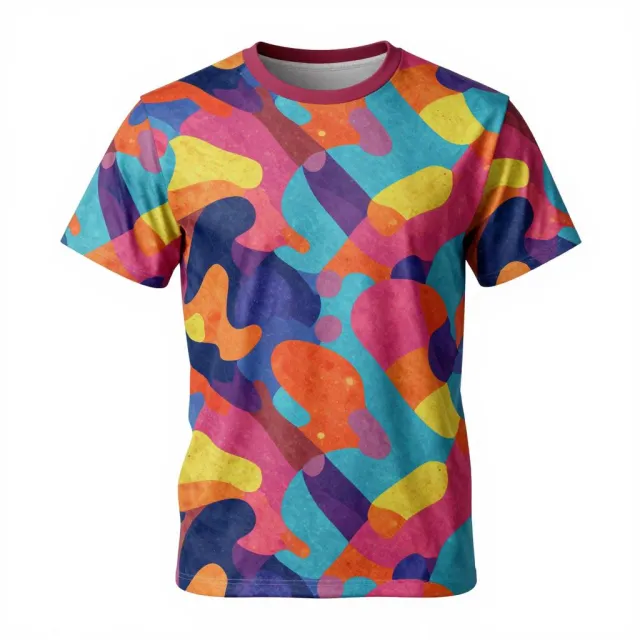
Full-bleed expand
Extend a pattern past its edges and upscale it for all-over-print apparel.
SnapEdit Workflow runs the same automated pipeline across fashion, e-commerce, real estate, and print on demand catalogs. It processes entire visual catalogs tailored to your niche's standards.
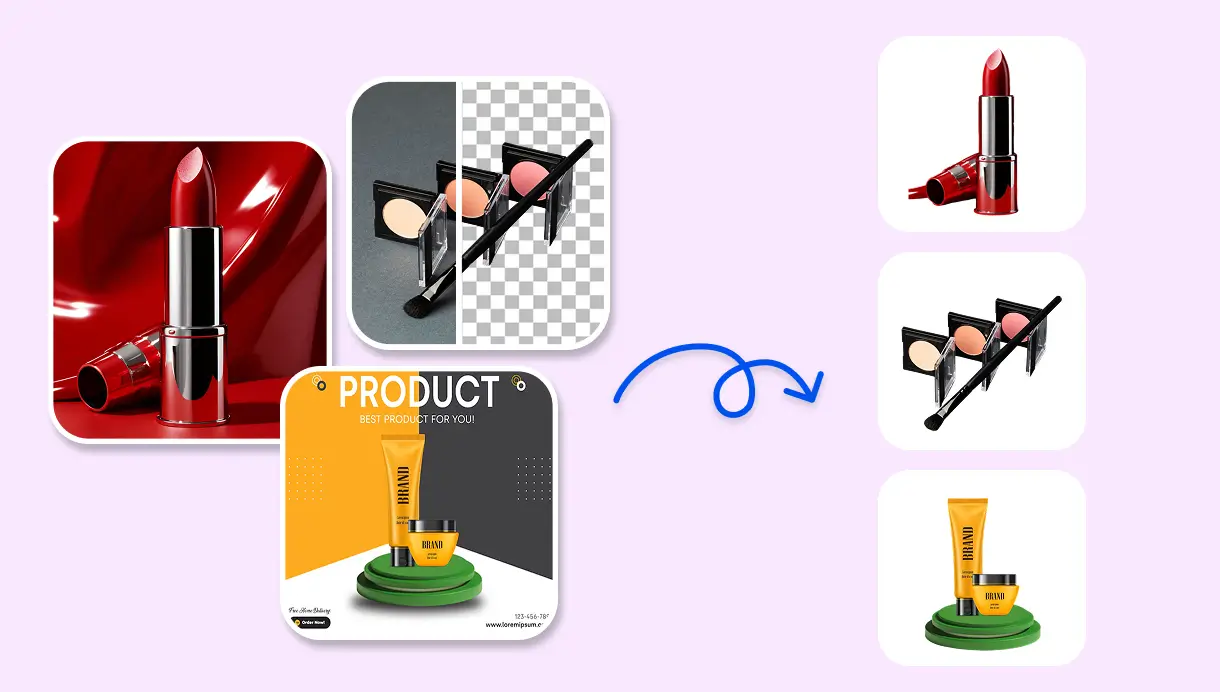
Editing 500 product photos by hand (background removal, text/watermark remover, upscale) can take a team a full day in Photoshop or Lightroom. But the same batch runs through a workflow on SnapEdit that can be done in minutes.
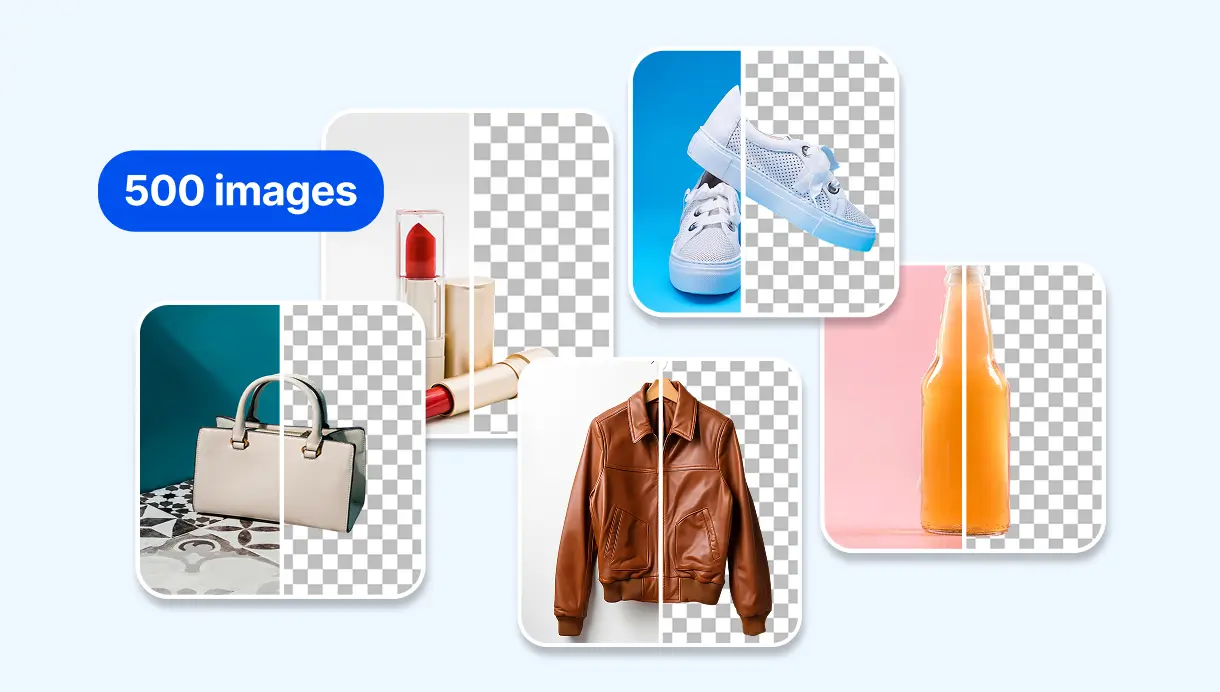
A workflow runs the same sequence of nodes on every image, so your product photos, listing tiles, or lookbook shots stay consistent across the whole catalog.
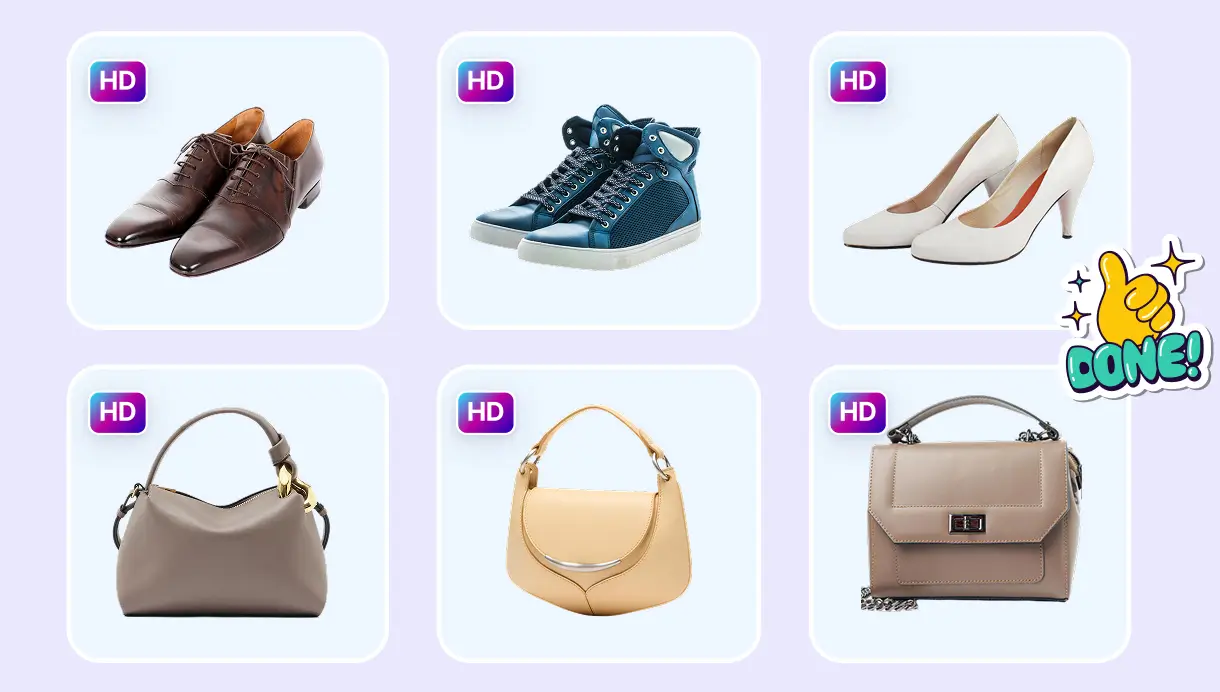
No Photoshop, Lightroom, or any editing software needed. AI makes it easy and automatic to edit images. Anyone can build a workflow and process entire batches in clicks.
Use the visual builder for a no-code setup, or call your workflow directly from your own systems with the API, built on the same engine as SnapEdit's editing tools.
Best for teams that want to set up and adjust workflows without engineering support. Drag, drop, connect nodes, and run batches straight from the browser.
Best for teams embedding batch editing into their own product or pipeline. OpenAI SDK compatible, swap the base URL and you're running. Explore the SnapEdit API