Import images
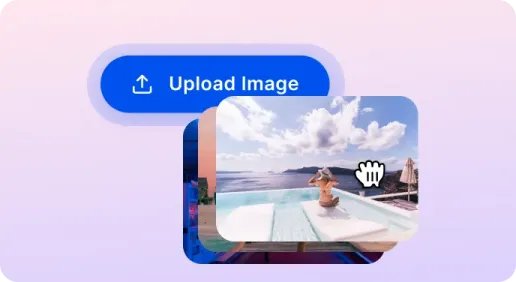
Upload photos from your devices or drag and drop them to the editor.

 The easiest AI photo editor to remove unwanted objects from photos.

A simple, fast, and effective tool to add copyright-protecting watermarks to any images.
Ctrl + V to paste image
No image? Try one of these
Want to protect your photos with text or logo watermarks? Here are the steps to use our watermark adder:
Upload photos from your devices or drag and drop them to the editor.
Add text/ logo watermarks to your photo. Manually place them on your images, adjust the font, size, opacity according to your preference.
Once you are satisfied with the results, free to download watermarked images to your device.
SnapEdit app is now available on the Apple Store & Google Play Store. Our app has been used by users around the world to retouch images.


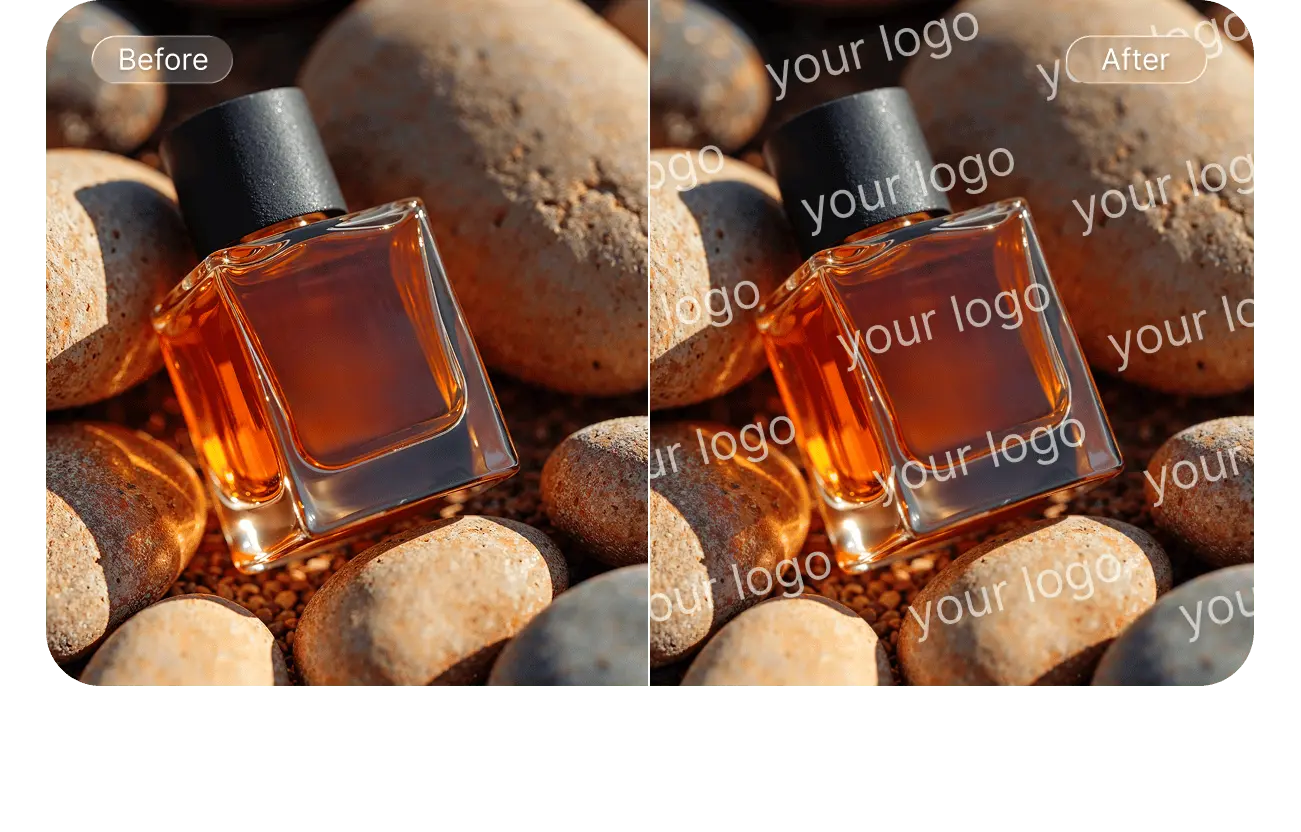
Watermarking discourages people from stealing your images and using them without permission. With our watermark maker, you can add the most sophisticated watermarks that are imperceptible to the naked eye.
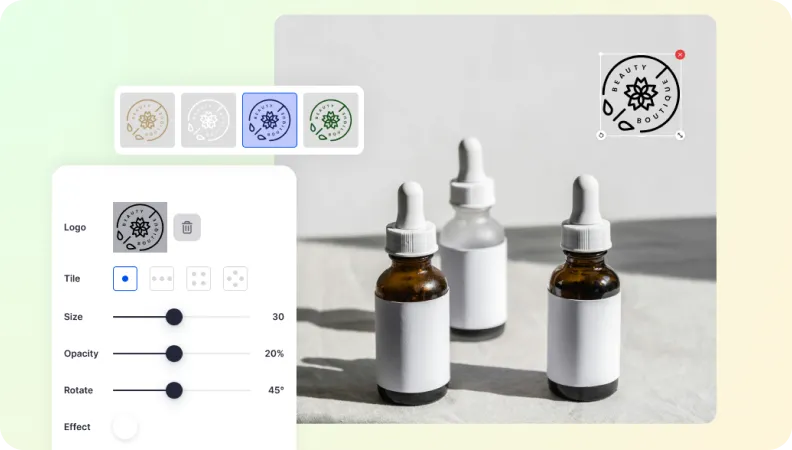
Watermarked images reinforce your brand presence in audiences’ minds. Once they reach out to an audience, the watermark ensures viewers know where it originated. That builds brand recognition, especially if the content goes viral.

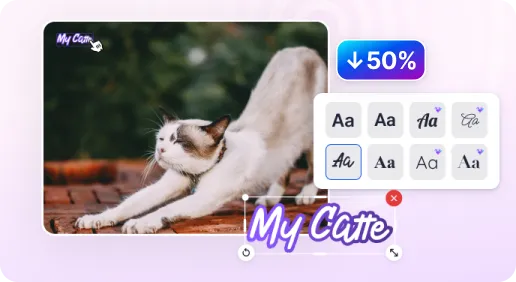
Transform your stylized signature into the watermark, making it a unique identifier and a personal artistic touch.

Flexible watermark customization
Our watermark adder allows you to add diverse watermark types including text watermarks (with various fonts, sizes, and colors); logo watermarks, or a combination of both. Precisely adjust the watermark placement and opacity.
Batch image processing
Our web tool saves time by watermarking multiple images simultaneously. you can add watermarks to 50 images at once. Try it now.
Safe to use
Security and privacy are what we really care about. Uploaded images are carefully encrypted. Make sure that there is no storage after your photos are processed.
User-friendly interface
SnapEdit image watermarking tool is easy. The workflow is simple and intuitive, even for novice users. Now you can add watermarks to images at any time, at any where, using any device.