You have an image pipeline. Somewhere in that pipeline, objects need to come out: tourists from photos, logos from product images, wires from architectural shots, people from real estate listings. The question is not whether the tool works on a single demo image. The question is whether it works consistently at 10,000 images a month, whether it can run without human input at the selection stage, and what it actually costs per image at production volume.
We tested five tools to answer that: SnapEdit, Cleanup.pictures, Photoroom, Airbrush, and Gemini, across 8 image categories representing real production use cases.
All testing was done via web interface, not direct API calls. In practice, the underlying models are the same. What you see in the web tool is what the API returns. Where free-tier limits applied, we note it.
Here is the short version before you read the full benchmark:
If you need a fully automated object removal API with no manual brush input at the selection stage, SnapEdit is the only option on this list that fits.
Photoroom and Cleanup.pictures both require human input to mark the object before removal which breaks automation.
Airbrush supports auto-detection but processing time is a bit slow and has no API.
Gemini produces strong results on specific scene types, but sometimes mishandles others entirely, is not a scalable API, and adds 15-24 seconds of processing overhead per image.
If you are evaluating which remove object API to integrate, this benchmark gives you the data to make that call.
A Note on Methodology
All tools were tested through their web interfaces. SnapEdit was tested using two tiers: Remove Object Normal (fast, GAN backend, optimized for simple backgrounds) and Remove Object Super, labeled Super Erase on the SnapEdit web app (stronger reconstruction, SD backend). These are the two tiers that produced the strongest results in visual testing. A third, higher tier, Remove Object Ultra (Qwen backend, the highest-quality path for the most difficult scenes), is available via API but was not included in this web tool comparison.
Gemini was tested directly via the consumer interface using text prompts. It is not a dedicated object removal tool and does not offer a comparable API product. It is included to show the current ceiling of AI-assisted removal, not as a production recommendation.
How Each Tool Removes Objects
The removal mechanism determines whether a tool can be automated. This matters more than quality alone if you are building a pipeline or building a product.
SnapEdit: Auto-detect and brush, API-ready. The Normal and Super tiers both support automatic object detection. You can pass an image and let the model identify and remove objects without any manual input. This is the only approach that works at scale in a fully automated pipeline. Both tiers are available via REST API.
Airbrush: Auto-detect and brush, web only. Airbrush supports auto-detection similar to SnapEdit but does not offer an API. Suitable for manual workflows, not production automation.
Cleanup.pictures: Brush to select, then auto-remove. Users need to paint over the object to be removed and the tool fills the region automatically. It requires human input at the selection stage, which limits automation potential. An API exists but pricing is not published publicly.
Photoroom: Brush to select, then auto-remove. Same mechanism as Cleanup.pictures. Requires manual brush input per image, making it unsuitable for fully automated pipelines. API pricing is $0.10 per image.
Gemini: Text prompt. Users describe what to remove in natural language. Produces high-quality results on some image types but is not a dedicated removal tool, has no per-image API pricing model, and processes in 15-24 seconds per image.
The key decision point for developers: SnapEdit offers both a dedicated object detection model and an object removal model. Combined together, they create a fully automated pipeline that requires no human input during object selection. If you think of the end users, people who always want speed and convenience, SnapEdit stands out as one of the most compelling choices.
Quality Benchmark: 8 Real-World Image Categories
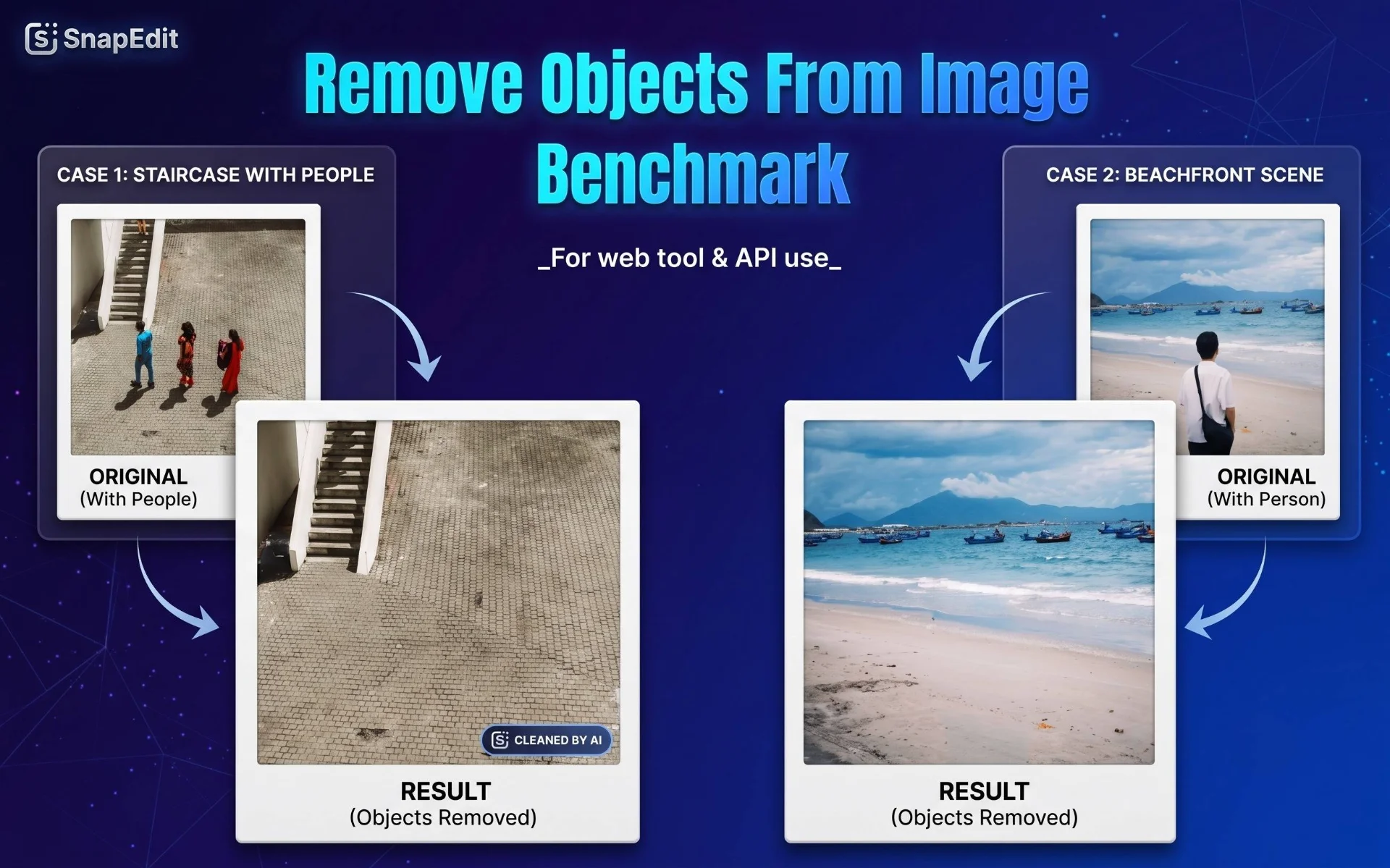
We carefully selected images that represent real production use cases, from straightforward travel photo cleanup to the hardest cases involving overlapping objects and complex textures. Results below reflect testing via web interface.
Open the image in a new tab to view the full-size result.
Category 1: Person in Front of the Sea
Why this image: It has a simple background, minimal subjects. Represents the most common object removal use case, removing a person from a travel photo to restore the scene.
| Original | SnapEdit Normal | SnapEdit Super | Photoroom | Cleanup.pictures | Airbrush | Gemini |
|---|---|---|---|---|---|---|
 |
 |
 |
 |
 |
 |
 |
Winner: Gemini
SnapEdit's Remove Object Normal removed the person in under 2 seconds but left a faint shadow outline visible if you look carefully, unlikely to be noticed at thumbnail scale. SnapEdit's Remove Object Super handled the same image with noticeably better background reconstruction: the sea and sky blended naturally with no residual trace. Cleanup.pictures produced a clean result at similar quality. Photoroom left a small dark spot from the hair area. Airbrush was slower at 5-10 seconds and the shadow was still visible. Gemini took 24 seconds but produced the most natural result.
For this category, Gemini is the strongest option; SnapEdit Super and Cleanup.pictures run up for quality. Normal is acceptable if speed is the priority and minor residue at the edge is tolerable.
Category 2: People in Front of a Landmark
Why this image: More complex background with architectural detail. The challenge is removing people while keeping the structure behind them intact and believable.
| Original | SnapEdit Normal | SnapEdit Super | Photoroom | Cleanup.pictures | Airbrush | Gemini |
|---|---|---|---|---|---|---|
 |
 |
 |
 |
 |
 |
 |
Winner: SnapEdit's Remove Object Super & Gemini
SnapEdit's Remove Object Super reconstructed the stone floor texture where the people had been standing, natural-looking, with no visible seam. The Normal tier processed in 2-3 seconds but left faint white residue at the pixel boundaries between the wall and the floor if examined closely.
Photoroom's brush-based approach produced uneven edges because brush strokes are imprecise when multiple people are close together. Cleanup.pictures performed better than Photoroom on this image but still showed some bleed at overlap points. Airbrush matched SnapEdit Normal in quality but took over a minute for detection and removal. Gemini produced a clean result in 15 seconds.
This category is where the gap between Normal and Super becomes visible. For landmark and architecture photography where background accuracy matters, Super is the right tier.
Category 3: Child in a Crowd
Why this image: Removing one small person from a chaotic group scene where subjects overlap significantly. One of the hardest cases for automated detection.
| Original | SnapEdit Normal | SnapEdit Super | Photoroom | Cleanup.pictures | Airbrush | Gemini |
|---|---|---|---|---|---|---|
 |
 |
 |
 |
 |
 |
 |
Winner: SnapEdit's Remove Object Super & Gemini
This was the most difficult image in the benchmark. SnapEdit Normal required manual brush assist to get the child's arm which was interlocked with a parent, correctly masked before auto-removal could complete. Super handled the scene reconstruction so much better. It rebuilds the pavement texture naturally, but the masking still needed manual input at the overlap point.
Photoroom left uneven pixel edges throughout. Cleanup.pictures performed slightly better than Photoroom. Airbrush produced the clean result, creating a natural dark region fill where the child had been. Gemini also produced a clean result, reconstructed the background, and even enhanced the overall image.
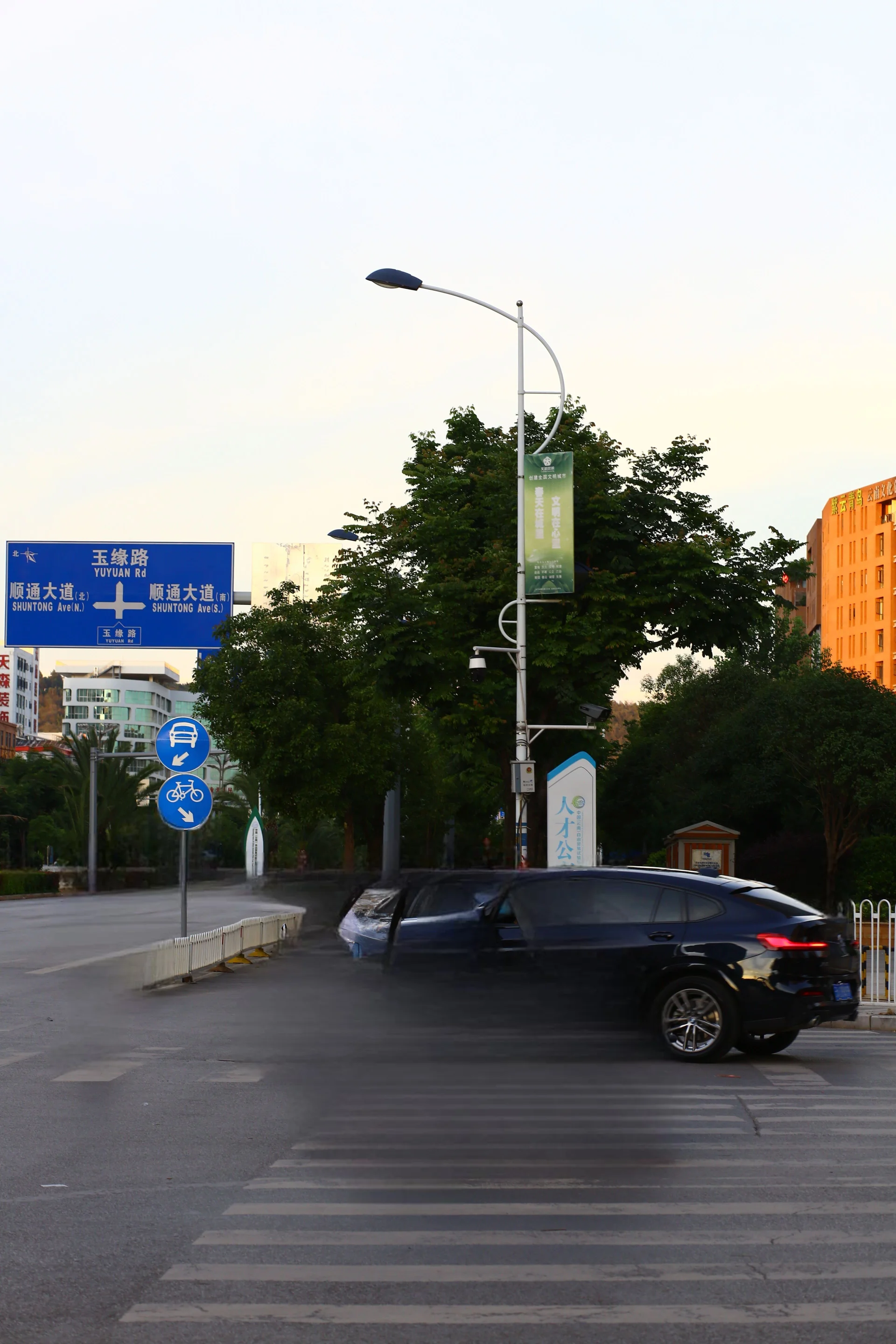
Category 4: Car, People. Motorbike on Street
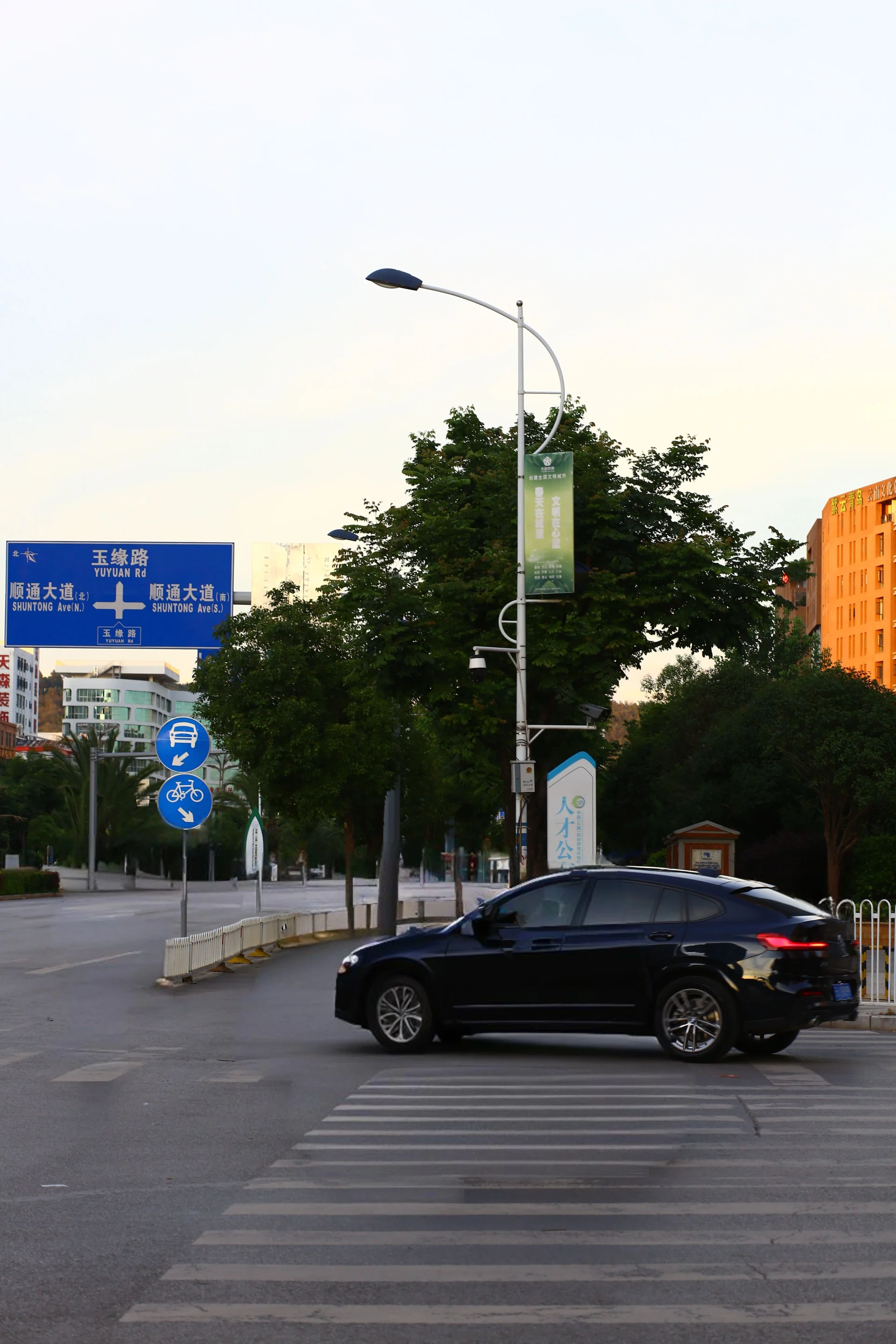
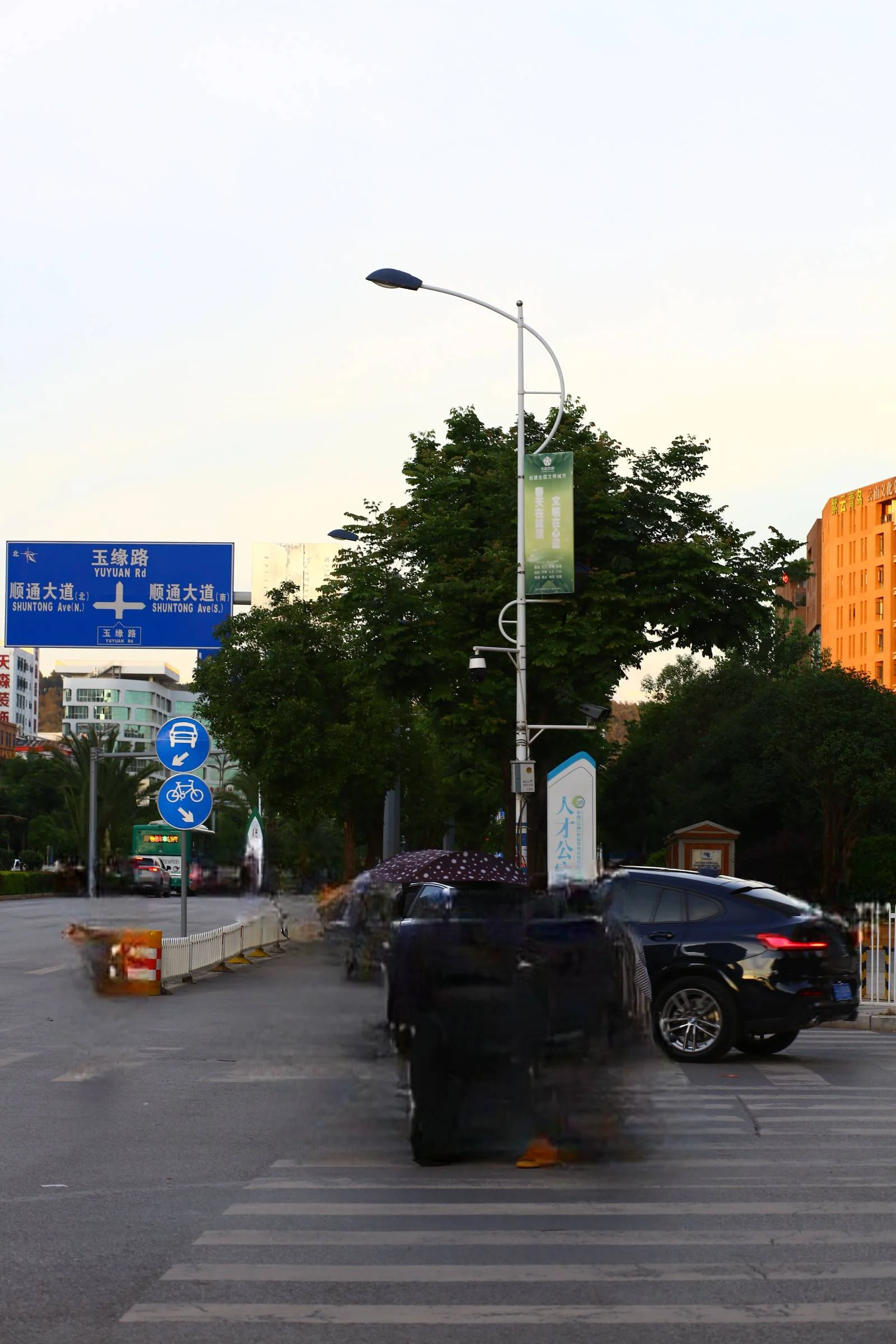
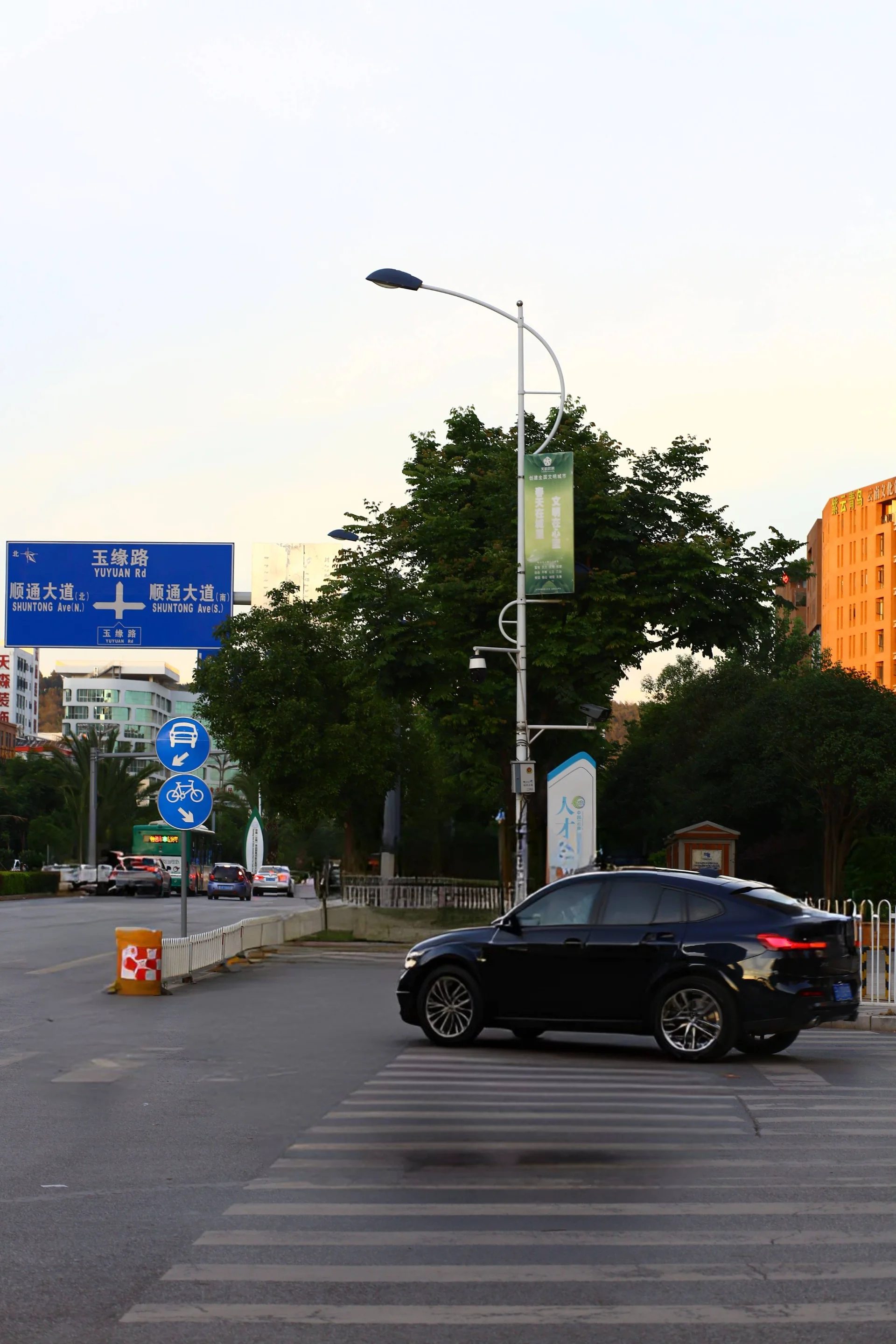
Why this image: Multiple overlapping vehicles and people. I want to keep the biggest black car only. The hardest test for automated removal; objects are intertwined with no clean boundary.
| Original | SnapEdit Normal | SnapEdit Super | Photoroom | Cleanup.pictures | Airbrush | Gemini |
|---|---|---|---|---|---|---|
 |
 |
 |
 |
 |
 |
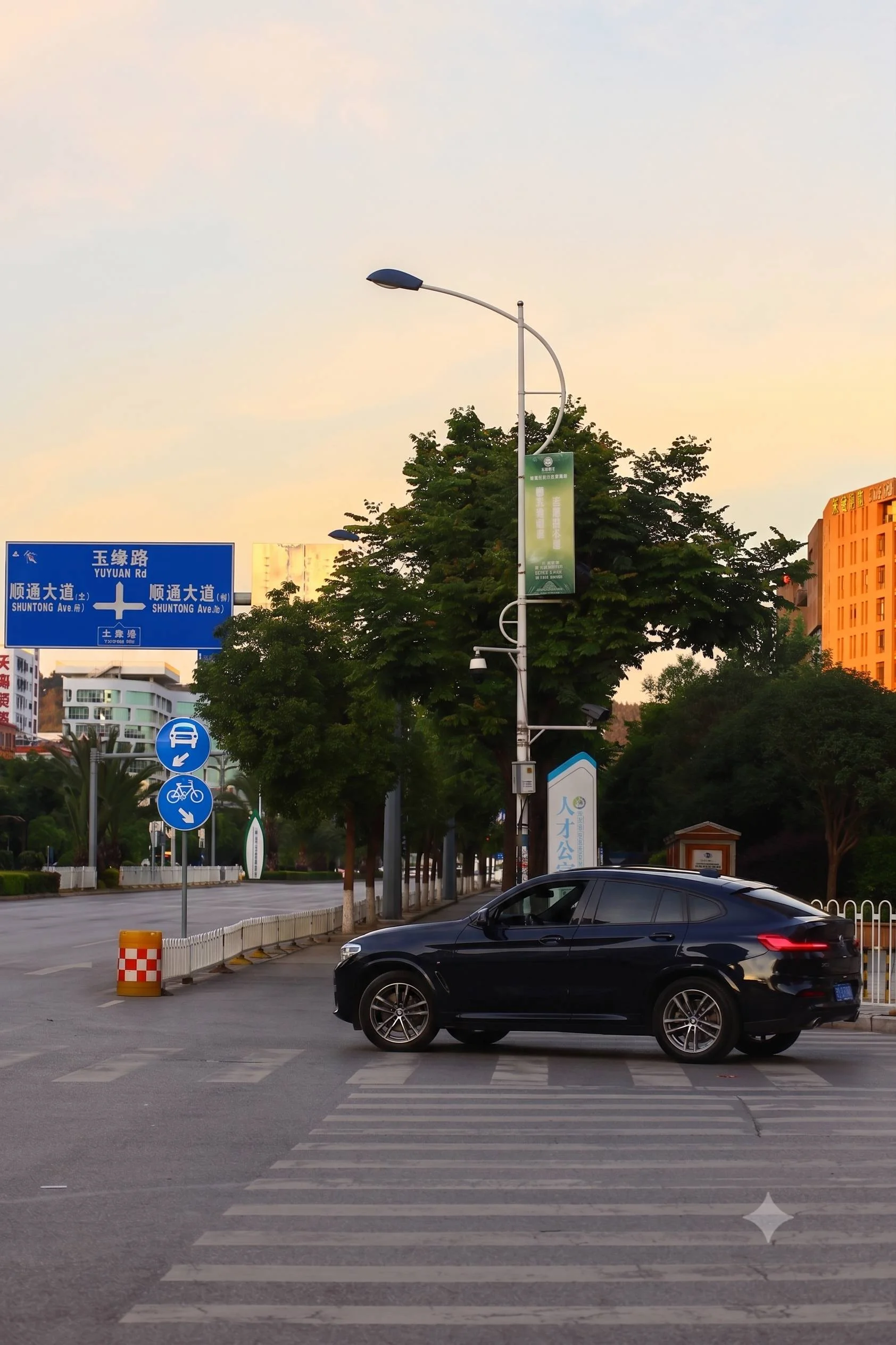 |
Winner: Gemini
Gemini produced the best result here, reconstructing the car bonnet naturally after the motorbike was removed, the most complex reconstruction in the benchmark.
SnapEdit Super also rebuilt the car bonnet intelligently, which is notable: the model understood what should exist in the space after removal. Normal left multiple residue artifacts across the image. Photoroom and Cleanup.pictures both struggled with the density of overlapping objects. Airbrush combined auto-detect with manual brush and reached a result comparable to Super, also rebuilding the car bonnet area.
For complex street scenes, Gemini produces the highest quality output. For API production use on similarly complex images, SnapEdit Super is the strongest available option among the tiers tested here.
Category 5: Bottle on a Wood Grain Table
Why this image: Tests texture preservation. After removal, does the tool reconstruct the wood grain naturally or leave a flat fill?
| Original | SnapEdit Normal | SnapEdit Super | Photoroom | Cleanup.pictures | Airbrush | Gemini |
|---|---|---|---|---|---|---|
 |
 |
 |
 |
 |
 |
 |
Winner: SnapEdit's Remove Object Super and Cleanup.pictures
Both SnapEdit Normal and Super detected the bottle accurately but neither fully reconstructed the wood grain, the fill area was plausible but not identical to the surrounding grain pattern. Manual brush assist was needed to handle the hand holding the bottle.
Photoroom left a visible streak across the wood surface. Cleanup.pictures produced a clean result similar to SnapEdit, natural enough for most commercial uses.
Airbrush with a combination of auto-detect and manual brush produced a good result.
Gemini failed on this image, the model misunderstood the prompt and modified the entire scene rather than removing only the bottle.
For textured surface cleanup like wood, stone, or fabric, Normal is sufficient for most e-commerce applications. Remove Object Super is recommended when surface texture consistency is critical.
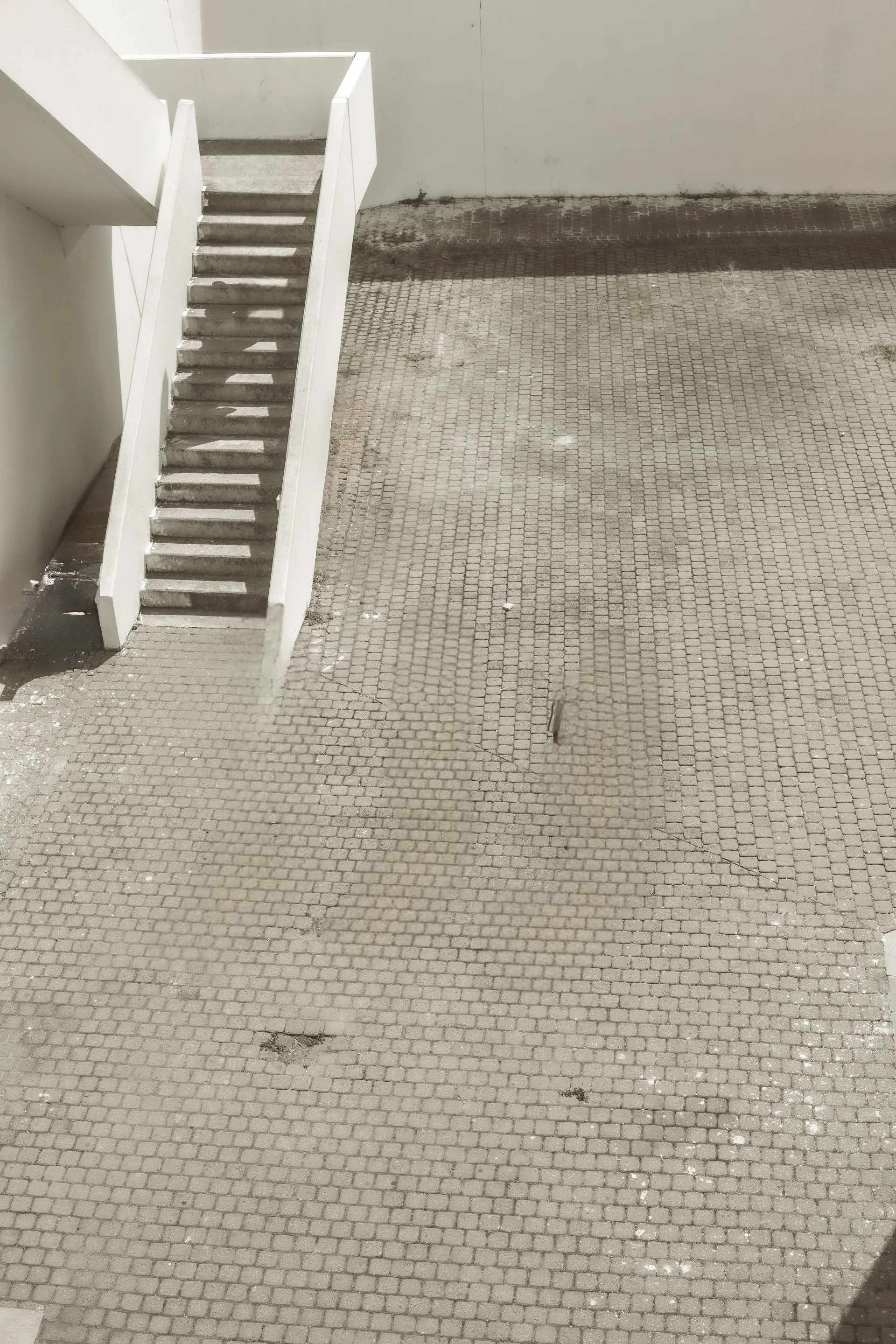
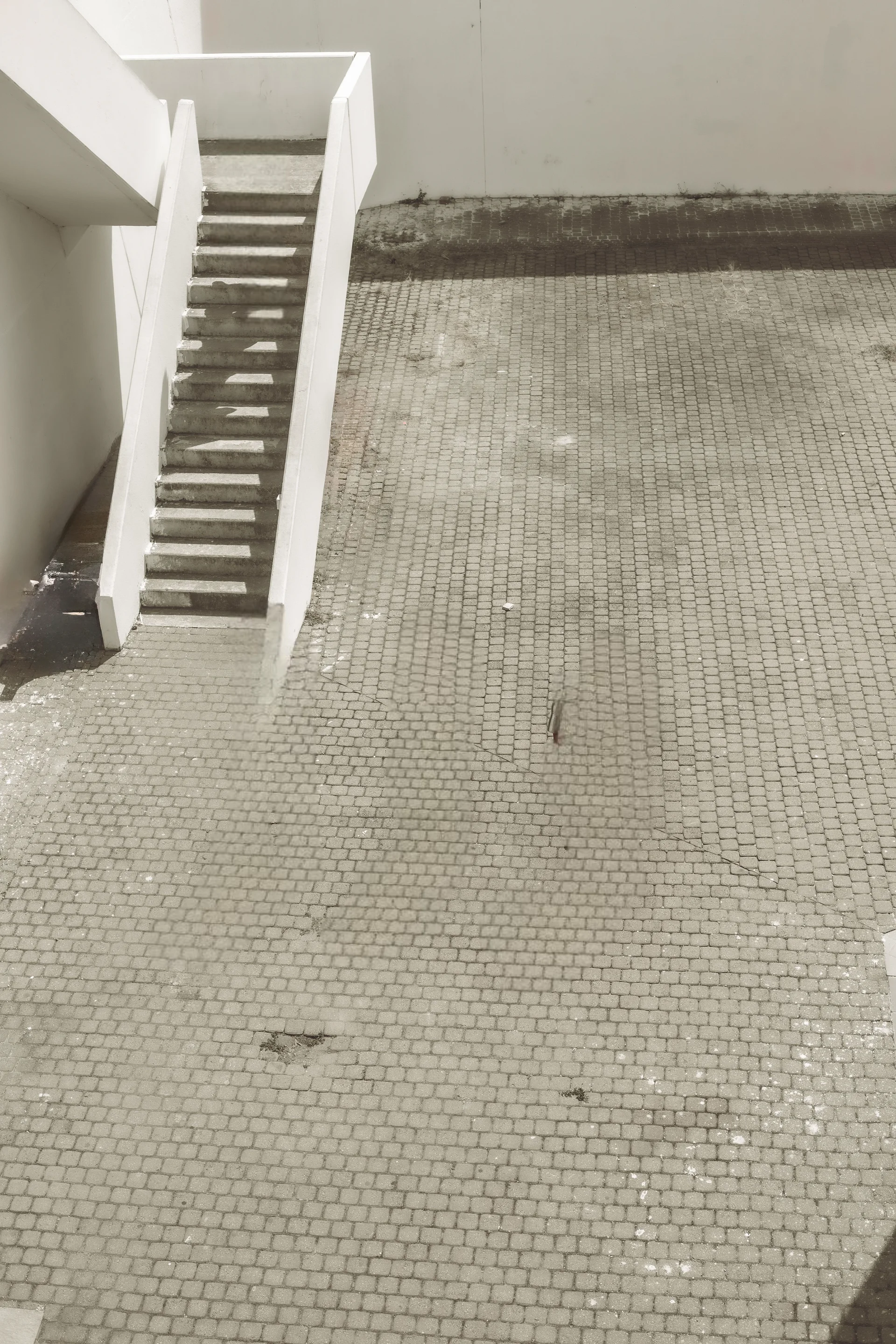
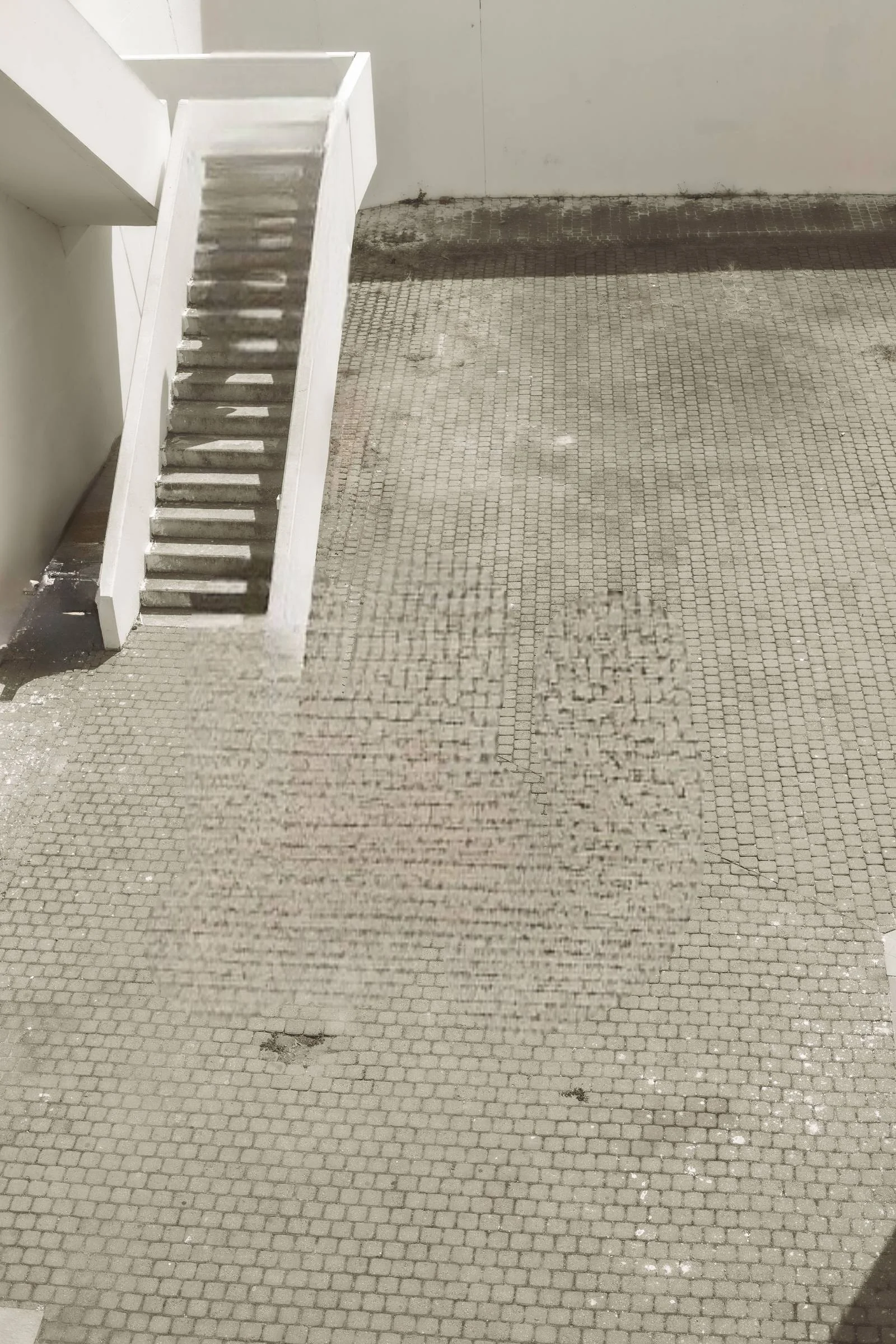
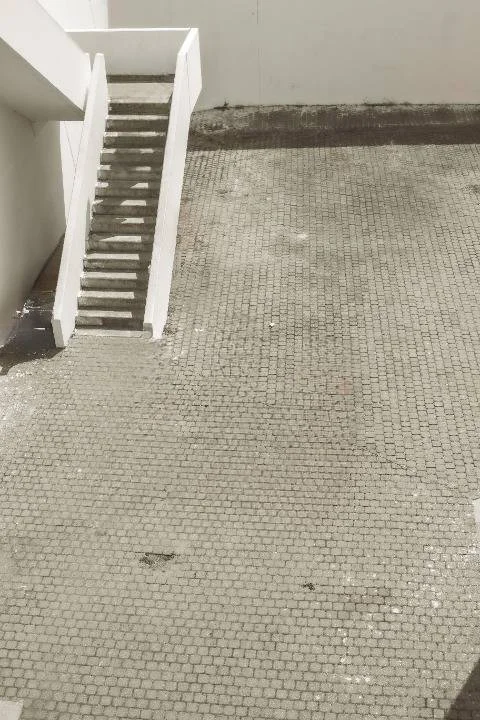
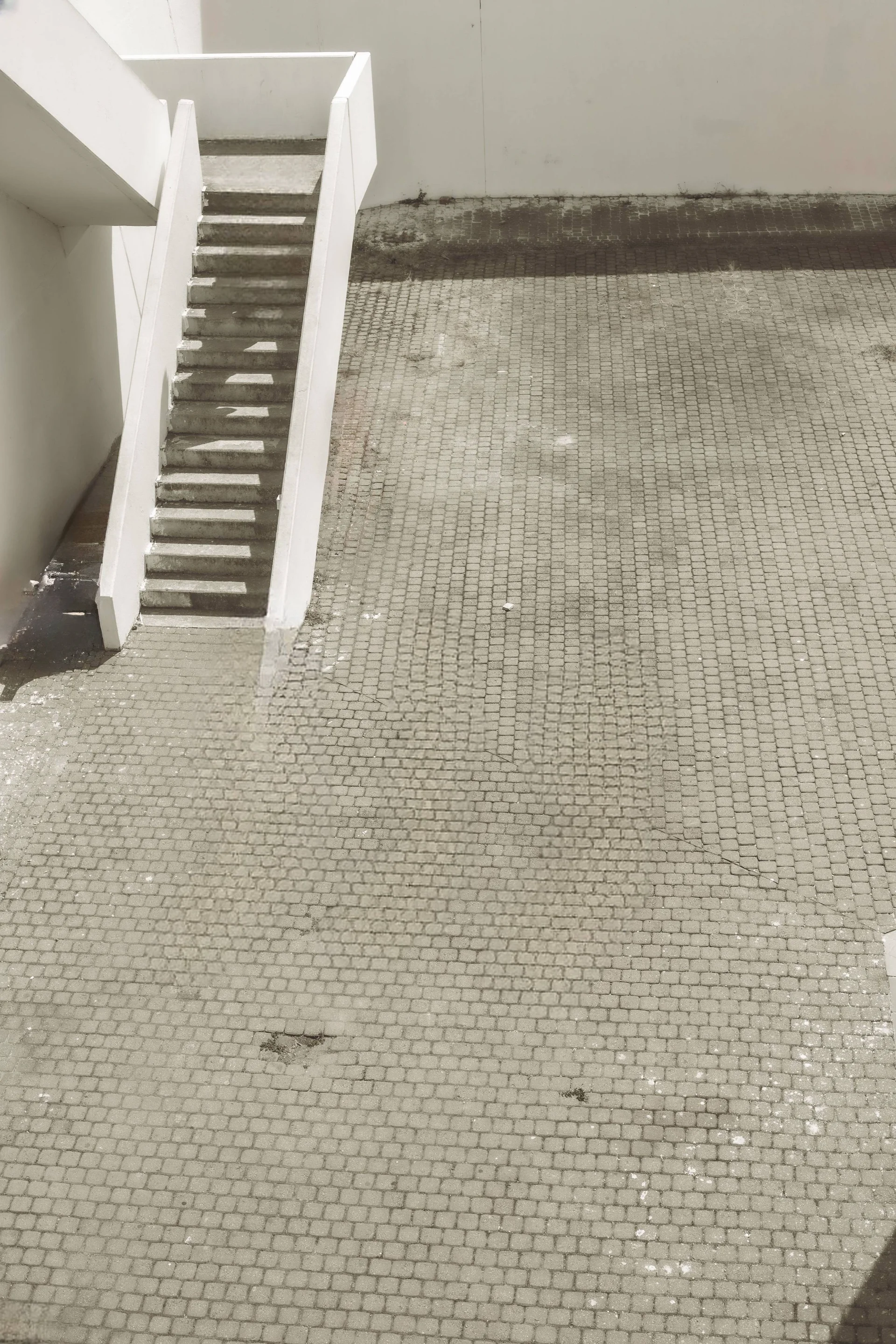
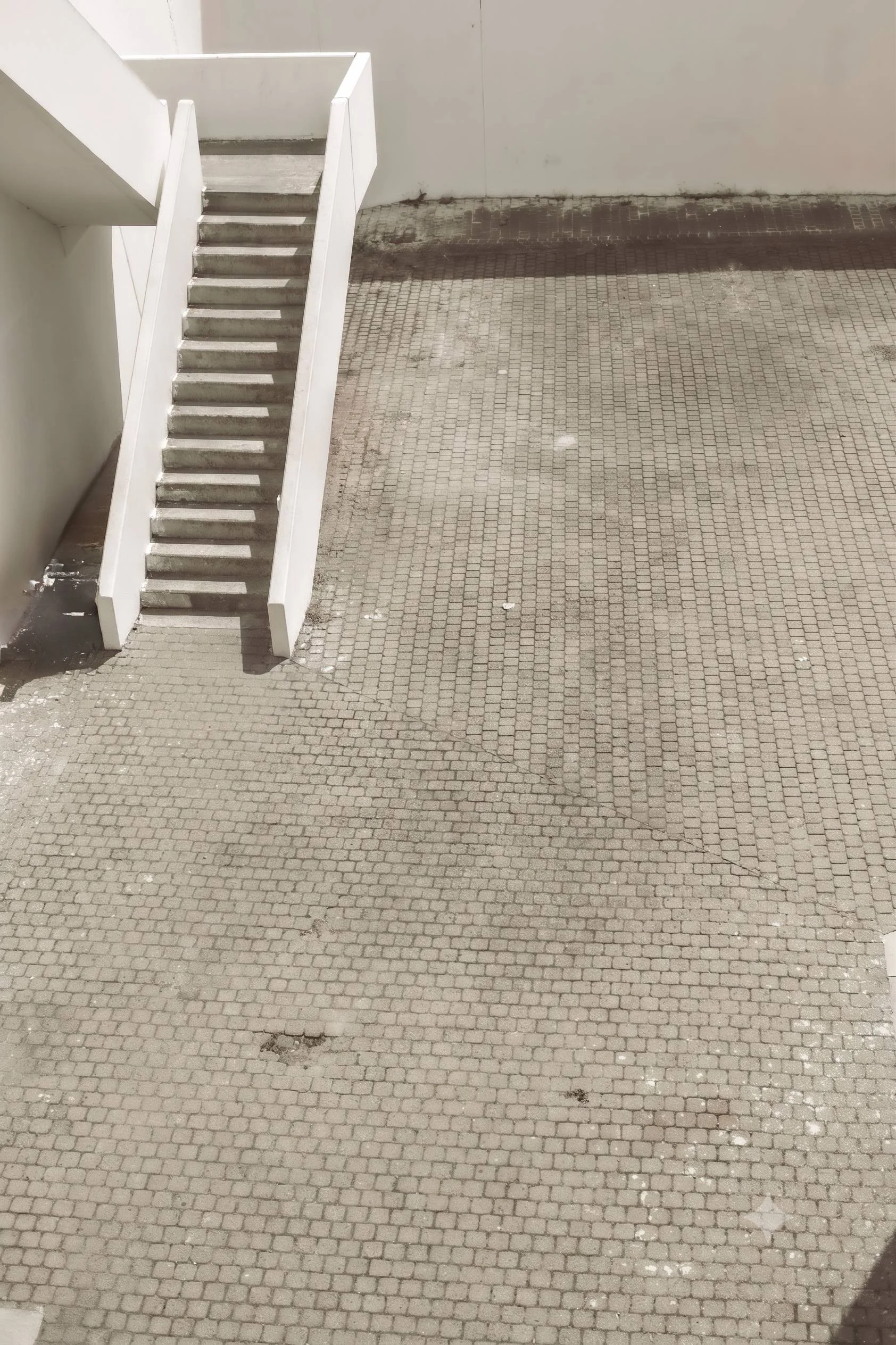
Category 6: People with Shadow on Ground
Why this image: Tests shadow removal alongside person removal, and how well the tool reconstructs a floor texture.
| Original | SnapEdit Normal | SnapEdit Super | Photoroom | Cleanup.pictures | Airbrush | Gemini |
|---|---|---|---|---|---|---|
 |
 |
 |
 |
 |
 |
 |
Winner: Gemini
Gemini reconstructed the staircase railing and cement floor most naturally after removing the person and shadow. Photoroom, Cleanup.pictures, and Airbrush all handled the shadow removal correctly but showed inconsistencies at the base of the staircase. SnapEdit Super removed person and shadow cleanly but also showed some imperfection at the stair base. This is a category where all tools produce acceptable results for most use cases, but Gemini's scene understanding produced the most convincing staircase reconstruction.
Category 7: Power Line
| Original | SnapEdit Wireline | Photoroom | Cleanup.pictures | Airbrush | Gemini |
|---|---|---|---|---|---|
 |
 |
 |
 |
 |
 |
Winner: SnapEdit Remove Wireline
SnapEdit has a dedicated Remove Wireline model for this specific use case. In the Normal-tier test, the wire was detected and removed automatically, a meaningful advantage over tools that require manual brushing of thin objects. The result was clean to the naked eye, with a faint removal trace visible only on close inspection. Airbrush left visible brush stroke artifacts across the wire path. Gemini removed the wire cleanly with no visible trace but the sky and cloud is changed.
Category 8: Text Removal from Fabric
Why this image: Text on a non-uniform surface (white fabric) tests whether the model can reconstruct the surface texture after removal without leaving a flat patch.
| Original | SnapEdit Remove Text | Photoroom | Cleanup.pictures | Airbrush | Gemini |
|---|---|---|---|---|---|
 |
 |
 |
 |
 |
 |
Winner: Gemini
SnapEdit's Normal tier and its dedicated Remove Text model handled text detection automatically and removed cleanly. The white fabric background area was acceptable but not perfectly reconstructed for close-up inspection. Photoroom required multiple brush passes to fully clear the text. Cleanup.pictures needed several passes as well. Airbrush left a large visible brush stroke mark on the white background. Gemini reconstructed the fabric texture most naturally.
3. Speed Comparison
| Tool | Simple background | Complex scene | Notes |
|---|---|---|---|
| SnapEdit Normal | 2s | 2-3s | Consistent, fastest tested |
| SnapEdit Super | 2-3s | 4-5s | Slightly slower, higher quality |
| Cleanup.pictures | 2s | 2s | Fast, brush input required |
| Photoroom | 2s | 2s | Fast, brush input required |
| Airbrush | 5-10s | 60s+ | Slowest, no API |
| Gemini | 15-24s | 20s | Prompt overhead, no removal API |
Speed matters when you are processing at volume. At 10,000 images per month, the difference between a 2-second tool and a 60-second tool is roughly 267 additional hours of processing time. For any automated pipeline, SnapEdit Normal and Super are the only tested options that combine fast processing with API access.
4. Pricing: Remove Object API Cost Per Image
This section covers API pricing only. Airbrush and Gemini are excluded — neither offers a dedicated object removal API.
SnapEdit Object Removal API Pricing
SnapEdit uses a credit-based system. Credits never expire and one balance covers all 40+ models on the platform.
| Model | Lowest price/image | Best for |
|---|---|---|
| Remove Object Normal | $0.004 | High-volume, simple backgrounds |
| Remove Object Super | $0.006 | Moderate to complex backgrounds, stronger reconstruction |
| Remove Object Ultra | $0.034 | The most demanding scenes, premium quality (not included in this web tool benchmark) |
| Remove Text | $0.0022 | Automated text removal |
| Remove Wireline | $0.002 | Wire and cable removal |
Pricing applies at the highest credit volume tier. View full pricing at developer.snapedit.app/pricing
Competitor API Pricing
| Tool | Cost/image | Auto-detect | API available | Notes |
|---|---|---|---|---|
| SnapEdit Normal | $0.004 | Yes | Yes | Lowest cost, automated |
| SnapEdit Super | $0.006 | Yes | Yes | Stronger reconstruction, automated |
| Photoroom | $0.100 | No | Yes | Brush required, roughly 25x SnapEdit Normal |
| Cleanup.pictures | Not published | No | Yes | Contact for business pricing |
| Airbrush | N/A | Yes | No | Web tool only |
| Gemini | Token-based | No | No | Not a removal API |
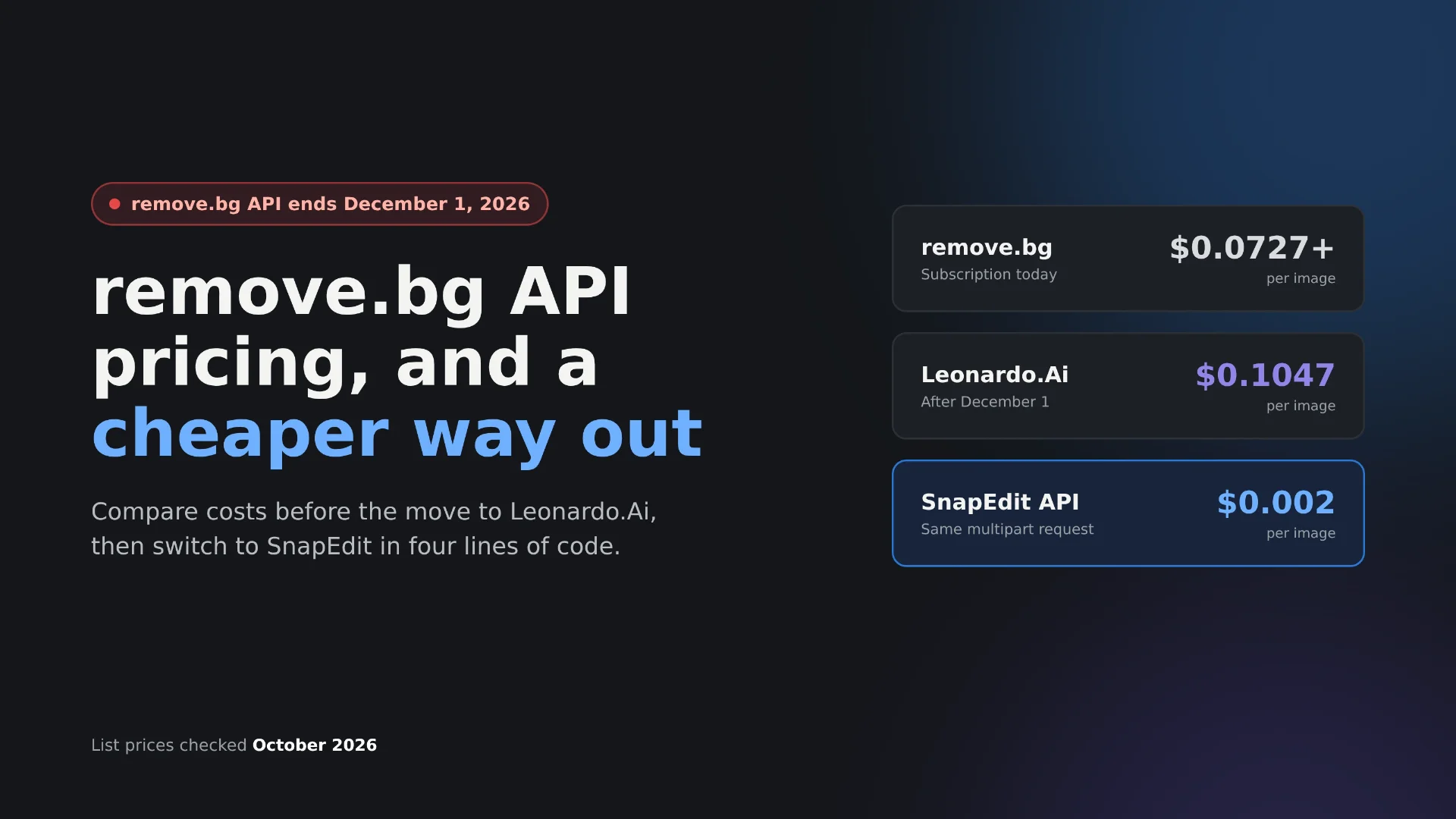
Photoroom charges $0.10 per image flat. At 10,000 images per month, that is $1,000 versus $40 for SnapEdit Normal at the same volume. The quality difference on simple to moderate backgrounds does not justify that price gap for most production use cases.
5. Where SnapEdit Remove Object API Stands
Overall position: The strongest dedicated object removal API for production pipelines.
No other tested tool combines auto-detection, API access, and low per-image pricing for volume workloads. Gemini produces higher quality on some complex scenes but is not a production API. Airbrush matches SnapEdit on quality in some categories but offers no API. Photoroom and Cleanup.pictures require manual brush input, which breaks automation.
Which Model to Use
Remove Object Normal ($0.004/image): the default for most production workflows. Fast, automated, cost-efficient. Works well on simple to moderately complex backgrounds. Use this for high-volume e-commerce catalog cleanup, marketplace image standardization, and any batch pipeline where speed and cost per image are the primary constraints.
Remove Object Super ($0.006/image): when reconstruction quality matters more than raw speed. Complex textures, architectural backgrounds, people in front of landmarks, overlapping foreground objects. Use this when the image will be used at large scale (hero images, listing photography, print) and background accuracy is visible to end users.
Remove Object Ultra ($0.034/image): SnapEdit's highest tier, built for the most demanding reconstruction scenarios. Not included in this web tool benchmark; available via API for teams that need the strongest possible result on the hardest scenes and can absorb the higher per-image cost.
6. Use Cases: What You Can Build with a Remove Object API
Travel and Stock Photo Platforms
Platforms that license travel photography often need to remove tourists, signage, or temporary objects from landmark images before delivery. SnapEdit Normal handles this automatically at scale, no human selection required. At $0.004 per image, the cost to clean an entire photo library is negligible compared to manual retouching.
→ Recommended: Remove Object Normal for tourists and small objects, Super for scenes where landmark background accuracy is critical.
Real Estate Listing Platforms
Property listings need consistent, clean images. Furniture, personal items, temporary construction elements, and parked vehicles reduce listing quality. An object removal API integrated at the point of image upload standardizes the catalog automatically before any listing goes live.
→ Recommended: Remove Object Super for interior hero images where surface texture and perspective must be preserved. Normal for batch cleanup of secondary listing photos.
E-Commerce Catalog Management
Marketplaces with seller-uploaded content cannot manually review every product image. Automated object removal at upload: labels, background artifacts, hands from product shots keeps catalog quality consistent across thousands of SKUs.
→ Recommended: Remove Object Normal for high-volume catalog processing. Remove Text API for label and watermark removal from product images.
SaaS Photo Editing Tools
If you are building a photo editor for consumers or professionals, object removal is a core expected feature. Integrating SnapEdit's API means you ship this feature without building or maintaining AI infrastructure. The auto-detection endpoint means users can trigger removal with one click rather than manual brushing.
→ Recommended: Normal for the default one-click erase. Super as a premium quality option for users who need higher accuracy.
Wire and Power Line Removal for Outdoor Photography
Architecture, real estate, and travel photography frequently includes power lines that are distracting but time-consuming to remove manually. SnapEdit's dedicated Remove Wireline model ($0.002/image) handles this automatically.
→ Recommended: Remove Wireline API for batch processing of outdoor photography.
Frequently Asked Questions
What is the best API to remove objects from photos?
For production pipelines requiring full automation, SnapEdit's Remove Object API is the strongest option. It supports auto-detection without manual brush input, processes in 2-5 seconds per image, and starts at $0.004 per image. For one-off editing where quality is the only priority, Gemini produces strong results via text prompt but is not available as a scalable API.
Where can I buy a remove object API?
SnapEdit API offers three object removal tiers via API: Remove Object Normal ($0.004/image), Remove Object Super ($0.006/image), and Remove Object Ultra ($0.034/image). Photoroom also offers an object removal API at $0.10/image. Cleanup.pictures has an API but does not publish pricing publicly. Airbrush and Gemini do not offer dedicated object removal APIs.
Can AI remove people from photos automatically without manual selection?
Yes, with the right tool. SnapEdit's Remove Object Normal and Super tiers support automatic object detection, you send the image and the model identifies and removes the subject without any brush input. Photoroom and Cleanup.pictures require the user to paint over the subject before removal. For automated pipelines, only SnapEdit (among tested tools) supports full automation via API.
How much does object removal API cost?
SnapEdit's Remove Object Normal starts at $0.004 per image, making it the lowest-cost dedicated object removal tier tested. Photoroom charges $0.10 per image flat. Cleanup.pictures does not publish API pricing. At 10,000 images per month, SnapEdit Normal costs approximately $40 versus $1,000 for Photoroom.
When should I use Remove Object Normal versus Remove Object Super?
Normal is the right default for most production use cases: high volume, simple to moderate backgrounds, speed-sensitive pipelines. Super is for scenes where the background must be reconstructed with higher accuracy, like architectural detail, complex textures, large foreground objects. Normal costs $0.004/image. Super costs $0.006/image. For the hardest scenes, SnapEdit's Ultra tier ($0.034/image) is available via API but was not part of this web tool benchmark.
What types of objects can the SnapEdit API remove?
The Normal and Super tiers handle people, vehicles, furniture, text, logos, wires, and background objects. SnapEdit also offers dedicated models for specific removal tasks: Remove Text ($0.0022/image), Remove Logo ($0.0024/image), and Remove Wireline ($0.002/image), each optimized for their specific object type.
Does SnapEdit offer a free tier for testing?
Yes. SnapEdit provides 100 free credits on API key signup, enough to test across multiple image types and tiers before committing to a paid plan.
Related Benchmark
If you're also evaluating background removal, we ran the same kind of independent test in our remove background API comparison, covering SnapEdit, Photoroom, Remove.bg, and four other providers.