


logo

Amazon

Edit Your Whole Amazon Listing Collection In Bulk

Stop wasting time editing Amazon listing photos one by one. SnapEdit is built for scale: instantly remove backgrounds, apply pure white fills, correct framing, and format hundreds of product images simultaneously.

Build Your Amazon Image Editing Workflow
banner

Amazon's Main Image Checklist

Before editing anything, here's what Amazon's main image actually requires straight from Amazon's product image guidelines (Seller Central login required):

  • Pure white background — exact RGB 255, 255, 255, not off-white or gray

  • Product fills at least 85% of the frame

  • Entire product visible, not cropped at the edges

  • No text, logos, watermarks, borders, or color blocks

  • No mannequin parts, including invisible or flesh-toned mannequins

  • No props or accessories that aren't included with the purchase

  • Only one unit shown, one angle only (not front and back together)

  • Footwear: single shoe, facing left, at a 45-degree angle

  • Adult clothing: shown on a standing model (not flat, not sitting)

  • Minimum 500px, recommended 2,000px+ on the longest side for zoom

  • Accepted formats: JPEG, PNG, TIFF, non-animated GIF

Miss any of these, and Amazon's automated system can reject the upload or suppress the listing from search entirely.

What SnapEdit Automates forAmazon-Compliant Photos

Try SnapEdit's single-task batch tools to apply one targeted edit to up to 50 images simultaneously, to pass Amazon's strict image guidelines.

Remove logos, watermarks, text in bulk

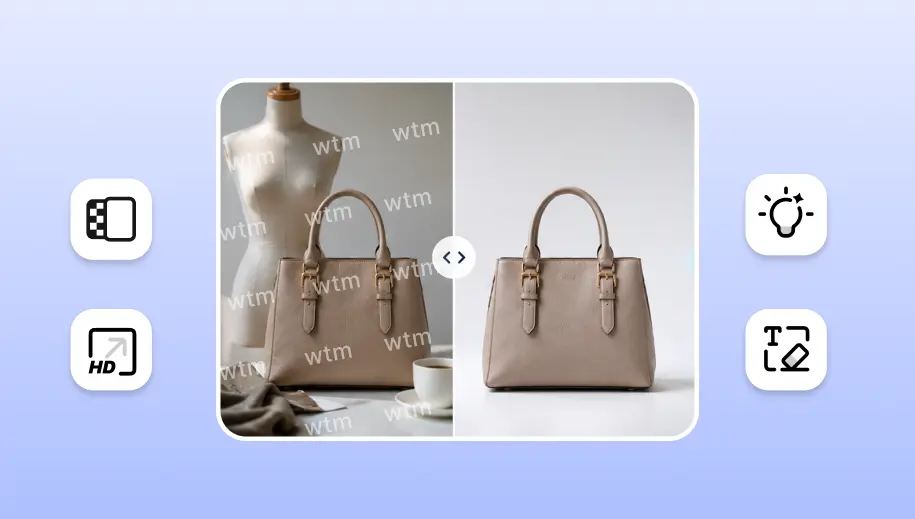
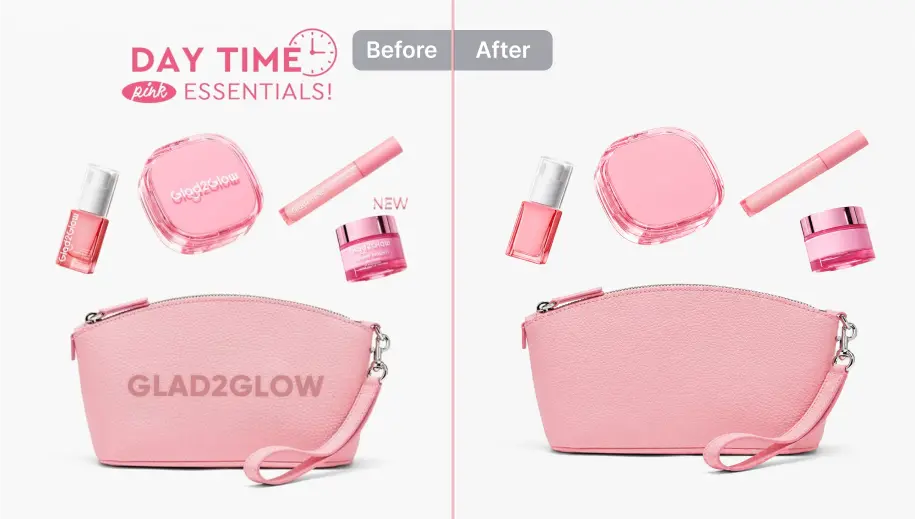
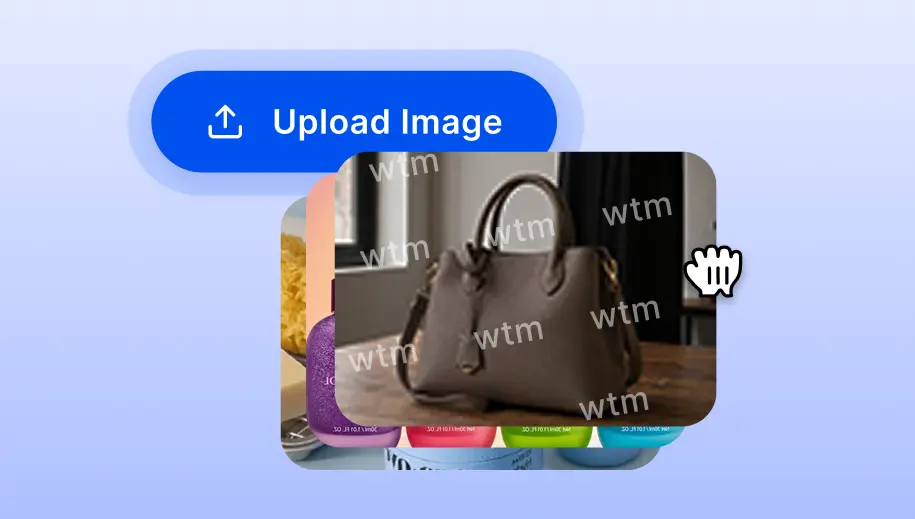
Amazon's main image can't show any text, badges, watermarks, or mannequin parts, including "invisible" or flesh-toned mannequins. It's a must. SnapEdit removes these from a batch of supplier or studio photos automatically, without redrawing the product itself, using the Remove Object / Remove Text feature.

Remove logos, watermarks, text in bulk

Remove Amazon product backgrounds in bulk

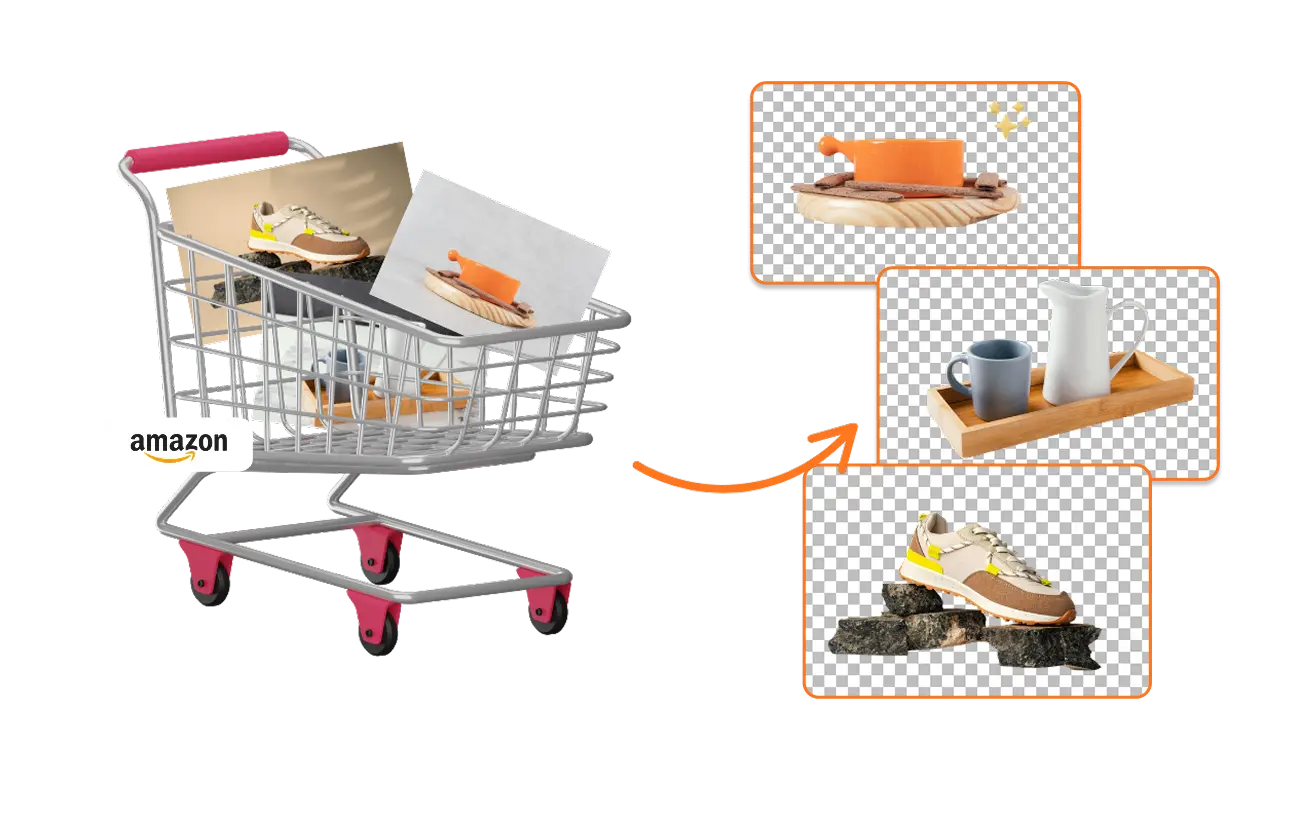
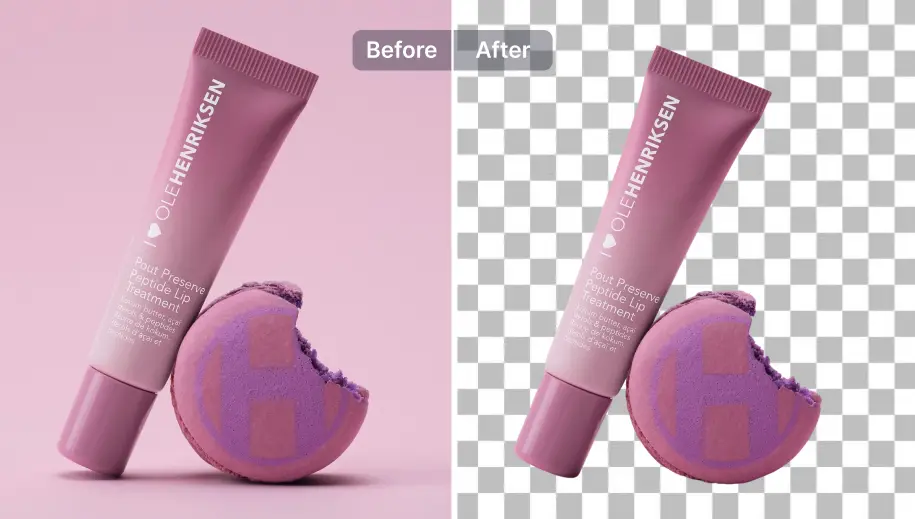
Whether the product was photographed against a colored backdrop, a cluttered surface, or a lifestyle scene, SnapEdit removes the background and isolates the product cleanly across the whole batch first. Try bulk background removal.

Remove Amazon product backgrounds in bulk

Add white background to Amazon pictures in bulk

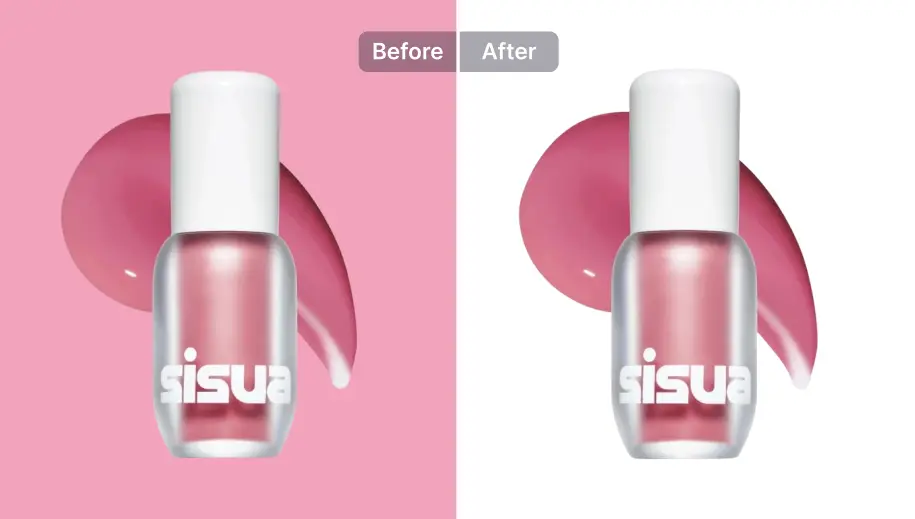
Amazon explicitly checks for an exact RGB 255,255,255 background for the main image. Off-white or light gray is not allowed. Once your product is isolated, use our batch background editor to instantly fill the transparent cutouts with true pure white across the entire set to guarantee listing compliance. Try adding a white background to photos.

Add white background to Amazon pictures in bulk

Convert images to Amazon-accepted formats in bulk

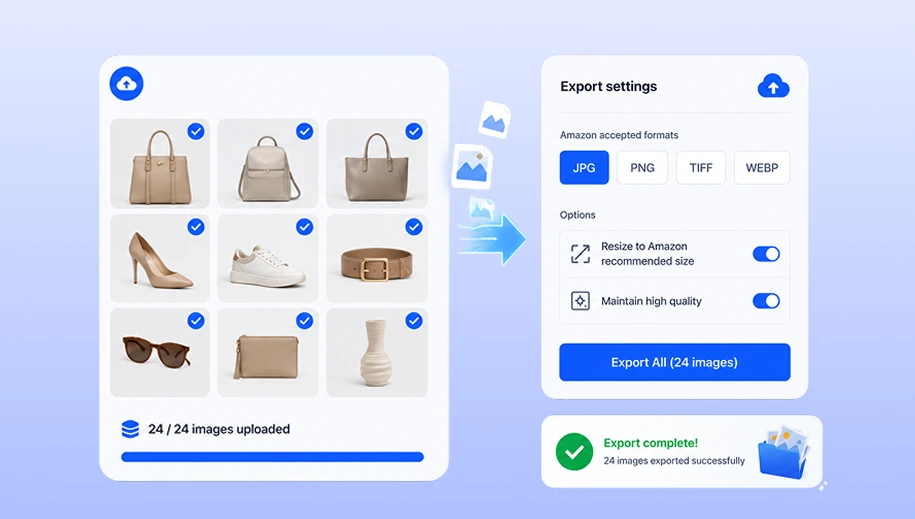
SnapEdit's image converter automatically formats and exports your entire photo collection into Amazon-accepted file types (JPEG, PNG, TIFF) in one consistent pass, saving you from converting and saving files one by one.

Convert images to Amazon-accepted formats in bulk

How to Set Up an Automated Bulk Editing Image Workflow for Amazon

To bulk edit hundreds of Amazon listing images without repeating manual steps, you can build a customized automated workflow in SnapEdit:

Step 1: Identify your raw photo requirements

Assess your starting images. Do they have mannequin parts, studio clutter, or supplier watermarks? You only need to activate the specific AI modules your photos require.

Step 2: Build your automated editing chain

In the SnapEdit workflow builder, combine the exact sequence of tools you need for Amazon compliance: Object/Text Removal to strip logos and mannequins; Background Removal & Fill to isolate the product and fill with exact RGB 255,255,255 pure white; Recompose to auto-crop and center so the product fills at least 85% of the frame; and Reformat to convert the entire collection into Amazon-accepted formats (JPEG, PNG, TIFF) in one consistent export.

Step 3: Process the entire catalog and export

Upload your full collection to the workflow. SnapEdit will execute your custom sequence across all images simultaneously and export them in Amazon-accepted formats (JPEG/PNG/TIFF).

Frequently Asked Questions

SnapEdit is the ideal Amazon photos editor for a large catalog. While single-image editors are too slow, SnapEdit is purpose-built to process an entire photo collection at once (background removal, white fill, framing, formatting). Instead of one photo per session, you can build a workflow on your own.

SnapEdit
Elimina objetos más rápido y mejor con tecnología AI poderosa
Obtén nuestra aplicación móvil
App StoreGoogle Play
© 2026 SnapEdit. {{year}} SnapTeam. Todos los derechos reservados.