

Step 1: Prepare photos & map out your needs
Assess your raw photos (flat lays, ghost mannequins, or messy backgrounds) and define your exact output requirements. Visualize the logical steps needed to bridge the gap.
Fashion
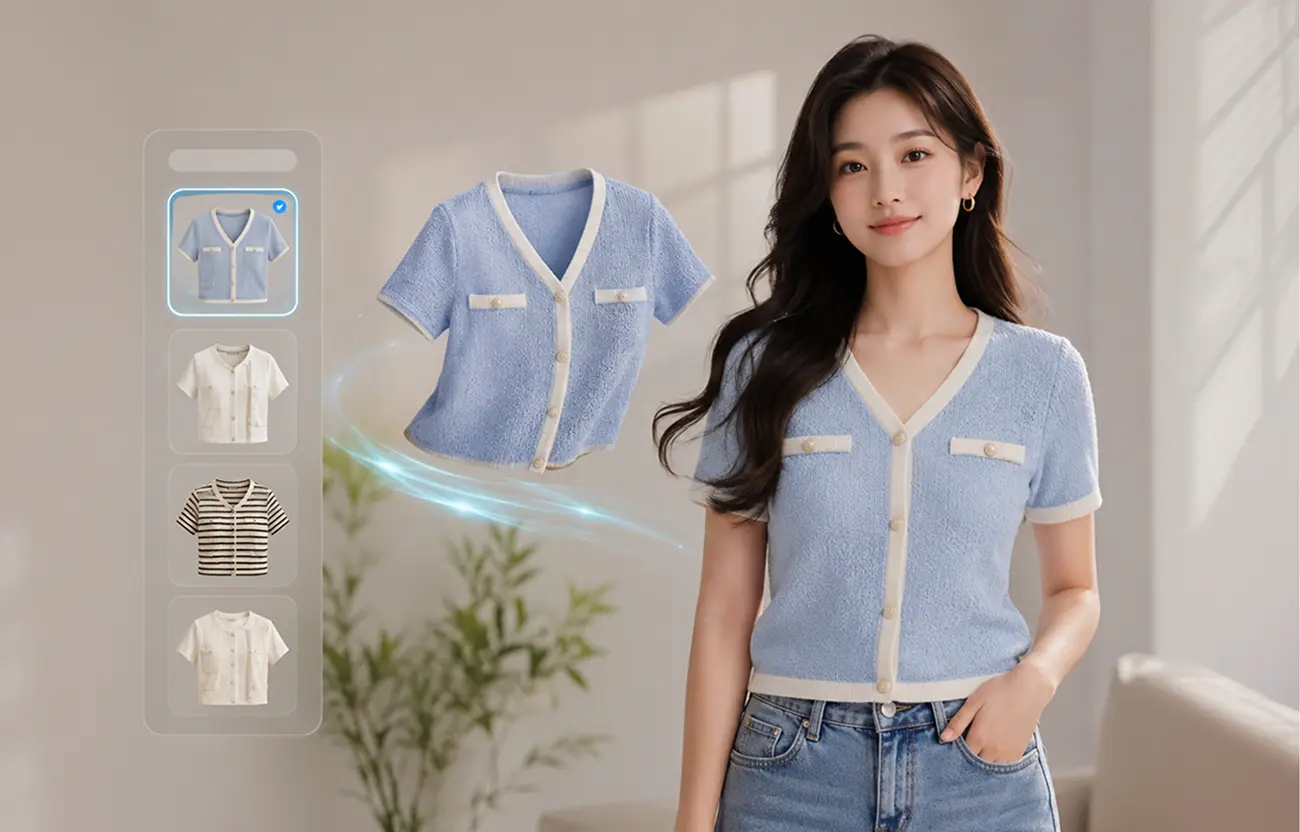
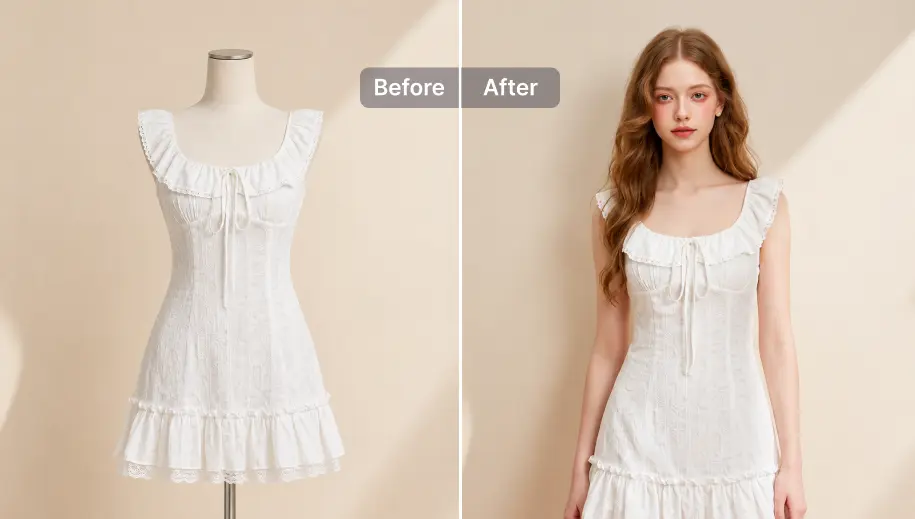
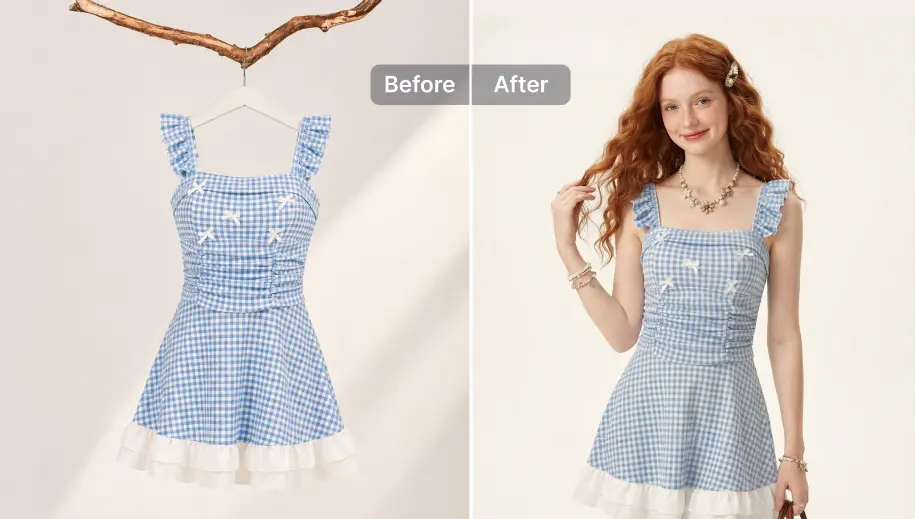
SnapEdit's virtual try-on solution turns the product photos you already have into realistic on-model shots, without booking a shoot for every new drop.
Build Fashion Image Workflow
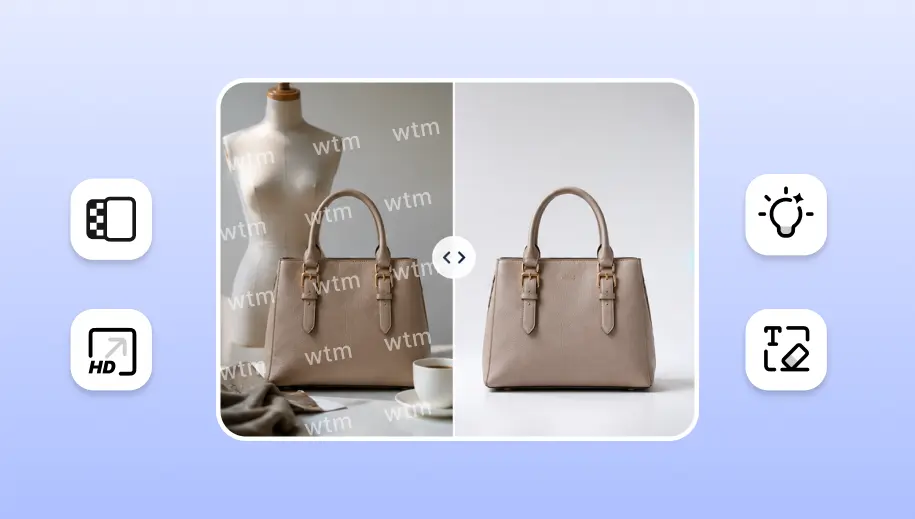
Most fashion brands start with whatever their supplier or last shoot produced: a flat lay, a ghost mannequin image, a hanger shot, or a photo of the garment on a physical mannequin. SnapEdit's AI virtual try-on works from any of these, so the starting format doesn't determine what's possible.
A garment shot flat on a table is the cheapest photo to produce and the hardest to sell from. Shoppers can't see fit, drape, or how the fabric actually moves. SnapEdit reads the flat lay and generates an on-model photo that shows how the piece drapes, folds, and sits on a body, without re-shooting the item.

Ghost mannequin photography already shows a garment's shape in 3D, which makes it one of the more reliable starting points for generating a convincing on-model image. SnapEdit converts the invisible-mannequin shot into a photo of the same garment worn by a real-looking model, keeping proportions, sleeve structure, and neckline intact.

Photos taken on a physical mannequin or hanger carry useful shape information but still read as "not appealing enough" to shoppers. The same on-model generation applies here: the garment is lifted off the mannequin or hanger and placed on a real model convincingly.

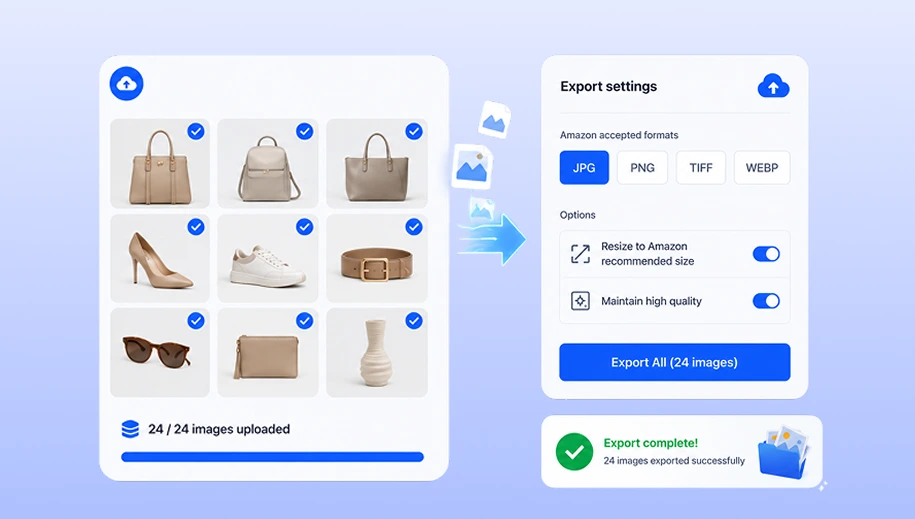
Generating a single on-model shot only solves the fit and realism problem. A listing needs more: colorways, angles, and correct size and format compliance for every platform and channel. Build a workflow to automate the whole process with SnapEdit.
Assess your raw photos (flat lays, ghost mannequins, or messy backgrounds) and define your exact output requirements. Visualize the logical steps needed to bridge the gap.
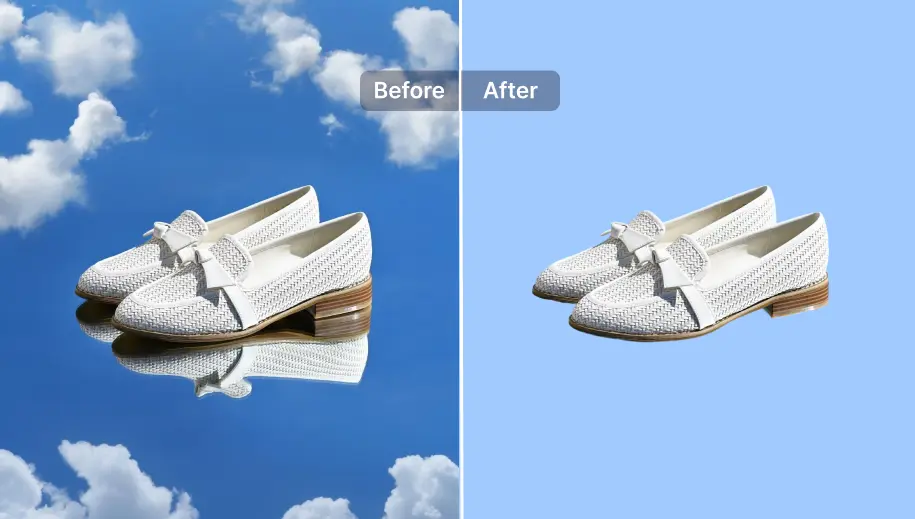
In the SnapEdit workflow builder, you don't follow a rigid process. Select and chain only the specific modules your brand actually needs: Remove background, Virtual Try-on, Generate new background, Resize & format.
Upload your catalog to run the automated sequence. Save the workflow once, and apply it to all future product drops with a single click.
For POD platforms and marketplaces managing product photos for hundreds or thousands of sellers, running images through a web interface one batch at a time doesn't scale. The same virtual try-on pipeline: background cleanup, on-model generation, formatting, is available through SnapEdit's API, so it runs inside your existing catalog or upload system instead of requiring a manual step at all.
See API pricing