
 Fotoğraflardan istenmeyen nesneleri kaldırmak için en kolay AI fotoğraf düzenleyici.
Uygulamayı İndir


Fotoğraflardan istenmeyen nesneleri kaldırmak için en kolay AI fotoğraf düzenleyici.
Uygulamayı İndir
© 2026 SnapEdit. Tüm hakları saklıdır.
Fotoğraflardan istenmeyen nesneleri kaldırmak için en kolay AI fotoğraf düzenleyici.E-ticaret
Ürün fotoğraflarınızı dönüştürün, dönüşüm oranlarını artırın ve çevrimiçi mağazanızın başarısını yükseltin
Ücretsiz Başlayın
Arka Planı Kaldır
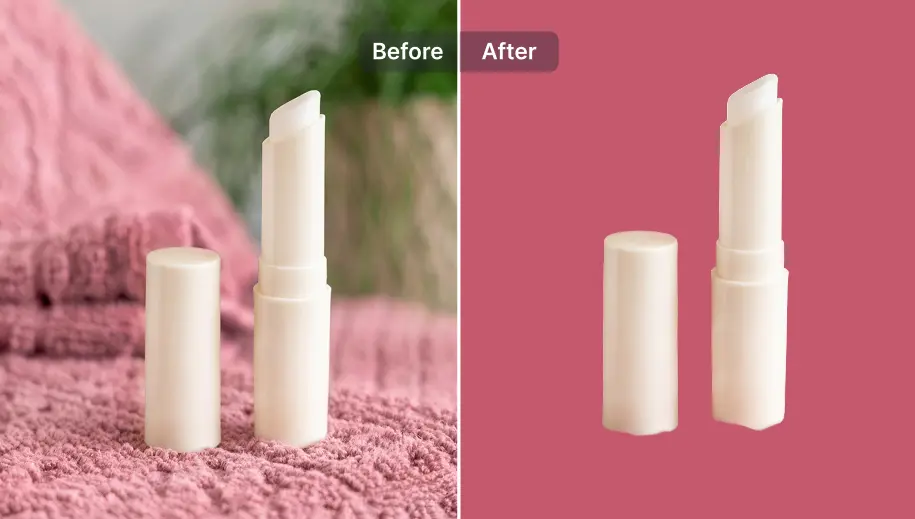
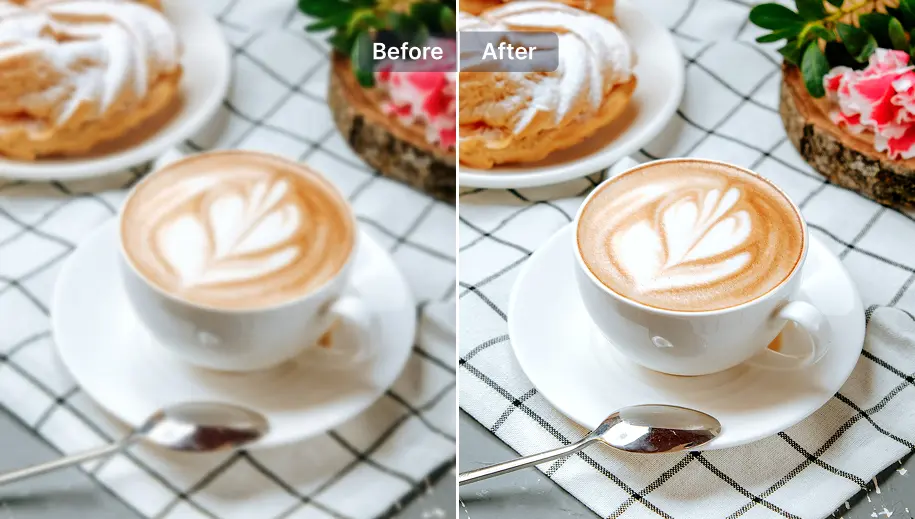
Geliştirici
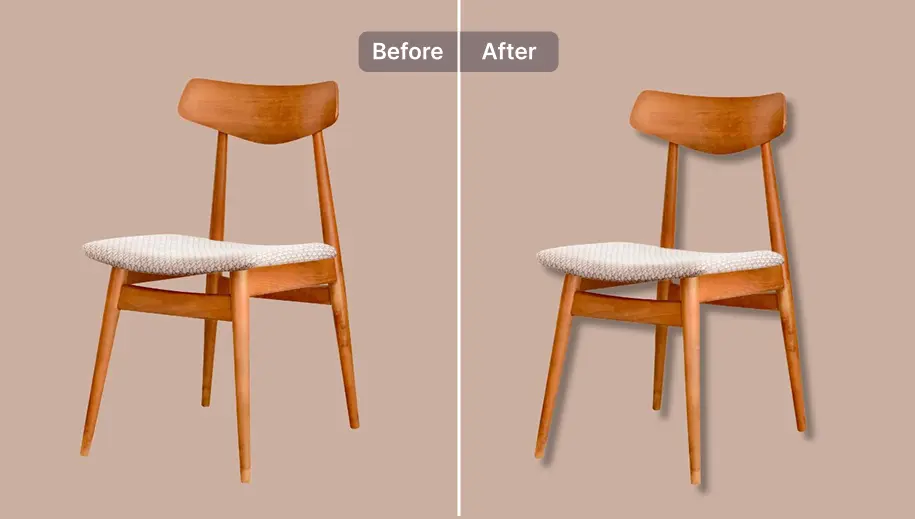
Kolay Gölge
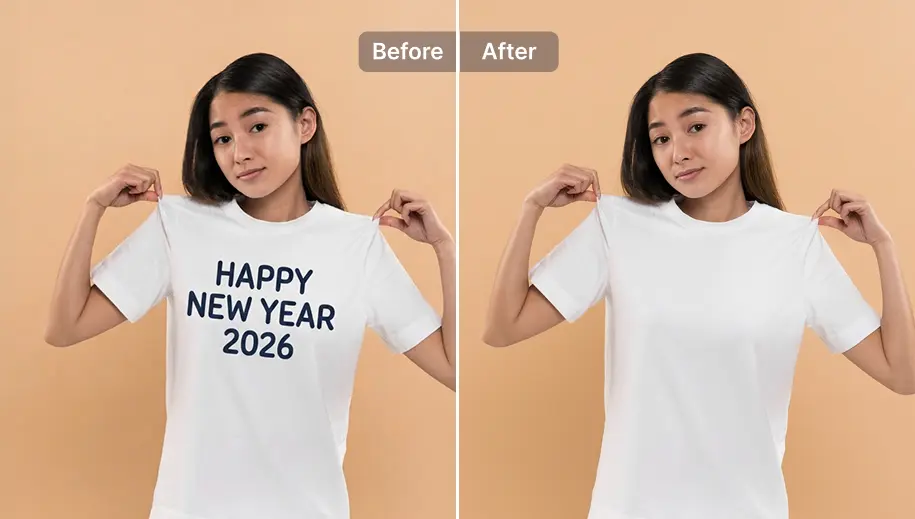
Metni Kaldır
Filigran Ekle
SnapEdit arka plan kaldırma uygulamasını iOS ve Android'de indirin


“Takı için arka plan kaldırmanın zorluğunu biliyorum ama Snapedit bunu harika yapıyor! Takılarım temiz arka planlarda parlıyor. Satışlar yükseldi!”

Emily Chen
El Yapımı Takı Dükkanı Sahibi
Emily Chen'in Snapedit'ten nasıl yararlandığını gösteren sayılar
Arka Plan Kaldır
İyileştir
Zaman Tasarrufu

Araç Kullanımı:
Arka Plan Kaldır
Kolay Gölge

Araç Kullanımı:
Arka Plan Kaldır
İyileştir

Araç Kullanımı:
Arka Plan Kaldır
Metin Kaldır
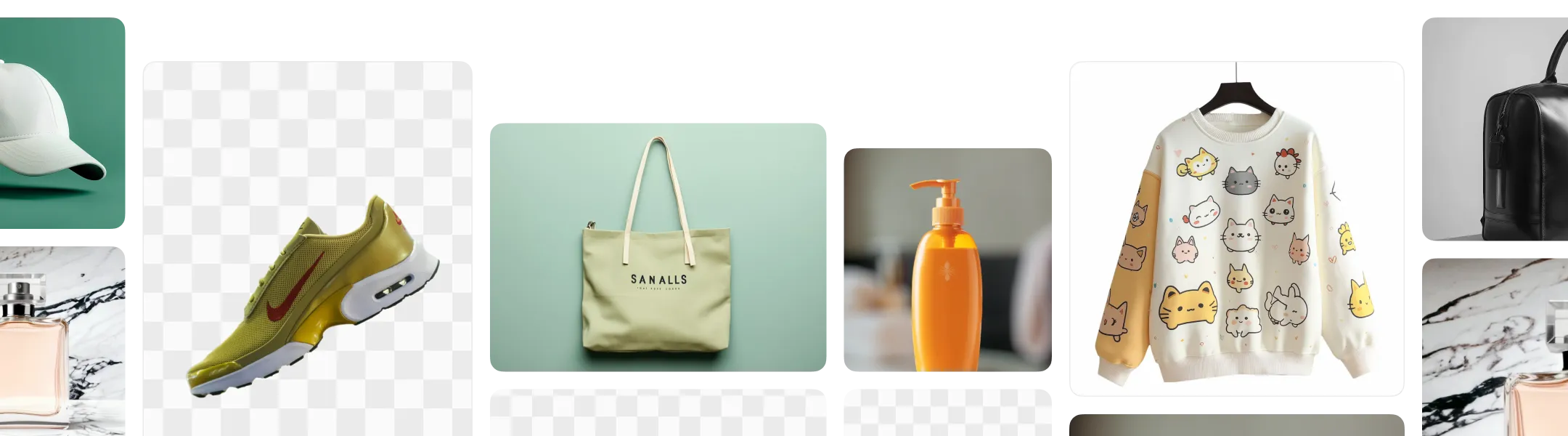
Her mağaza farklı bir orijinal fotoğraf seti ve farklı düzenleme ihtiyaçlarıyla başlar. SnapEdit, ürün fotoğraflarının düzenlenmesini mağazanızın tam ihtiyaçlarını karşılayacak şekilde otomatikleştiren bir toplu işlem akışı kurmanıza olanak tanır.
Mevcut ürün fotoğraflarınızı değerlendirin: arka plan, istenmeyen nesneler, aydınlatma ve boyut. Belirli bir pazar yerinin formatına uymak ve alıcıları çekmek için gölge eklenmesi, kalitesinin artırılması veya yeniden boyutlandırılması gerekiyor mu?
SnapEdit İş Akışı (Workflow) aracında, arka planı kaldırma, gölge oluşturma, netleştirme ve yeniden boyutlandırma gibi gerekli düzenleme görevlerini tek bir kesintisiz süreçte birleştirin.
SnapEdit ayrıca hemen kullanabileceğiniz, e-ticaret ürün fotoğraflarına özel hazır düzenleme şablonları sunar.
Fotoğraflarınızı giriş düğümüne (node) yükleyin. SnapEdit tüm diziyi tüm görüntülerde aynı anda çalıştırır ve mağazanıza veya pazar yerinize yüklemeye hazır, tamamlanmış seti dışa aktarır.
Görüntüleri kendi sisteminizden API'ye gönderin ve işlenmiş sonuçları doğrudan kendi platformunuzda, pazar yerinizde veya kurum içi aracınızda alın.
SnapEdit API, bu mantığı doğrudan ürün yükleme akışınıza, satıcı panelinize veya katalog işleme sürecinize entegre edebilir. Tek bir API anahtarı ile farklı uç noktalar (endpoint) üzerinden tüm görüntü düzenleme modellerine erişebilirsiniz.
Bu, fotoğraf işleme sürecini manuel düzenlemeden çok daha verimli bir şekilde, büyük ölçekte veya yüksek sıklıkta otomatikleştirmek isteyen ekipler için ideal bir çözümdür.