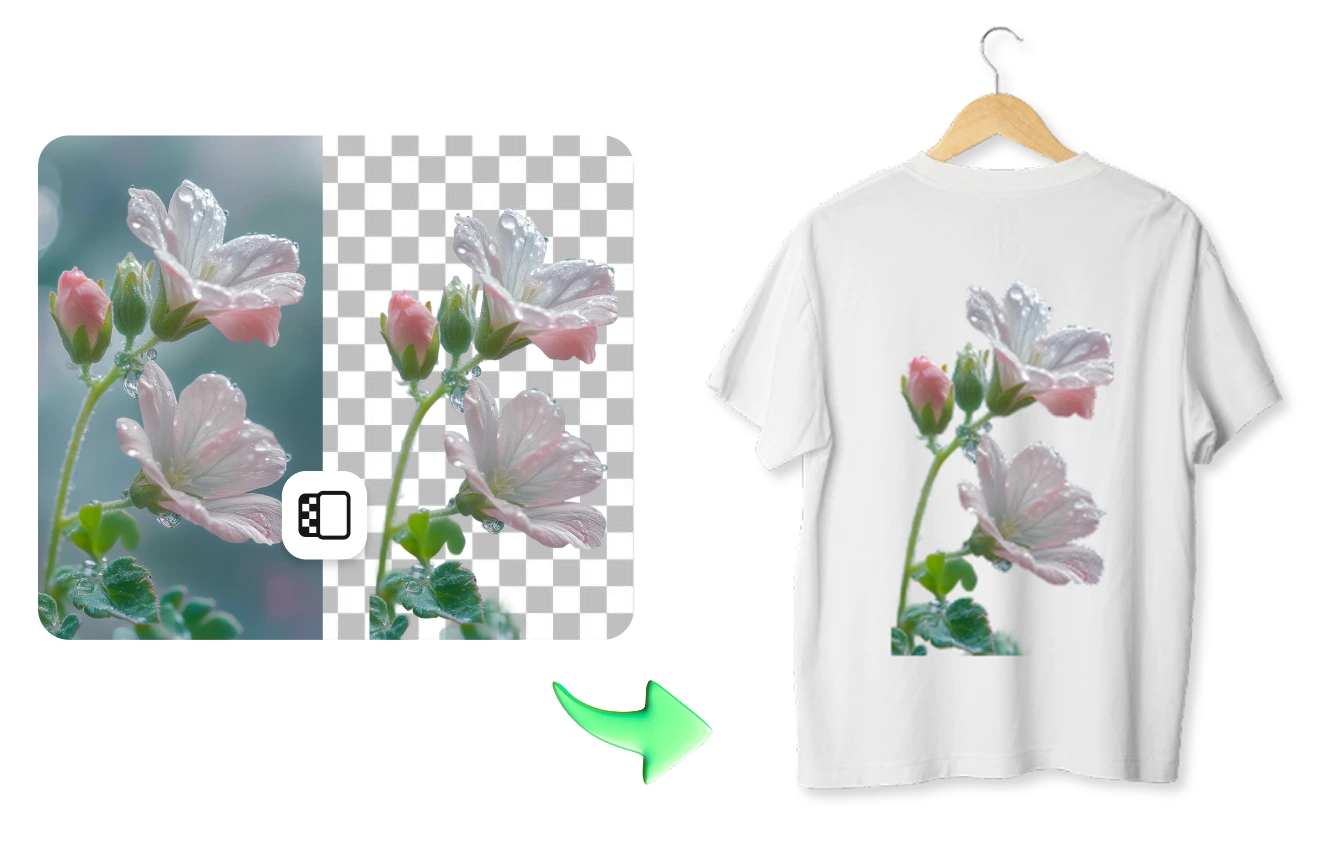
 Trình chỉnh sửa ảnh AI đơn giản nhất để xóa vật thể không mong muốn trong ảnh.
Tải ứng dụng


Trình chỉnh sửa ảnh AI đơn giản nhất để xóa vật thể không mong muốn trong ảnh.
Tải ứng dụng
© 2026 SnapEdit. Đã đăng ký bản quyền.
Trình chỉnh sửa ảnh AI đơn giản nhất để xóa vật thể không mong muốn trong ảnh.SnapEdit hỗ trợ tách nền ảnh hàng loạt chuyên dụng cho in DTF: Xử lý tới 50 ảnh mỗi lần, xuất file PNG trong suốt tuyệt đối, viền cắt cực nét.
Ctrl + V để dán ảnh
Chưa có ảnh? Thử một trong các mẫu sau
AI của SnapEdit được huấn luyện chuyên biệt tách nền cho các loại ảnh graphic, sticker, logo. Từng nét vẽ mảnh, chữ nhỏ và các góc cạnh phức tạp đều được giữ lại chính xác. Nét cắt chuẩn xác giúp hình in lên áo sắc nét, không bị lỗi hỏng sau khi ép, khách hàng hài lòng.
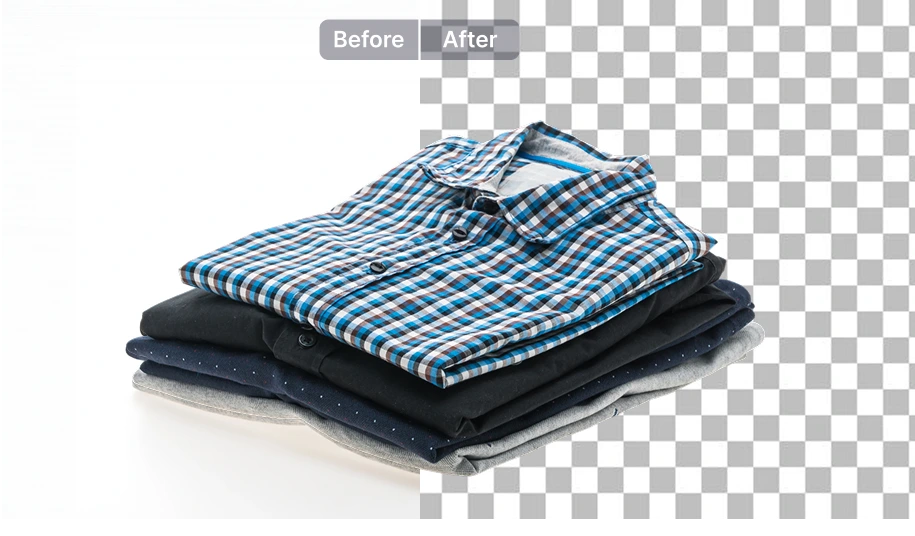
In DTF cần nền trong suốt 100%. SnapEdit xóa nền triệt để, trả về nền trong suốt, đảm bảo không sót lại các pixel mờ nhạt làm hỏng áo hay nổi viền sau khi ép nhiệt. Công cụ này khác với công cụ tách nền phục vụ cho thương mại điện tử với mục đích tạo phông trắng.
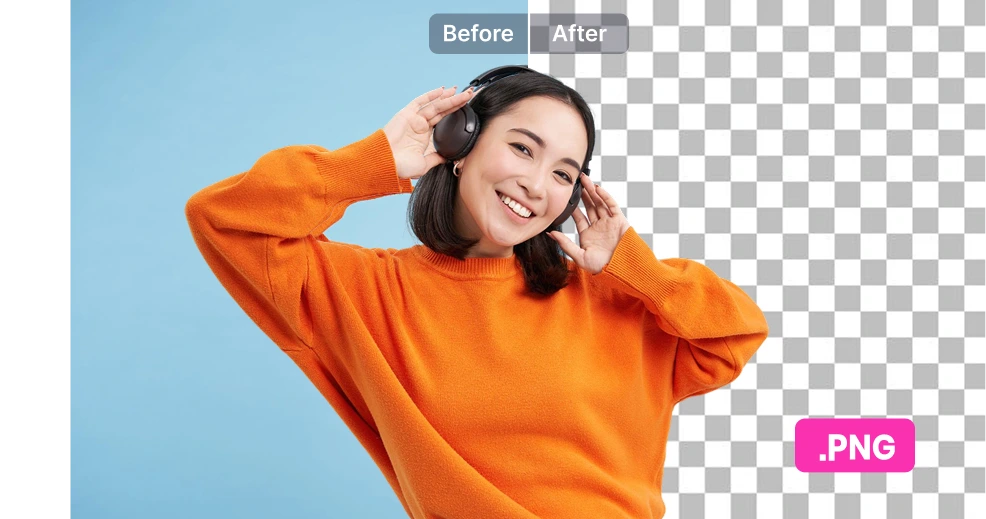
Công cụ trả về file PNG không nền, loại bỏ hoàn toàn lỗi dính phông của file JPG. Bạn chỉ cần tải về và đẩy thẳng vào phần mềm RIP hoặc ghép file in (gang sheet) cực kỳ nhanh chóng, tối ưu quy trình in ấn.
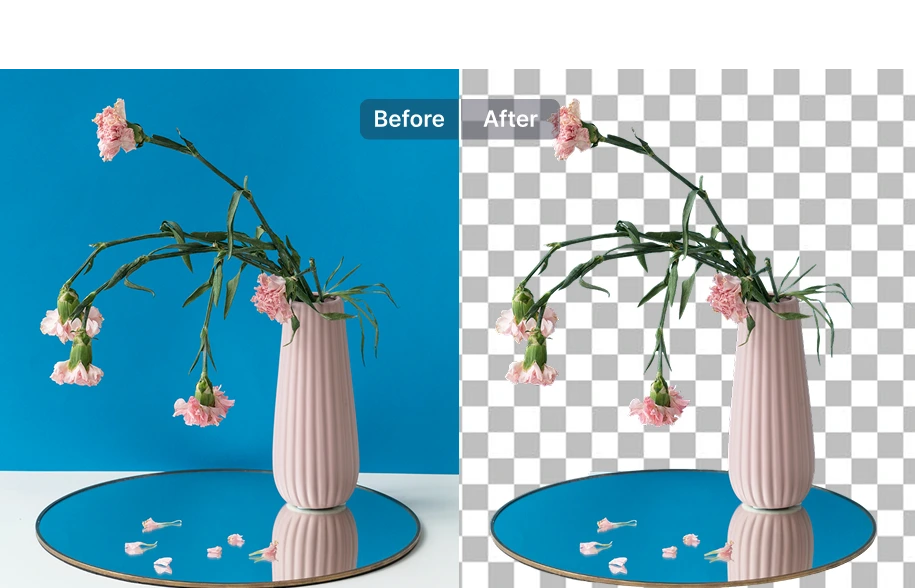
Xử lý từng ảnh trực tiếp trên SnapEdit
Với nhu cầu xử lý ít ảnh, bạn có thể sử dụng công cụ Tách Nền Đồ Họacủa SnapEdit để xử lý từng thiết kế. Chỉ cần tải ảnh lên, xóa nền và tải về file PNG trong suốt, sẵn sàng đưa vào phần mềm RIP. Khi cần xử lý nhiều thiết kế hơn, bạn có thể chuyển sang công cụ xóa nền hàng loạt với tối đa 50 ảnh mỗi lần.
Xây dựng workflow chỉnh sửa tự động
SnapEdit Workflow giúp các xưởng in, doanh nghiệp POD xây dựng quy trình chỉnh sửa ảnh ngoài nhu cầu tách nền trước khi đưa ảnh vào máy in. Như một quy trình đơn giản bao gồm: tách nền - làm nét. Thử ngay công cụ workflow.
Tích hợp API vào hệ thống
Kết nối API Xóa Nền vào hệ thống của bạn nếu bạn đang vận hành nền tảng POD (Print on Demand) hoặc xưởng in công suất lớn, giúp tự động hóa hoàn toàn khâu xử lý file thiết kế của khách hàng.