Upload input image
Upload your logo, icon, sticker, text graphic, or anime image in JPG or PNG format. Works on flat designs, multi-color logos, hollow letterforms, and badge shapes.

 The easiest AI photo editor to remove unwanted objects from photos.

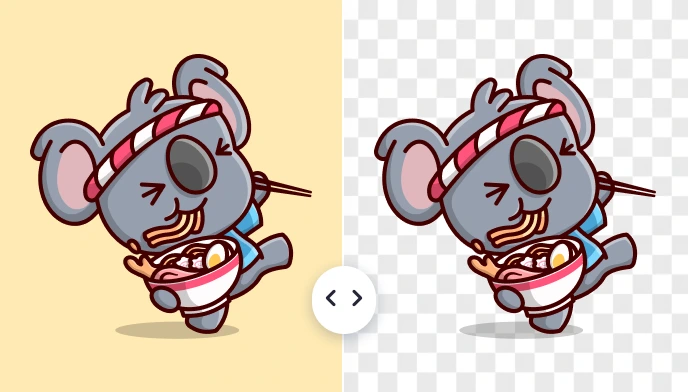
Remove background from logos, icons, stickers, and illustrations while keeping sharp edges, fine lines, and flat colors intact. Perfect for branding kits, app UI assets, website graphics, social media overlays, and marketplace logos.
Ctrl + V to paste image
No image? Try one of these
Upload your graphic asset and
Upload your logo, icon, sticker, text graphic, or anime image in JPG or PNG format. Works on flat designs, multi-color logos, hollow letterforms, and badge shapes.
Our graphic-tuned model isolates the artwork in seconds, preserving sharp edges and thin lines that standard removers tend to chew up.
Download your graphic with a transparent background as a clean PNG — ready to place on any background, mockup, website, or design file.
From simple text logos to complex badge designs, SnapEdit handles logo background removal with clean edges and transparent PNG output. This Graphic Background Remover is trained specifically on logo structures, so clean transparent cutouts are the default, not the exception.
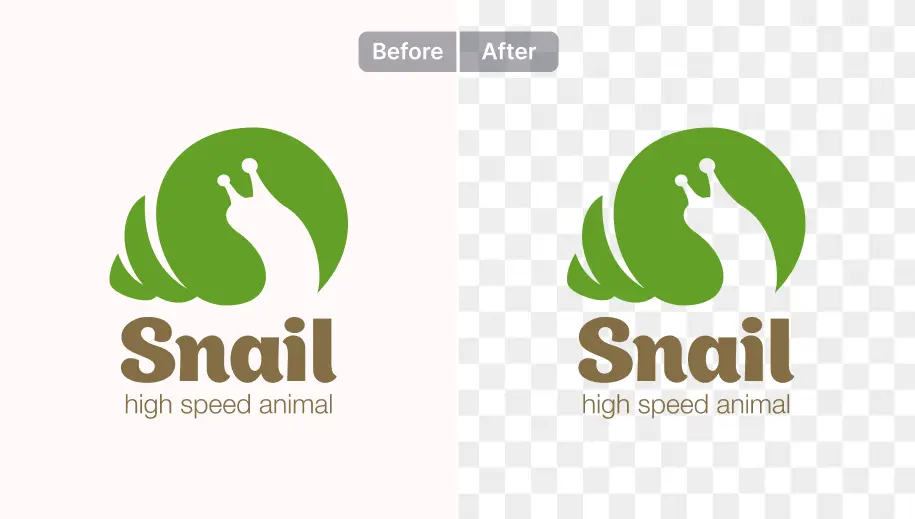
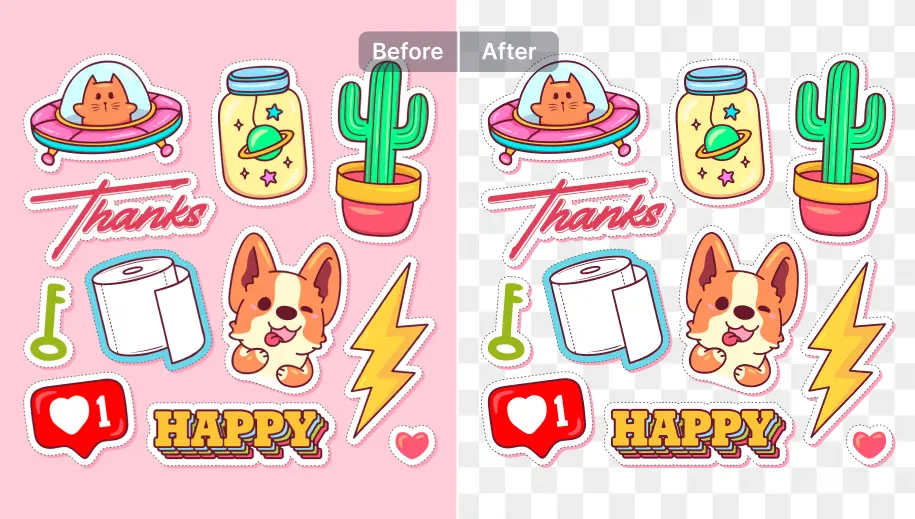
Small graphics like app icons, stickers, and UI elements often lose sharp edges with normal background removers. This model is trained specifically to keep these details clean and crisp, even at small sizes. The result is a transparent PNG that stays sharp whether placed at 512px or scaled down to 32px.
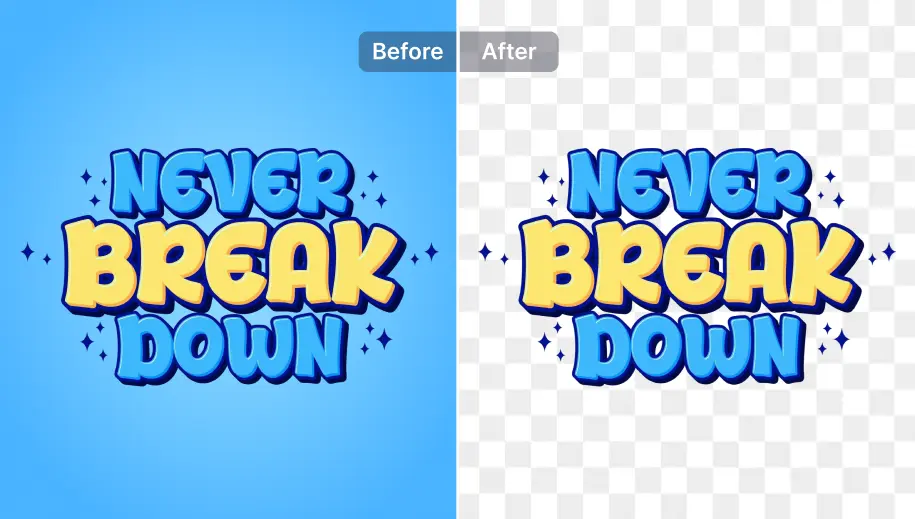
Stylized type, hand-lettered titles, and typographic logos are challenges for normal photo-trained models. They don't understand letterform geometry, inner counters get filled, and curved strokes get clipped unevenly. The graphic model handles text-based graphics cleanly: each letterform is preserved with its correct shape, and hollow areas inside letters are made fully transparent rather than partially masked.
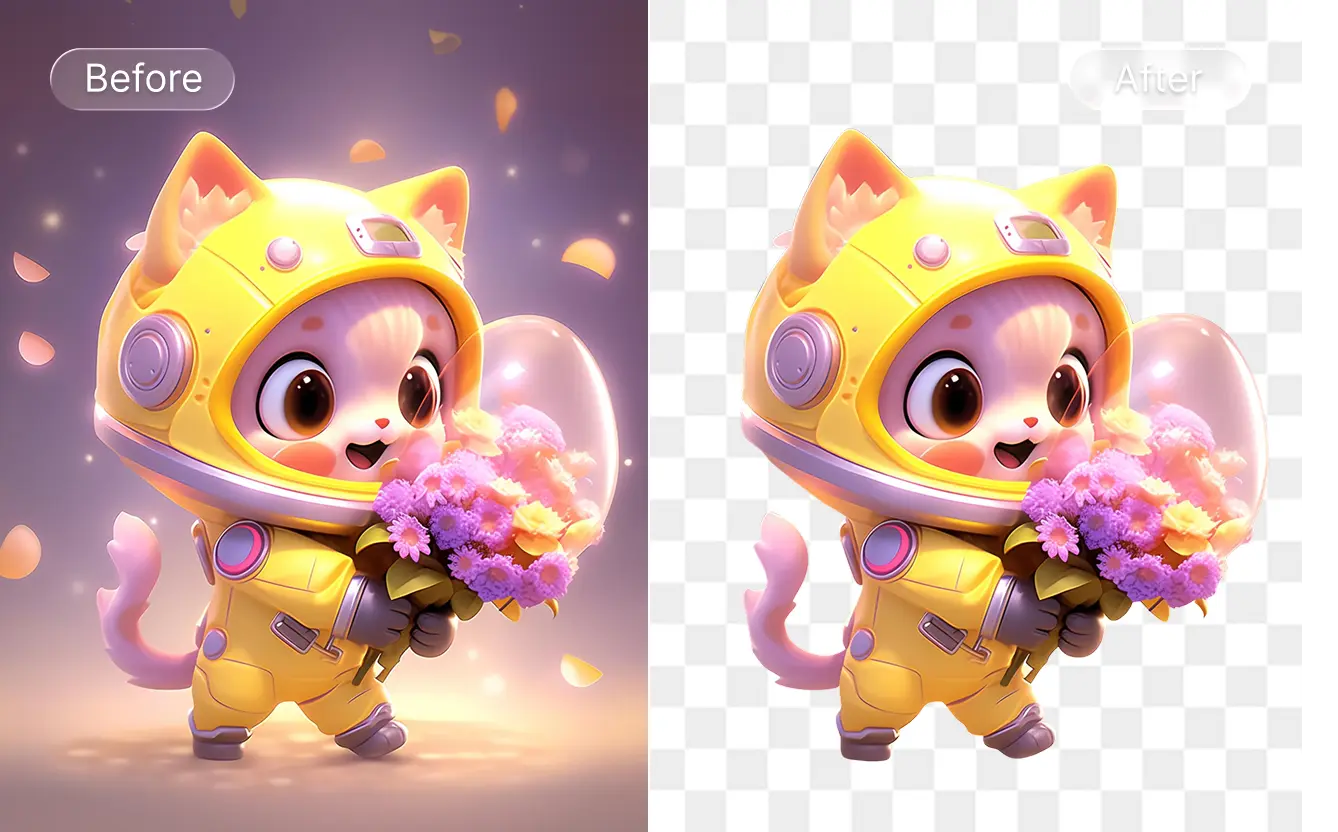
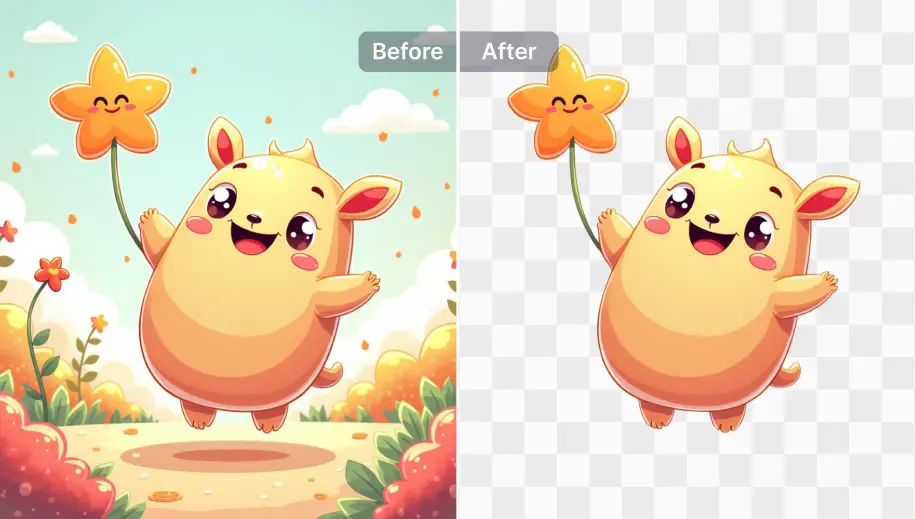
SnapEdit’s updated Graphic Remove Background model is designed to handle anime and cartoon-style images more accurately. It helps preserve character outlines, keeps flat-color areas clean, and removes backgrounds without cutting into the character itself. For even better quality, you can also use AI Art Enhancer before downloading your final image.
Specially trained on graphics
The model is trained on PNG logos, icons, and stickers composited onto synthetic backgrounds.
Handles hollow shapes correctly
Logos with hollow letters, nested shapes, and overlapping paths are handled correctly
Clean edges on flat color fills
The graphic segmentation model preserves the sharp, clean edge geometry of flat design.
Graphic Background Removal API
Cut out logos, illustrations and stickers cleanly with the SnapEdit graphic background removal API. Built for POD and design tools, with free credits to start.
Explore even more features of SnapEdit application. Available on iOS or Android.