
The same haircut can look completely different from one person to another. A style that looks amazing on your favorite creator might not have the same effect on your face shape, features, or hair texture. That's why finding a flattering haircut isn't just about following trends - it's about understanding what works best for you.
In this guide, you'll learn how to figure out your face shape, which haircuts tend to work best for each type, and how to see them on your own photo before you commit.
How to Figure Out Your Face Shape
You won't need any complicated tools. A mirror or a clear front-facing selfie is usually enough. Here's what to look for:
Look at the widest part of your face
- Forehead widest → likely heart-shaped
- Cheekbones widest → likely diamond
- Jawline widest → likely square or pear-shaped
- Everything looks balanced → likely oval
Check your jawline and chin
- Rounded jawline → round or oval face
- Sharp, angular jawline → square face
- Pointed chin → heart or diamond face
Compare length to width
- Face is noticeably longer than wide → oblong
- Length and width are similar → round or square
- Slightly longer than wide with balanced proportions → oval
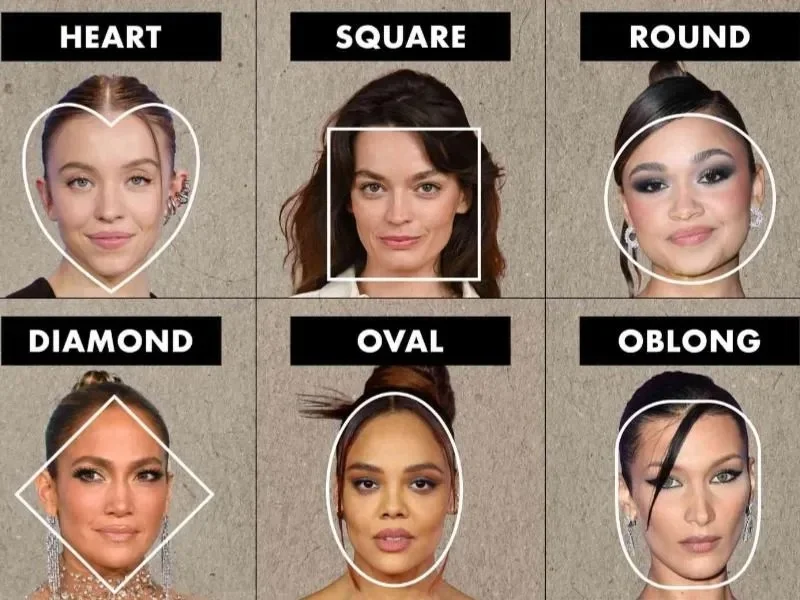
Most people fall into one of these six shapes: oval, round, square, heart, diamond, or oblong. If you have features from more than one, use the closest match as a starting point — that's completely normal.
The Haircut Cheat Sheet for Every Face Shape
Oval
One of the most versatile face shapes — balanced proportions mean most styles work. Try soft bobs, butterfly layers, curtain bangs, or long waves. You have room to experiment.
Round
Round faces benefit from styles that add length and structure. Long layers, side-part bobs, and bixie cuts create dimension and elongate the face. Face-framing layers add definition without looking too sharp.
Square
A strong jawline is an asset — the right cut balances it rather than hiding it. Curtain bangs, layered waves, soft bobs, and modern shag cuts soften angular edges while keeping the natural strength of your features.
Heart
Wider at the forehead, narrowing toward the chin. Focus on creating balance between top and bottom. Curtain bangs draw attention to the eyes and soften the forehead. Chin-length bobs, butterfly layers, and textured waves add volume around the lower face.
Diamond
Prominent cheekbones with a narrower forehead and jawline. Shoulder-length layers, side-swept bangs, textured bobs, and soft waves frame the cheekbones while keeping the overall look balanced.
Oblong
Longer than wide, so styles that create width work best. Curtain bangs visually shorten the face. Shoulder-length cuts, blunt bobs, and layered styles add fullness on the sides for a more proportionate silhouette.
Worth remembering: Face shape is one piece of the puzzle. Hair texture, lifestyle, and personal style matter just as much. If you've fallen for a cut that isn't traditionally recommended for your face shape — try it anyway. The best haircut is the one that makes you feel most like yourself.
See It on Your Face Before the Salon
By now, you probably have a few haircut ideas in mind. Maybe you're debating between curtain bangs and butterfly layers, or wondering whether a soft bob would suit your features better than a bixie cut.
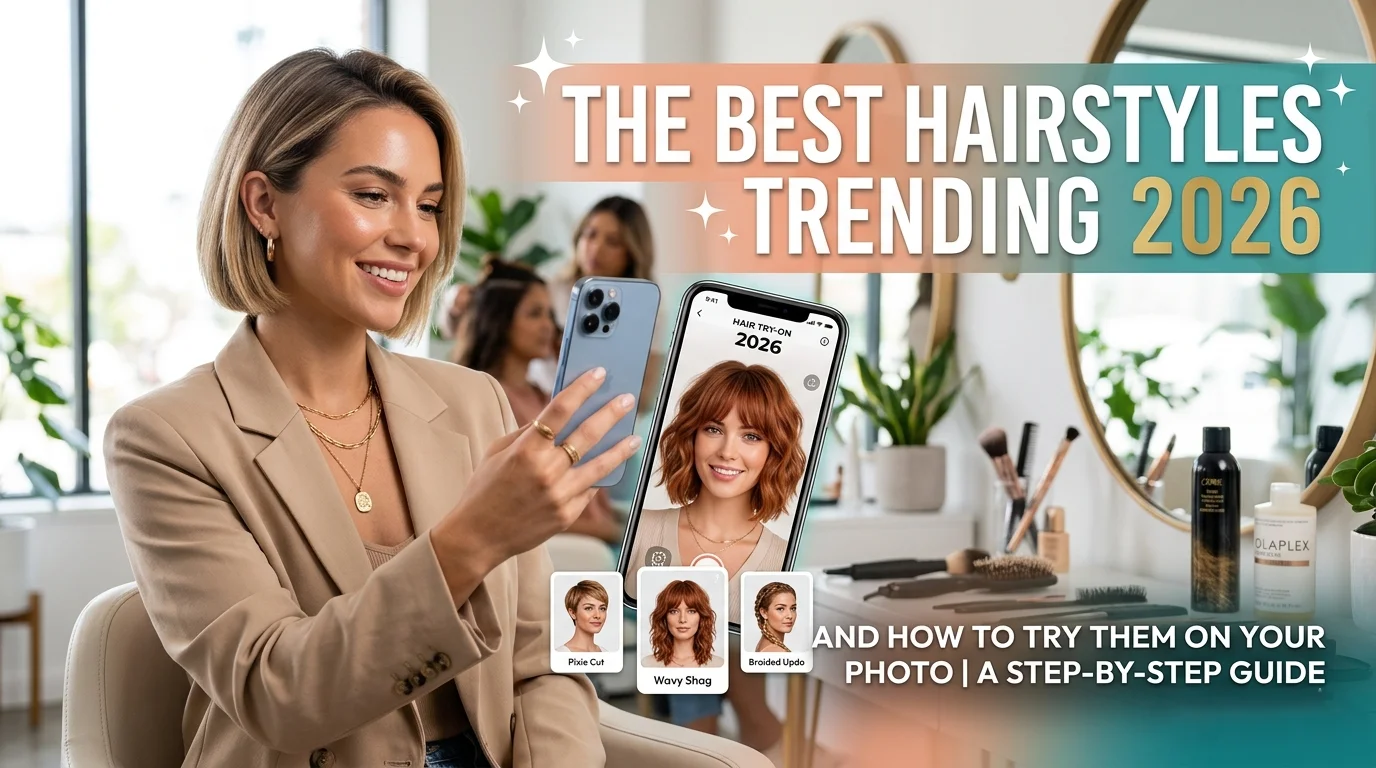
SnapEdit is an AI-powered photo editing platform online that helps users transform and enhance their photos with just a few clicks. Among its many creative tools is AI Hair, a feature designed to help you virtually try on different hairstyles before making a real-life commitment.
With SnapEdit AI Hair, you can:
- Preview hairstyles before making a commitment
- Generate natural-looking results
- Explore multiple cuts in minutes
- Compare different looks on the same photo
- Feel more confident before your salon visit
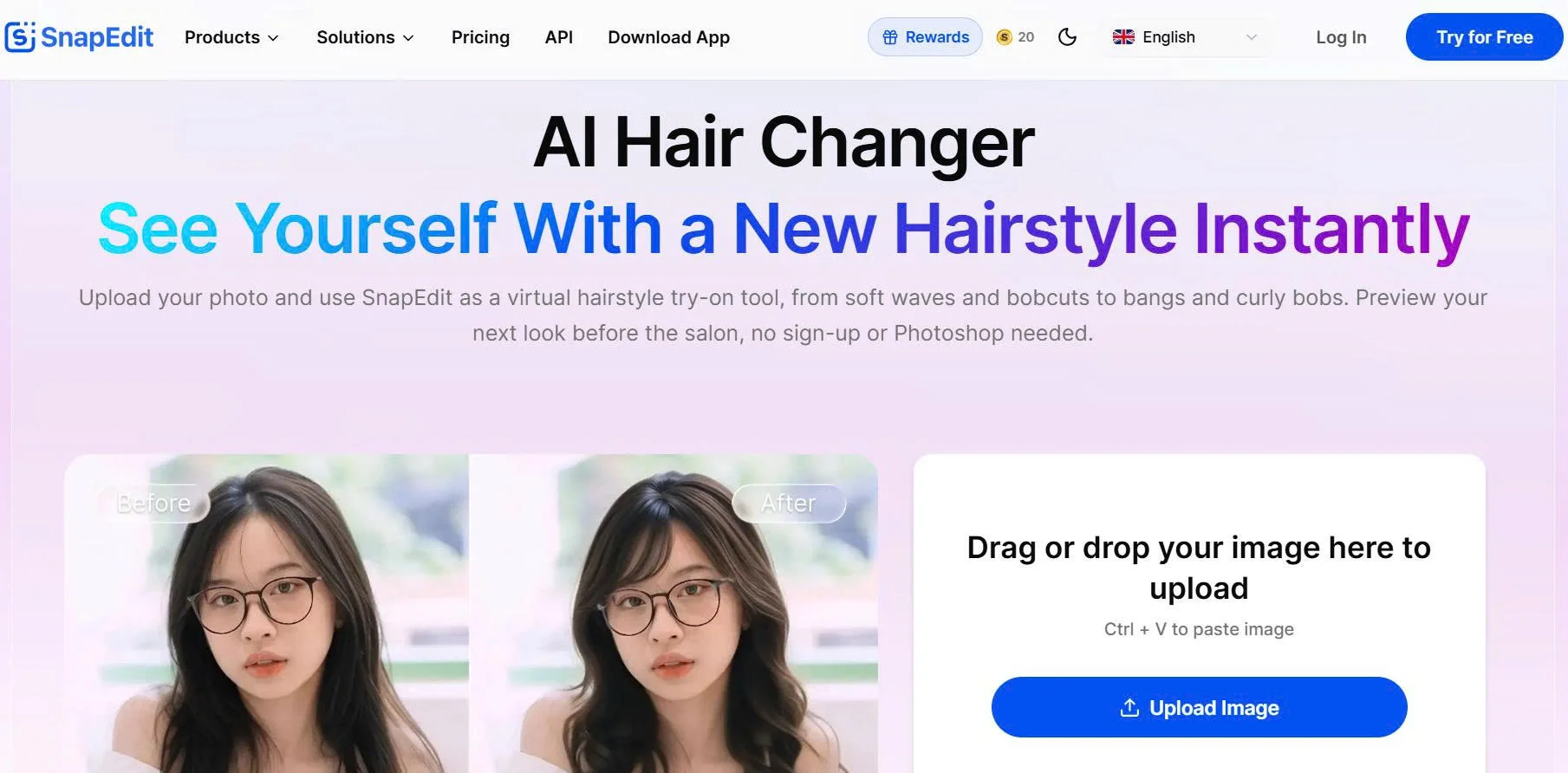
Instead of wondering how a haircut might look, you can see it on your own photo in seconds.
**Step 1: Upload a photo
**
Start by uploading a clear portrait photo. For the most realistic results, use a front-facing image with good lighting and minimal obstructions around your face.
The clearer the image, the easier it is for the AI to generate natural-looking hairstyle previews.
**Step 2: Explore different hairstyles
**
Once your photo is uploaded, you can experiment with a variety of hairstyles. This makes it easy to compare styles that are commonly recommended for your face shape and discover unexpected favorites.
**Step 3: Compare your favorite looks
**
After generating your new hairstyles, compare the results side by side to see which ones complement your features best.
You can save your favorite versions, share them with friends, or even use them as references during your salon appointment.
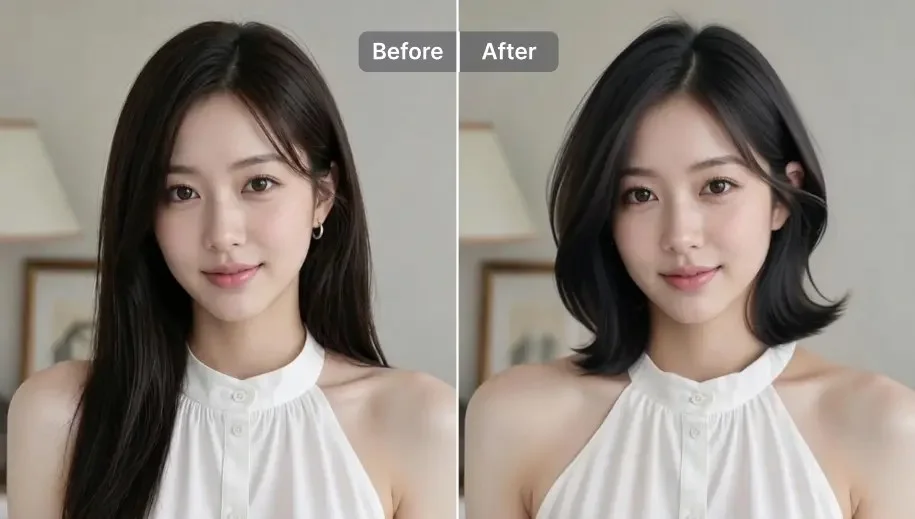
Read more: Trending hairstyles in 2026
Changing your hairstyle can be exciting, but it can also feel like a gamble. A virtual hairstyle try-on gives you the chance to explore different looks before making a decision you'll have to live with for months.
Inspiration photos are helpful, but they're still photos of other people. Virtual try-ons let you see how a haircut looks with your own face shape, features, and proportions, making the decision much more personal.
Before booking your next salon appointment, take some time to explore your options. With SnapEdit AI Hair, you can try different hairstyles on your own photo, compare looks, and discover your favorite before making the chop.
Your perfect haircut might be just a few clicks away.

![[Product News] The Latest Improvements to SnapEdit Background Remover](https://assets.snapedit.app/blog/latest-updates-to-snapedit-background-remover/cover/f2911775c560e61f.jpg)