 강력한 AI 기술로 더 빠르고 나은 객체 제거
우리의 모바일 앱 받기

 강력한 AI 기술로 더 빠르고 나은 객체 제거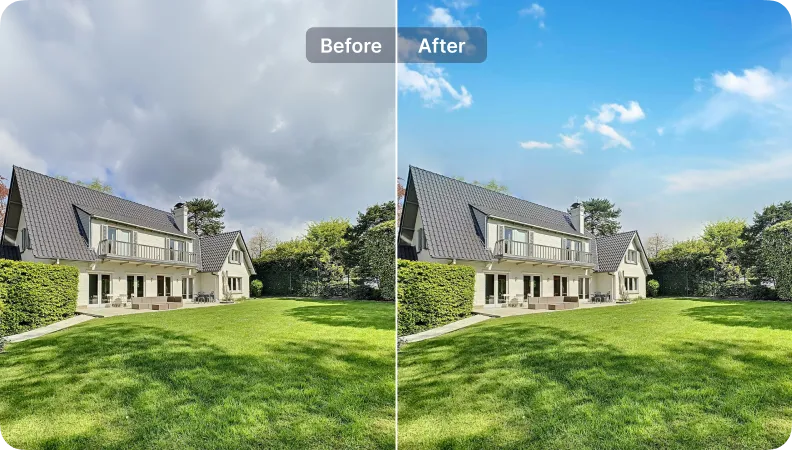
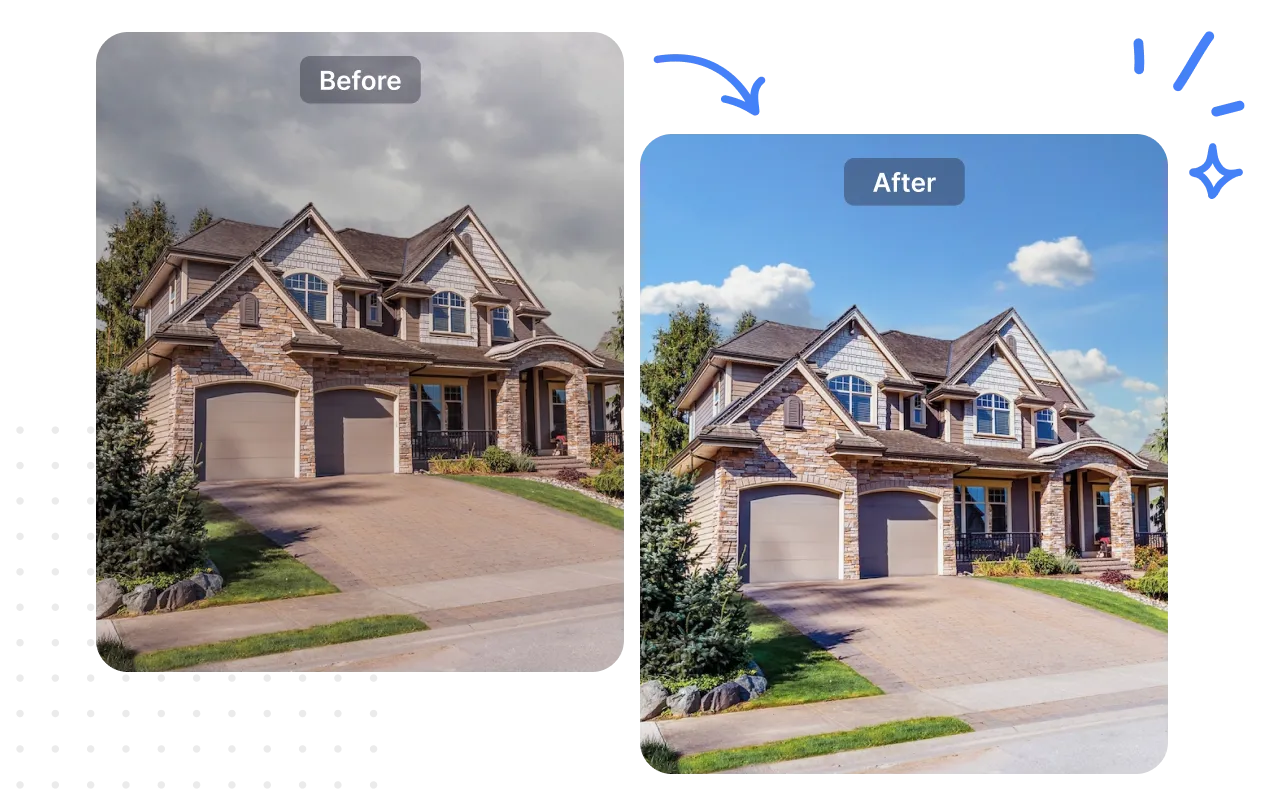
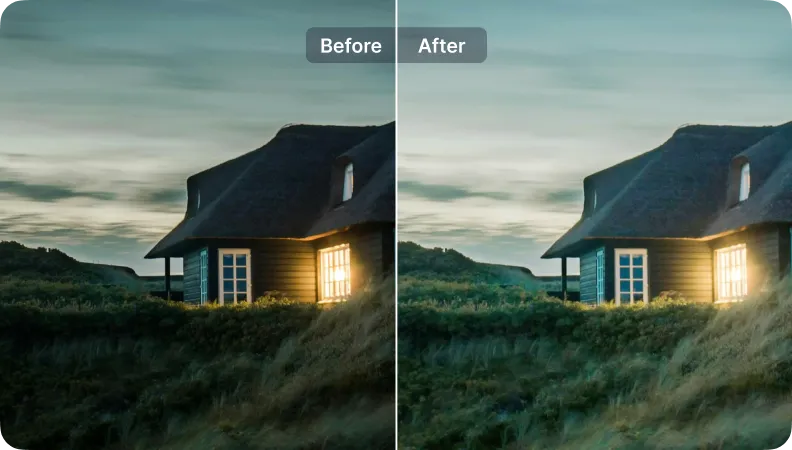
자동 조명
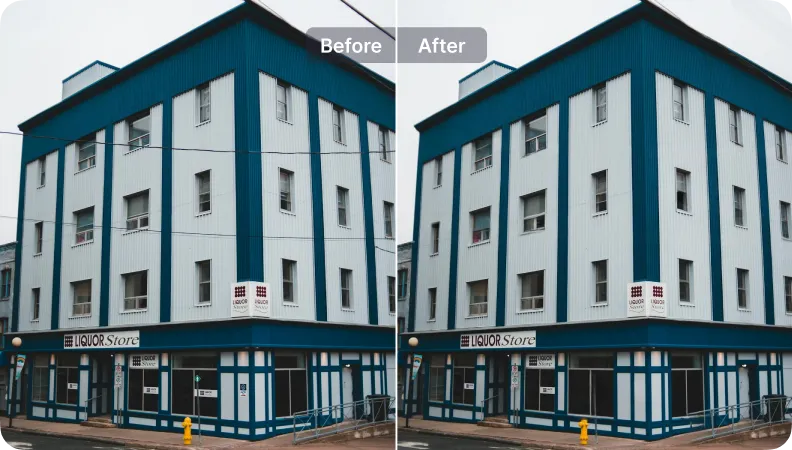
강화
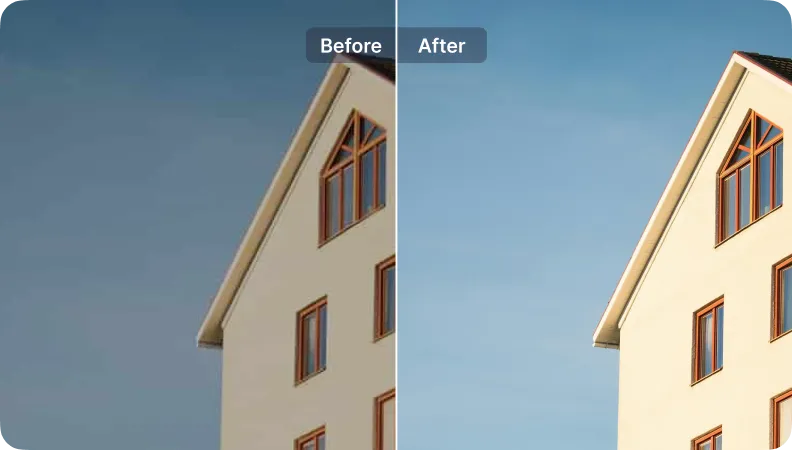
SnapEdit 앱은 Apple Store 및 Google Play Store에서 사용할 수 있습니다. 우리 앱은 전 세계 사용자가 사진을 복원하는 데 사용되었습니다.


“SnapEdit의 하늘 변경기와 강화 도구를 좋아합니다. 고급 리스팅에서 몇 시간을 절약해 주었습니다. 결과는 인상적이었지만, 더 많은 사용자 정의 옵션이 있으면 좋겠어요.”

Sarah Thompson
부동산 중개인
숫자는 SnapEdit이 Sarah Thompson을 어떻게 도왔는지를 보여줍니다.
Sky Changer
Enhancer
시간 절약

도구 사용:
Auto Light
Enhancer
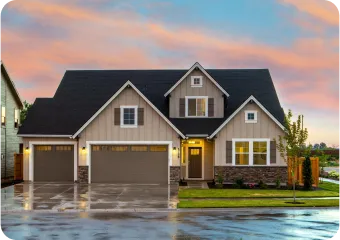
도구 사용:
Sky Changer
Auto Light
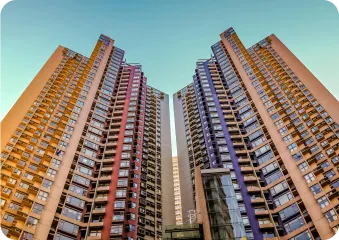
도구 사용:
Sky Changer
Auto Light
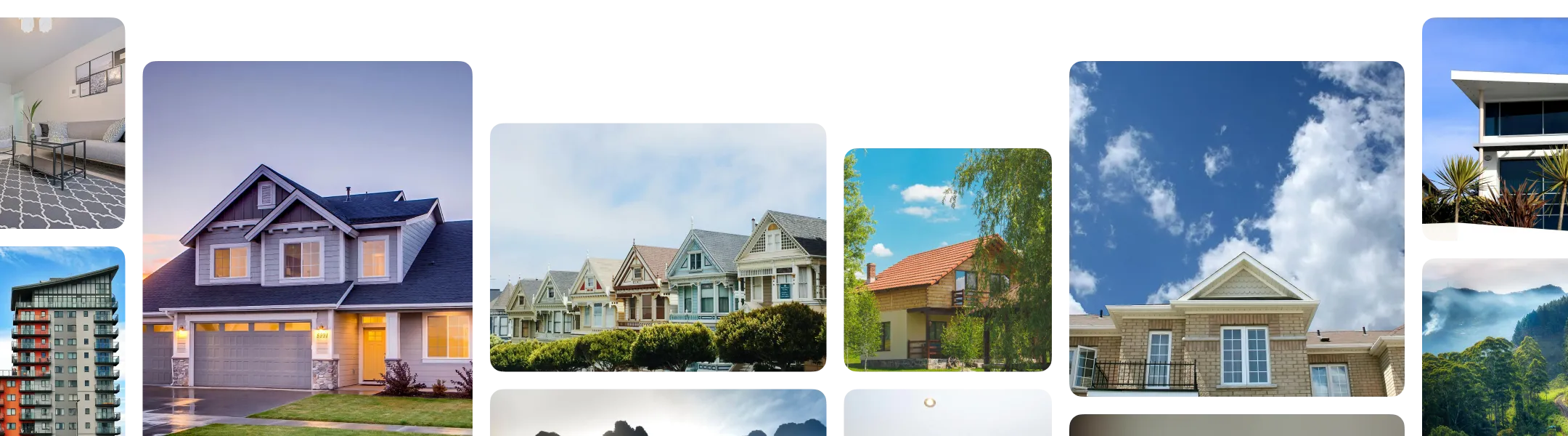
Every listing photo comes with a different combination of problems to fix. Here's how to build a workflow that matches what your photos actually need:
Sort your photos by problem, not by property. You only need to activate the specific fixes a given batch requires.
In SnapEdit's workflow builder, combine the steps that match your photos: Wire & Utility Line Removal, Reflection Removal, Object Removal, Autolight, Expand/ Reformat.
Upload a full shoot to the workflow. SnapEdit runs your saved sequence across every image at once and exports the finished set, sized and formatted for your listing platform.
Through SnapEdit's API, property platforms, MLS providers, and brokerages can process photos from many agents or listings at once, running batches instantly through a web interface. So listing photos get standardized automatically as they're uploaded into your existing system, without a manual editing step for every agent's submission.