1. Upload an image
Click on the upload button, drag and drop, or press Ctrl + V to input your picture into SnapEdit AutoLight editor

 The easiest AI photo editor to remove unwanted objects from photos.

Turn dim snapshots into vivid images with our AI picture brightener - AutoLight
Ctrl + V to paste image
No image? Try one of these
Transforming your dark snapshots into bright ones is just 3 steps away
Click on the upload button, drag and drop, or press Ctrl + V to input your picture into SnapEdit AutoLight editor
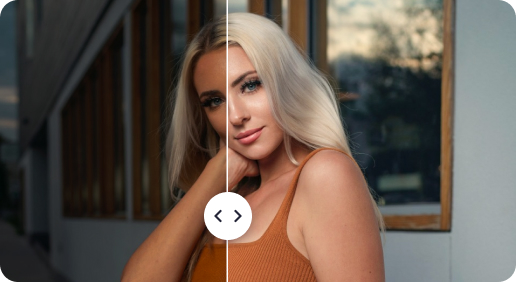
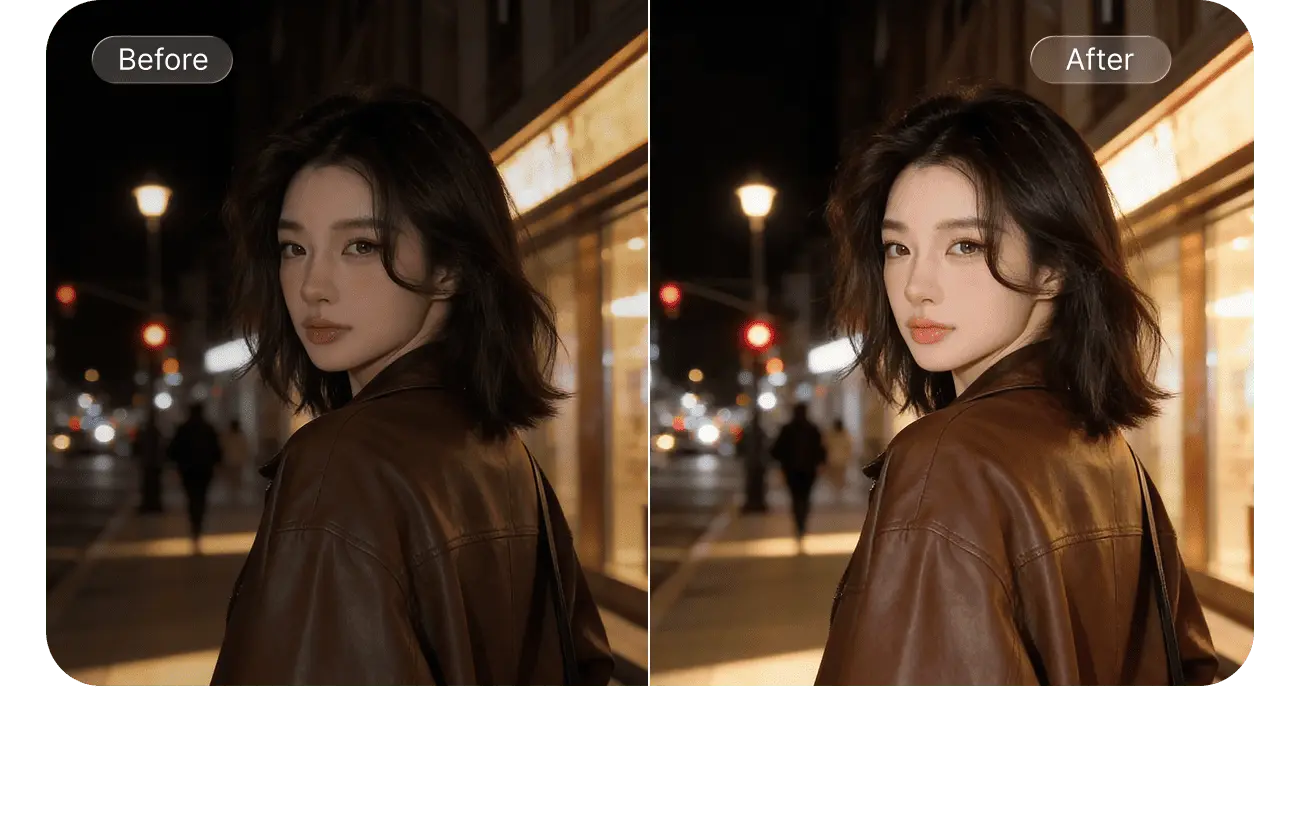
After the image is uploaded successfully, AutoLight automatically lightens the image up. You can compare the before and after results to see the magic.
Save the new brightened-up image to your device by clicking the Download button.
AutoLight has undergone thousands of tests to make the picture brighter. It improves the brightness to reveal hidden or hard-to-see details in dark, underexposed shots.
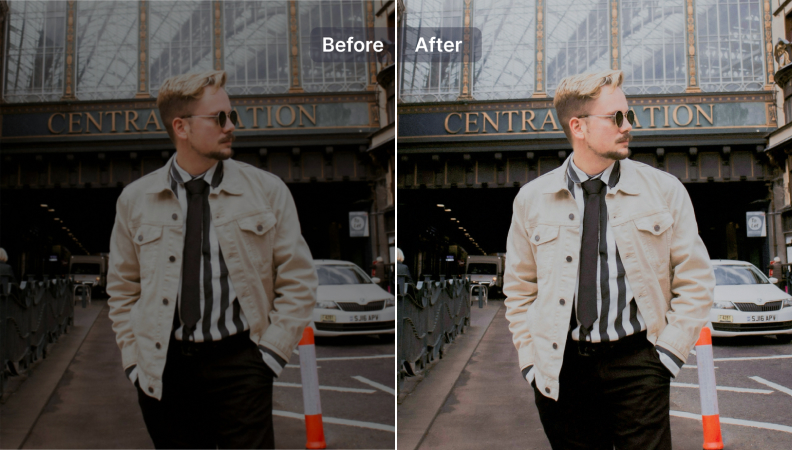
Bright, vibrant photos evoke more positive emotions and warmth than dark, dim, blurry ones. Let’s change the feeling of audiences when they look at your photos with photo enhancer.
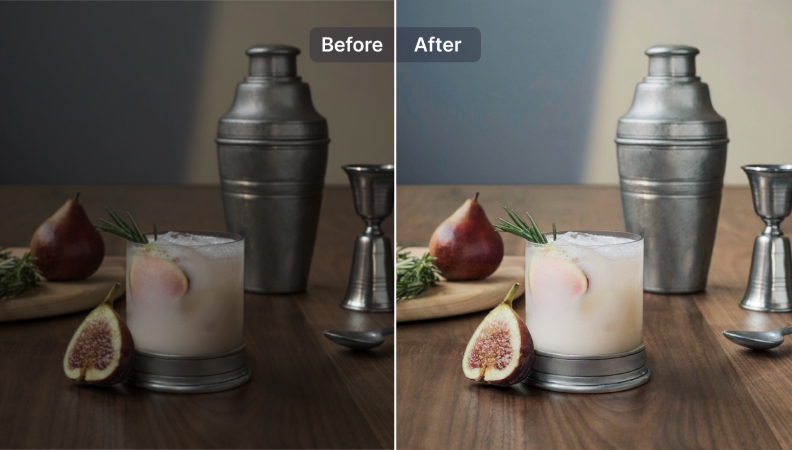
After brightening photos, the focus draws the eyes to the main points of the subjects more naturally. Then be confident to post your photos anywhere to get more likes.
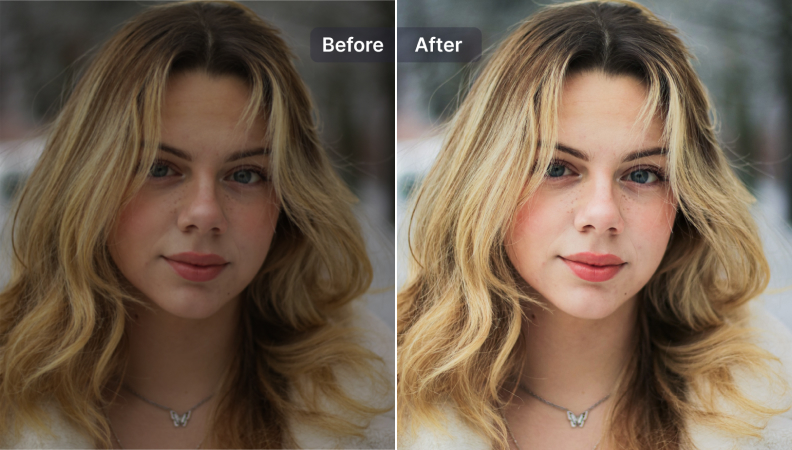
All-in-one picture brightener
SnapEdit AutoLight offers all you need in an AI image brightener including Advanced algorithms, quick speeds, tone consistency, intuitive controls, reliability, and more.
Make it easy to brighten pics online
Everyone can turn a dark photo into a brighter one with no Photoshop skills needed. AI photo editor customizes the needed brightness adjustments with just one click.
Free to use
Feel free to brighten picture online and ready to upgrade to the Pro plan to edit with more advanced features without limit.
Sublimely lighten photos on all your devices
The website to lighten up photos is compatible with any device. Whether you are using a smartphone, laptop, desktop, or tablet, it works smoothly.
The SnapEdit app is available on the Apple Store & Google Play Store. Our app has been used by users around the world to sharpen photos.