Load photo
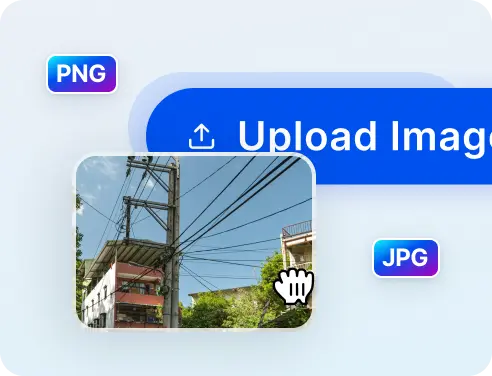
First, choose Upload or drag and drop the photo that needs editing anywhere on this page.

 The easiest AI photo editor to remove unwanted objects from photos.

Erase electrical wires from your photos in 5-seconds with 1-touch AI photo editor
Ctrl + V to paste image
No image? Try one of these
Too often you will find an opportunity for an amazing photo ruined by clutters of power lines in the background. Editing these pesky power lines out is not necessarily hard, however the process still takes up time and effort while not everybody would know how to operate a complex photo editor such as Photoshop.
First, choose Upload or drag and drop the photo that needs editing anywhere on this page.
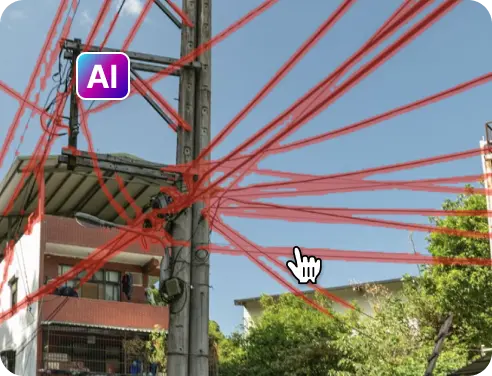
Wait a few seconds for our app to process the picture. Once done, the power lines will be highlighted in red.
Lastly, you only need to choose Remove to erase the power lines from your picture. That’s it and it takes only 5 seconds.
You can choose to continue editing further with our manual brush should some blemishes still remain. Otherwise, we provide multiple resolutions for users to download.
Try our mobile app to enjoy better user experience and great performance


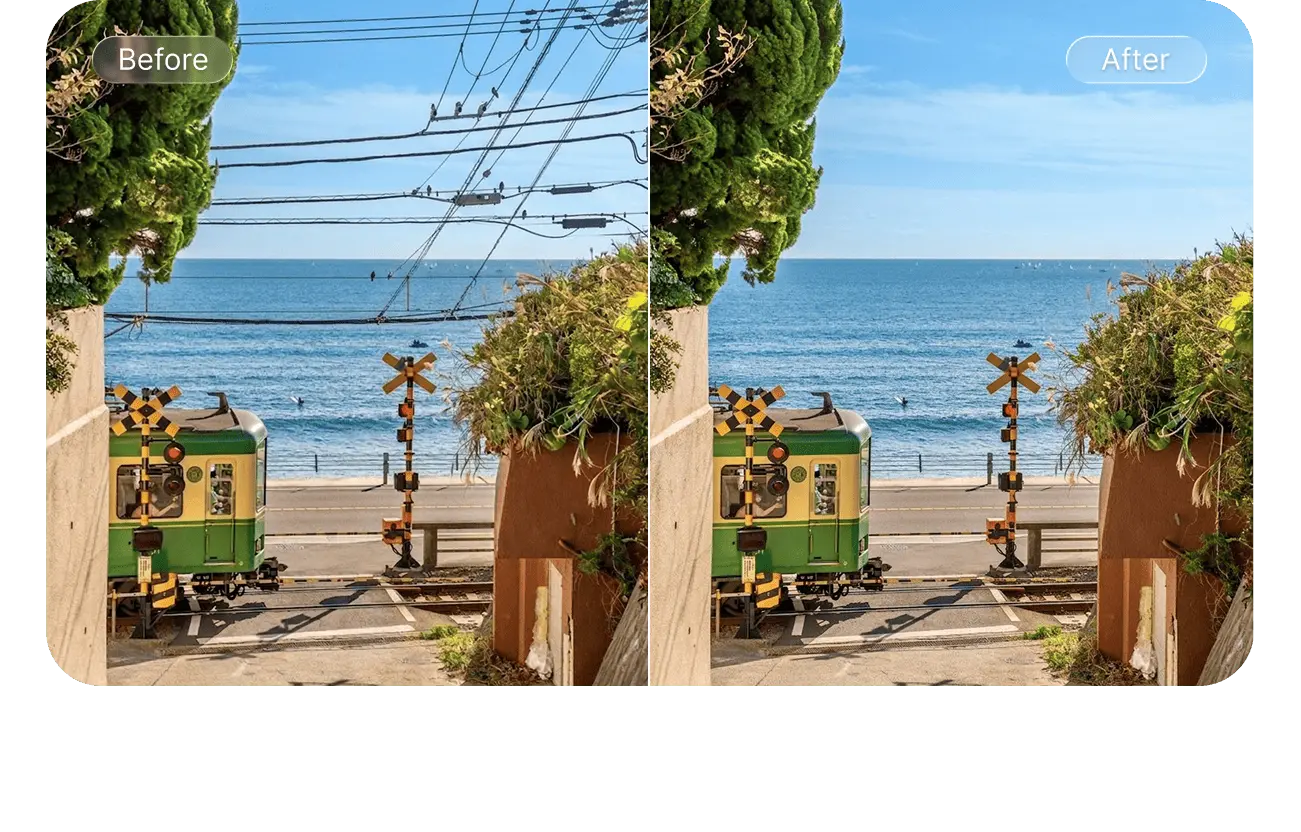
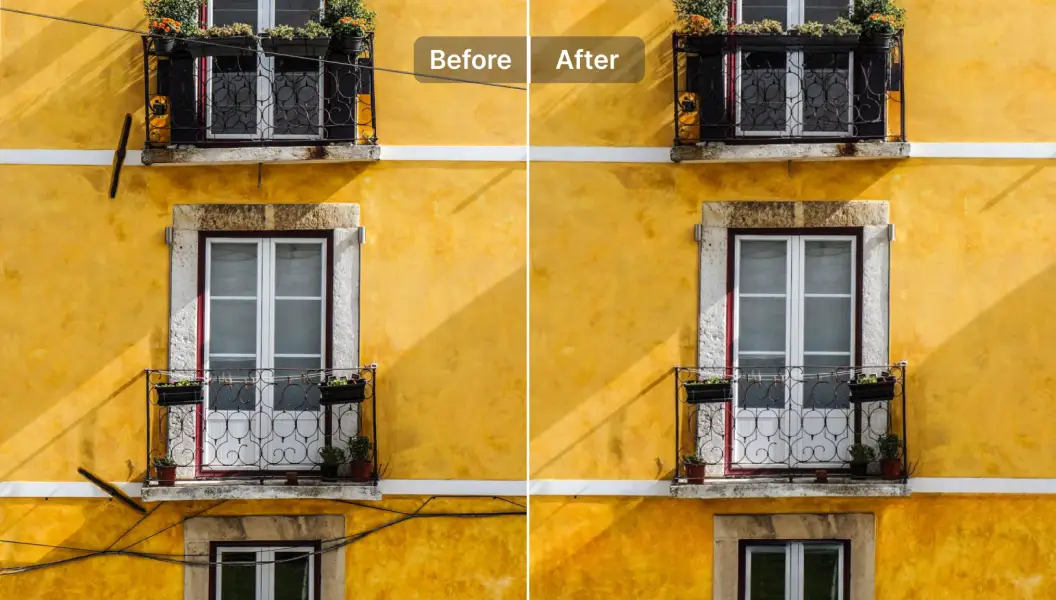
With our AI object removal tool, even the busiest, messiest power lines clutters can be removed without traces
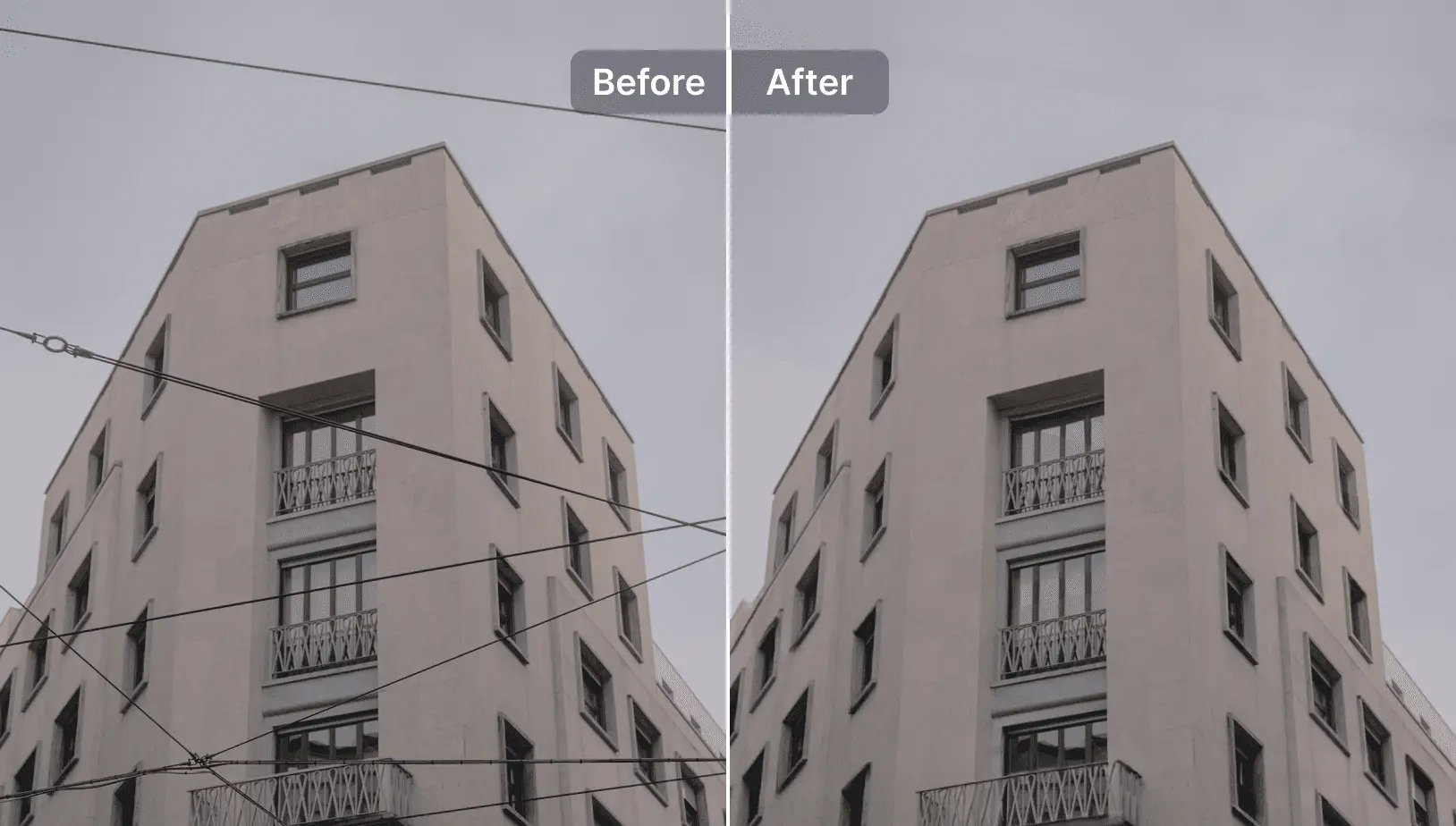
Specially trained AI could swiftly detect and highlights all power lines from a photo effortlessly

The photo will be automatically refined to heal any spots with blemishes to provide a new and beautiful picture.
Manual Brush for in-depth editing
If you are not satisfied with the result of our AI app. You can use the in-app brush to edit out left-over vestiges of power lines from photos easily.
Easy to use
Our app leveraged AI power to simplify the editing process to the most basic steps. Upload picture, remove with one click and download.
Free for all
You can use our app for free to remove power lines from images.
Works on all devices
SnapEdit app can be used on mobile, PC and tablet devices. You can use our mobile app or use a web browser of your choice to access our tool.