Upload Your Photo
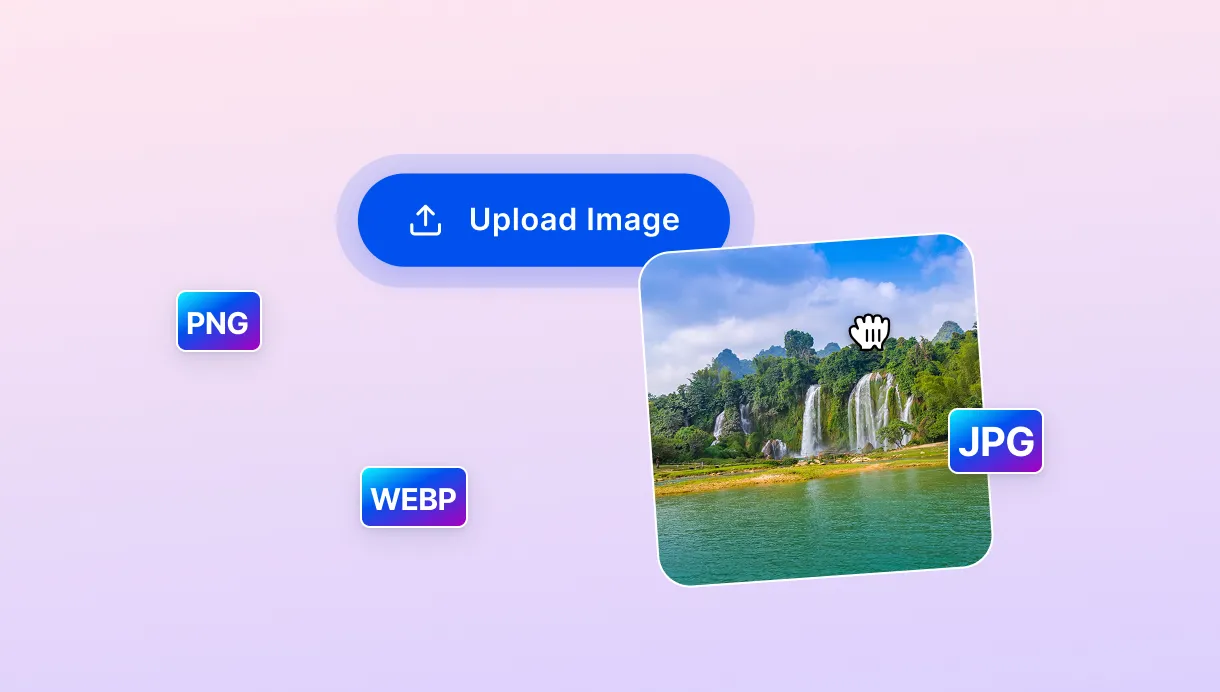
Drag your photo in or click to upload. This image cropper also handles PNG and WebP files, so whatever format you're working with, it'll open just fine.

 The easiest AI photo editor to remove unwanted objects from photos.

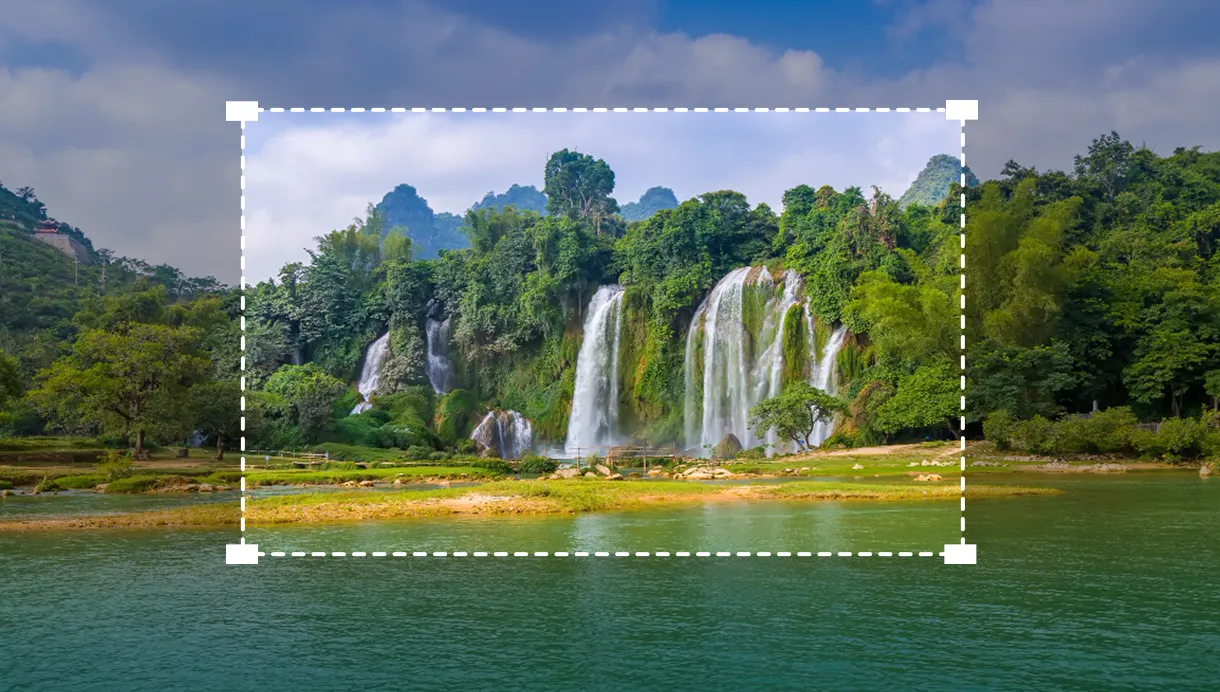
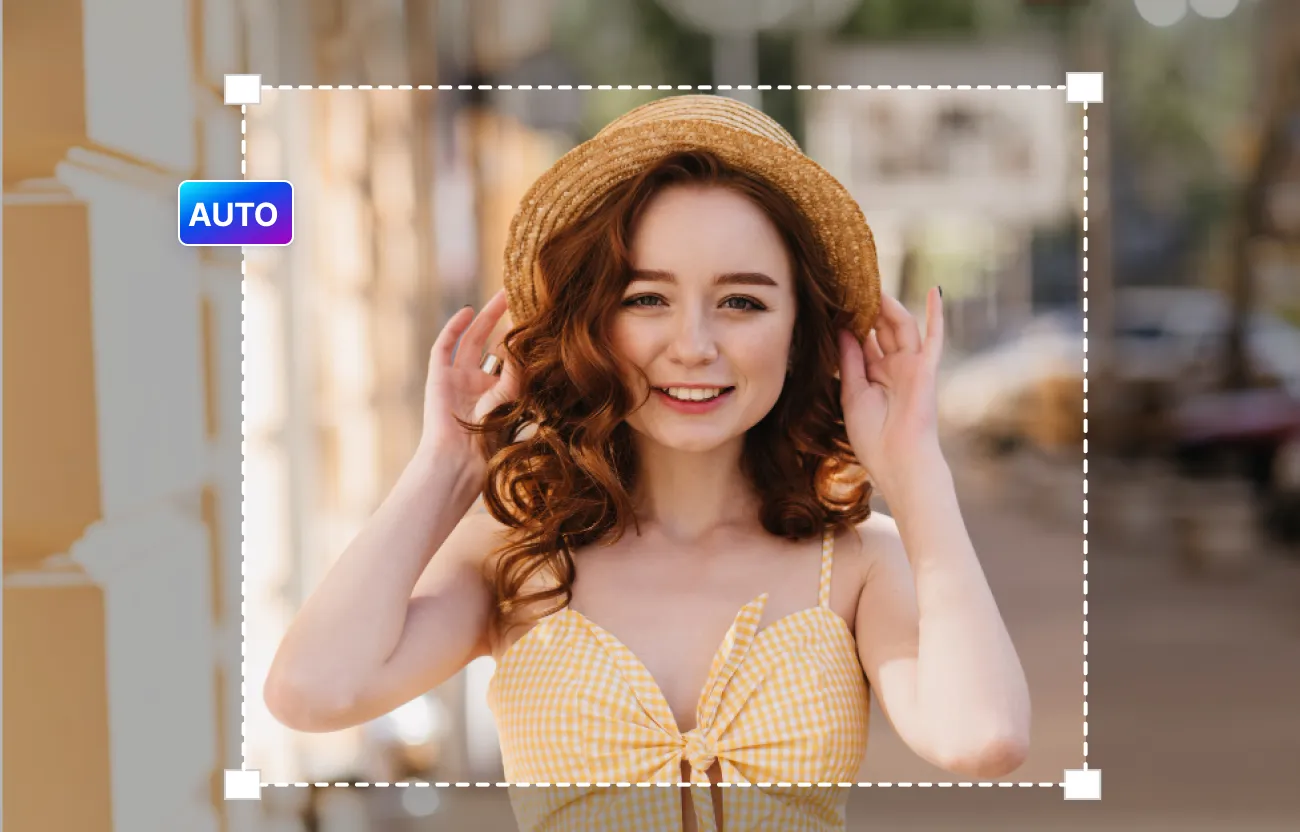
Crop any photo to any ratio with Auto Crop, switch between shapes instantly, and download the result in HD.
Ctrl + V to paste image
No image? Try one of these
Dragging crop handles back and forth takes more time than it should. Just upload your photo, choose a shape, and let SnapEdit's smart image cropper handle the framing for you.
Drag your photo in or click to upload. This image cropper also handles PNG and WebP files, so whatever format you're working with, it'll open just fine.
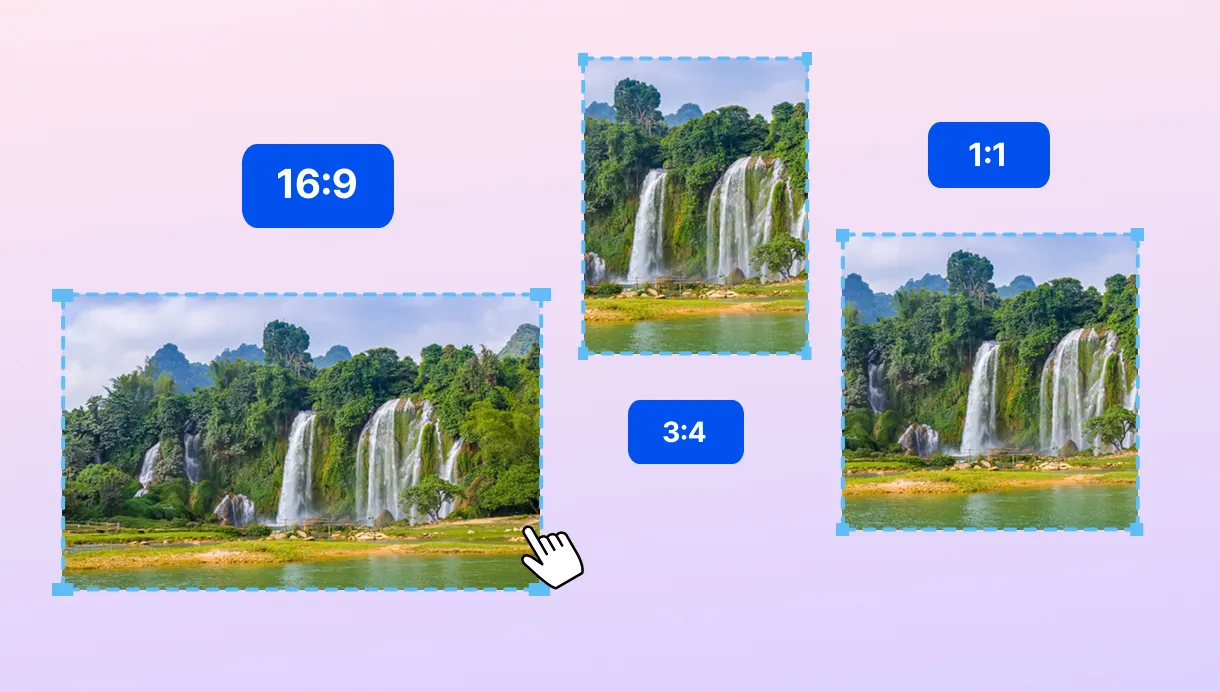
Pick the ratio you need, square, portrait, or landscape, then hit Auto Crop.
Give the tool a few seconds to process your photo. Choose from small, medium or original size to download the final image.
Every platform wants its own shape. Here's how SnapEdit helps you prepare one photo for every platform without cropping it again and again.
A manual crop tool makes you drag a frame to fit the ratio, and if your subject doesn't fit that shape, part of it gets sliced off. This one actually looks for your subject first, then builds the frame around it. Off-centre subjects stay fully in shot.
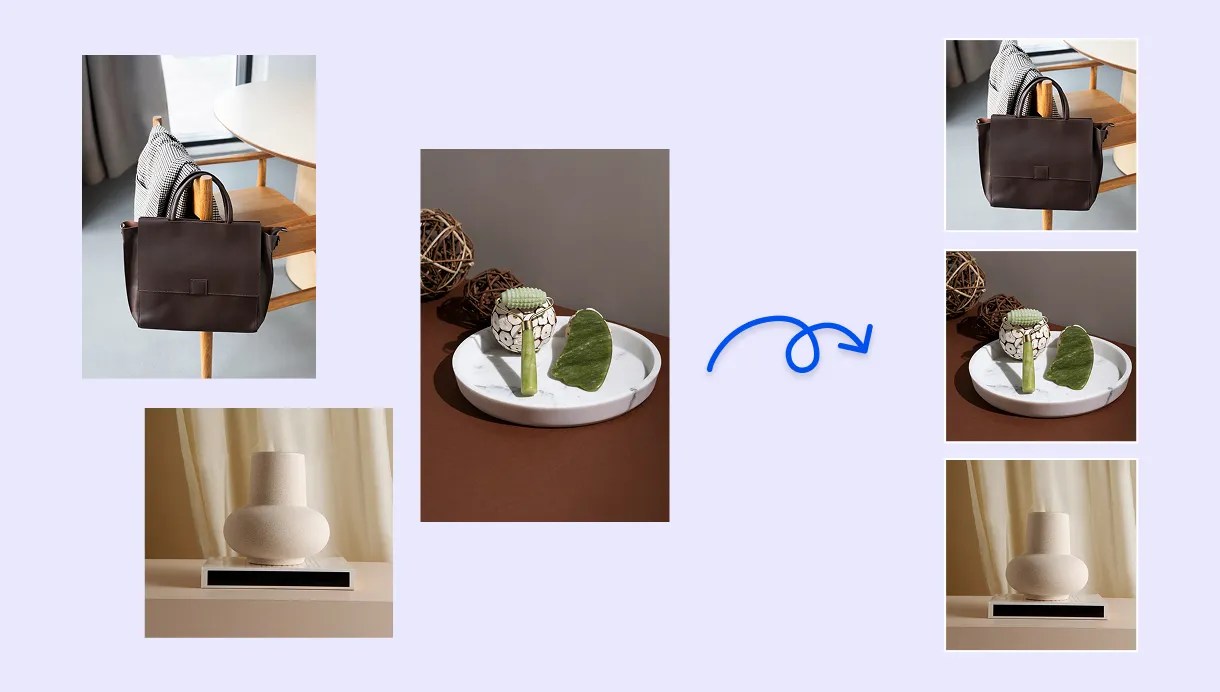
An Instagram image cropper needs square or 4:5, a Twitter image cropper wants 16:9, and Amazon or Etsy want the product dead centre. Upload once, and this image cropper ratio tool spits out all three without you touching a single crop handle twice.
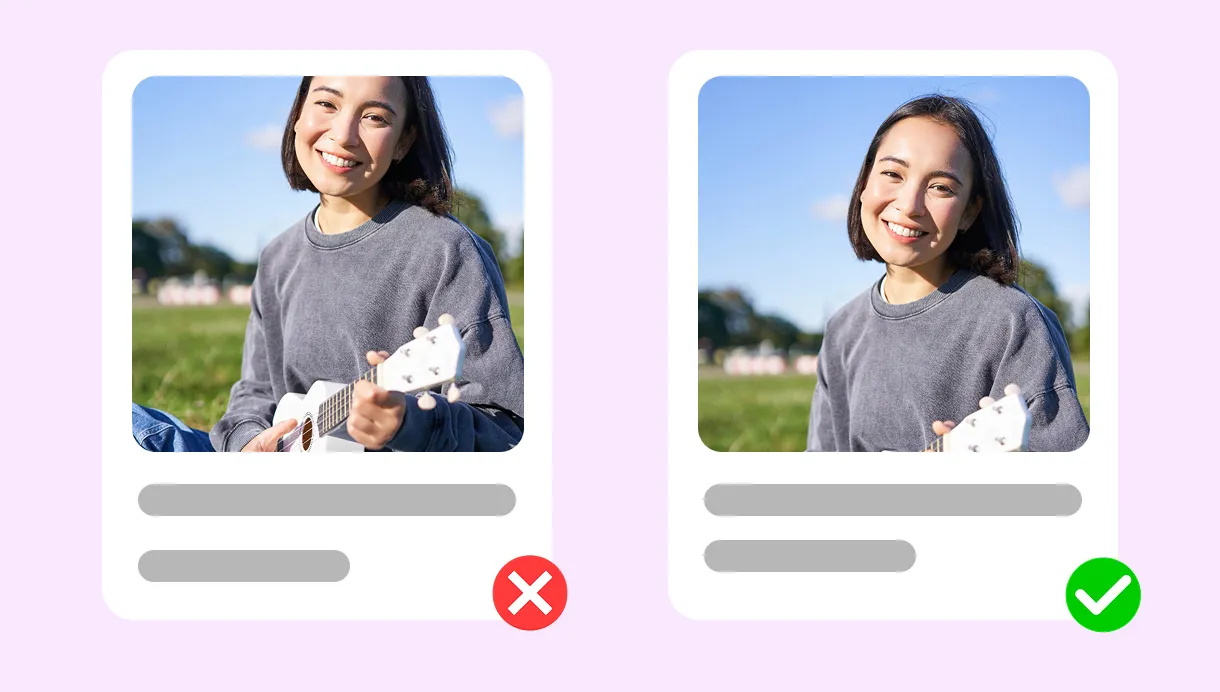
No need to re-upload for every shape. Pick square for a marketplace listing, then switch to portrait for a story, then landscape for a banner, all from the same photo. Each time you switch ratios, the crop is adjusted to keep your subject in frame.
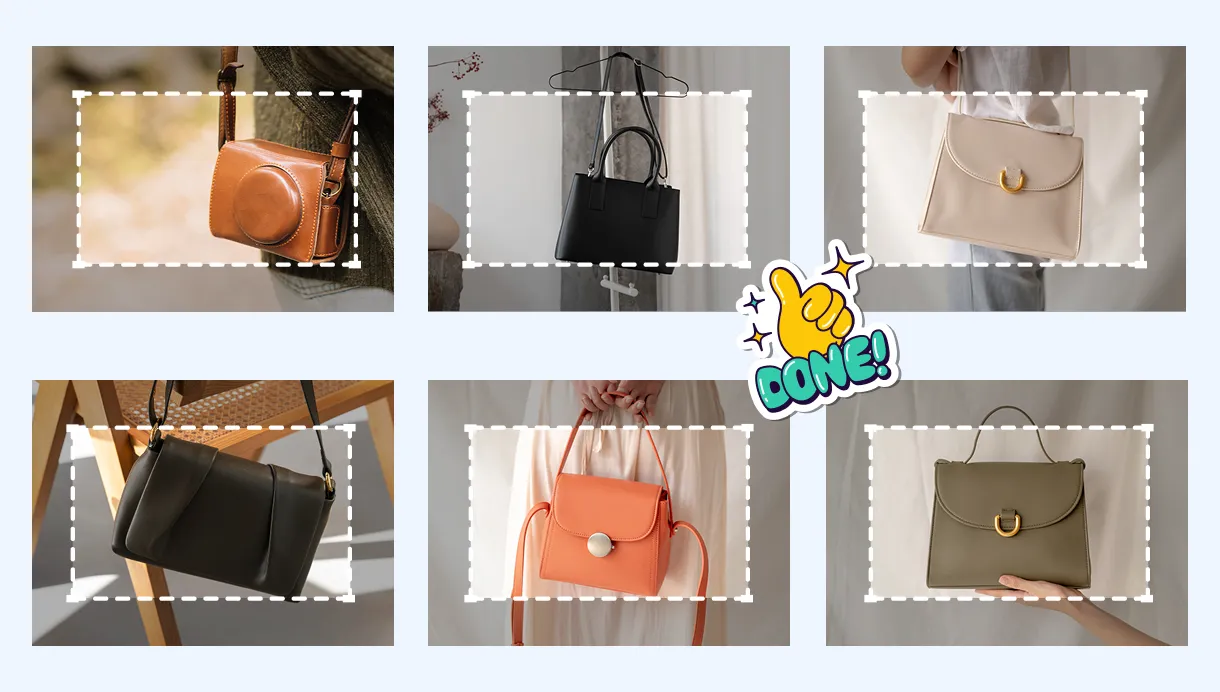
Every Crop Ratio You Need
Square, portrait, and landscape, from 1:1 up to 9:16. Nine ratios from one upload, switch between them freely.
Free Online Image Cropper
Crop images free, every day, no account needed. Pro unlocks higher daily limits and HD downloads.
Works Wherever You're Working
No app, no install. Runs straight in your browser on iOS, Android, tablet, or desktop.
Crop Hundreds Of Images
Add Crop as a node in SnapEdit Workflow and apply the same crop settings automatically across your entire batch.
Download SnapEdit background remover application on iOS and Android