


Choose image
Upload the image that you want to add a white background to by 'Drag' and 'Drop' or click on 'Upload Photo'

 The easiest AI photo editor to remove unwanted objects from photos.

Add or change background to white background easily with SnapEdit. Convert background to white while perfectly preserving image details
No image? Try one of these
To add a white background to your image, first go to the
Upload the image that you want to add a white background to by 'Drag' and 'Drop' or click on 'Upload Photo'
SnapEdit automatically removes the old background image and replace it with an immaculate white background photo in seconds
Make any further adjustments such as opacity, orientation ... and proceed to download your new image.
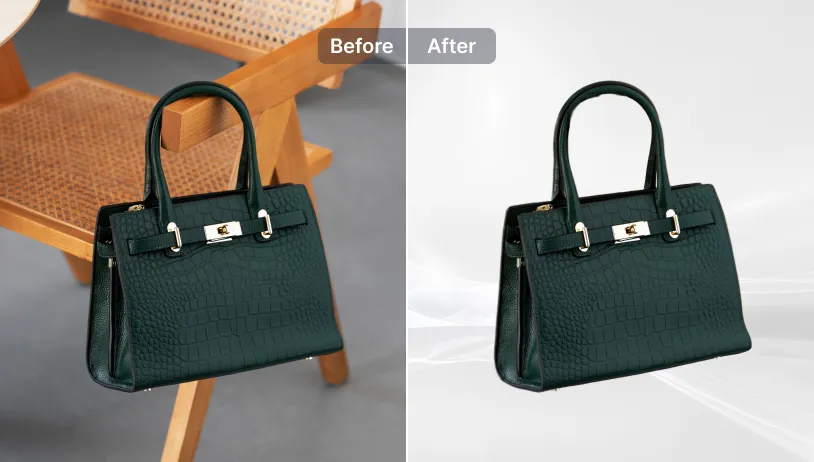
White background is commonly used to great results in E-commerce. Make product photos professional while highlighting your products!

A polished white background is used to make strong first impressions to potential clients, recruiters. It's easier to be professional with SnapEdit!
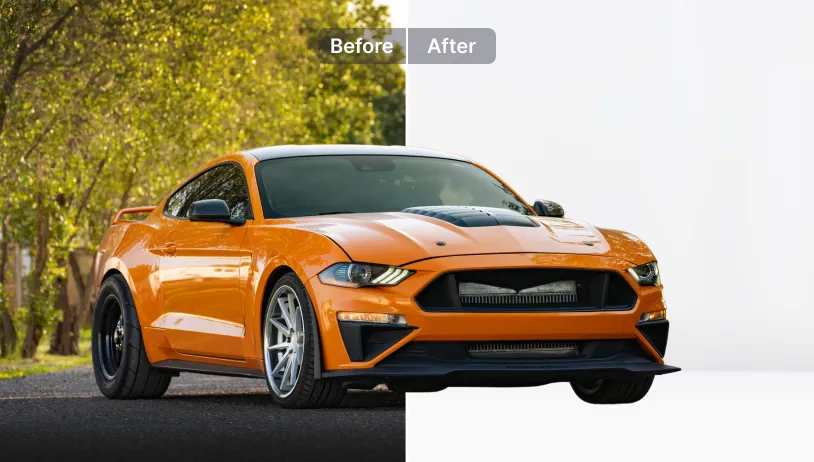
SnapEdit offers batch editing of background images with our paid plans .
Explore more background editing options on SnapEdit mobile app. Available on iOS & Android.