
76% of shoppers said high-quality product images were "extremely" or "very" important when deciding what to buy online, according to Salsify's 2024 Consumer Research. Traditional product photography reflects that pressure in its price tag, a studio session can run anywhere from a few hundred to a few thousand dollars, while a single AI-generated background typically costs a few cents to a couple of dollars. That gap is why so many sellers are testing AI background generators instead of booking another shoot.
This guide compares five AI background generators for product photos: SnapEdit, Photoroom, Pebblely, Flair AI, and Claid, including what each costs and where each one actually falls short, not just what it's good at.
Best AI background generators at a glance
| Tool | Best for | Starting price | Free tier |
|---|---|---|---|
| SnapEdit | All-in-one e-commerce editing alongside background generation | $6/mo billed yearly (Standard) | 10 credits/month (about 2 generations) |
| Photoroom | Shopify sellers needing catalog sync | $7.99/mo (Pro) | Limited, no Batch or commercial use |
| Pebblely | Quick lifestyle scenes from templates | Around $15/mo | Free plan with limited generations |
| Flair AI | Creative, drag-and-drop campaign visuals | Paid plans available, check current pricing | Limited free trial |
| Claid | Larger e-commerce teams needing automation and integrations | From $9/mo | Free trial with limited credits |
Prices and free-tier limits change often across all five tools, worth double-checking current numbers on each provider's site before committing.
SnapEdit: best for all-in-one e-commerce background editing
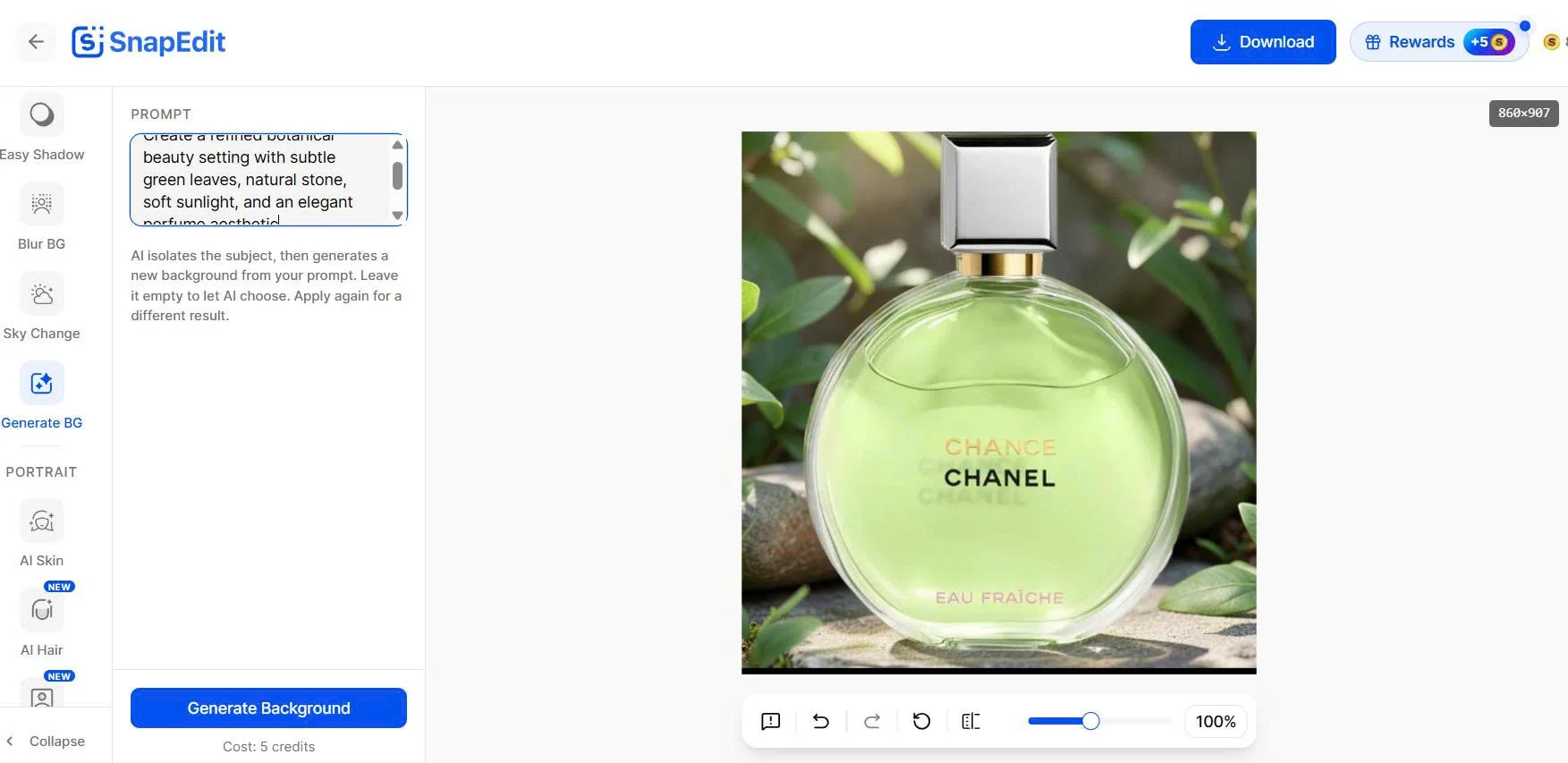
SnapEdit's AI Background Generator lets you place an existing product photo into a newly generated environment without turning the process into a full photoshoot. After uploading a product photo, the Generate BG option lets you enter a prompt describing the scene you want, or leave it empty and let the AI choose, which makes it easy to experiment without a specific concept in mind.
For a quick test, a perfume bottle was uploaded with a simple white background. The prompt described a refined botanical beauty setting with subtle green leaves, natural stone, soft sunlight, and an elegant atmosphere. SnapEdit generated an outdoor-inspired scene with greenery, stones, and natural-looking light around the bottle, the bottle stayed at the center of the image while the plain white background was replaced with a more contextual environment.
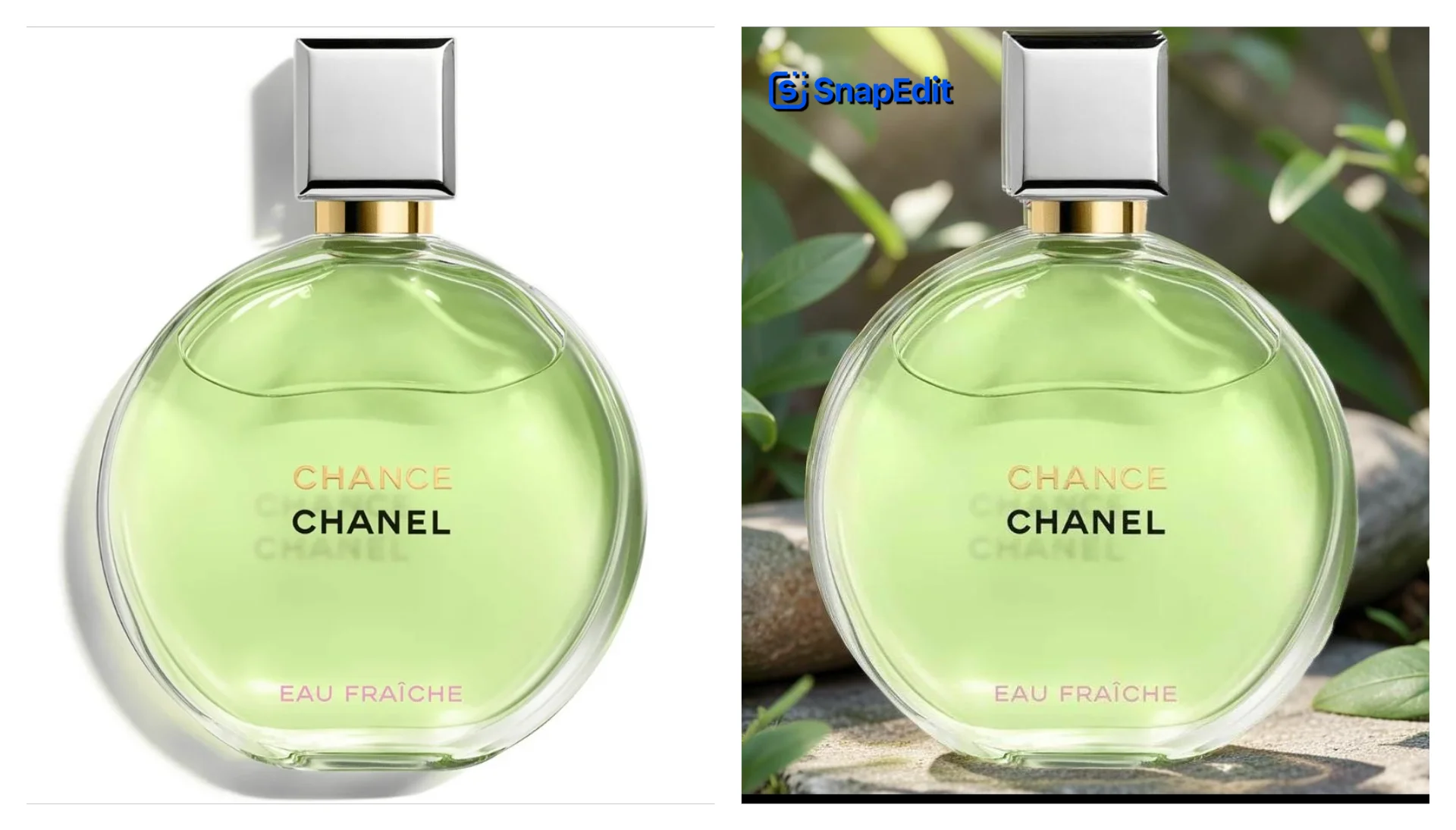
Where it falls short: the generated background stays within your original photo's frame, SnapEdit doesn't expand the canvas on its own. If your source photo is tightly cropped and you want a wider or taller scene around the product, you'll need to expand the canvas first. The tool is also built to preserve the main subject and only regenerate what's behind it, which is usually the point, but it means a genuinely difficult photo (complex reflections, unusual product shapes) may need a more carefully written prompt to get a clean result on the first try.
Background generation is only one part of SnapEdit's product-photo toolkit, which also includes background removal, AI photo enhancement, object and text removal, Easy Shadow, and resizing, all in the same platform. That makes it a practical fit for sellers who'd rather not switch between several specialized tools to prepare one product image.
Pricing: SnapEdit's Free plan includes 10 credits a month, enough for about 2 background generations since each one costs 5 credits. Standard runs $6/month billed yearly (4,800 credits/year) and PRO runs $12/month billed yearly (18,000 credits/year); monthly billing is also available at $10 and $20 respectively. Full details on the pricing page. For prompt ideas across different product categories, see our library of AI background generator prompts.
Photoroom: best background generator for Shopify sellers
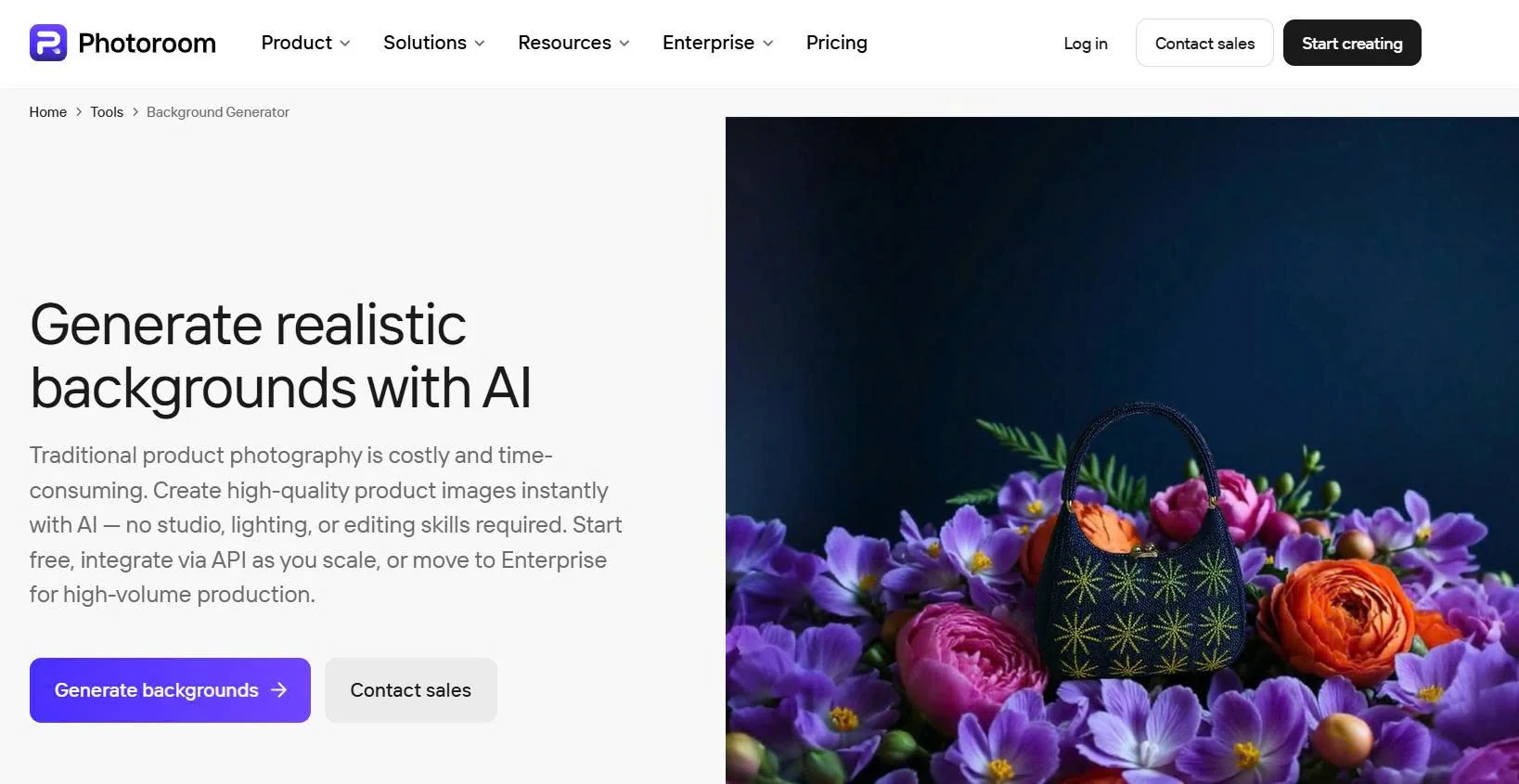
Photoroom's AI Backgrounds tool removes the original background from a product photo and generates a new one based on a prompt, theme, or other settings. It's particularly useful for Shopify sellers because its AI image tools connect directly to a Shopify product catalog, sellers can import product images, edit or generate new visuals, and publish updates back to Shopify without manually moving files between apps.
AI Backgrounds is also available in Photoroom's Batch editor and product catalog workflow, letting sellers apply background treatments across multiple images instead of editing one at a time. The tradeoff is cost and access: the free plan doesn't include Batch Mode or commercial use, and paid plans run $7.99/month (Pro) up to $99/month (Ultra) depending on export volume.
Photoroom makes the most sense for Shopify sellers and brands producing large volumes of product imagery who want that catalog integration specifically.
Pebblely: best background generator for quick lifestyle product scenes

Pebblely is built around turning a basic product photo into a polished lifestyle scene quickly: upload a product, choose an environment from its template library, and generate variations. Working from templates rather than detailed prompts makes it fast to explore different creative directions, though that same template-first approach means less fine-grained control than a prompt-based tool.
Paid plans start around $15/month, with a free plan available for testing on a limited number of generations. Pebblely is a convenient choice for quick, polished scenes, but larger operations managing a big catalog may find its catalog and automation capabilities thinner than SnapEdit's or Claid's.
Flair AI: best for creative product scenes
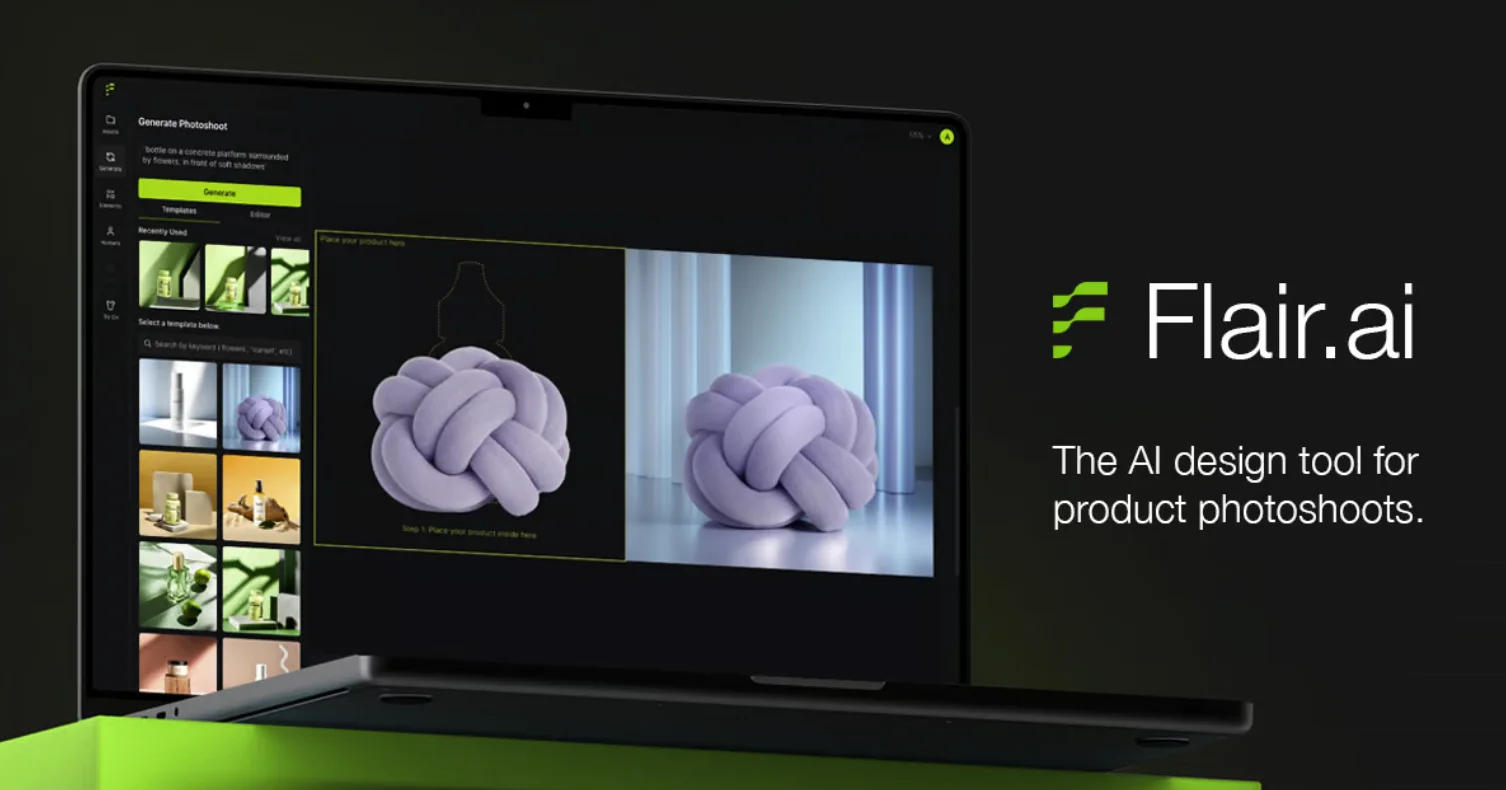
Flair AI leans more toward creative product photography and marketing content than straightforward background replacement. Its standout feature is a drag-and-drop canvas: instead of relying entirely on a text prompt, you stage a scene by placing products, backgrounds, and props directly, then let AI bring the composition together. It also supports custom backgrounds and assets for more creative control.
This makes Flair a better fit for brands, marketers, and creators producing campaign or branded content than for sellers who just need a fast, templated product cutout, its workflow is built around creative production, not high-volume catalog processing.
Claid: best for larger e-commerce teams

Claid's AI background generator turns an existing product photo into a new visual environment for listings, social media, or campaigns, clean studio-style images, lifestyle scenes, seasonal visuals, or more conceptual shots, without another physical shoot.
Where Claid differentiates is automation: its ecommerce platform supports custom workflows based on product categories, brand guidelines, dimensions, export formats, and review processes, and it connects to existing product feeds, CMS, PIM, and DAM systems. Plans start from $9/month. That level of integration is the draw for larger teams, but it's more than a seller who just wants a few lifestyle backgrounds for an online store typically needs, a simpler consumer-facing tool is often the more straightforward fit at that scale.
FAQ
Can AI-generated backgrounds meet Amazon's listing photo requirements?
Amazon requires a pure white background for the main product image. AI background generators can produce this, but for Amazon specifically, a straightforward background removal and white-background swap is usually a better fit than a styled AI scene. Our guide on removing backgrounds at scale for ecommerce covers marketplace-specific requirements in more detail.
Do I need a background generator, or just a background remover?
It depends on the end use. A remover gives you a clean cutout or transparent file, suited for marketplace main images. A generator builds a full styled scene around the product, better suited for lifestyle content, social media, and ads. Our background generator vs. background remover guide walks through when to use each.
Are these tools interchangeable, or does the right one depend on my setup?
It depends on your setup more than overall quality. A Shopify-only seller benefits most from Photoroom's catalog sync; a seller who wants background generation plus everyday editing tools in one place tends to fit SnapEdit better; a larger team needing PIM/DAM integrations is better served by Claid.
How much does an AI-generated product background typically cost per image?
Pricing varies by tool and plan, but AI-generated backgrounds generally run from a few cents to a couple of dollars per image, well under the cost of arranging even one additional physical photoshoot.
AI background generators make it easier to turn simple product photos into polished, versatile visuals without another photoshoot. SnapEdit works well for all-in-one editing, Photoroom for Shopify sellers, Pebblely for quick lifestyle scenes, Flair AI for creative campaigns, and Claid for larger-scale ecommerce workflows, the right pick depends less on which is "best" overall and more on which fits how you actually sell.