Upload a photo
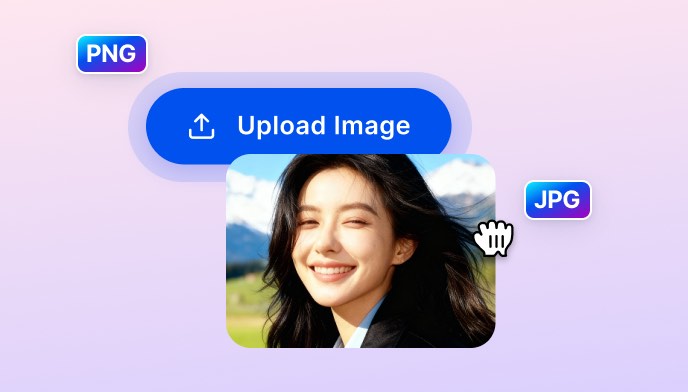
Drag and drop or upload any JPG or PNG. Supports portraits, product shots, landscapes, and social media content.

 The easiest AI photo editor to remove unwanted objects from photos.

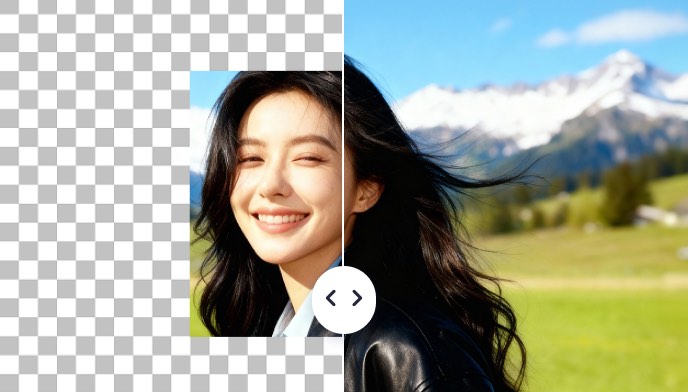
Upload any photo and let SnapEdit's AI image expander intelligently fill in and extend the background, no blurry edges, no awkward seams. Resize for Instagram, LinkedIn, ecommerce, or print in seconds.
Ctrl + V to paste image
No image? Try one of these
Upload your image, set the canvas size, and SnapEdit's AI fills the background intelligently, ready to download in seconds.
Drag and drop or upload any JPG or PNG. Supports portraits, product shots, landscapes, and social media content.
Keep the original ratio or pick a platform preset (Story, Insta Post, FB Cover...). Use the slider to scale the canvas up to 200%.
Click the Expand button, the AI analyzes the original image's texture, color, and context, then generates new content in the expanded zones. Download HD. No Watermark
SnapEdit AI photo editor uses a dedicated AI outpainting model built specifically for image expansion, trained to predict missing background naturally instead of stretching pixels. So the expansion looks like the photo was shot at a wider angle from the start.
SnapEdit's AI image expansion model reads the scene as a whole: it identifies the type of surface, the light direction, the architectural pattern, and the spatial logic of the environment, then paints new content that follows the same rules. A wooden floor continues with the same grain angle. A sky continues with the same cloud density and horizon line. The expanded area looks natural, as if it was part of the original shot. After expanding, pair it with our AI image enhancer to keep details sharp at higher resolutions.
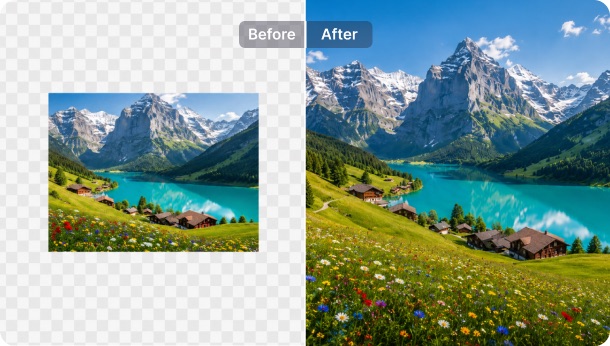
SnapEdit maps the expansion directly to exact platform dimensions. Need a portrait photo reformatted as a 16:9 YouTube cover? Select the preset and the AI calculates and fills the required canvas addition automatically. Need a landscape photo to fit a 9:16 Story? Same process. The platform presets calculate the exact pixel addition required so you don't have to. Scale up to 200% of the original image size without any loss of quality in the original zone.
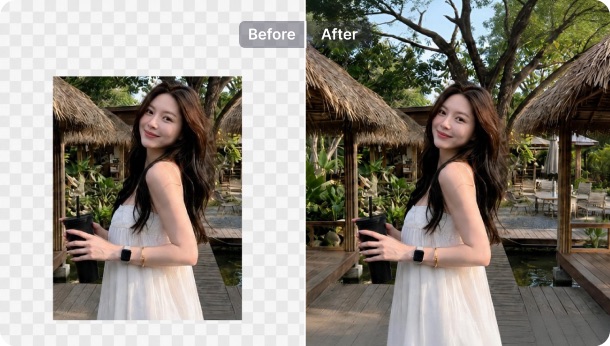
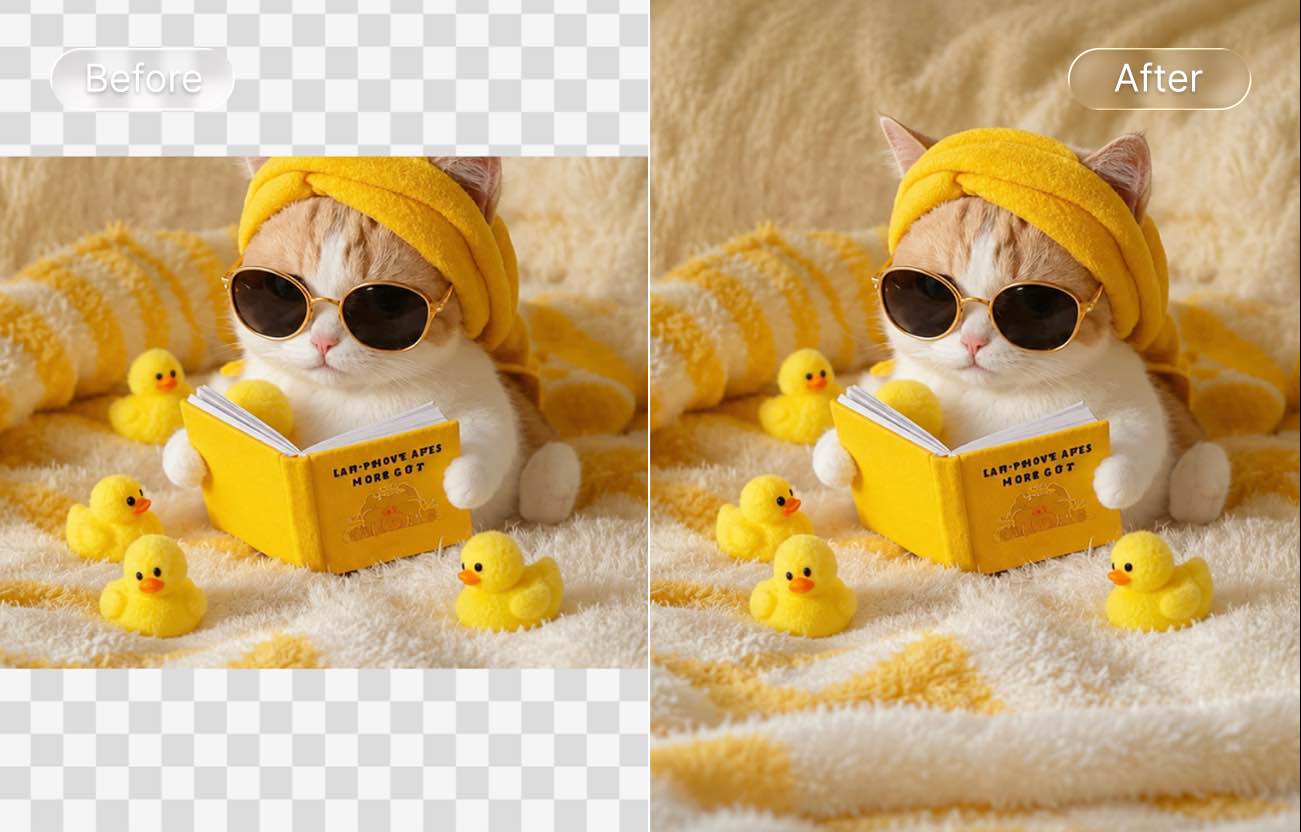
SnapEdit's AI expand image tool reconstructs what was outside the original frame: if a building was cut at the roofline, the AI infers and paints the likely continuation of the architecture. If a portrait was cropped too tight, the AI extends the background context so the subject has breathing room. The result is a corrected composition that looks intentional, not rescued.
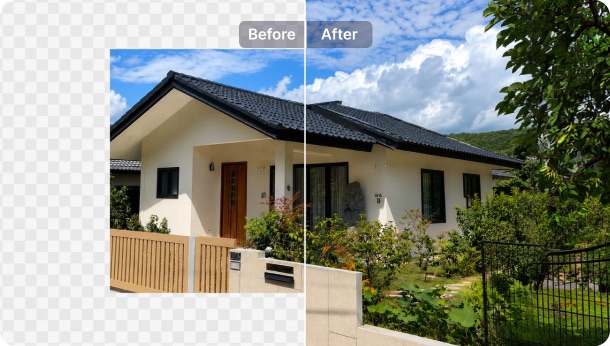
Outpainting, not infilling
AI matches lighting, color, and texture along the new edges so the expanded area blends with the original shot. No visible seams, no smudgy patches.
Results in seconds
AI image expansion completes in under 10 seconds. Regenerate for more options without re-uploading.
HD, no watermark
Download full HD expanded images with no watermark, even on the free tier.
AI expand image online, free
Use the AI expand image online tool right in your browser — no install, no account, works on any iOS, Android, tablet, or PC.
Download SnapEdit background remover application on iOS and Android