Upload Your Photo
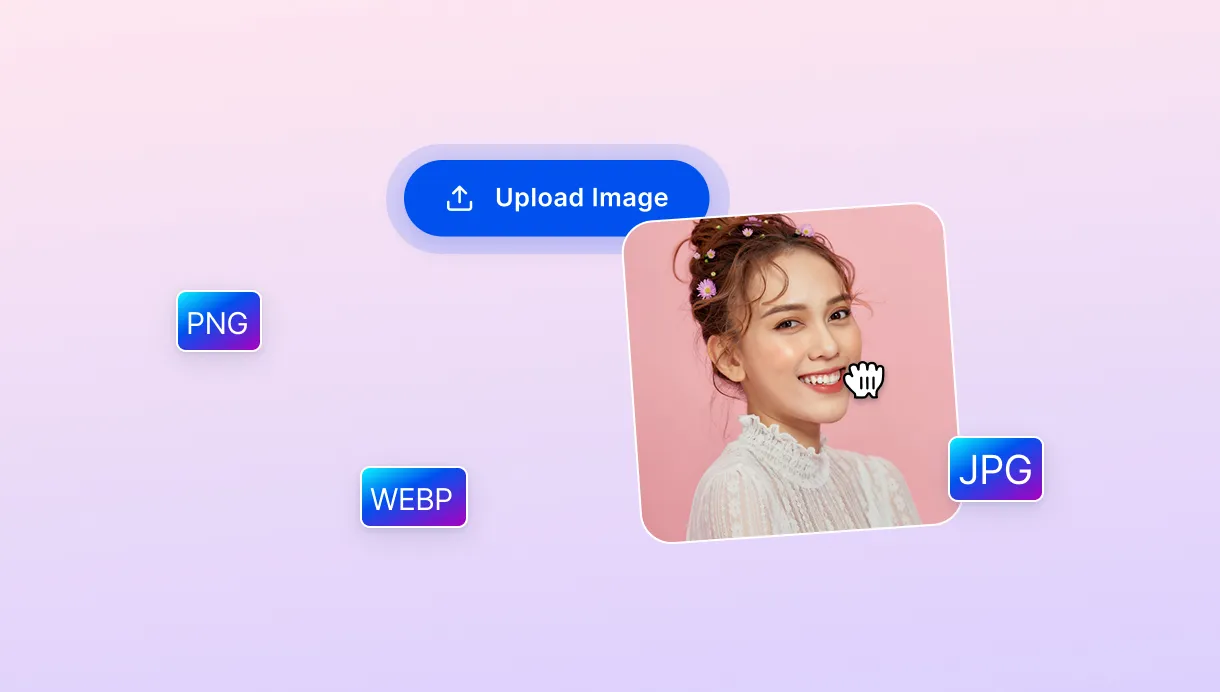
Drag your photo in or click to upload. The tool accepts JPG, PNG, and WebP files.

 The easiest AI photo editor to remove unwanted objects from photos.

Create realistic backgrounds without editing. Designed for product photos, portraits, social media, and more.
Ctrl + V to paste image
No image? Try one of these
Create realistic AI backgrounds in three simple steps: upload your photo to SnapEdit, describe the scene you want, and generate a new background in seconds.
Drag your photo in or click to upload. The tool accepts JPG, PNG, and WebP files.
Type the scene you want behind your subject, "marble counter", "sunset beach", anything. More detailed prompts usually produce better-looking backgrounds.
Don't like the first result? Generate another variation instantly until you find one that fits.
Create natural-looking AI backgrounds while preserving your subject, saving editing time, and generating consistent results across every photo.
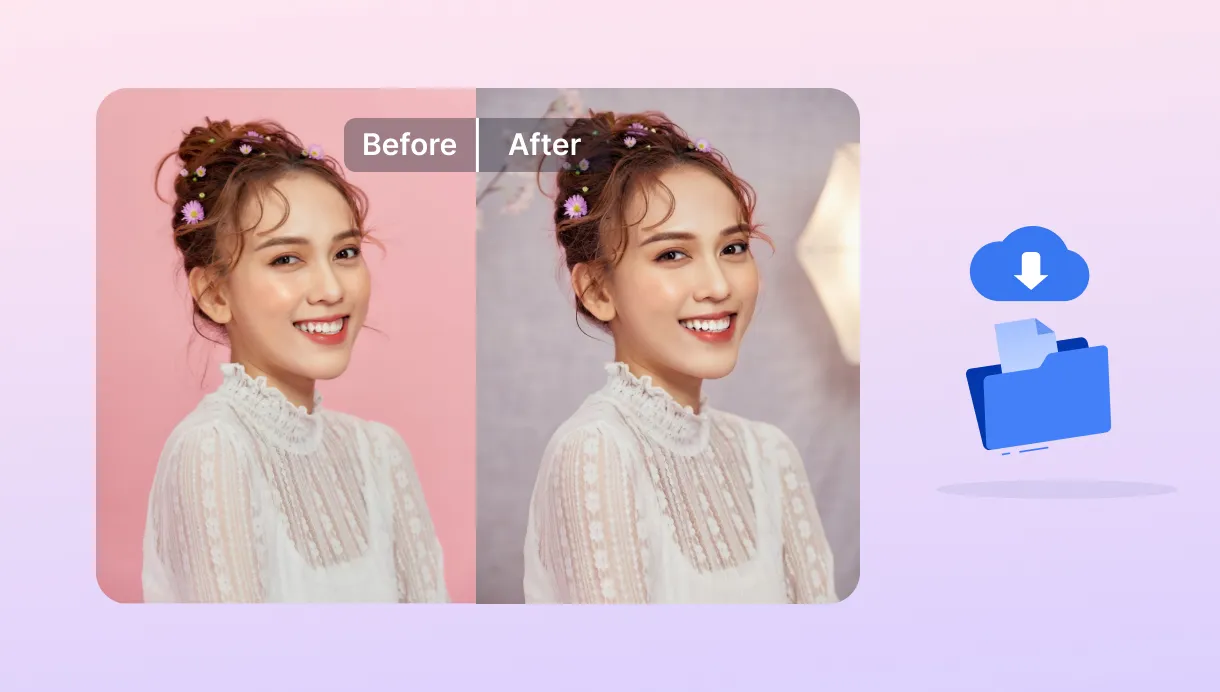
This bg generator AI doesn't cut and paste. AI understands edges, hair, shadows, and fine details, then generates a new environment that blends naturally with the original subject. No visible seams, no rough edges, just a realistic result that looks like it was photographed that way.
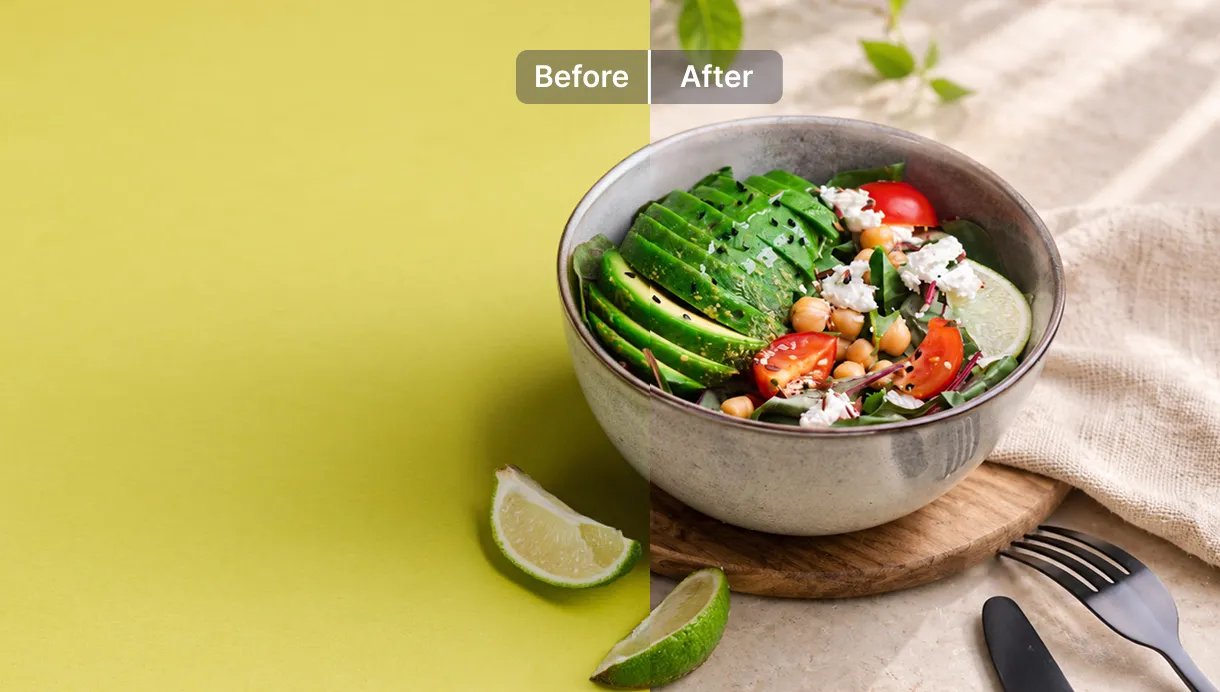
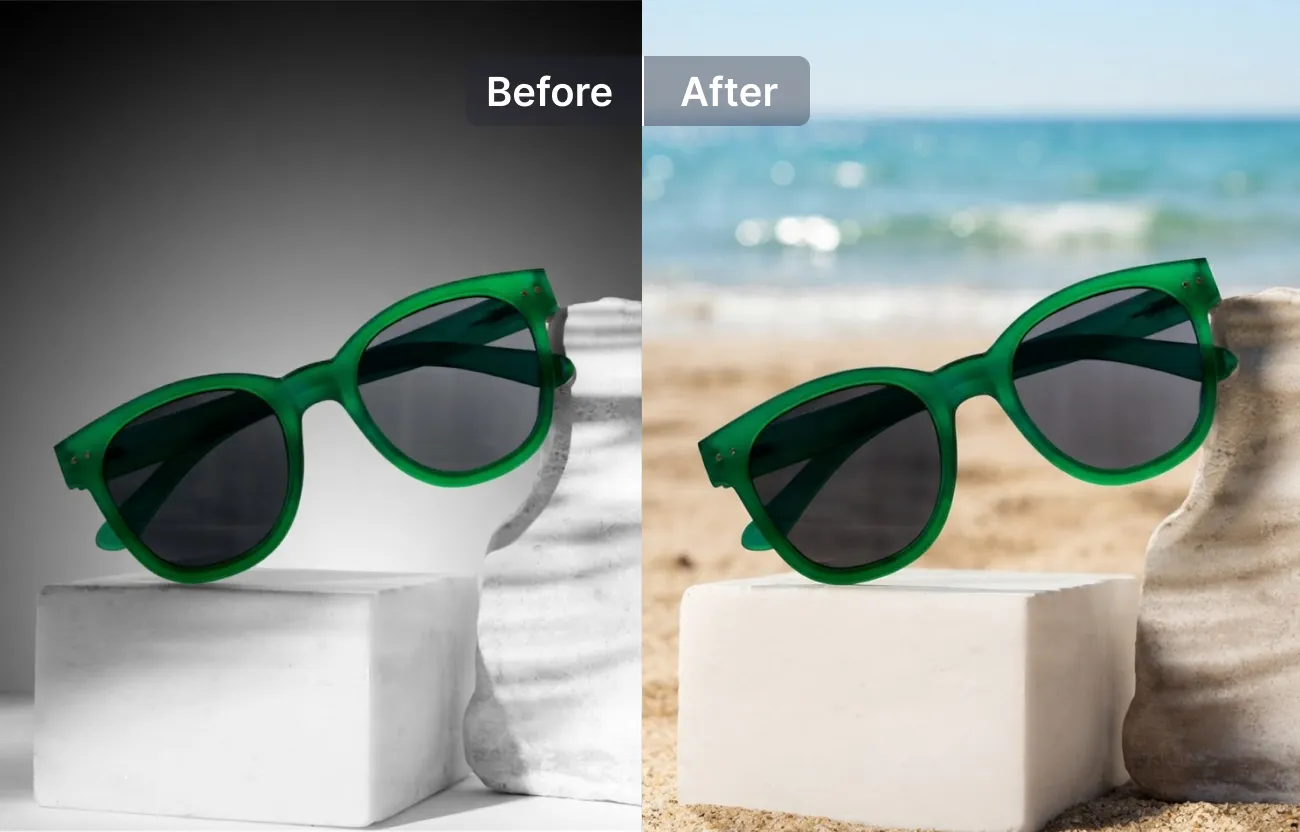
Turn an ordinary phone photo into a studio-quality product image. Generate marble countertops, wooden tables, clean white backdrops, or branded environments without booking a photoshoot. Run the same prompt across a whole catalogue and every listing looks like it came from one shoot.
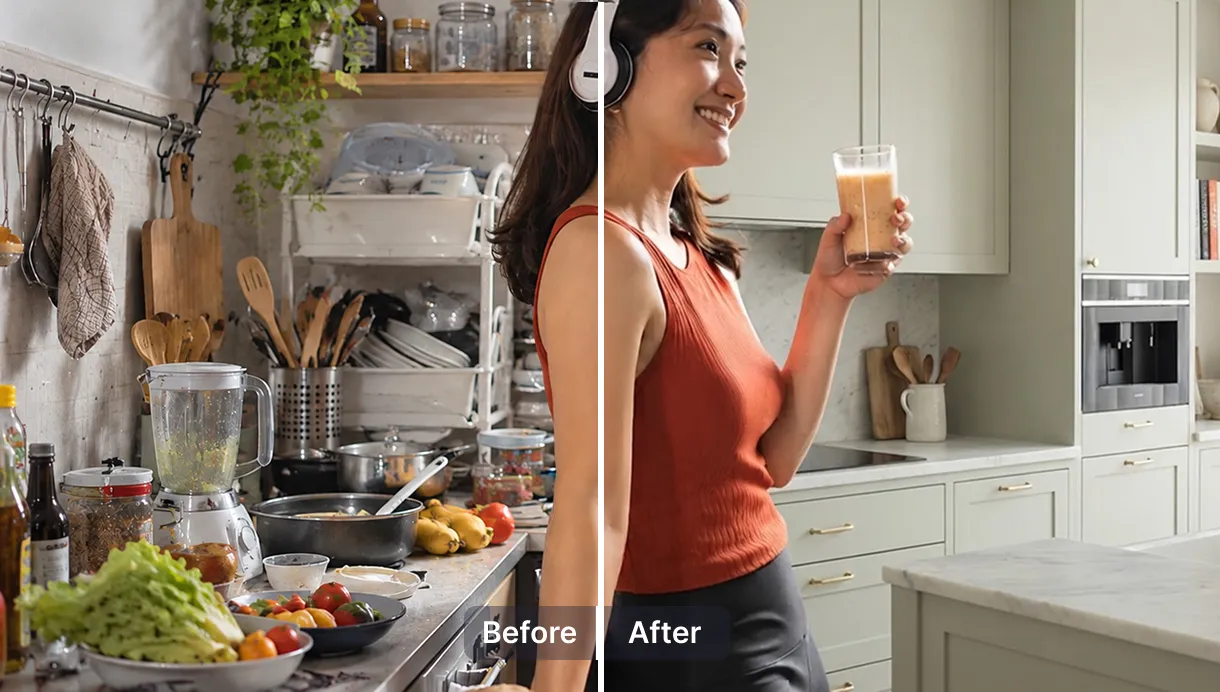
First result feels off? Hit generate again. Same subject, different mood, different setting, no reshoot required. Try a few scenes before you settle on one, since every attempt costs you nothing but a click.

AI Understands Your Subject
SnapEdit analyzes edges, hair, shadows, and transparent objects before generating a realistic background that blends naturally with your original subject.
Prompt-Based Background Maker
Describe the background you want, and the AI background generator creates it automatically. No masking, brushes, or manual editing required.
AI Background Generation API
Place products in realistic AI scenes with the SnapEdit AI background generation API. Create lifestyle shots for listings and ads, with free credits to start testing.
Plugs Straight Into A Bigger Workflow
Add the AI background generator to SnapEdit Workflow and apply one prompt across multiple images for fast, consistent background generation.
Download SnapEdit background remover application on iOS and Android