Upload images
Upload your image to the SnapEdit photo compressor. Then you can add more files in the upload page.

 The easiest AI photo editor to remove unwanted objects from photos.

Reduce image size up to 95% with SnapEdit image compressor. The best tool for website optimization, story management and efficient data transmission. Try it now!
Ctrl + V to paste image
No image? Try one of these
Compressing images with SnapEdit is a straightforward process involving just three simple steps:
Upload your image to the SnapEdit photo compressor. Then you can add more files in the upload page.
Once all images are uploaded, click on the Compress Now button for bulk compression. Wait until the process is done.
Download tiny images without watermarks and use them with peace of mind.
Compress images fast and easily for website optimization. Reduce large image size to speed up the web. SnapEdit photo compressor is a must-have tool for web developers and web masters to do SEO. Also try image converter
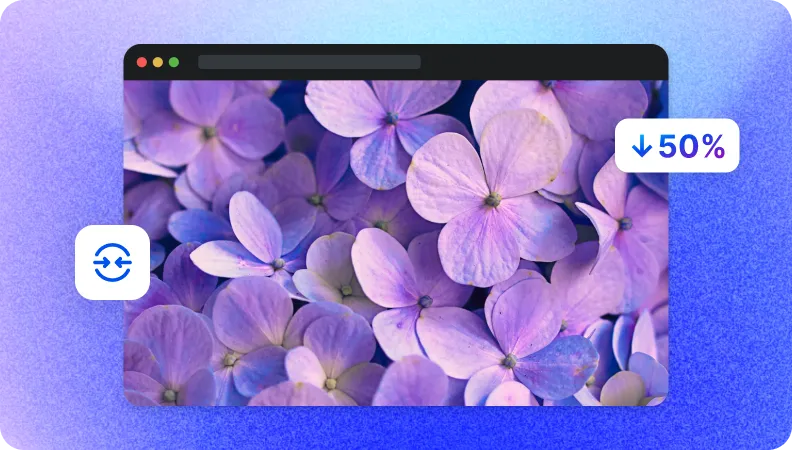
SnapEdit compressor offers a solution for slow connections and limited bandwidth. Image compression makes file sizes smaller, so the transmission time is faster. This streamlines the process of sending images, improving communication and saving time.
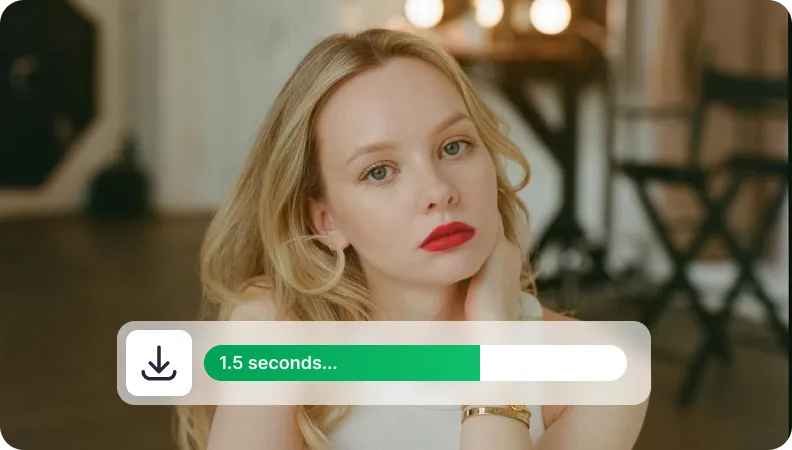
Our image compression tool also helps manage cloud storage more effectively. By reducing the file size of images, you can free up space and reduce storage costs. This is beneficial for archiving, photo management, and handling large image libraries.

High-quality compression
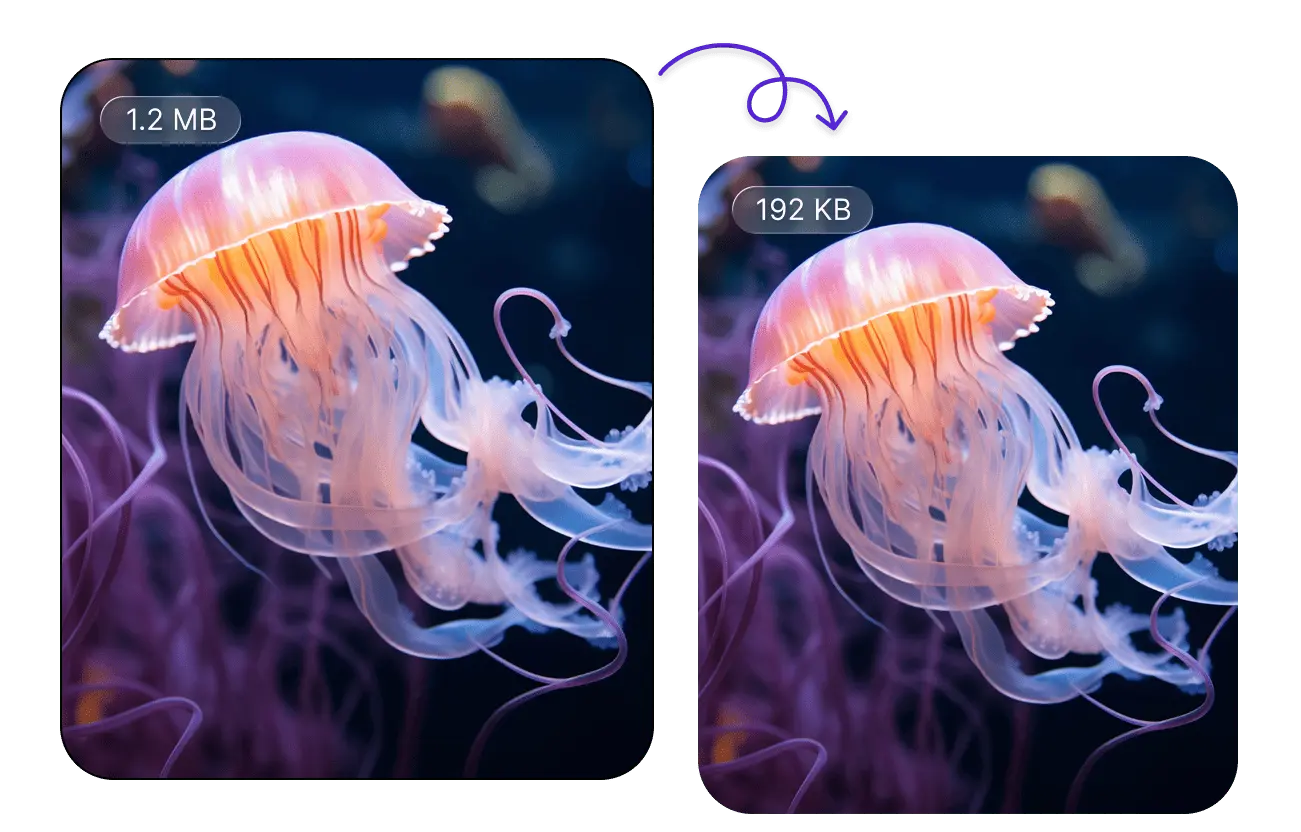
SnapEdit uses a lossy compress method. The goal is to remove data that's less noticeable to the human eye. This results in much higher compression ratios than the lossless method, while guaranteeing the quality of the image.
Image formats
Our image compressor accepts PNG, JPEG and JPG files. You can upload up to 50 images at once to reduce the size.
Safety guaranteed
Instead of processing on the server, we handle image compression on the client-side. As a result, the compression outcome is very fast, safe for the users, and the images are not stored on our AI photo editor.
Easy to use and free
Our picture compressor is easy and free to use. The interface is user-friendly. The process is simplified. You can use the tool online on any device with guided steps above.
The SnapEdit app is available on the Apple Store & Google Play Store. Our app has been used by users around the world to improve photos quality.