Upload image
Click the Upload Image option or drag & drop an image anywhere on this page.

 The easiest AI photo editor to remove unwanted objects from photos.

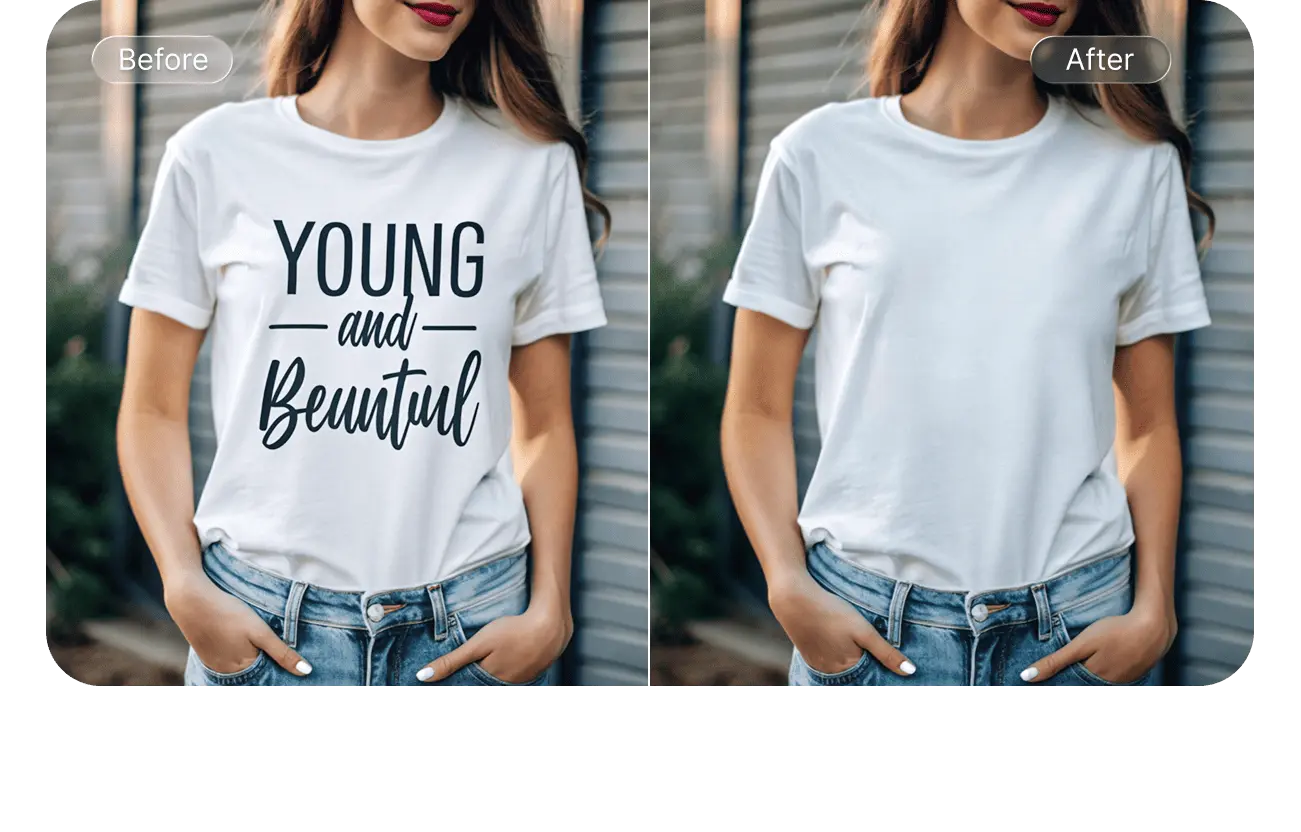
Erase text from picture online without removing background with SnapEdit’s AI text remover
Ctrl + V to paste image
No image? Try one of these
Click the Upload Image option or drag & drop an image anywhere on this page.
Wait a few seconds for our AI to detect text on the image.
Once processed, simply choose Remove to remove text from the image.
You can paint over the area with leftover text blemishes to remove them using the in-app brush. Once done, choose Download to save your image to device.
Experience removing text from image with our iOS or Android mobile app for a better experience and performance


[object Object]
Our AI helps remove words without affecting the image background, recreating the original quality of the photo without the unwanted text
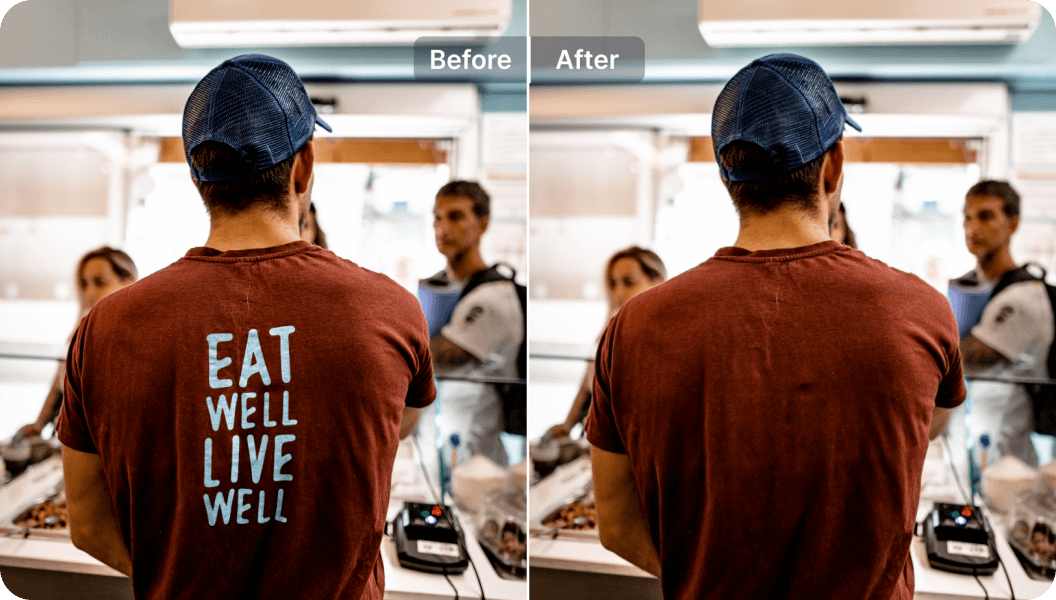
Our text remover AI was specifically trained to recognize texts on photos with ease, including handwritten, blurry text, captions…
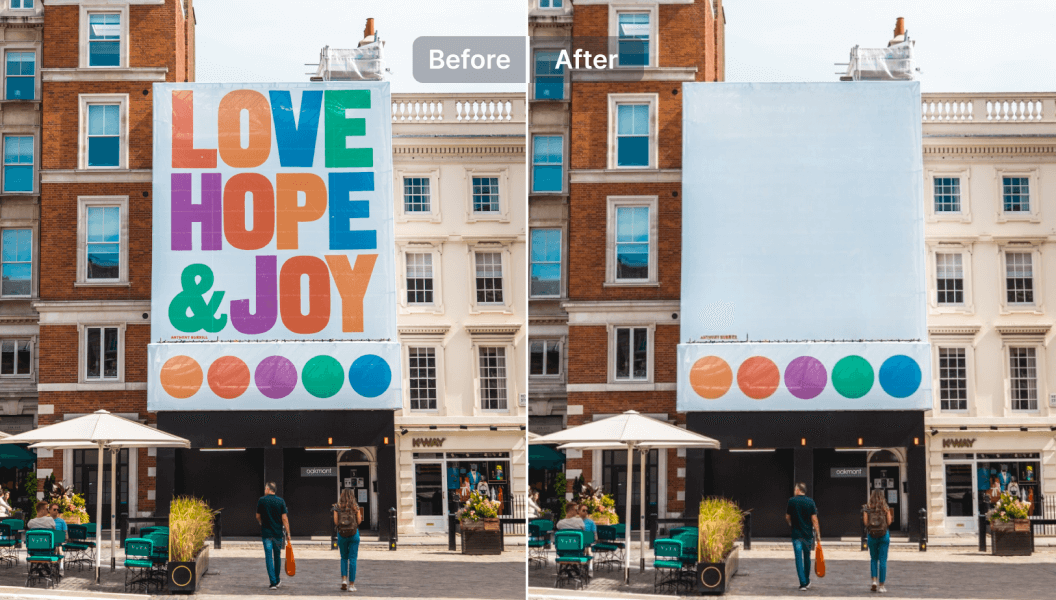
Easy to use text eraser
With AI, removing words from images does not have to be hard or tedious anymore. Any user can simply upload an image and have all texts cleared from their image in seconds.
Multiple features
Freely explore other features on SnapEdit to perfect your image after removing text such as the online background removal, photo enhancer, object remover tools
Compatible with all devices
Remove text from picture easily with any device you own - be it an iPhone, iPad, Android devices or PC devices
Text Removal API
Auto-detect and erase text, captions and labels from images at scale with the SnapEdit text removal API. No manual masking needed, from $0.004 per image.