 写真から不要なオブジェクトを除去する最も簡単なAI写真エディター。
アプリを入手

 写真から不要なオブジェクトを除去する最も簡単なAI写真エディター。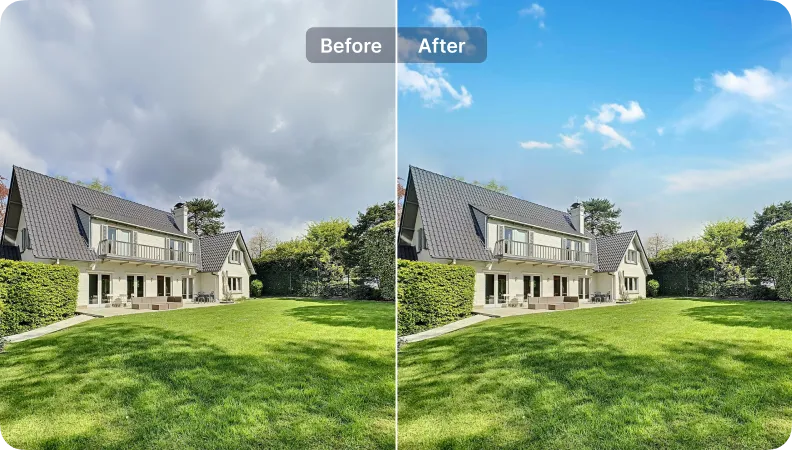
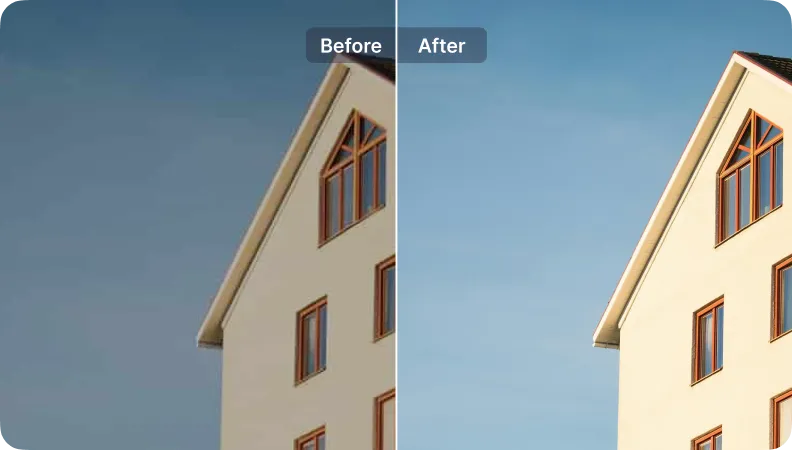
iOSとAndroidでSnapEdit背景除去アプリをダウンロード


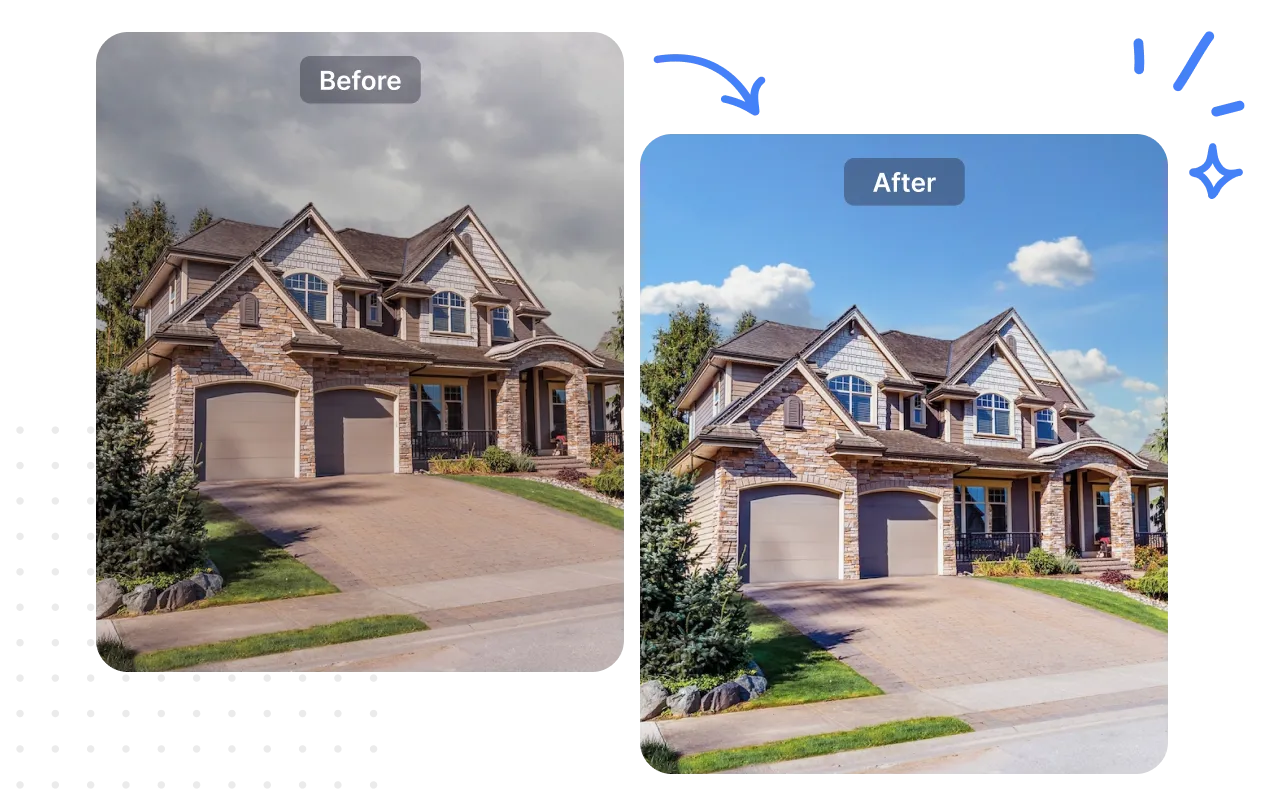
“SnapEditの空変更ツールと強化ツールが大好きです。高級リスティングで数時間を節約してくれました。結果は素晴らしかったですが、もっとカスタマイズのオプションがあれば嬉しいです。”

Sarah Thompson
不動産業者
数字はSnapEditがSarah Thompsonをどのように助けたかを示しています
空を変更
高画質化
時間の節約
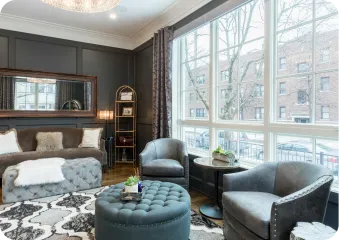
ツールの使用:
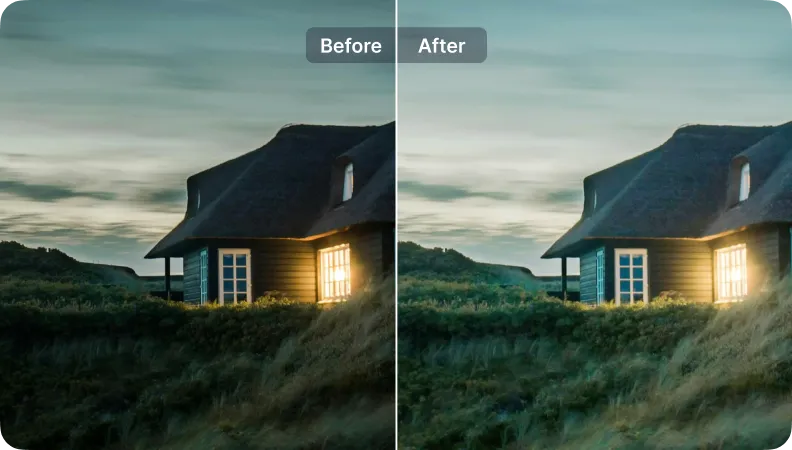
自動ライト
高画質化
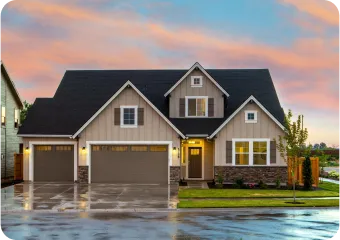
ツールの使用:
空を変更
自動ライト
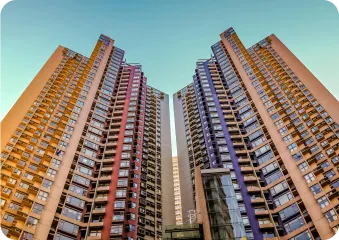
ツールの使用:
空を変更
自動ライト
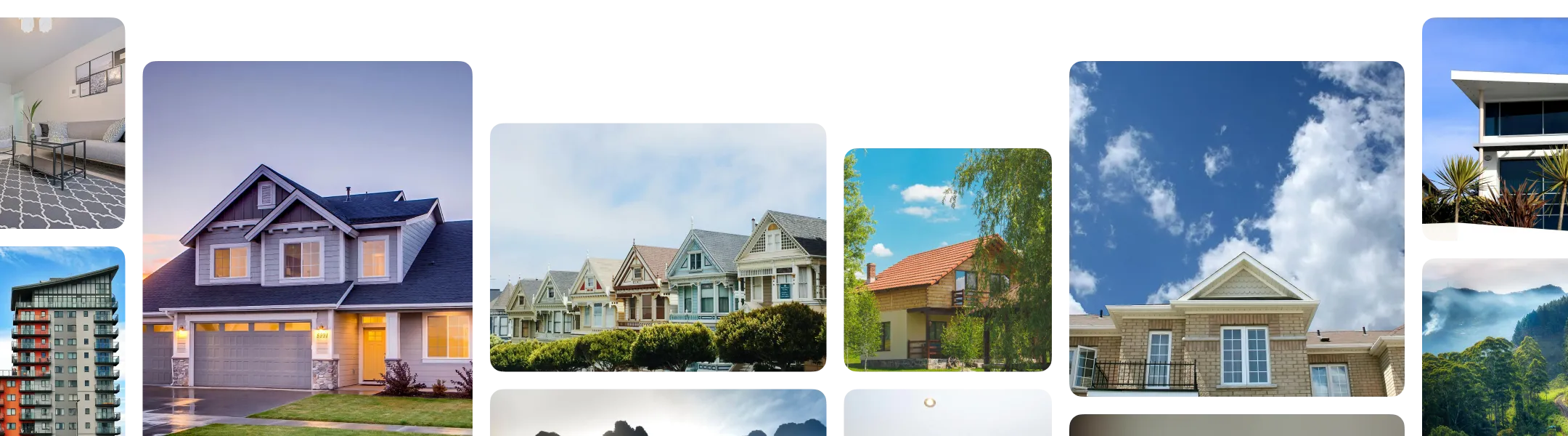
Every listing photo comes with a different combination of problems to fix. Here's how to build a workflow that matches what your photos actually need:
Sort your photos by problem, not by property. You only need to activate the specific fixes a given batch requires.
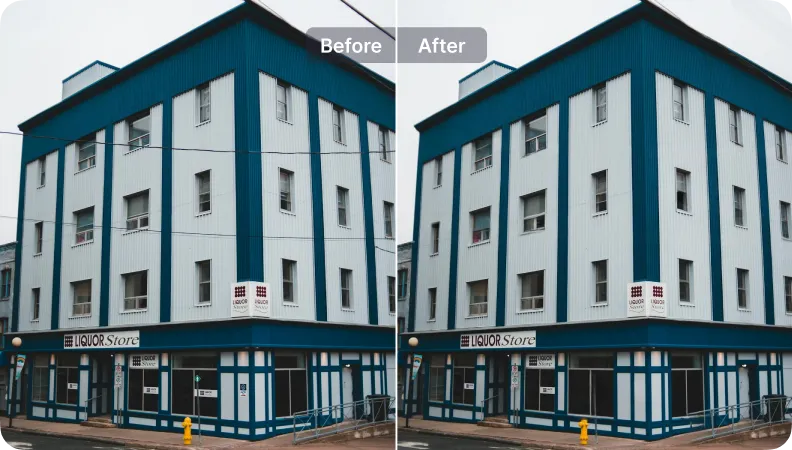
In SnapEdit's workflow builder, combine the steps that match your photos: Wire & Utility Line Removal, Reflection Removal, Object Removal, Autolight, Expand/ Reformat.
Upload a full shoot to the workflow. SnapEdit runs your saved sequence across every image at once and exports the finished set, sized and formatted for your listing platform.
Through SnapEdit's API, property platforms, MLS providers, and brokerages can process photos from many agents or listings at once, running batches instantly through a web interface. So listing photos get standardized automatically as they're uploaded into your existing system, without a manual editing step for every agent's submission.