
 โปรแกรมแก้ไขรูปภาพ AI ที่ง่ายที่สุดสำหรับการลบวัตถุที่ไม่ต้องการออกจากรูปภาพ
ดาวน์โหลดแอป


โปรแกรมแก้ไขรูปภาพ AI ที่ง่ายที่สุดสำหรับการลบวัตถุที่ไม่ต้องการออกจากรูปภาพ
ดาวน์โหลดแอป
© 2026 SnapEdit. สงวนลิขสิทธิ์
โปรแกรมแก้ไขรูปภาพ AI ที่ง่ายที่สุดสำหรับการลบวัตถุที่ไม่ต้องการออกจากรูปภาพอสังหาริมทรัพย์
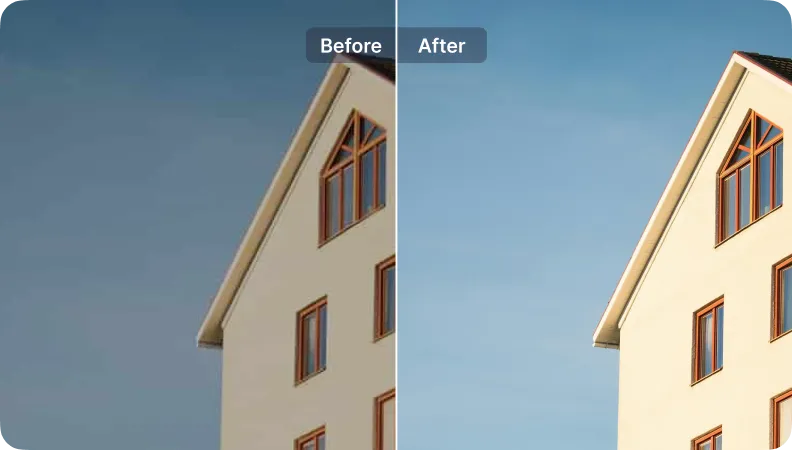
ภาพอสังหาริมทรัพย์ระดับมืออาชีพได้รับการดูมากขึ้นถึง 61% ขายอสังหาริมทรัพย์ของคุณให้เร็วขึ้นด้วยภาพที่ได้รับการปรับปรุงจาก SnapEdit.
เริ่มต้นฟรี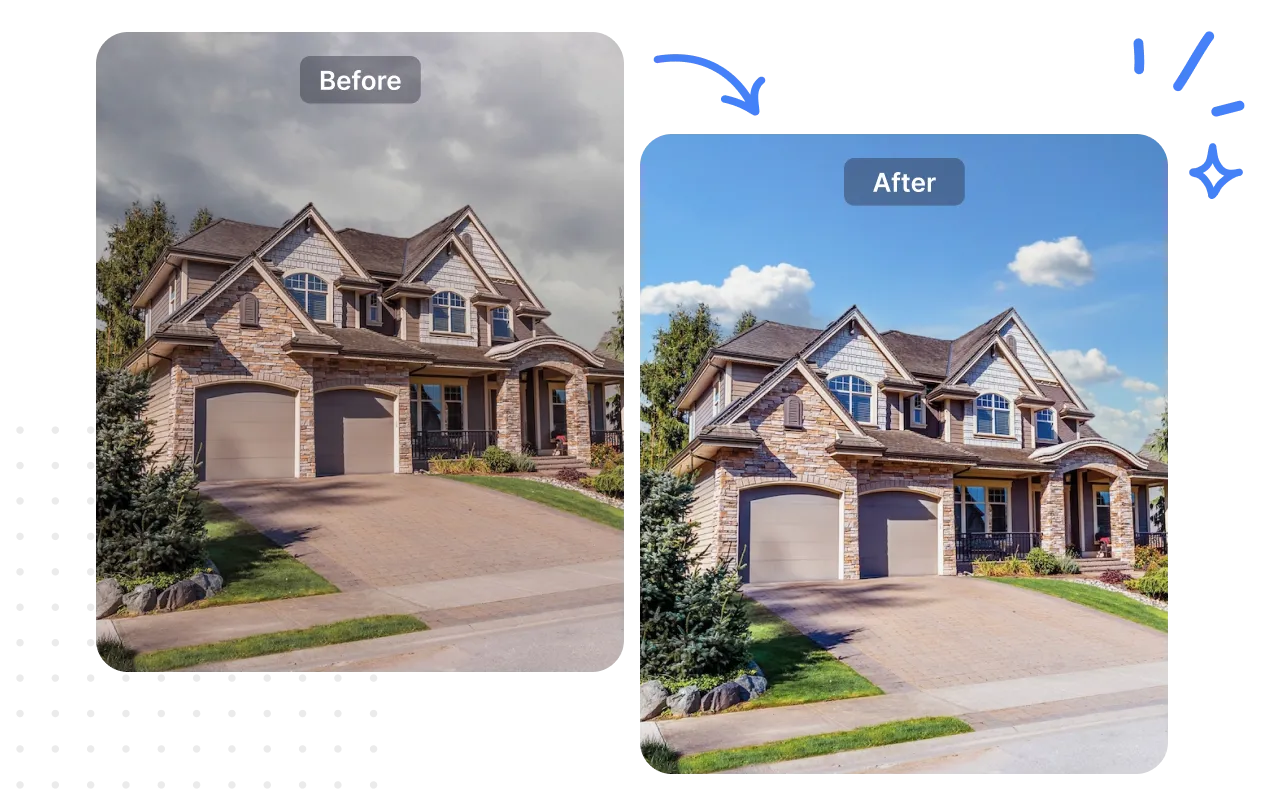
เปลี่ยนท้องฟ้า
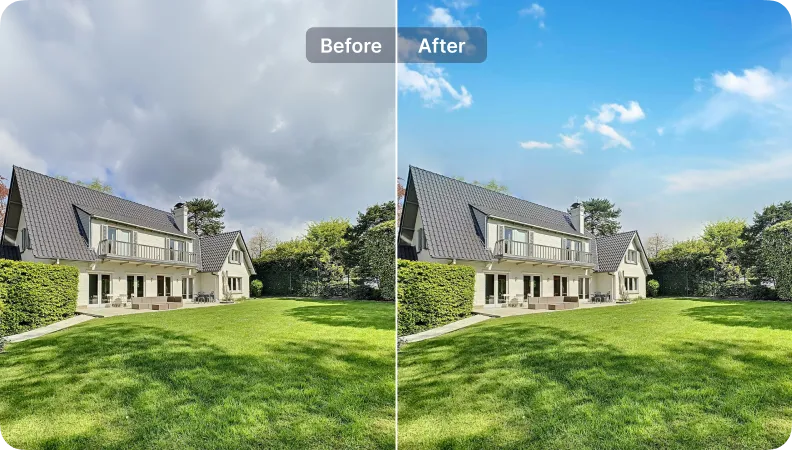
แสงอัตโนมัติ
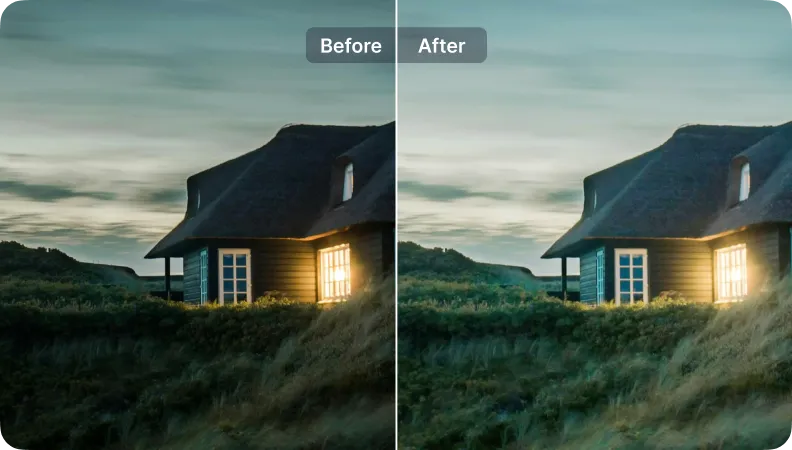
ลบสายไฟ
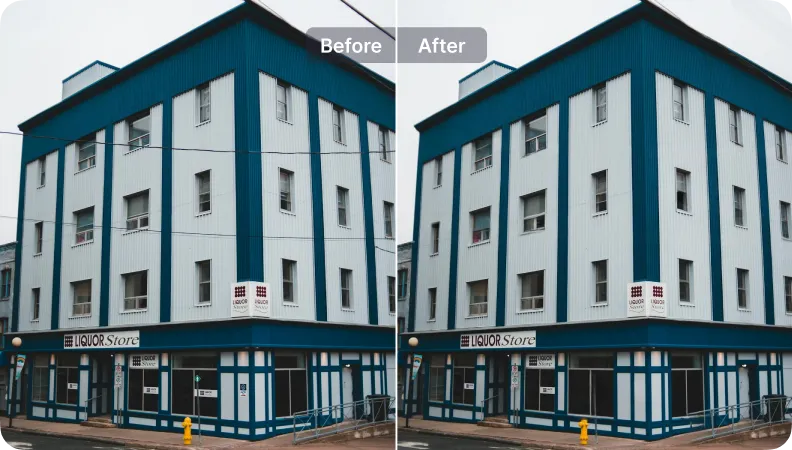
ปรับปรุง
ดาวน์โหลดแอปพลิเคชัน SnapEdit ลบพื้นหลังบน iOS และ Android


“ฉันชอบการเปลี่ยนท้องฟ้าและเครื่องมือปรับปรุงของ SnapEdit พวกเขาช่วยฉันประหยัดเวลาในรายการหรูหรา ผลลัพธ์น่าประทับใจ แต่ฉันจะรักตัวเลือกการปรับแต่งเพิ่มเติม”

Sarah Thompson
นายหน้า
ตัวเลขแสดงให้เห็นว่า snapedit ช่วย Sarah Thompson ได้อย่างไร
เปลี่ยนท้องฟ้า
ปรับปรุง
ประหยัดเวลา
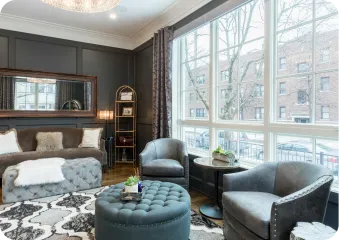
การใช้เครื่องมือ:
ปรับแสงอัตโนมัติ
ปรับปรุง
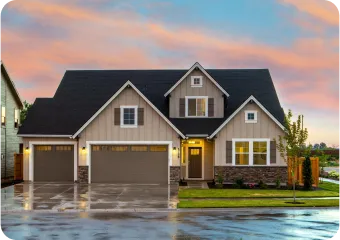
การใช้เครื่องมือ:
เปลี่ยนท้องฟ้า
ปรับแสงอัตโนมัติ
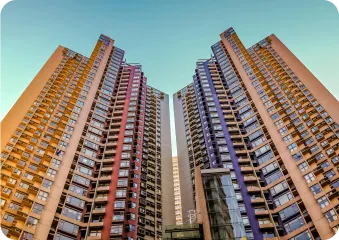
การใช้เครื่องมือ:
เปลี่ยนท้องฟ้า
ปรับแสงอัตโนมัติ
Every listing photo comes with a different combination of problems to fix. Here's how to build a workflow that matches what your photos actually need:
Sort your photos by problem, not by property. You only need to activate the specific fixes a given batch requires.
In SnapEdit's workflow builder, combine the steps that match your photos: Wire & Utility Line Removal, Reflection Removal, Object Removal, Autolight, Expand/ Reformat.
Upload a full shoot to the workflow. SnapEdit runs your saved sequence across every image at once and exports the finished set, sized and formatted for your listing platform.
Through SnapEdit's API, property platforms, MLS providers, and brokerages can process photos from many agents or listings at once, running batches instantly through a web interface. So listing photos get standardized automatically as they're uploaded into your existing system, without a manual editing step for every agent's submission.