Upload a photo
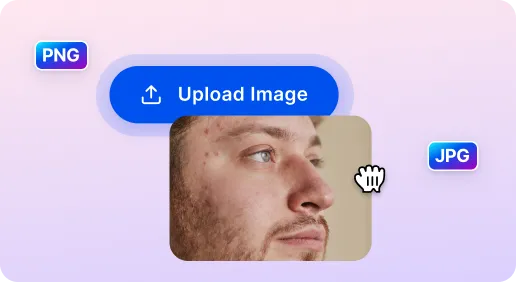
Simply drag and drop or click to upload your desired image. Images should have good lighting and a focused facial view so AI can work well on.

 The easiest AI photo editor to remove unwanted objects from photos.

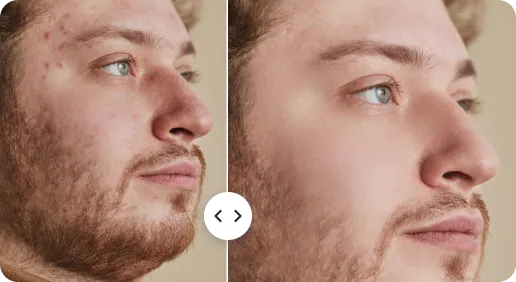
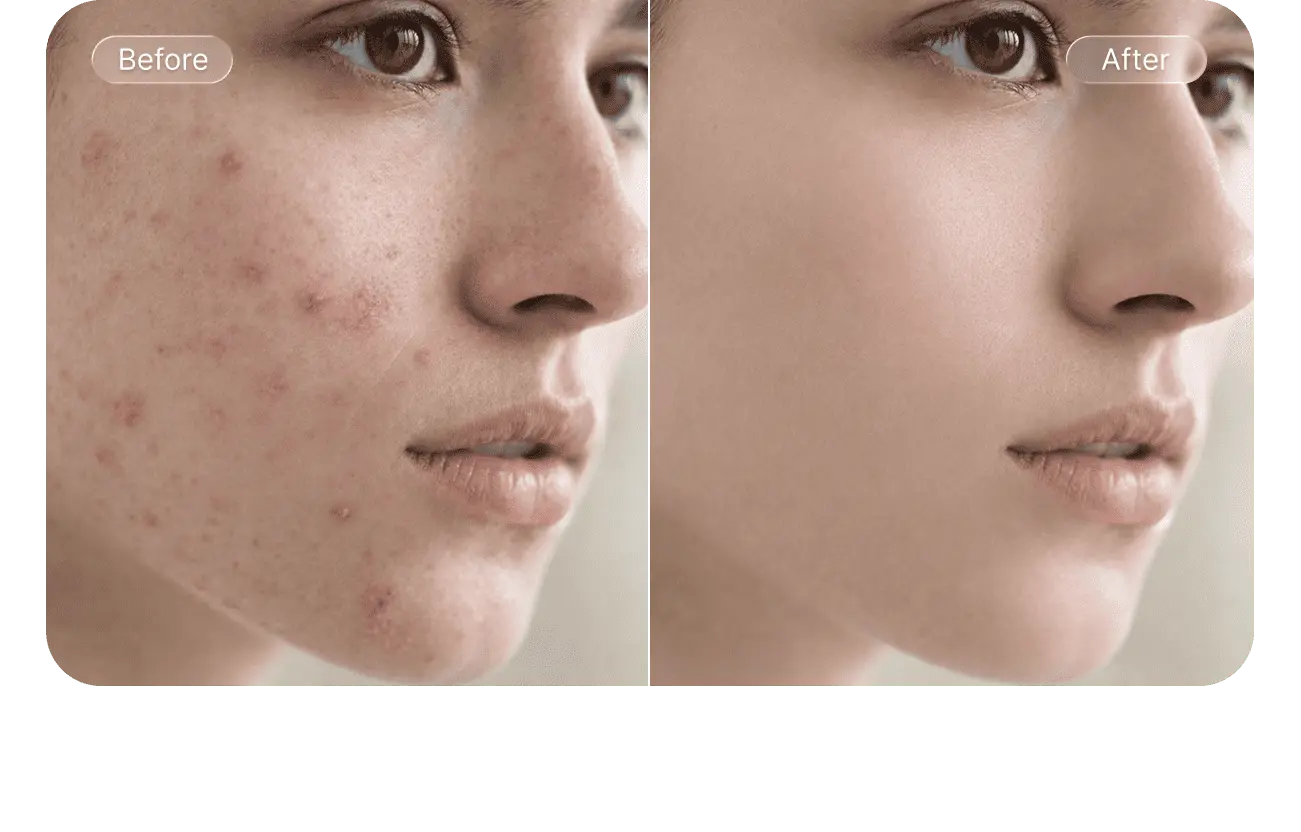
Remove acne, blemishes, and freckles with one touch for perfect photos. Say no to overdone photo effects.
Ctrl + V to paste image
No image? Try one of these
Discover how AI retouch skin technology transforms your photos in just a few simple steps.
Simply drag and drop or click to upload your desired image. Images should have good lighting and a focused facial view so AI can work well on.
AI automatically identifies and removes blemishes, smooths out unwanted pimples, minimizes freckles and enhances natural skin texture.
Adjust the intensity and white tone on the photo then download photo to your device.
With AI Skin, you don't need to master complicated Photoshop skills. Simply upload your photo to our AI tool and watch as it retouches skin in seconds. What a perfect solution for girls, women, and photographers looking to save time on selfie or portrait editing – no professional skills needed.
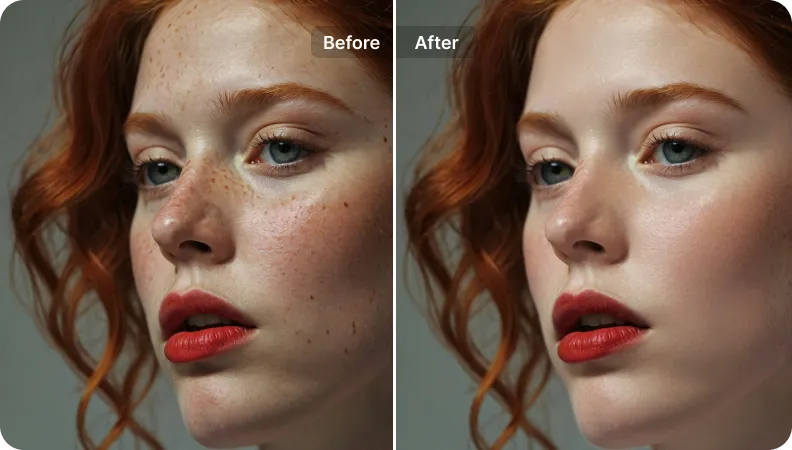
AI Skin Retouch tool is super easy to use on your phone, tablet, or computer. With quick navigation and simple controls, editing your photos feels like a breeze. Customize the look just the way you like it!
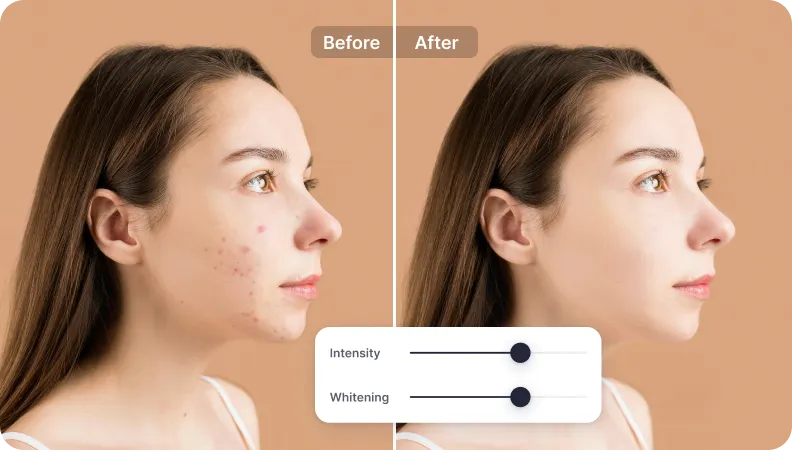
Unlike photo effects that lead to fake looks, AI Skin excels at preserving a realistic but nice level of detail on the pores, enhancing your natural beauty. It makes you feel more confident to post photos on social media and no one will guess it's AI-powered.
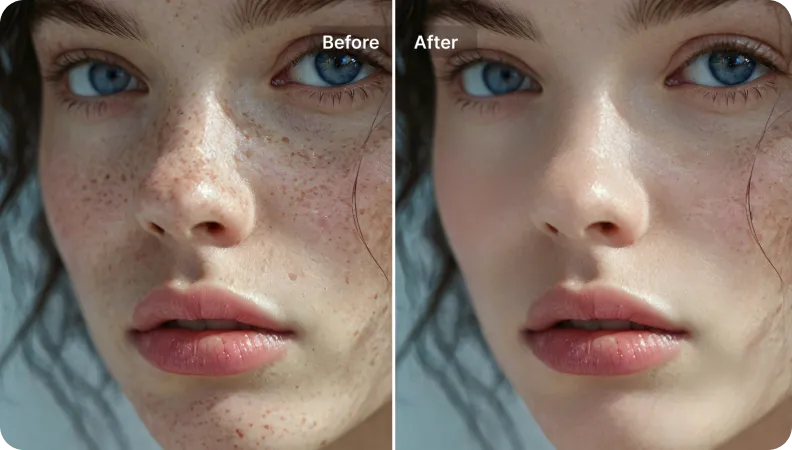
AI-powered Retouching
Advanced algorithms intelligently identify and remove blemishes, freckles precisely, and blend the surrounding skin texture naturally. AI Skin Retouch on SnapEdit say no with overly retouching.
Manual Refine
Take complete control of skin tone adjustment with our manual refinement tools. You can keep the balance of intensity and white tone exactly how you want.
Download HD
SnapEdit allows pro users to download HD images that look stunning on any device or print, without compromising on resolution or detail.
Secure Processing
Your photos are safe with SnapEdit. We use advanced encryption, and all uploads are automatically deleted after editing to ensure your privacy.
The SnapEdit app is available on the Apple Store & Google Play Store. Our app has been used by users around the world to improve photos quality.


The AI photo blemish remover can effectively address: