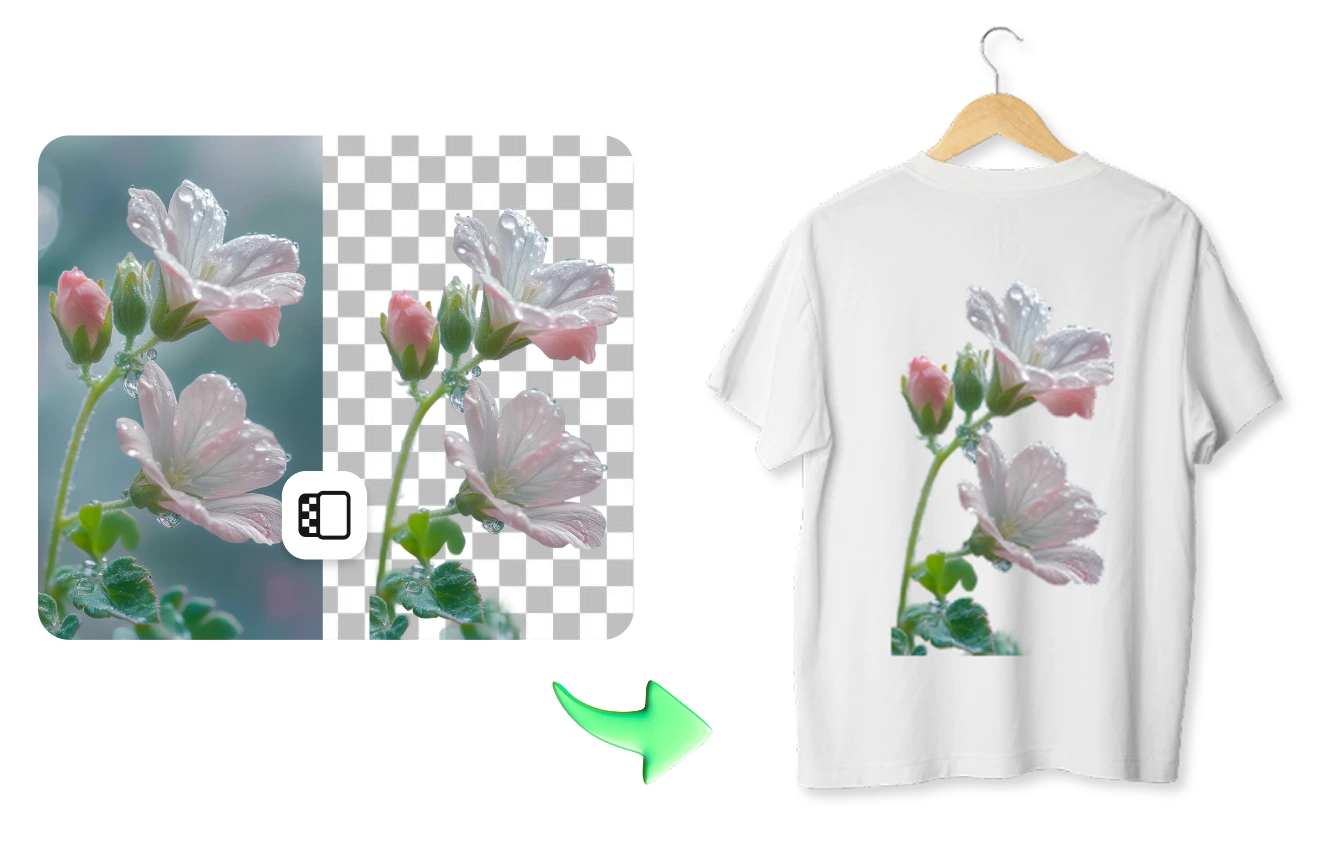
 The easiest AI photo editor to remove unwanted objects from photos.
Get the app


The easiest AI photo editor to remove unwanted objects from photos.
Get the app
© 2026 SnapEdit. All rights reserved.
The easiest AI photo editor to remove unwanted objects from photos.Get your artwork print-ready without the white halo. SnapEdit removes backgrounds for DTF printing in bulk: up to 50 images per batch, true transparent PNGs, and clean edges.
Ctrl + V to paste image
No image? Try one of these
SnapEdit uses an AI model optimized specifically for POD and graphic artwork, rather than background removal models designed for ecommerce product photos. It is trained to accurately isolate graphic elements and produce a truly transparent background, minimizing leftover pixels around the artwork for cleaner DTF prints.
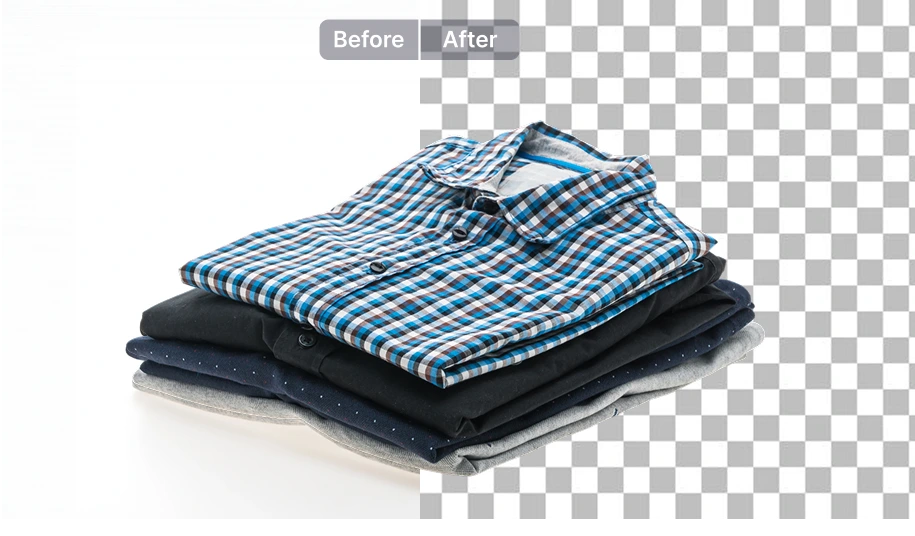
Every image comes out as a proper transparent PNG. No JPGs with a background baked in, and no manual re-exporting required before the file is ready for your RIP software or gang sheet layout.
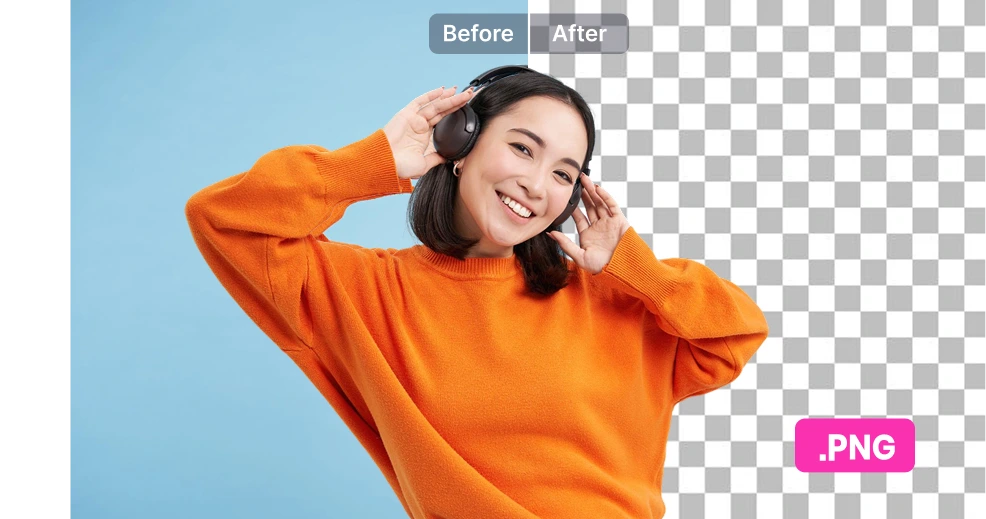
When you're processing customer artwork in volume, inconsistent cutouts can create extra cleanup work before printing. SnapEdit keeps the background removal process consistent across different designs, helping you spend less time checking and fixing files before they reach your printer.
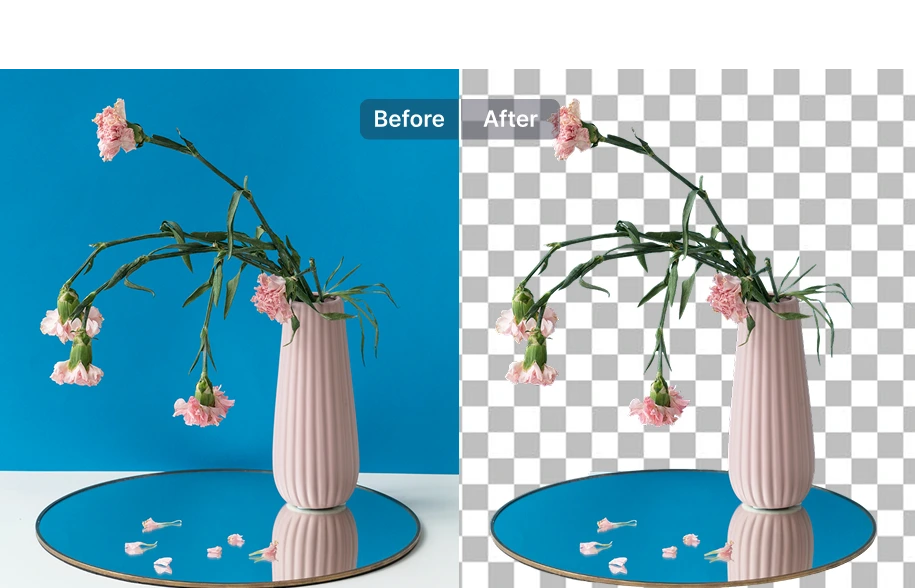
Use it right here, on SnapEdit
Upload a batch of designs, get clean transparent PNGs back, then download and send straight to your RIP software. Supports up to 50 images per batch. Or try the single-image Graphic Background Remover.
Build a workflow
Build a workflow that enhances and sharpens the source image first, then removes the background from your design for printing. No matter what a customer sent you, it goes through the same reliable sequence before it reaches your printer. Build your workflow.
Plug it in your system with an API
Integrate the Remove Background API into your system if you're running a POD platform or a high-volume operation processing customer artwork automatically. See API pricing.