Upload your image
Upload a photo to the blur face editor. Once the upload is complete, faces are automatically detected and blurred.

 The easiest AI photo editor to remove unwanted objects from photos.

A professional blur face tool to anonymize faces in your photos securely and instantly
Ctrl + V to paste image
No image? Try one of these
Whether you want to maintain privacy or follow privacy guidelines when posting photos on social media, let our online blur face tool help you out.
Upload a photo to the blur face editor. Once the upload is complete, faces are automatically detected and blurred.
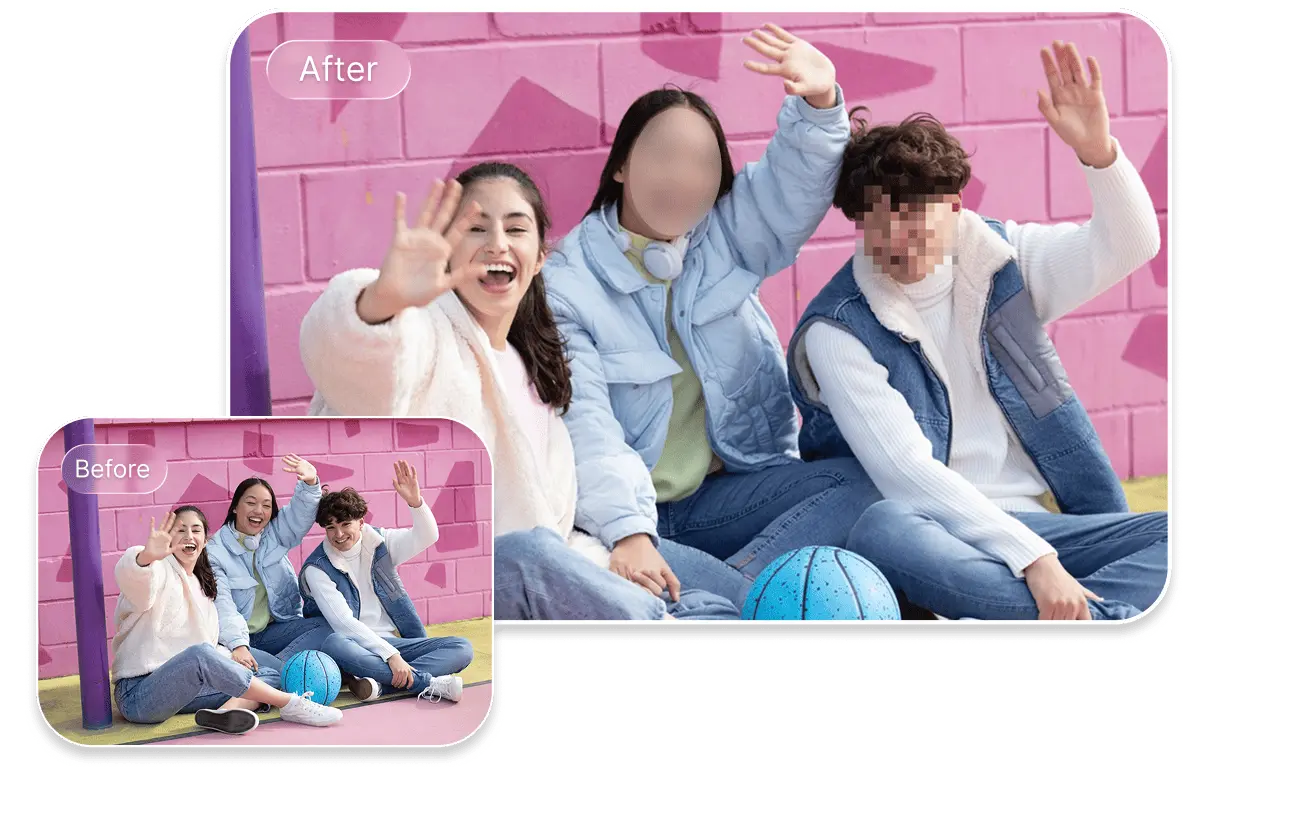
Choose from the blur effects we provide: the classical or pixelated ones. Adjust the intensity of the blur effect to your liking.
Preview and download the new photo to your device.
Blur face to stay anonymous in photos shared online. Protect yourself and other people from facial recognition and AI detection.
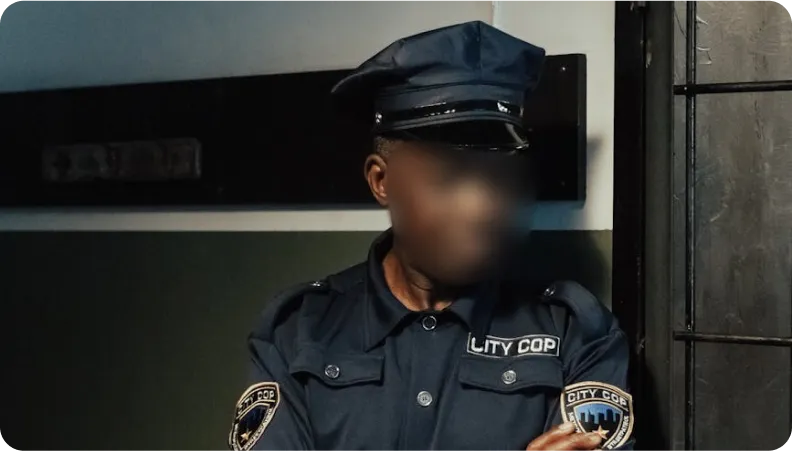
Our blur face tool ensures your photos comply with privacy laws (e.g., GDPR) and ethical guidelines for public photos, newspapers, or social media.
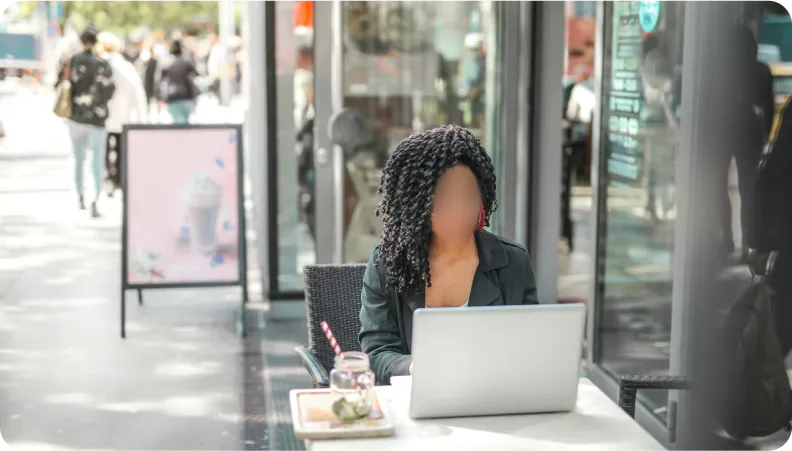
Blurring faces for crime victims, minors, or witnesses is essential to protect their identities and comply with media guidelines.
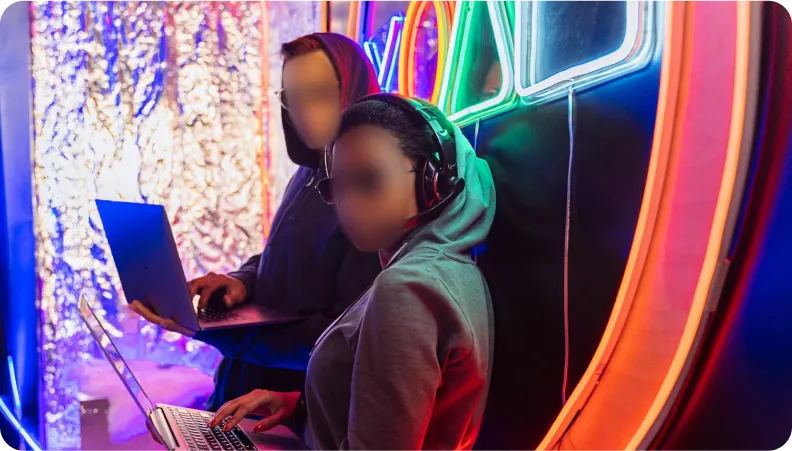
Blur face automatically
Using AI-powered face detection, SnapEdit automatically recognizes and blurs faces without manual selection.
Face blur effect options
SnapEdit offers two blur styles: classical blur and pixelation. Choose the one you prefer and adjust the strength of the blur effect.
Fast face blur processing
Blurring faces in photos is faster with SnapEdit because no manual detection is needed. Our tool is easy to use for everyone.
Your privacy prioritized
Your photos are processed securely and automatically deleted after 60 minutes. SnapEdit never stores or shares your images.
Download SnapEdit background remover application on iOS and Android