1. Upload image
Upload or Drag and drop your image into the "Upload Photo". SnapEdit' free background remover supports JPG, PNG, JPEG images files.

 The easiest AI photo editor to remove unwanted objects from photos.

Remove background image in one touch. Freely edit, change background color, add graphics or replace background image easily with SnapEdit.
Ctrl + V to paste image
No image? Try one of these
Guide to using AI Background Remover to remove back ground image in 3 quick steps. First, go to the
Upload or Drag and drop your image into the "Upload Photo". SnapEdit' free background remover supports JPG, PNG, JPEG images files.
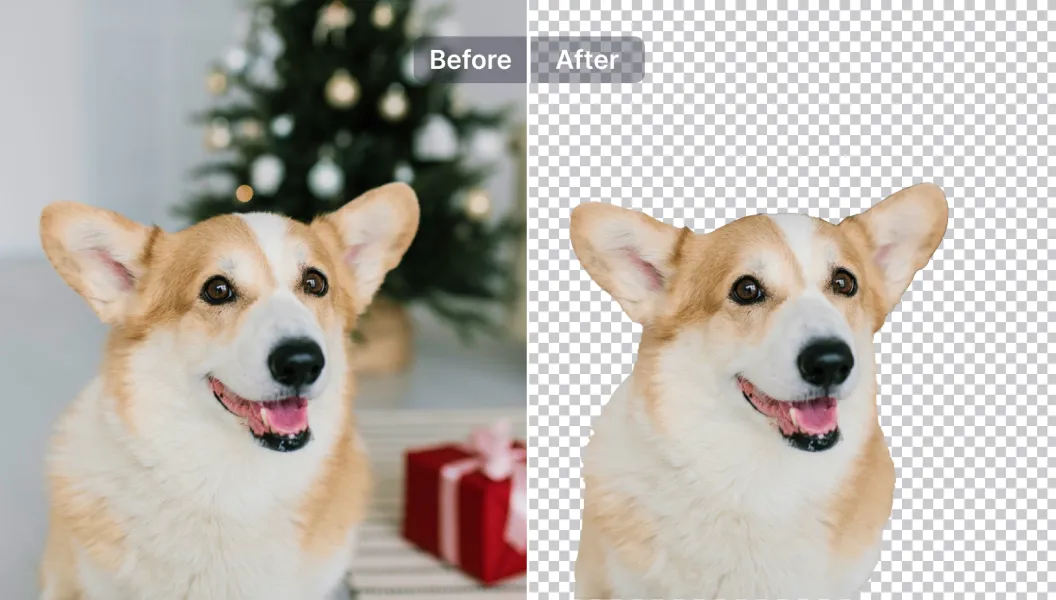
SnapEdit' AI analyze, separate and remove the image backround in few seconds. Here you can choose a different background color or replace the background image entirely
Make any further adjustments such as opacity, orientation ... and proceed to download your new image.
Introducing the fastest and cleanest background removal AI. SnapEdit can quickly identify and remove image background with ease in under 5 seconds. Best of all, we keep image details intact while removing the background!
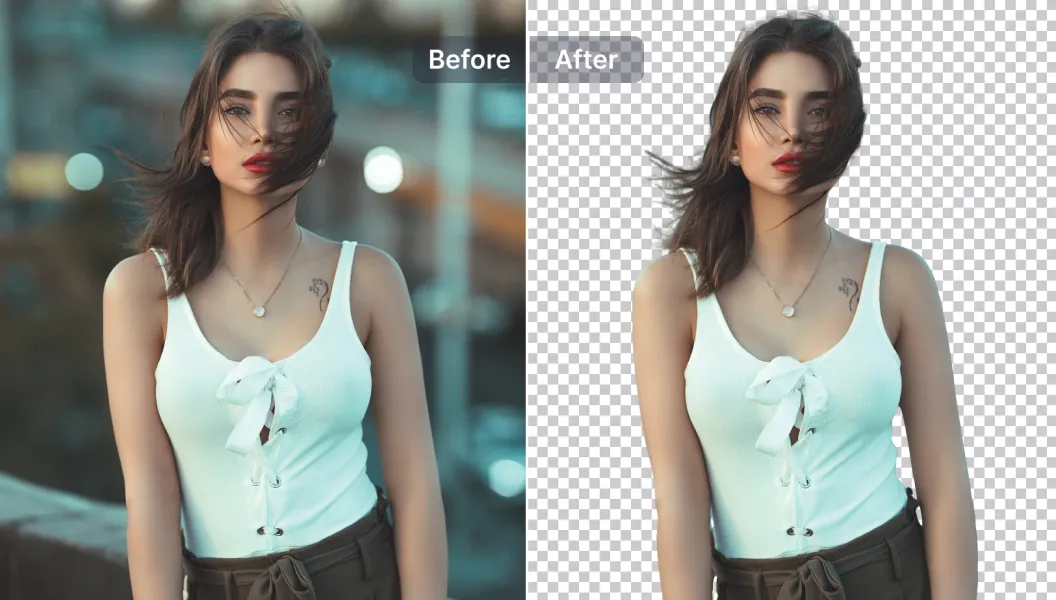
Explore powerful our library of AI-powered tools to create the perfect background image. With SnapEdit, you can add or remove texts and objects on your images, resize them, enhance photo quality and much more within our application.
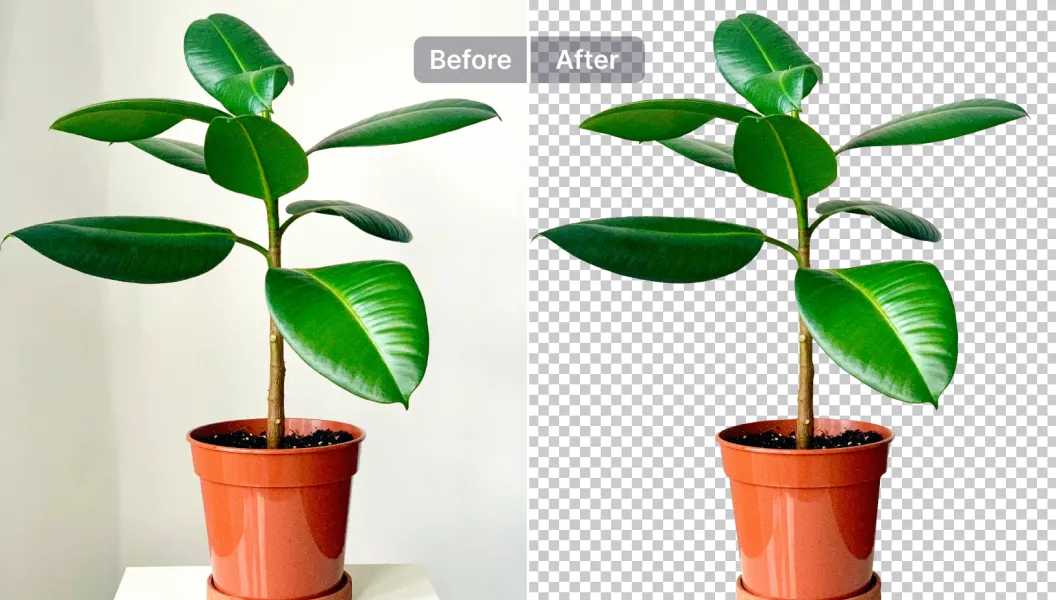
Make transparent background image and replace it with another one from our ever-growing library of 1500+ templates or upload your own image to be used. Product pictures, offers, and sale-off events become more attractive on social media through effortless photo editing with AI.
Time Savings
You will save a significant amount of time manually editing the image background. No more lasso-ing in Photoshop!
Cost Savings
Outsourcing image editing to a professional can be expensive, especially if you have a large number of images to edit. Snapedit is a cost-effective solution for removing background image yourself without professionals.
Advanced Features
SnapEdit tools library helps you retouch and improve images with other advanced features like photo enhancer, auto brightening images, remove objects from photos, and more. That's what makes our background eraser stand out from the crowd.
Remove Background API Available
Add auto cutouts to your app or store with the SnapEdit background removal API. Transparent PNG in 1-3 seconds, from $0.002 per image, 100 free credits to start.
Explore even more features of SnapEdit application. Available on iOS or Android.