Upload an image
Users upload image files to SnapEdit image converter. The tool automatically detects the source format.

 The easiest AI photo editor to remove unwanted objects from photos.

SnapEdit image converter helps to change PNG to JPG, JPG to PDF, or TIFF to JPG in the blink of your eye. High-quality conversions - Secure uploads - Batch processing. Convert images now!
Ctrl + V to paste image
No image? Try one of these
Take 3 steps below to use this free image converter on any device:
Users upload image files to SnapEdit image converter. The tool automatically detects the source format.
Choose the target format you want to convert.
Click on the Convert Now button. After the image is ready, download it to your device.
Snapedit image converter changes files to compressed formats like JPEG or WebP for website optimization. It significantly reduces image file sizes to improve website speed while retaining the quality.
This image format conversion tool helps convert images to different formats for editing and working. For example: converting JPEG to PNG to add transparency, converting a PNG to PDF for submitting documents, or converting a HEIC to PNG for editing in other photo editing software.

Our image converter preserves older images by migrating them to modern and widely supported formats. This reduces the risk of old formats becoming inaccessible or incompatible.

Accept any major formats
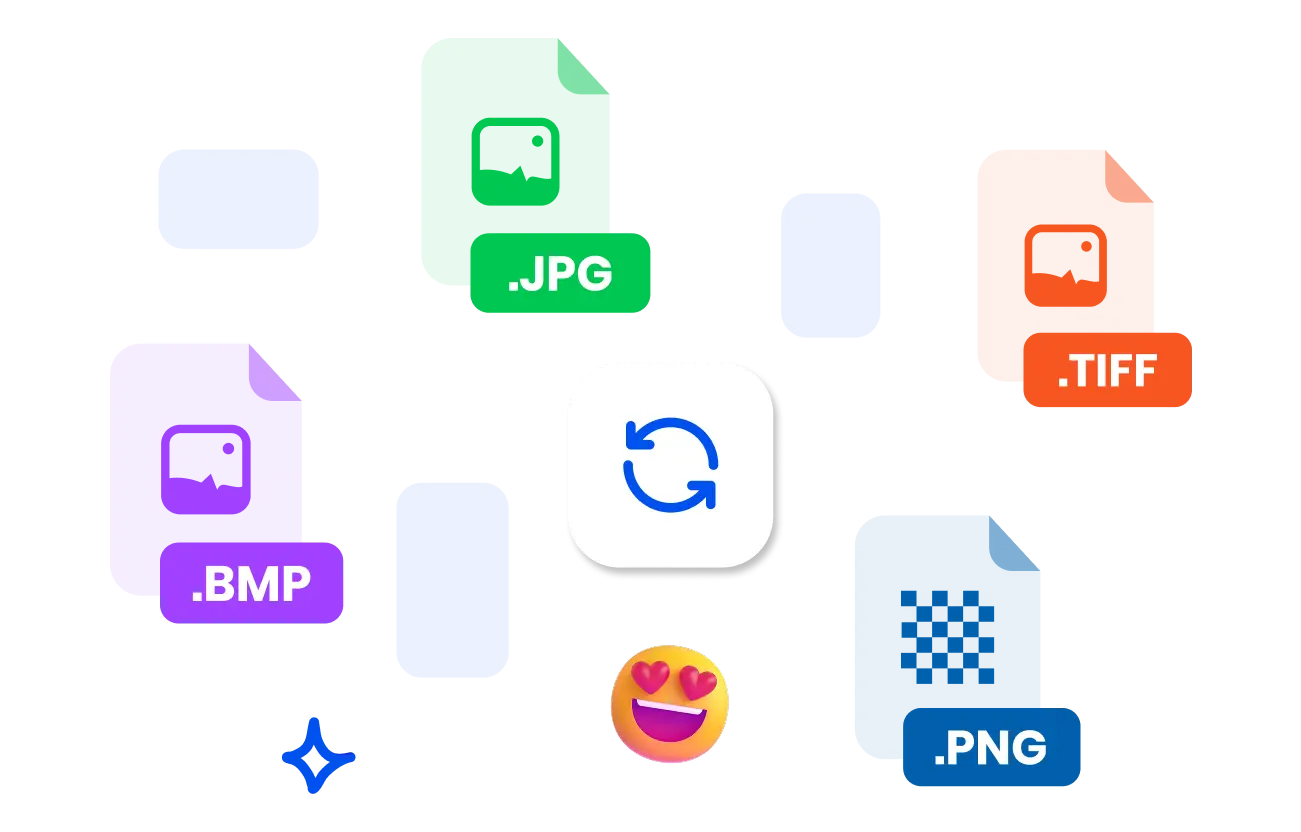
SnapEdit image converter accepts any major format including jpg, png, heic, tiff, webp. You can convert JPG to PNG for graphics, logos, and images with transparency, convert JPG to TIFF for printing, convert WEBP to PNG for further editing, convert PNG to JPG for image compression.
Retain quality and metadata
The image quality is the same as the original image. Don’t be afraid of online tools to compress images and reduce the quality. SnapEdit won’t. Besides, crucial information like camera settings and copyright notices are safely preserved.
Convert images faster
Compared to other tools, they have to upload the file to the server for processing, while SnapEdit does it directly on the client side. So there won't be any security issues with user images. Moreover, the processing time is faster.
Batch processing
Process 50 images at once with batch image processing mode. Upload multiple files, choose the target format and click on the convert button for a quick process.
The SnapEdit app is available on the Apple Store & Google Play Store. Our app has been used by users around the world to improve photos quality.