1. Upload an image
Click UPLOAD IMAGE or drag and drop the photo you want to enhance into the upload area.

 The easiest AI photo editor to remove unwanted objects from photos.

AI brings back sharp faces and fine detail, then enlarges your photo up to 8x. Try it free with 5 credits a day, no sign-up needed.
Drag or drop your image here to upload
Ctrl + V to paste image
No image? Try one of these
Open SnapEdit's Photo Enhancer to enhance photo quality online on any device in 3 easy steps:
Click UPLOAD IMAGE or drag and drop the photo you want to enhance into the upload area.
Choose Standard for everyday photos, or Art & Illustration for anime, drawings and graphics. Then select 2x, 4x or 8x.
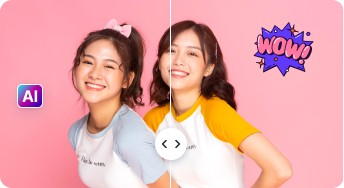
Drag the slider to compare before and after. Download your image as a JPEG in Small, Medium or Large (original) size.
Enhance photos on the go. The SnapEdit app is available on the Apple App Store and Google Play.


From selfies and product shots to old prints and AI art, SnapEdit sharpens and enlarges every kind of image.
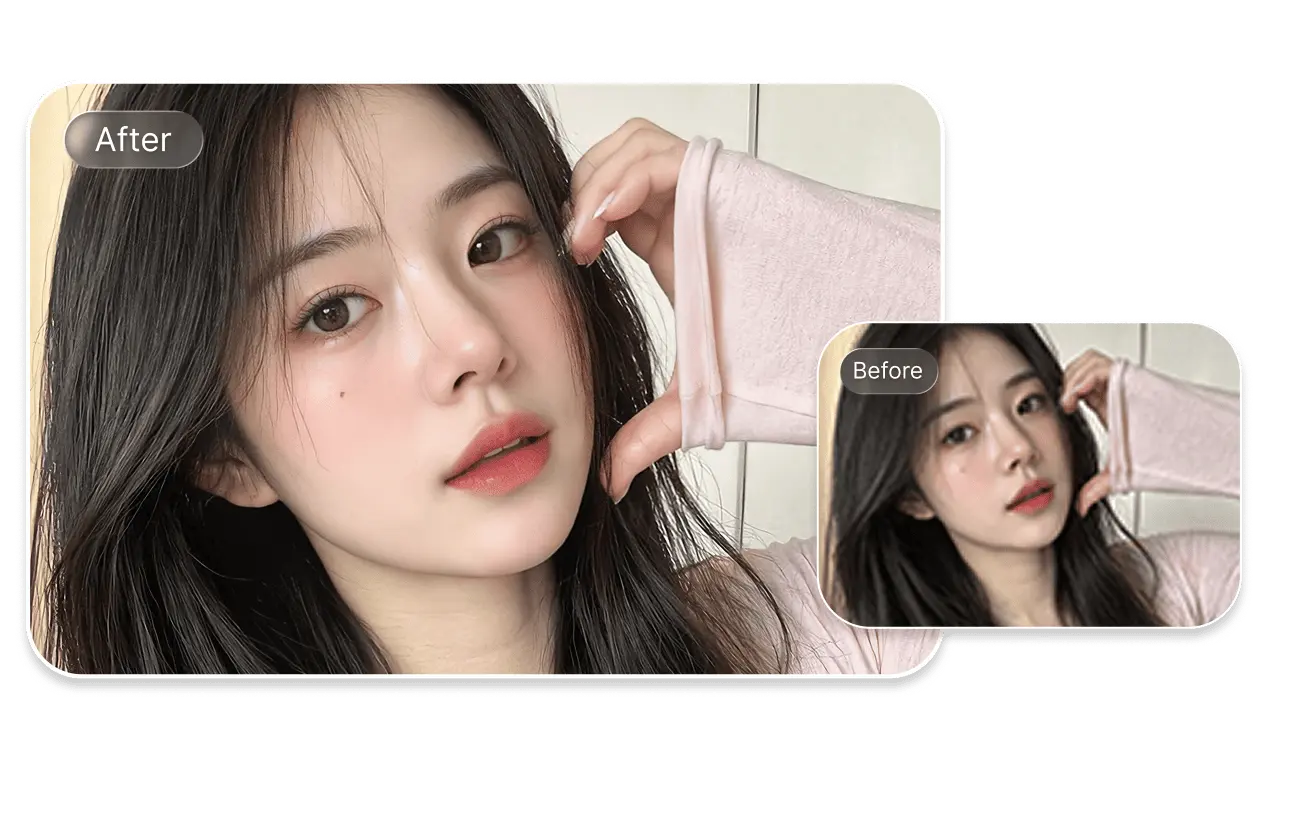
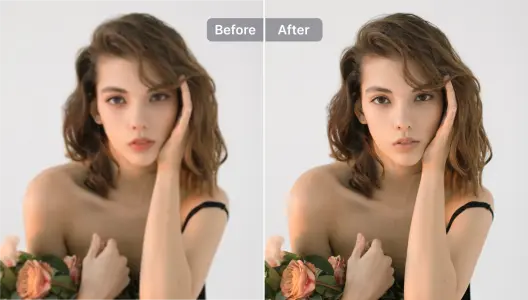
A soft, out-of-focus portrait loses what matters most: the eyes, the hair and the skin. SnapEdit’s AI enhancer is trained to rebuild facial detail. Each curl, lash and fingertip comes back sharp, while the face still looks like the same person.
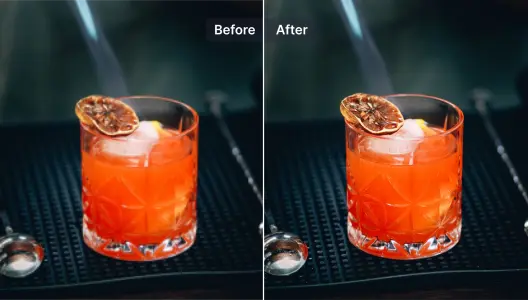
A small blur makes a product look cheap. The enhancer sharpens edges, glass reflections and textures like the dried orange slice, so your listing or menu photo looks professionally shot. Need a cleaner backdrop? Try the AI background remover to swap the background on product photos.
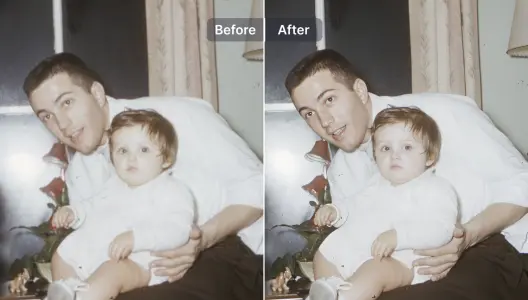
Old prints and scans often look soft and grainy. The enhancer recovers faces and clothing detail in vintage photos, so a decades-old family moment looks clear again. For scratched or faded prints, try the old photo restoration tool.
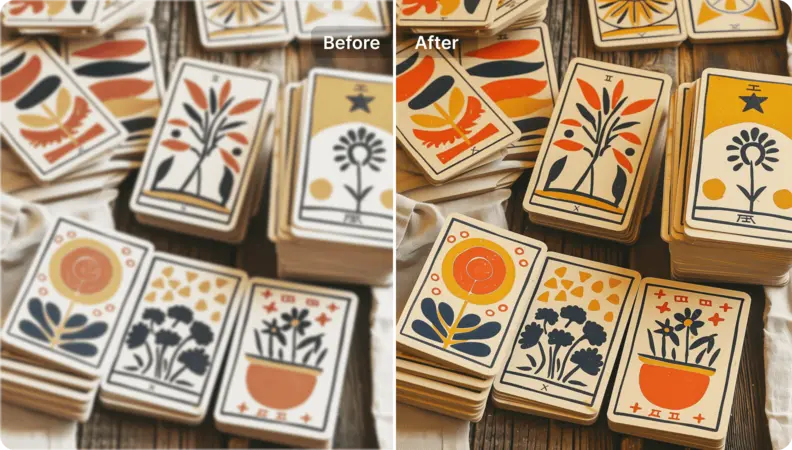
The Art & Illustration model keeps flat colors clean and line work crisp. It sharpens prints, cards, posters and graphic designs without adding photo-like noise. For anime and cartoons, try the anime and art enhancer.
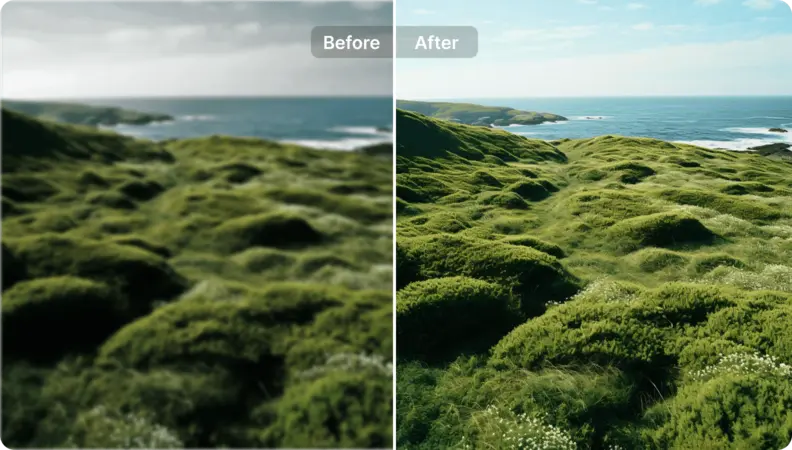
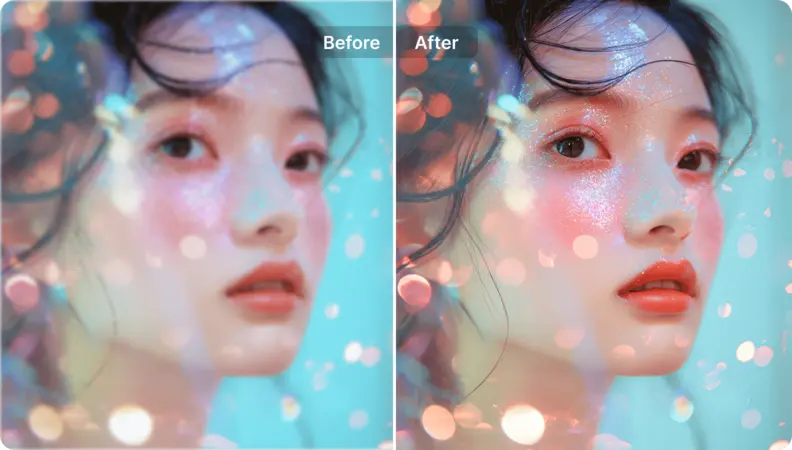
Generated images and creative shots are often too small or too soft to post or print. SnapEdit upscales them up to 8x and keeps fine details like glitter, lashes and soft bokeh. The result looks crisp, not over-smoothed.
Enhance and Upscale in One Step
SnapEdit sharpens a photo and makes it bigger at the same time. You get finer detail and higher resolution, up to 11,200 pixels, in a single click.
AI is Trained to Sharpen Faces
Our AI model is trained on facial details. Blurry eyes, hair and skin texture are rebuilt, and the person still looks like themselves.
Models for Every Kind of Image
Use Standard for photos, and Art & Illustration for anime, drawings and designs. Restore and Colorize are also available in the editor for old and black-and-white photos.
Image Upscaling API
Upscale product photos and user uploads at scale with the SnapEdit image upscaling API. Sharpen blurry, low-resolution images in one call, with free credits to start testing.