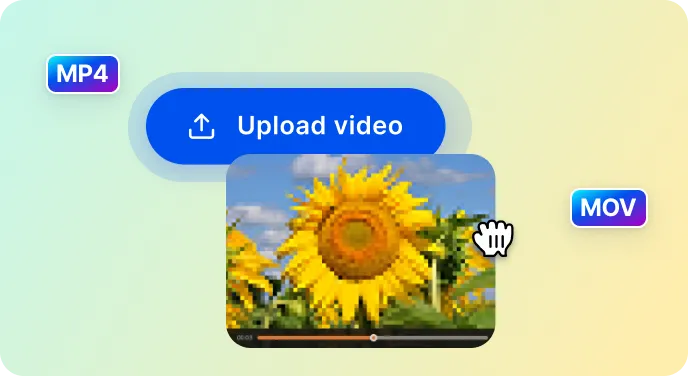
Upload Your Video
Click the Upload button and pick a video from your device. Whether it’s a precious memory or a fun clip, SnapEdit works with all kinds of videos.

 The easiest AI photo editor to remove unwanted objects from photos.

Turn your low-quality videos into something amazing. Give the AI video enhancer a try today!
No video? Try one of these
Got a blurry or low-quality video? SnapEdit is here to help! It’s super easy to fix your videos and make them look sharp and stunning. Just follow these simple steps:
Click the Upload button and pick a video from your device. Whether it’s a precious memory or a fun clip, SnapEdit works with all kinds of videos.
SnapEdit's AI is ready! Preview 5s for free or enhance the full video (300 credits) for sharper, clearer quality.
Simply download the improved video straight to your device. It’s that easy!
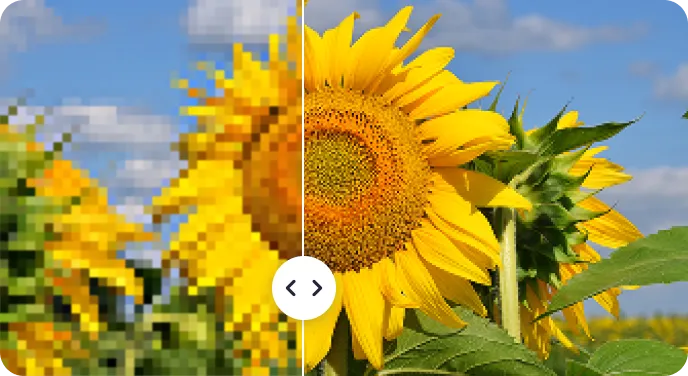
SnapEdit’s AI video enhancer can analyze the existing pixels in a video and intelligently fill in the gaps.. Make your old low-resolution videos ready on modern high-definition screens.
Blurry, pixelated, or noisy videos can cause eye strain and fatigue, making them uncomfortable to watch on social media. To stand out from the crowd, showcasing high quality video is a must. SnapEdit’s AI video enhancer can help you gain more engagement and impression, gain business credibility.
SnapEdit’s video enhancer also improves the quality of video extracted from cameras, preserving valuable historical footage for future investigation. It also ensures videos shot in low light or with older cameras will be more enjoyable to watch.
Enhance video effectively
Generate new pixels to upscale the video to a higher resolution, from SD to HD, from HD to 2K. Remove unwanted noise, grain, or artifacts without blurring important details.
Easily to use
AI video enhancement tool empowers non-technical users. You can enhance their videos without having to spend hours learning complex software. The Interface is intuitive and the workflow is simple.
Fast processing
You don't want to wait for hours to enhance their videos. The advanced AI algorithms and hardware acceleration make enhancement times faster.
Video Enhancement API
Upscale and sharpen low-quality footage in your own pipeline with the SnapEdit video enhancement API. Process clips server-side, with free credits to start testing.
The SnapEdit app is available on the Apple Store & Google Play Store. Our app has been used by users around the world to improve photos quality.