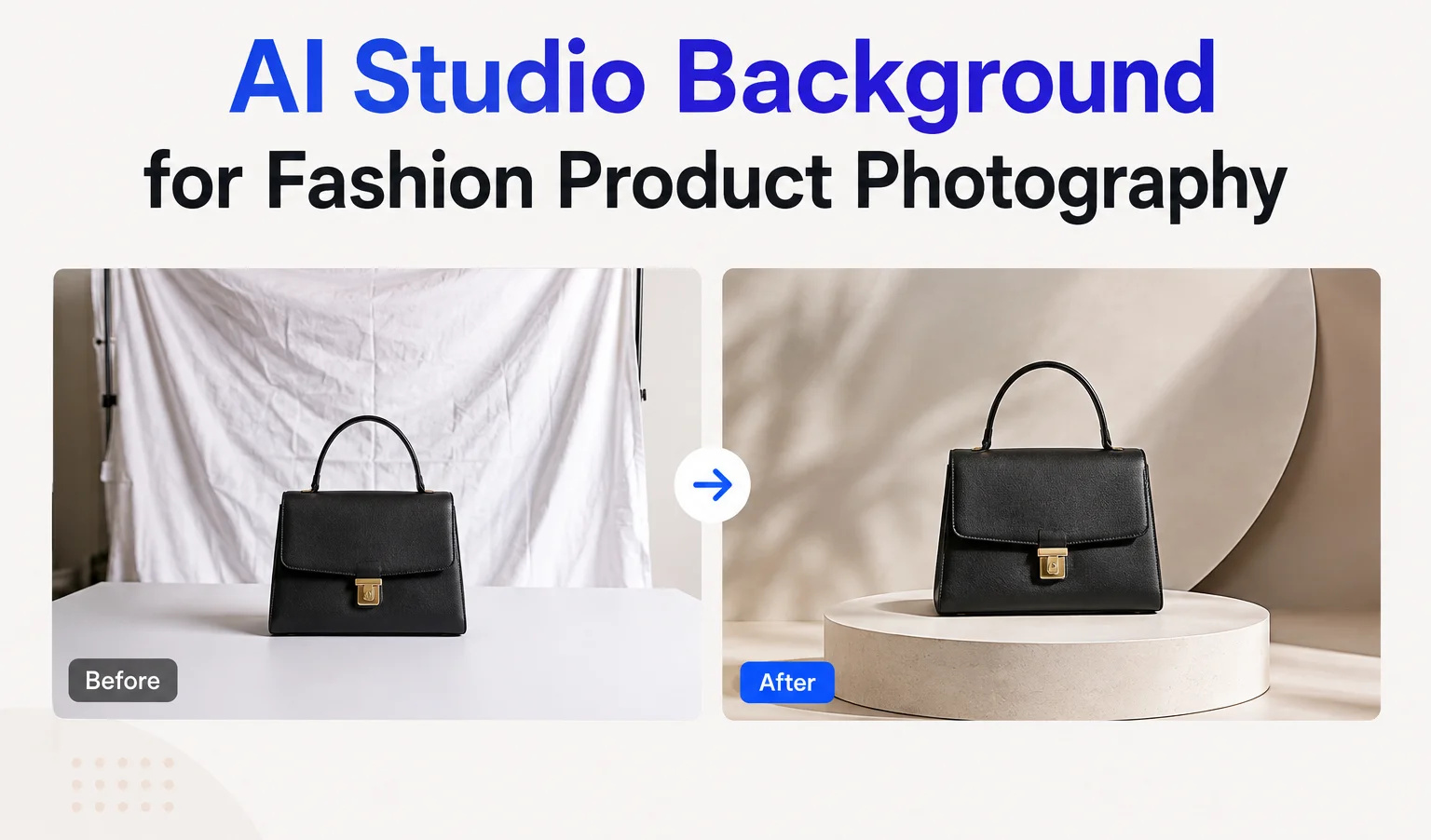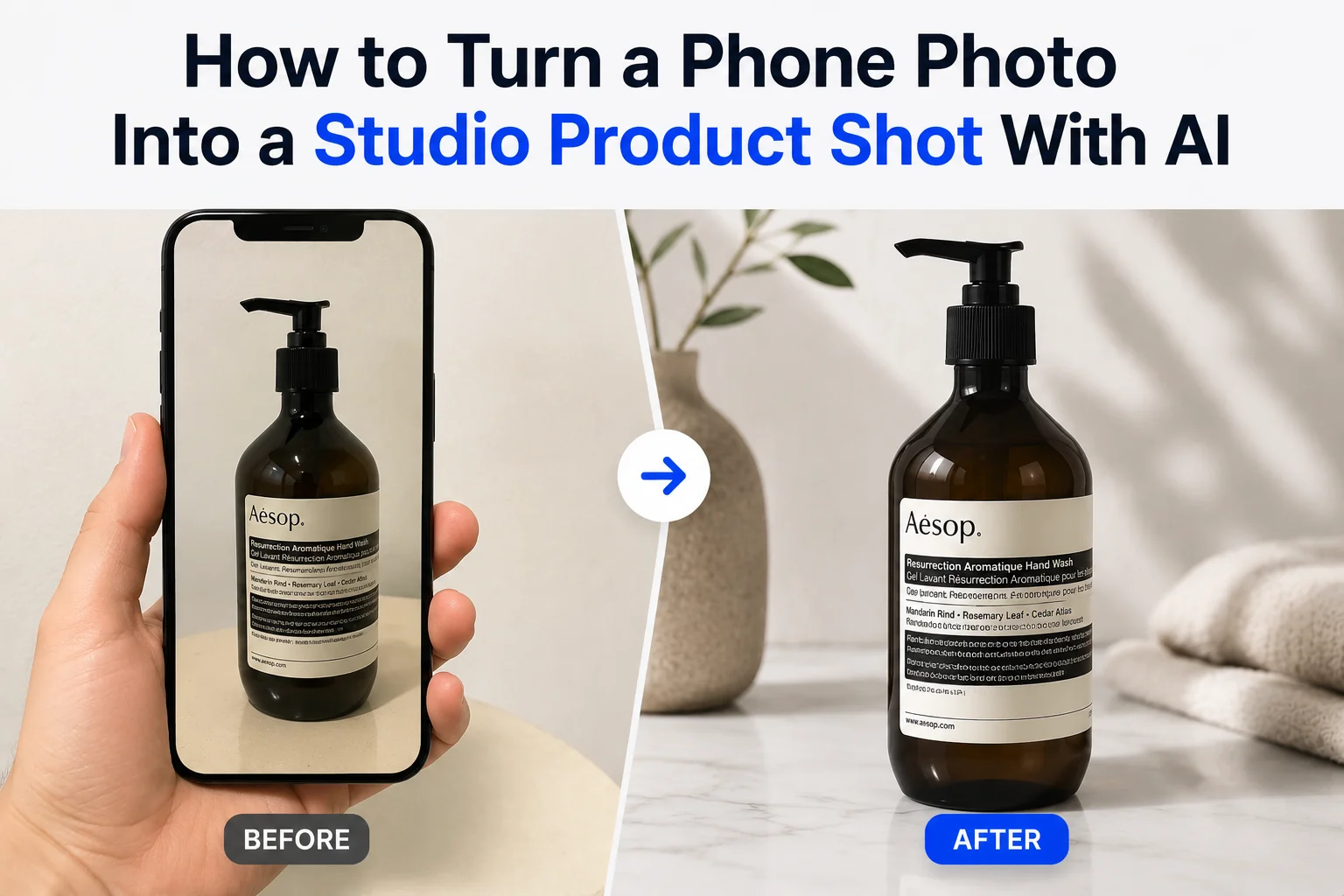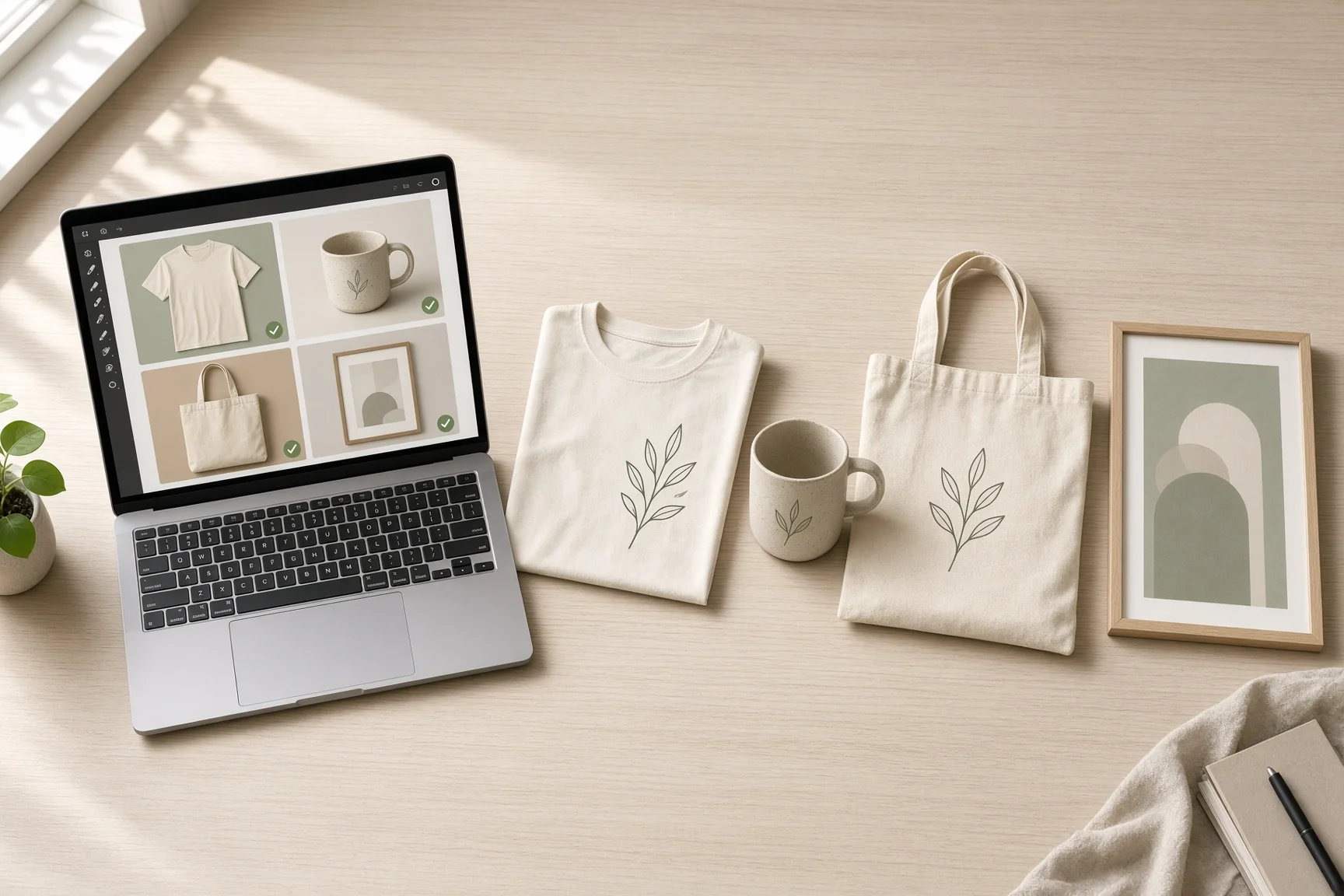
With 86.5 million active buyers and more than 100 million items listed on Etsy in 2025, standing out visually is no small challenge, especially for print-on-demand (POD) sellers. Most POD shops start from the same handful of default mockups, which means a t-shirt or mug on your storefront can look nearly identical to the same blank product on a hundred other shops. The design is different. The photo around it usually isn't.
An AI background generator fixes exactly that part. Instead of every seller using the same generic mockup, you can place the same product in a setting that actually fits it, keeping the print or design untouched while changing everything around it, a fast way to stand out from other POD sellers using the exact same blank products.
Different POD products come with different technical risks, though. A curved mug wraps a print differently than a flat t-shirt does, a metal tumbler reflects light in ways a canvas tote never will, and wall art needs to feel like it's actually sized for a room. Generic "nice background" prompts don't account for any of that. The prompts below are organized by product type for exactly this reason, so you're prompting for the specific thing that can go wrong with your specific product.
A quick AI background prompt formula before you start
Setting + Surface + Lighting + Mood + Preservation instruction
Every product-specific prompt below follows this structure, and every one ends with a preservation line telling the AI exactly what not to touch. Keep that last part even if you rewrite the rest, it's the difference between a nice background and a background with a slightly warped logo you don't notice until it's already published.
AI background prompts for apparel: T-shirts & hoodies
The biggest risk with apparel mockup backgrounds is the printed design itself, especially DTF print designs, losing sharpness or shifting color as the AI builds the scene around the fabric. Since most POD source photos are flat-lay or ghost-mannequin shots with the garment filling almost the entire frame, there's a second, more common failure: the AI has no visible space left to actually build a scene into, so the background ends up crammed into a thin edge around the shirt instead of looking like a real setting.
Two fixes make a real difference here. First, expand the canvas before generating, so there's actual room around the garment for a background to exist in. Second, keep every prompt describing the garment displayed flat or draped, the way your source photo already shows it, not worn by a person, since Background Generator changes the scene around a subject rather than adding a new one. Add "do not add a person or model" to be explicit about this.
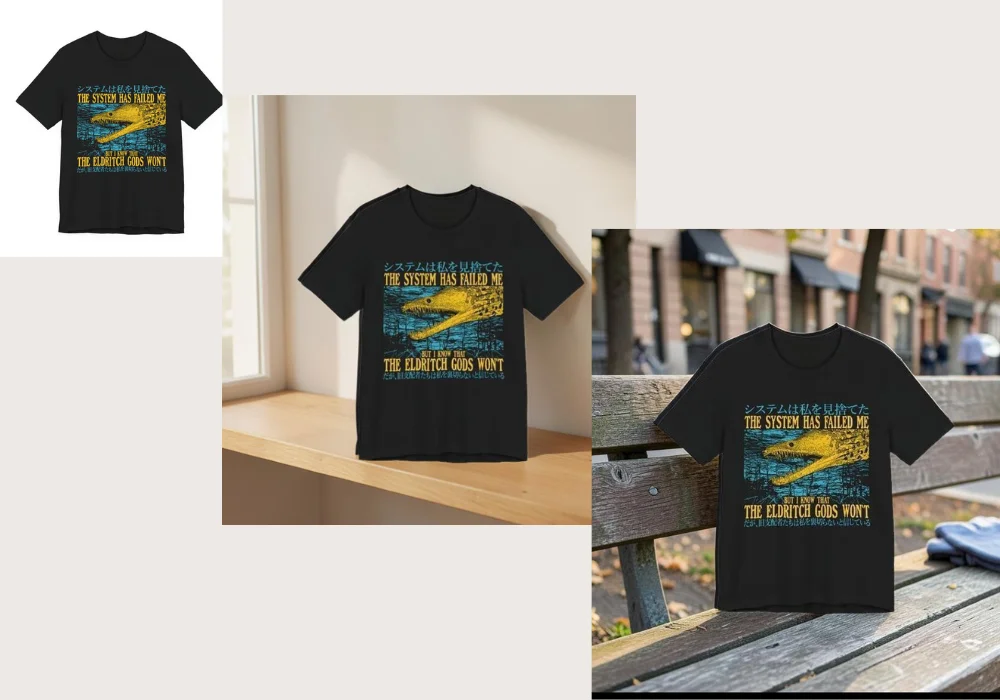
Folded on a wooden shelf
Expand the canvas, then create a warm minimalist scene with this folded garment displayed on a natural wooden shelf, soft window light, subtle linen textures, and a cozy boutique aesthetic. Compose the shot so the garment occupies roughly half the frame, with clear visible space around it. Do not add a person or model. Preserve the printed design's exact colors, sharpness, and placement, without stretching or distortion.
Draped on an outdoor bench
Expand the canvas, then create a realistic outdoor urban scene with soft afternoon light and a relaxed streetwear aesthetic, with the garment displayed draped over a wooden bench, shown at a natural lifestyle distance, not filling the frame edge to edge. Do not add a person or model. Keep the printed graphic's colors, detail, and position completely unchanged.
Laid flat on bedding
Expand the canvas, then create a bright minimalist bedroom scene with the garment laid flat on neutral linen bedding, positioned with generous visible space around it so the room and lighting are clearly shown. Do not add a person or model. Preserve the print's exact colors and sharpness, with no fabric warping.
Hanging on a rack
Expand the canvas, then create a clean boutique-style scene with the garment hanging on a simple wooden rack, shown at a natural retail-photo distance with visible space around it, soft diffused lighting. Do not add a person or model. Keep the printed design fully intact and undistorted.
AI background prompts for mugs & ceramic drinkware
A mug background prompt has one job the others don't: protecting a print that wraps around a curved surface, which is exactly where AI backgrounds most often introduce subtle warping or an uneven wrap. Every prompt here calls that out directly.
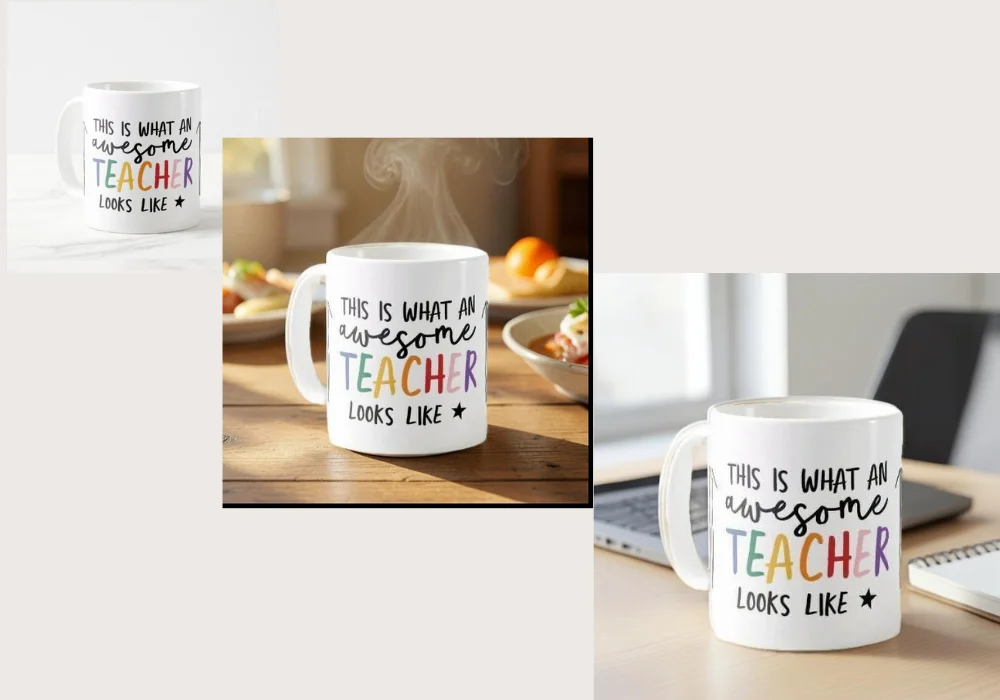
Cozy breakfast table
Create a warm breakfast scene with this mug placed on a natural wooden table, soft morning sunlight, subtle steam rising, and a relaxed home atmosphere. Keep the wrap-around print continuous and undistorted around the curve, and preserve its exact colors.
Office desk
Create a clean modern office scene with this mug placed beside a laptop and a small notebook, soft natural window light, and a minimalist workspace aesthetic. Preserve the mug's printed design and shape exactly, with no distortion around the curve.
Minimalist kitchen shelf
Create a bright minimalist kitchen scene with this mug displayed on a clean open shelf, soft diffused daylight, and a Scandinavian-inspired aesthetic. Keep the print's colors and wrap consistent and undistorted.
Outdoor picnic
Create a relaxed outdoor picnic scene with this mug resting on a woven blanket, soft afternoon sunlight, and a casual lifestyle mood. Preserve the mug's shape, color, and printed design exactly, without warping.
AI background prompts for tumblers & metal drinkware
Stainless steel tumbler backgrounds behave differently from ceramic: the risk isn't warping the print so much as the AI inventing reflective glare that doesn't match the light source, which is what makes a render look obviously fake.
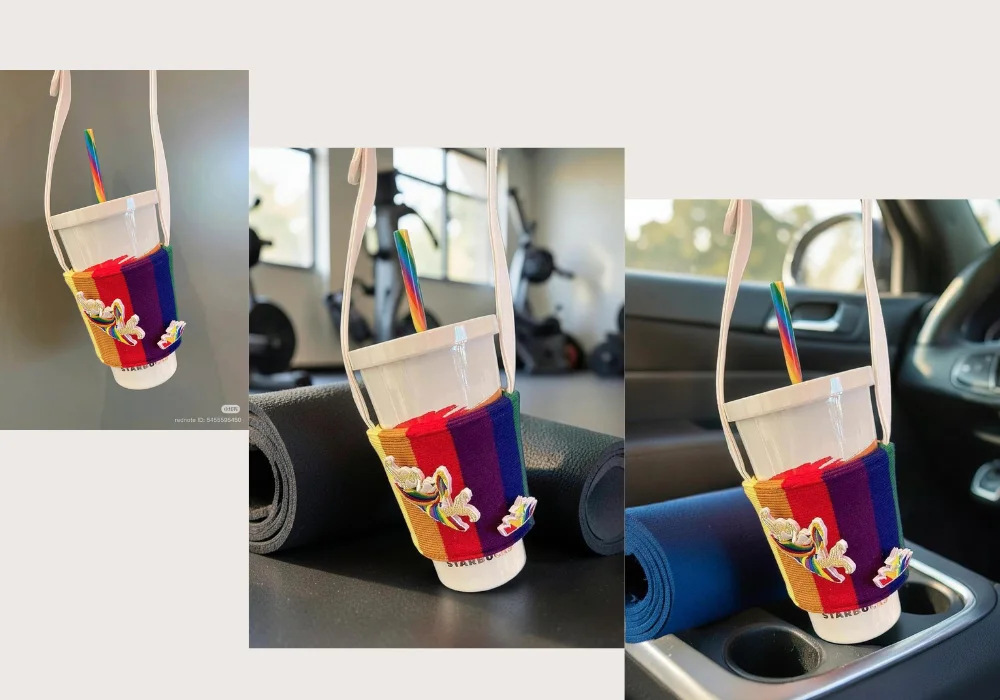
Gym bag context
Create a realistic gym scene with this tumbler resting beside a rolled workout mat, soft natural light, and an active lifestyle mood. Keep the metal finish and printed design accurate, with no warping or unrealistic glare.
Car cupholder, road trip
Create a realistic car interior scene with this tumbler placed in a cupholder, soft natural daylight through the window, and a casual road-trip mood. Preserve the tumbler's finish and print exactly, with subtle, realistic reflections only.
Clean office desk
Create a minimalist office desk scene with this tumbler placed beside a laptop, soft diffused lighting, and a clean modern aesthetic. Keep reflections subtle and true to the light source, no distortion across the metal surface.
Outdoor hiking trail
Create a realistic outdoor scene with this tumbler resting on a rock along a hiking trail, natural daylight, and an adventurous outdoor mood. Preserve the printed design and metal finish exactly, without warping or exaggerated glare.
AI background prompts for wall art, posters & framed prints
A good wall art AI background only looks convincing if the room around it feels like a real room at a real scale reference. Too tight a crop or an unrealistic sense of size is the most common way these come out looking pasted in.
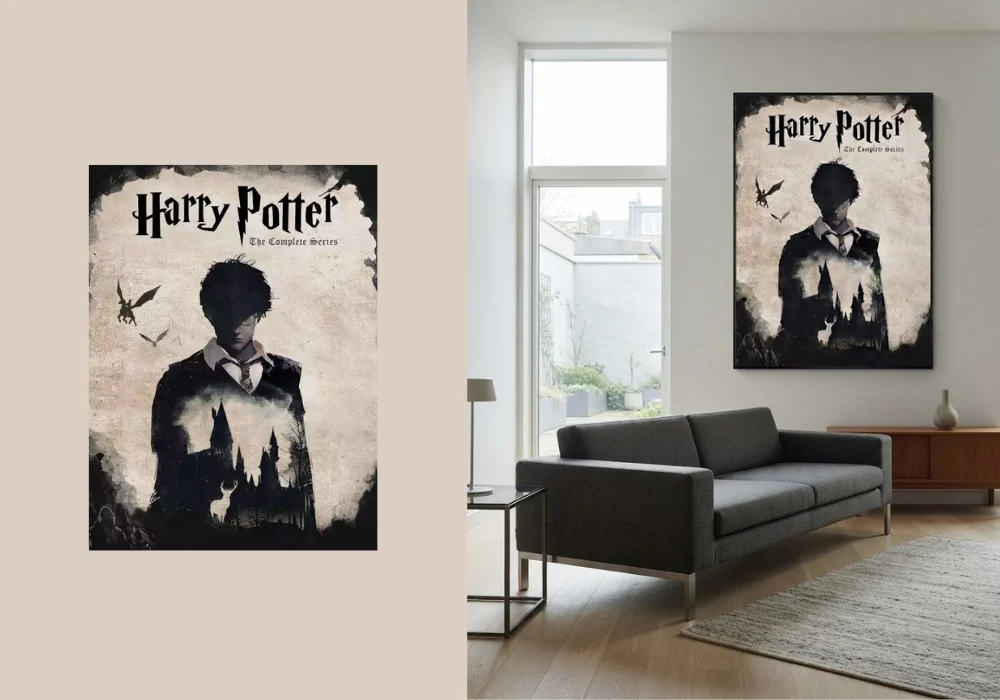
Modern living room
Create a realistic minimalist living room with this artwork displayed above a sofa, soft natural window light, and subtle modern furniture for scale. Preserve the artwork's proportions, colors, and details exactly, and keep the sense of scale within the room realistic.
Minimalist bedroom
Create a bright minimalist bedroom with this artwork displayed above a simple bed, soft morning light, and neutral bedding for scale reference. Keep the artwork's colors and proportions completely unchanged.
Home office
Create a clean modern home office with this artwork displayed above a desk, soft natural daylight, and a minimalist workspace aesthetic. Preserve the artwork's exact colors, details, and proportions.
Gallery hallway
Create a bright minimalist hallway with this artwork displayed at eye level, soft ambient light, and a clean gallery-style aesthetic. Keep the artwork's colors, details, and scale accurate to the original.
AI background prompts for tote bags & canvas
Canvas tote background prompts need the printed design and fabric texture to stay sharp and accurate, since texture is often part of what makes the product feel handmade.
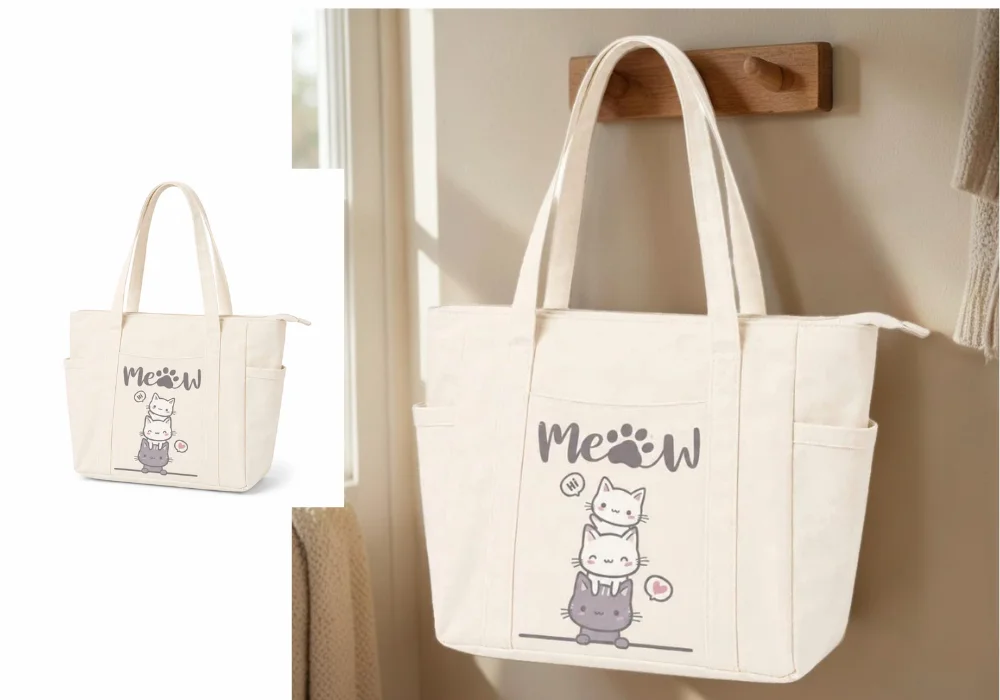
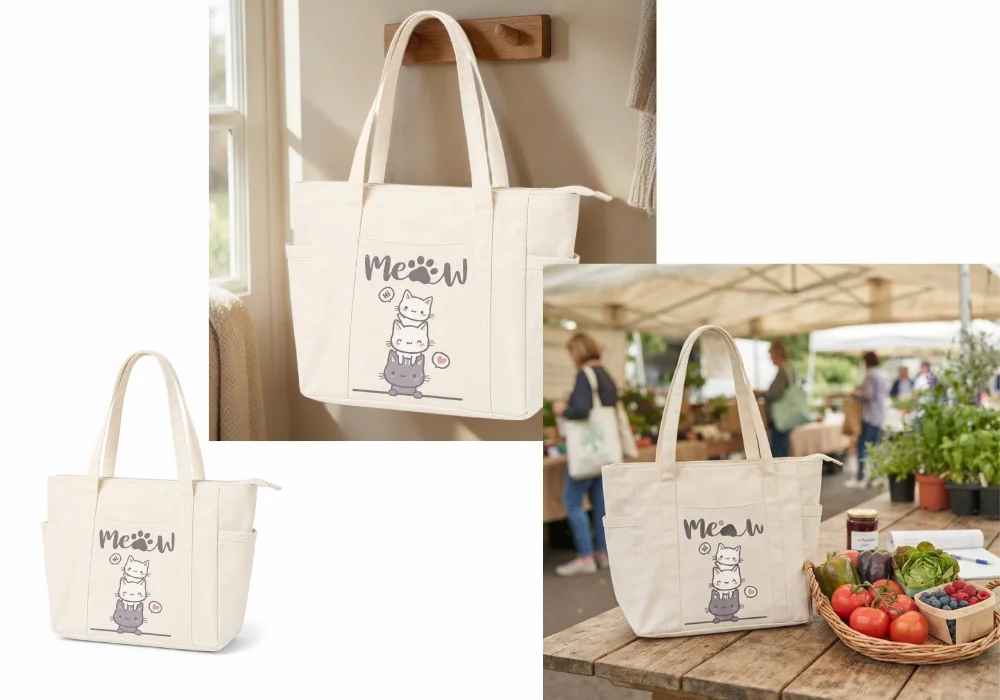
Coat hook by the door
Create a warm entryway scene with this tote hanging on a simple wooden hook, soft natural light, and a cozy lived-in aesthetic. Preserve the printed design and fabric texture exactly.
Farmers market
Create a realistic outdoor market scene with this tote resting on a wooden table beside fresh produce, soft daylight, and a relaxed lifestyle mood. Keep the printed design's colors and sharpness completely unchanged.
Draped over a chair
Create a bright minimalist interior scene with this tote draped naturally over a wooden chair, soft window light, and a casual home aesthetic. Preserve the fabric texture and printed design exactly.
AI background prompts for phone cases
A phone case AI background needs to give a sense of scale without pulling focus, while the case's print, color, and camera cutout stay exact.
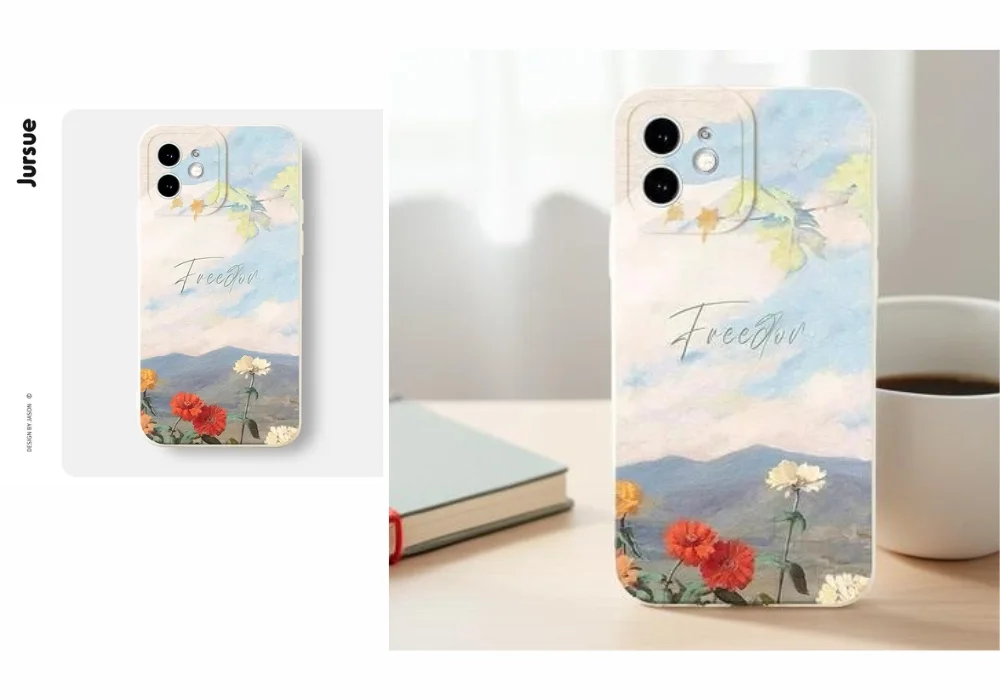
Desk with coffee
Create a clean minimalist desk scene with this phone case displayed beside a coffee cup and a notebook, soft natural light. Keep the case's print, color, and camera cutout accurate.
Daily essentials flat lay
Create a bright flat lay scene with this phone case surrounded by keys, sunglasses, and a small wallet, soft even lighting. Preserve the case's exact design, color, and shape.
AI background prompts for stickers & vinyl decals
A sticker AI background prompt photographed alone can look flat and hard to gauge. Placing it in a realistic context does more for these than any studio background would.
[IMAGE: Sticker category example]
On a laptop lid
Create a realistic scene with this sticker applied to a laptop lid, soft natural light, and a casual modern aesthetic. Preserve the sticker's exact colors, linework, and edges.
On a water bottle
Create a realistic scene with this sticker applied to a matte water bottle, soft daylight, and an everyday casual mood. Keep the sticker's design and colors completely unchanged.
On a journal cover
Create a warm, cozy scene with this sticker applied to a notebook cover resting on a wooden desk, soft window light. Preserve the sticker's exact colors and edges, with no distortion.
AI background prompts for hats & caps
For a hat mockup background, the curved brim and any embroidery or print are the two things most likely to shift subtly when a background is generated around it.
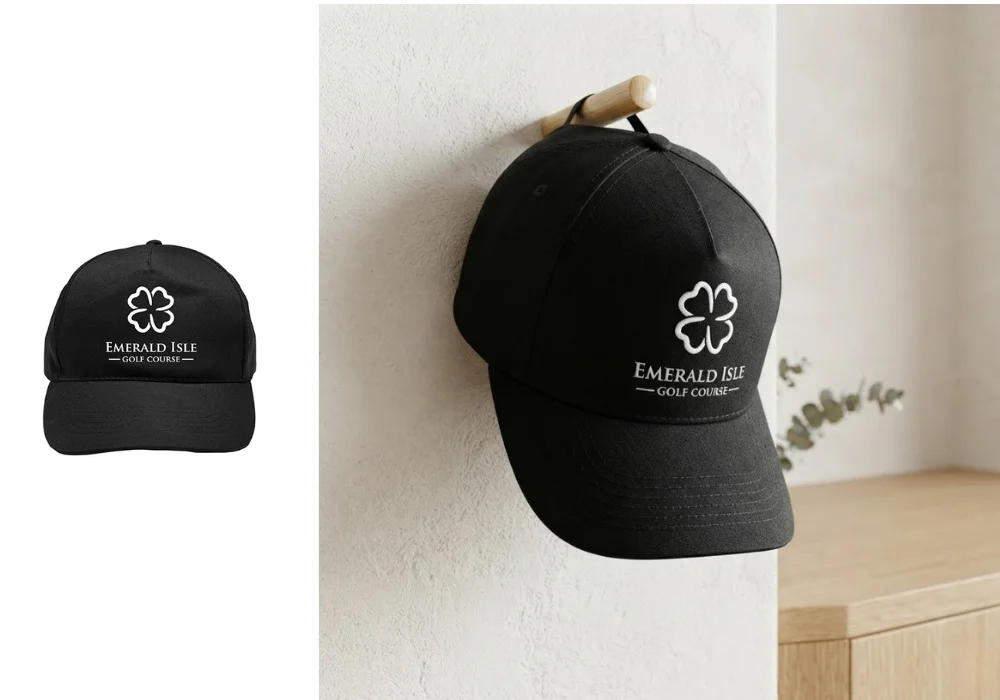
On a wooden peg
Create a clean minimalist scene with this cap displayed on a simple wooden peg, soft natural light, and a boutique retail aesthetic. Keep the embroidery or print detail and color accurate, without distortion across the curved brim.
Displayed on an outdoor post
Expand the canvas, then create a realistic outdoor casual scene with soft afternoon sunlight and a relaxed lifestyle mood, with the cap displayed on a simple wooden post or rustic surface, not worn on a person. Do not add a person or model. Preserve the embroidery, color, and shape exactly.
A note on Etsy's photo slots and product photography strategy
Etsy gives you up to 10 photo slots per listing, and they aren't all meant to do the same job. AI-generated product backgrounds are strongest for your hero shot and lifestyle context photos, the ones covered above. They aren't a substitute for a scale reference shot (product next to a coin or a hand) or a macro detail close-up of stitching or texture, those still need a real photo. Use AI backgrounds to fill the context slots, and keep a couple of real, close-up shots for the rest.
How to use these AI background prompts with SnapEdit
Creating a new background for your POD product takes just a few steps:
- Upload your product photo to SnapEdit's AI Background Generator. Use a clear image of your mug, tumbler, t-shirt, wall art, or other product.
- Paste one of the prompts above, or adjust it with your own setting and mood.
- Generate, and let SnapEdit build the new environment around your product.
- Review the result. Check the print or design, colors, text, and shape against the original before using it anywhere.
The best approach is to use AI as a complement to authentic product photography: keep the product accurate, then let different backgrounds tell its story across your listings.
Creating one background is useful, but most POD and Etsy sellers have dozens or hundreds of products. If you want to apply the same AI background generator prompt across a whole batch instead of one photo at a time, our guide on batch generating product backgrounds and our bulk photo editing workflow for POD/Etsy sellers cover how to set that up. For prompts outside these product categories, like jewelry, beauty, or seasonal campaigns, see our full 50+ AI background generator prompts guide.
FAQ
Can I use these prompts to show my shirt being worn by a model?
Not reliably. Background Generator changes the scene around your existing subject, it doesn't add new people or objects into the shot. If your source photo is a flat-lay or ghost-mannequin shot with no person in it, asking for a "worn" scene usually produces an inconsistent AI-generated model instead. Keep apparel prompts describing the garment displayed flat, folded, or draped, matching what's actually in your source photo.
Why does my mug print look slightly warped after generating a background?
This is the most common failure mode for curved drinkware. Use a prompt from the mug section above that explicitly asks the AI to keep the wrap-around print continuous and undistorted, and if it still looks off, try regenerating with a simpler background.
My tumbler has a weird glare that wasn't in the original photo. What happened?
Reflective metal surfaces are prone to this. Add a line asking for "subtle, realistic reflections only" and match the lighting description to a single clear light source rather than a busy scene.
Can I use the wall art prompts for a poster that isn't framed?
Yes, just drop the word "framed" from the prompt and describe the poster directly. The scale-reference part of the prompt, furniture or bedding sized realistically around it, matters more than whether it's framed.
Do I need different prompts for the same product in different colors?
No, the setting and lighting parts of the prompt stay the same. Only the preservation instruction matters here, since it's protecting whatever color and design that specific variant has.
Have a print-on-demand catalog that still looks like everyone else's default mockups? Start with the AI background prompt for your product type above, and try it in SnapEdit's AI Background Generator.