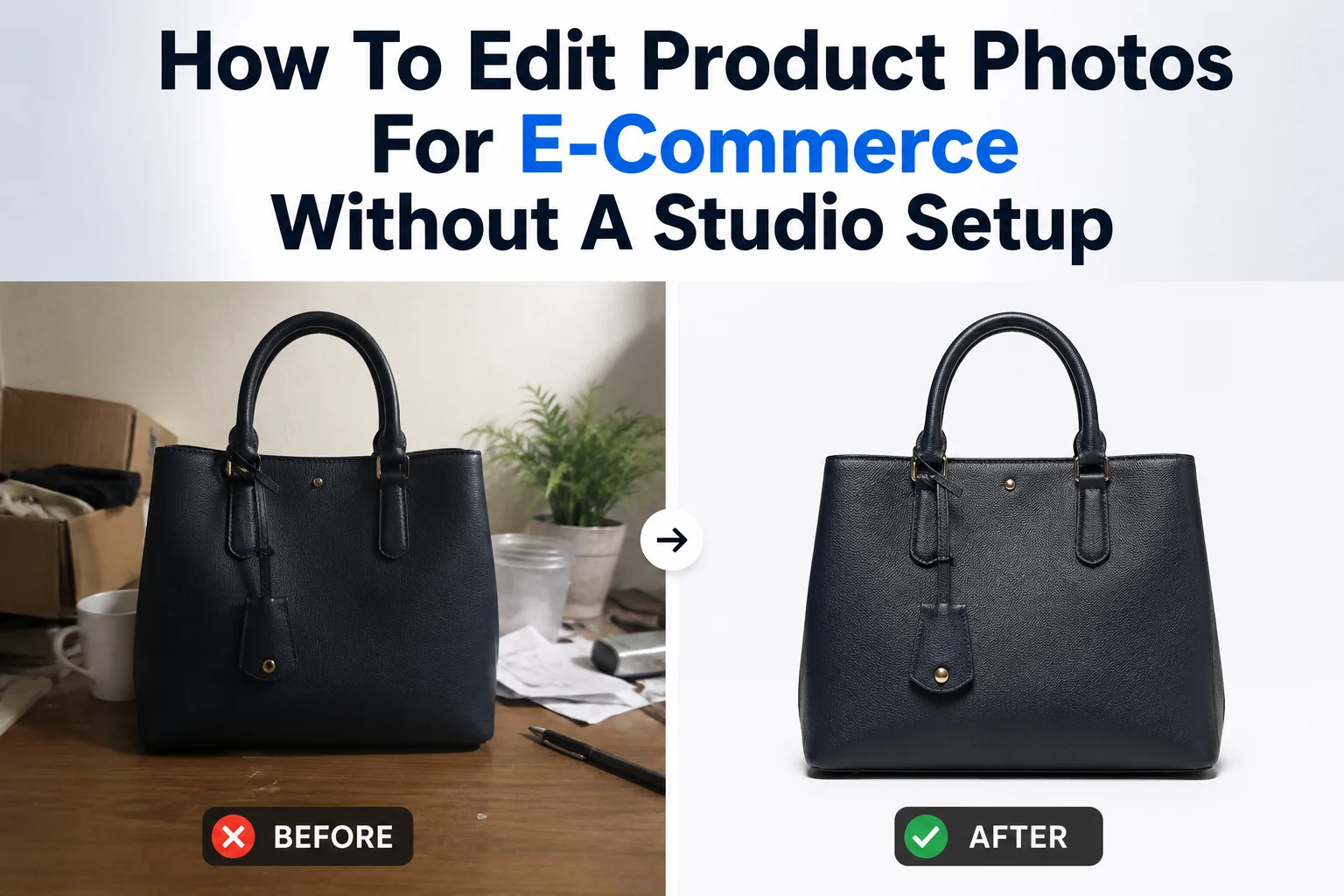
75 - 83% of online shoppers say product images are the primary factor influencing their purchase decision, according to recent e-commerce analyses focused on Amazon and broader online retail.
Many successful sellers on Facebook Marketplace, Etsy, Shopee, eBay, and other online marketplaces rely on nothing more than a smartphone and a simple editing workflow. What makes their listings stand out isn't expensive equipment: it's clean presentation, consistent editing, and photos that clearly showcase the product.
Let’s walk through a practical smartphone workflow to edit product photos for e-commerce with just your phone.
Remove distractions from the background
With simple backgrounds, buyers can quickly identify the product, compare listings more easily, and inspect important details without competing visual elements. If you're managing multiple listings, using a consistent background style also helps create a more cohesive storefront, making your shop appear more professional and trustworthy.
Some platforms, such as Amazon, require the main product image to have a pure white background (RGB 255,255,255) for most product categories. This creates a consistent shopping experience and ensures the product stands out clearly.
Other marketplaces, including Etsy, Facebook Marketplace, eBay, and Shopee, are generally more flexible. While a white background isn't always mandatory, clean and uncluttered photos still tend to look more professional and help buyers focus on the product.
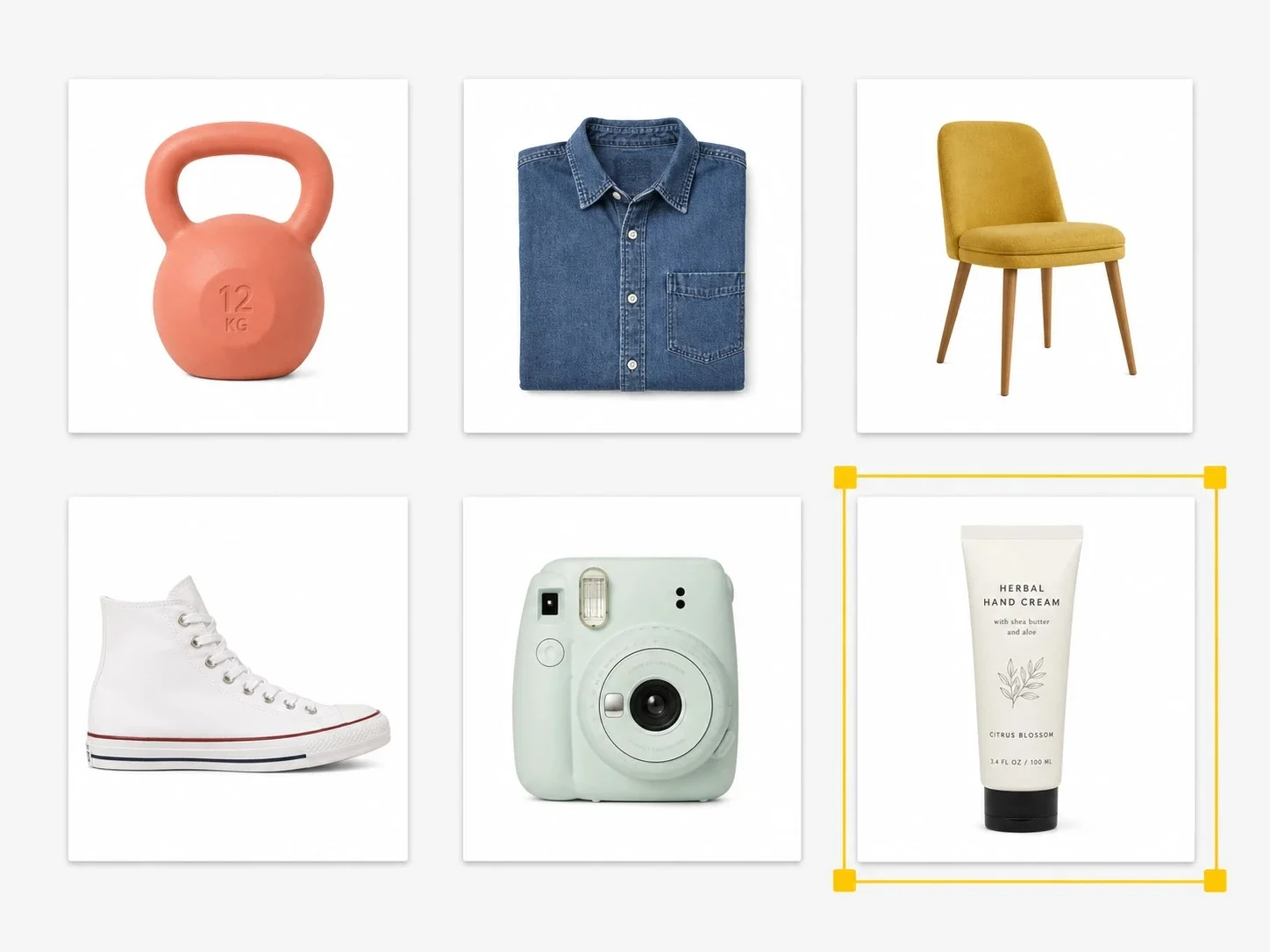
SnapEdit Background Remover automatically detects the main subject and removes the background in just a few seconds. Whether you photographed your product on a kitchen table, your office desk, or the living room floor, the AI creates a clean cutout without requiring manual tracing or complicated editing.
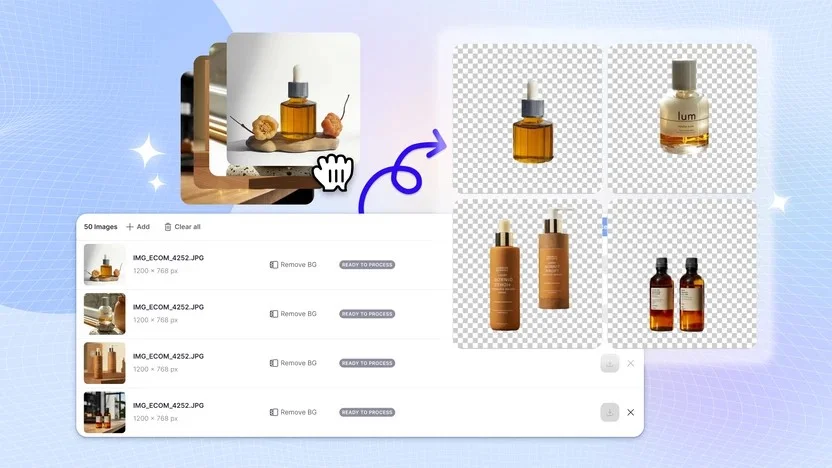
Once the background is removed, you can replace it with a pure white background for marketplaces with stricter image requirements, or choose a simple neutral background for platforms that allow more creative product photography.
Bring out the details buyers want to see by enhancing product photos
Once you've cleaned up the background, the next step is making sure buyers can clearly see what you're selling. Even modern smartphones can struggle to capture fine details perfectly. Indoor lighting, digital noise, image compression, and automatic camera processing can soften textures, making fabrics look less detailed, labels harder to read, or small design features less noticeable.
For online shoppers, those details matter. Since they can't inspect the product in person, they'll often zoom in to check the material, stitching, logo, texture, or overall condition before deciding whether to buy.
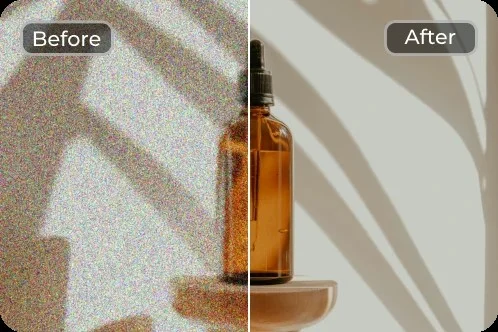
SnapEdit AI Photo Enhancer uses AI to improve image clarity while maintaining a natural appearance. Instead of simply applying a sharpening filter - which can create halos and make photos look overprocessed- the AI intelligently restores textures, refines edges, and improves overall image quality. The result is a product photo that looks crisp, clean, and true to life, helping buyers see the details they care about most.
AI Photo Enhancer is particularly useful for products where texture and fine details influence buying decisions, such as:
- Clothing and fashion accessories
- Jewelry and watches
- Shoes and handbags
- Handmade products
- Electronics and gadgets
- Collectibles and second-hand items
However, don't over-enhance product photos. If the AI makes labels unnaturally sharp or alters colors, reduce the enhancement or compare it with the original before uploading. Accurate product photos build trust, while overly edited ones can lead to disappointed buyers and unnecessary returns.
Adjust brightness and white balance for accurate colors
After removing the background and enhancing important details, take a moment to check whether your product still looks like it does in real life.
Many smartphone photos need small adjustments to brightness and white balance before they're ready to upload. Depending on the lighting conditions, a white product may appear yellow, a black item may look gray, or colorful products may end up looking either dull or overly saturated.
A slightly brighter image can make your product look cleaner and more inviting, but avoid pushing the brightness too far. Overexposed photos can wash out textures, reduce contrast, and make materials look less realistic.
White balance determines how warm or cool the colors in your photo appear. For example, photos taken under warm indoor lighting often have a yellow or orange cast, while cool LED lights can make products look bluish. Adjusting the white balance helps neutralize these color casts so the product appears closer to its actual color.
You can edit brightness and white balance right on your phone’s default camera app or using editing apps such as SnapEdit, Lightroom, or SnapSeed.
Resize and compress your photos for marketplace listings
Your smartphone can capture incredibly high-resolution photos, but that doesn't mean you should upload the original file directly to your marketplace listing.
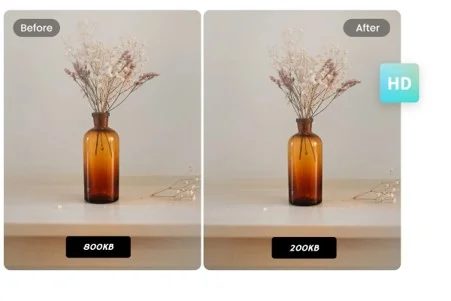
Many online marketplaces automatically resize and compress uploaded images to improve page loading speed. If your photo is already too large, you may end up with an image that looks blurrier than expected.
Resize and compress your photos to match the recommended dimensions of the platform you're selling on. Uploading images that are close to the ideal size gives you more control over the final quality and can reduce excessive compression.
For example, a 12MP smartphone photo is often much larger than what's needed for an online listing. Resizing it appropriately can reduce file size while maintaining excellent visual quality.
Creating product photos that stand out on online marketplaces doesn't require a professional studio, an expensive camera, or advanced editing skills. With the right workflow, your smartphone is often all you need.
Whether you're selling handmade crafts, second-hand items, fashion, electronics, or everyday products, SnapEdit gives you the AI tools to streamline your editing workflow