E-commerce
Transform your product photos to drive conversions and elevate your online store’s success
Get started for free
Trusted by Teams at
AI-Driven Ecommerce Photo Editing Tools
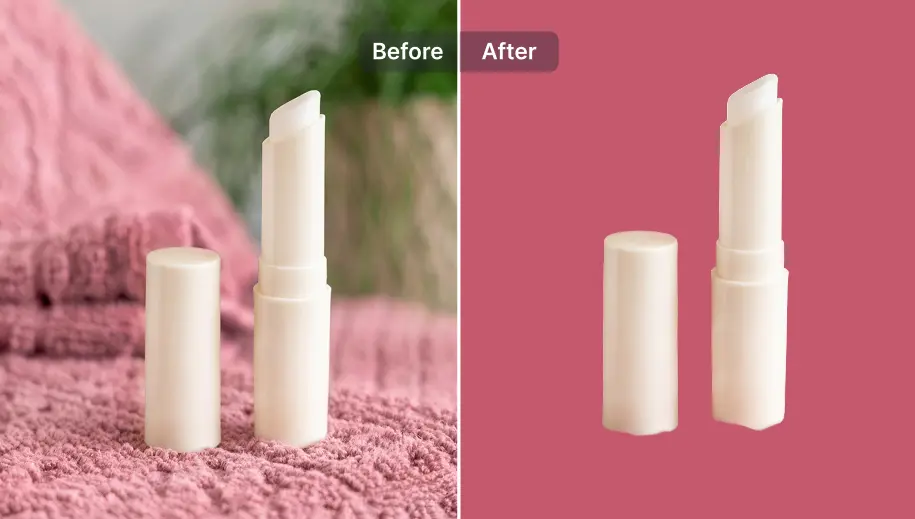
Remove Background
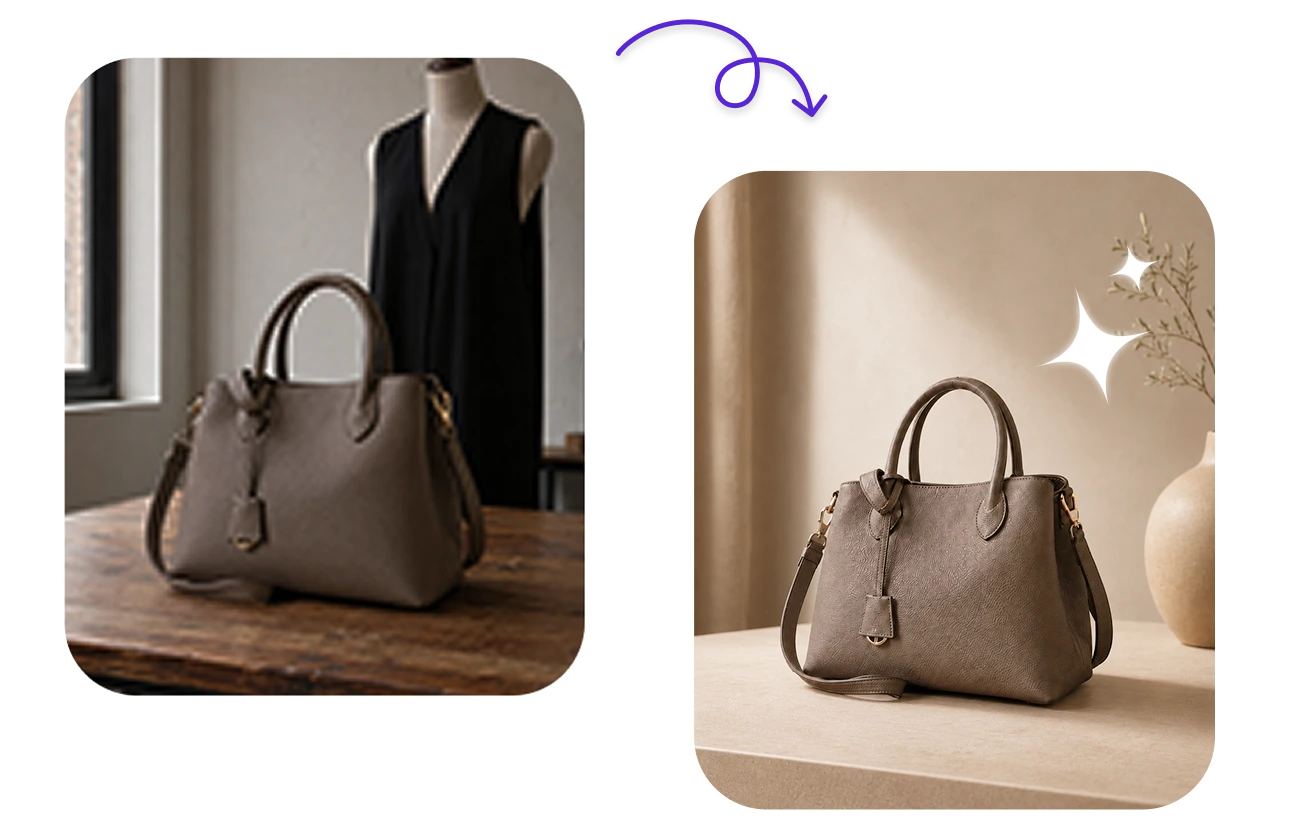
Remove and change background for product photos
Create clean, professional product images with our AI background remover at your fingertips. The tool allows you to place items on any backdrop, keep consistency across your entire catalog and follow strict guidelines of Amazon, Etsy, Ebay,...
Try now

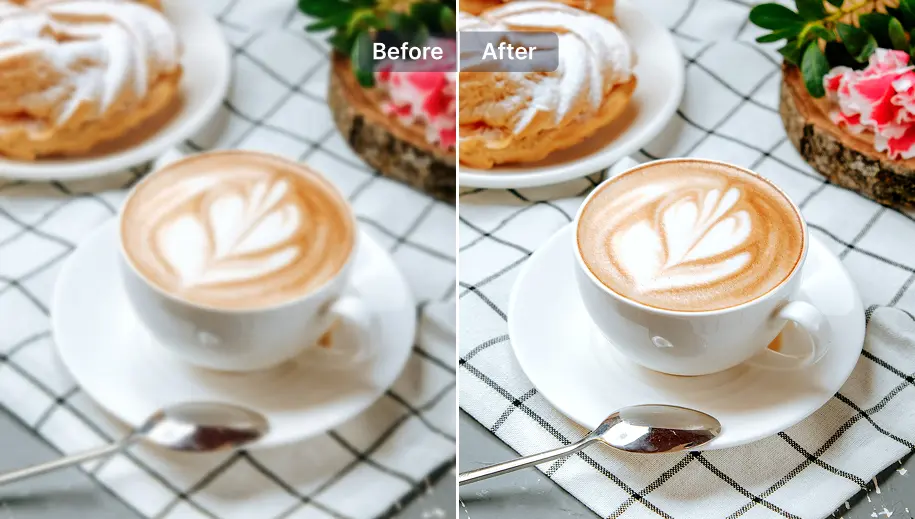
Enhancer
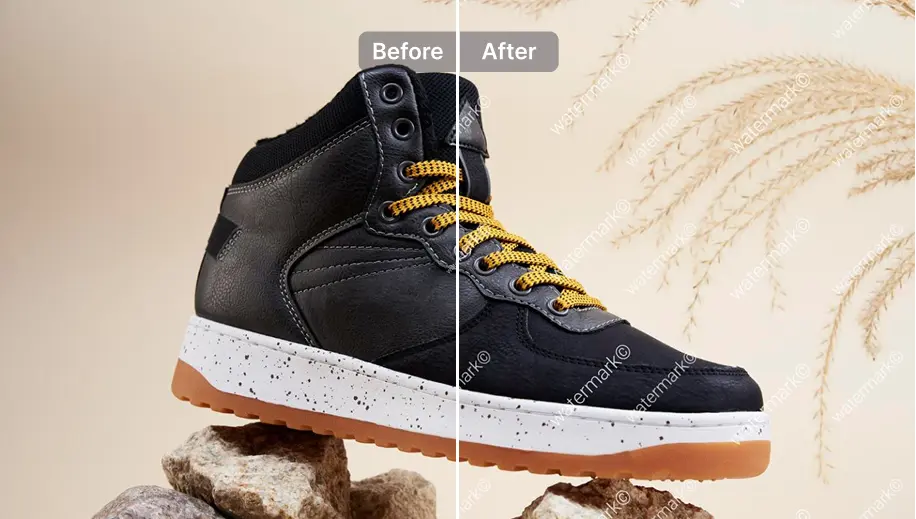
Enhance photos before listing on websites
Automatically improve product image quality with our AI photo enhancer. This tool adjusts lighting, color, sharpness, and adds details to make your products look their absolute best.
Try now

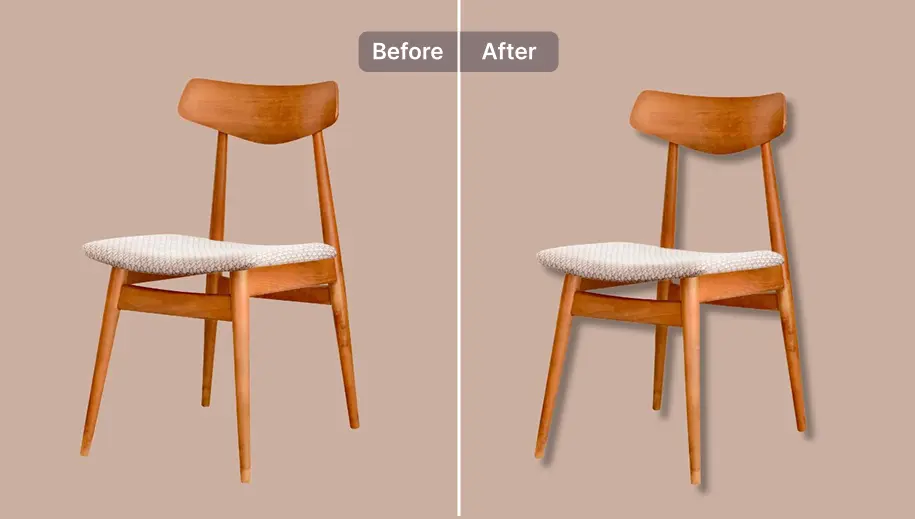
Easy shadow
Add shadow for realistic presentation
Create natural-looking shadows for your product images. The AI tool adds depth and realism to your photos. It helps customers better visualize the product and potentially increase their confidence to make a purchase.
Try now

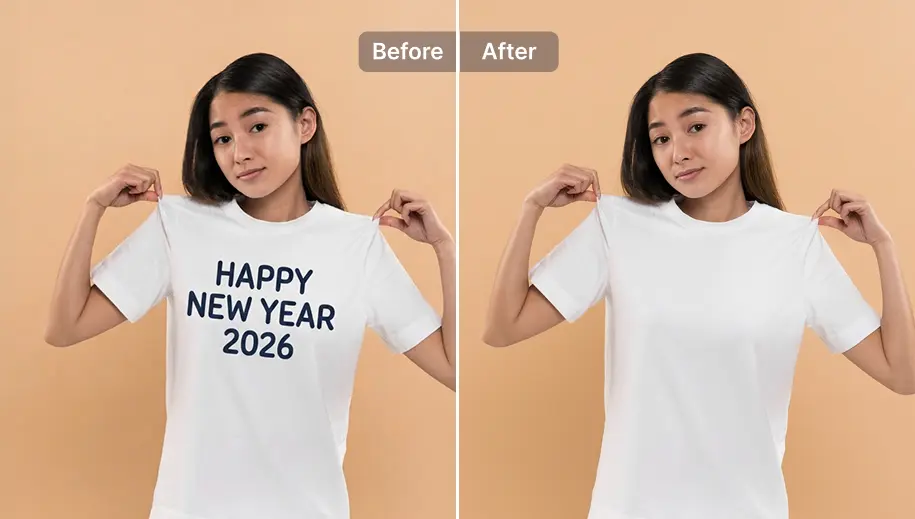
Remove text
Remove text for repurposing
Effortlessly remove unwanted text from product images with one touch. The AI text remover allows you to repurpose stock photos or update outdated product information without the need for reshoots, saving both time and resources.
Try now

Add watermark
Add watermark for brand protection
Protect your product images with customizable watermarks. The watermark adder helps safeguard image assets and build brand recognition across various websites and social media channels.
Try now

Save time with our efficient Batch Editing (2x faster)
Stellar Results By Top Sellers And Merchants
“I know that removing background remover for jewelry is a challenge but Snapedit does it so well! My jewelry pops against clean backdrops now. Sales are up!”

Emily Chen
Handmade Jewelry Shop Owner
“Great for sprucing up old photos. Text removal is handy for dated price tags. Enhancer works pretty good though sometimes overdoes it on delicate fabrics.”
Marcus Thompson
Vintage Clothing Reseller
“The background remover is perfect for showcasing cups, t-shirt designs on mockups. Enhancer makes colors pop beautifully on virtual try-ons. I love SnapEdit.”
Jake Wilson
Amazon POD Seller
“I'm selling print decor products, so showcasing sharp images is a must to attract customers. Thanks to SnapEdit enhancer, our product photos are always in their best color before listing on Amazon.”
Catherine Nguyen
Home Decor Seller
“I'm selling print decor products, so showcasing sharp images is a must to attract customers. Thanks to SnapEdit enhancer, our product photos are always in their best color before listing on Amazon.”
Catherine Nguyen
Home Decor Seller
“I know that removing background remover for jewelry is a challenge but Snapedit does it so well! My jewelry pops against clean backdrops now. Sales are up!”
Emily Chen
Handmade Jewelry Shop Owner
“Great for sprucing up old photos. Text removal is handy for dated price tags. Enhancer works pretty good though sometimes overdoes it on delicate fabrics.”
Marcus Thompson
Vintage Clothing Reseller
“The background remover is perfect for showcasing cups, t-shirt designs on mockups. Enhancer makes colors pop beautifully on virtual try-ons. I love SnapEdit.”
Jake Wilson
Amazon POD Seller
“I'm selling print decor products, so showcasing sharp images is a must to attract customers. Thanks to SnapEdit enhancer, our product photos are always in their best color before listing on Amazon.”
Catherine Nguyen
Home Decor Seller
“I know that removing background remover for jewelry is a challenge but Snapedit does it so well! My jewelry pops against clean backdrops now. Sales are up!”
Emily Chen
Handmade Jewelry Shop Owner
“Great for sprucing up old photos. Text removal is handy for dated price tags. Enhancer works pretty good though sometimes overdoes it on delicate fabrics.”
Marcus Thompson
Vintage Clothing Reseller
“The background remover is perfect for showcasing cups, t-shirt designs on mockups. Enhancer makes colors pop beautifully on virtual try-ons. I love SnapEdit.”
Jake Wilson
Amazon POD Seller
“I'm selling print decor products, so showcasing sharp images is a must to attract customers. Thanks to SnapEdit enhancer, our product photos are always in their best color before listing on Amazon.”
Catherine Nguyen
Home Decor Seller
The numbers show how snapedit has helped Emily Chen
80
Remove Background
40
Enhancer
8h
Time save
Outputs created by Emily Chen using SnapEdit

Tools use:
Remove Background
Remove text

Tools use:
Remove Background
Easy shadow

Tools use:
Remove Background
Enhancer
Tools use:
Remove Background
Remove text
Tools use:
Remove Background
Easy shadow

Tools use:
Remove Background
Enhancer

Tools use:
Remove Background
Remove text
Transform Your Product Photos with AI
Try SnapEdit free

Besides AI tools, SnapEdit offers a compression tool that can reduce file sizes by up to 90%, an image converter that can convert PNG to JPG, to WEBP, to PDF. The non-AI tools maintain visual quality and optimize images for fast-loading product pages.
It takes 1-3 seconds to remove images from product photos, even for complex products. Batch processing allows for 50 of images to be edited simultaneously in a minute.
No, it doesn’t. SnapEdit's enhancement tool uses AI to make product photos subtle, natural-looking. It improves the lighting, color, and sharpness without over-processing. With the advanced Magic Enhance feature, you can adjust the resemblance yourself and use a prompt to guide AI according to your preferences.
Yes. It will help you to protect your photo from unauthorized screenshots and download. SnapEdit watermark tool allows you to add custom, transparent watermarks to your images.
Absolutely. SnapEdit's text removal tool can erase text from packaging, making it easy to update product information or repurpose stock photos.
Yes, the shadow addition tool creates natural-looking shadows, enhancing depth and realism in your product images.
SnapEdit can convert images to all major formats required by e-commerce platforms, including JPEG, PNG, and WebP.
Yes, batch processing allows you to apply the same edits to multiple product variants simultaneously, ensuring consistency across your catalog.
It seems you are using your phone in landscape mode. Please switch to the portrait mode to enjoy SnapEdit.
Try SnapEdit App
Enjoy the better experience