Upload Your Photo
Upload any JPG or PNG portrait or low-light photo. Works on close-up portraits, group selfies, and indoor shots where the subject needs more light.

 The easiest AI photo editor to remove unwanted objects from photos.

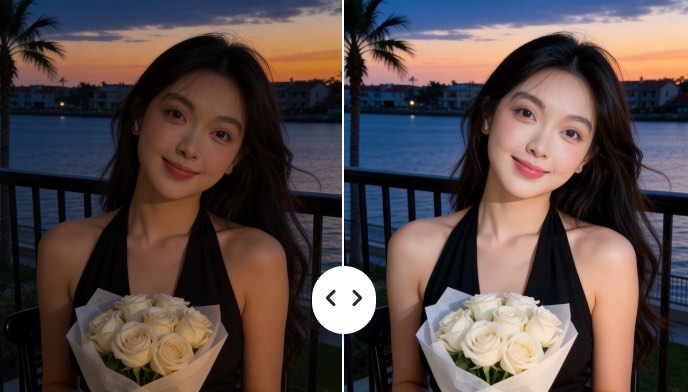
SnapEdit's AI Flash adds a realistic camera-flash effect to your subject, making them brighter and sharper while keeping the background natural. Blend the AI result with your original to control flash intensity exactly the way you want.
Ctrl + V to paste image
No image? Try one of these
Upload your photo and SnapEdit's AI Flash adds a neutral direct-flash look to the main subject in seconds, background stays unchanged, and the result is ready to download or blend.
Upload any JPG or PNG portrait or low-light photo. Works on close-up portraits, group selfies, and indoor shots where the subject needs more light.
After uploading, the tool automatically lights your subject with a natural on-camera flash. Drag the intensity slider from 0 to 100 to dial in the perfect amount of light.
Download your AI-flashed photo in HD quality.
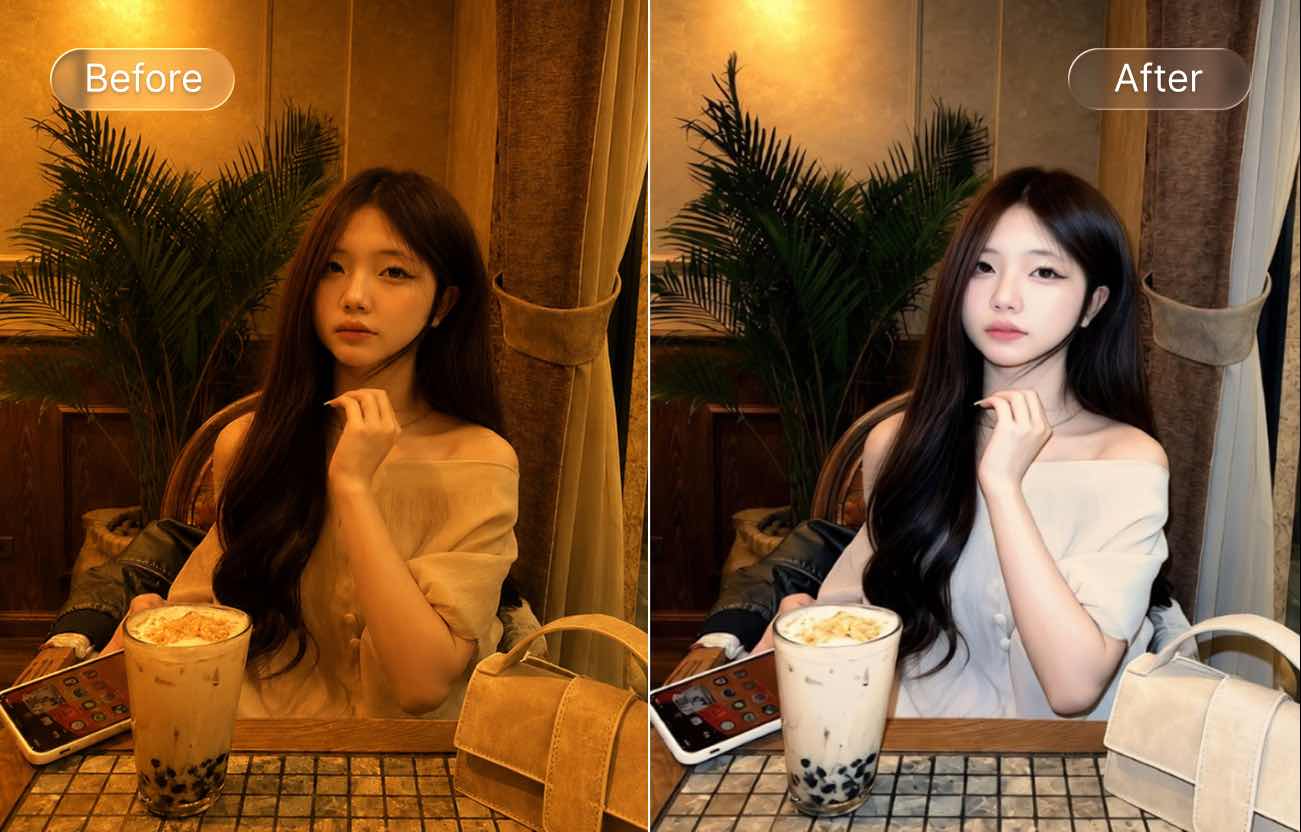
SnapEdit uses a dedicated AI model trained for flash lighting effects while leaving the background color, detail, and layout completely intact, no global exposure change, no warm color cast.
Most flash tools raise exposure across the whole image:face, background, everything shifts together. SnapEdit AI flash targets only the subject's face and body, so dim portrait photos, indoor parties, and night event shots get a natural on-camera flash result without a washed-out background. The subject's face stands out the way it would if you'd had a proper flash on the camera at the time.
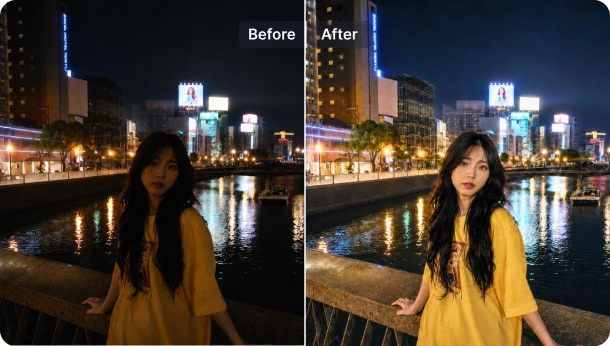
Generic brighteners and warm filters shift your subject toward yellow or orange — which looks nothing like real flash lighting. SnapEdit's flash model is explicitly trained to produce a pure-white, neutral flash look: it corrects warm color cast on the subject and keeps skin tones accurate under cool white light. Pair it with the AI Skin tool to refine the portrait finish once the lighting is right.
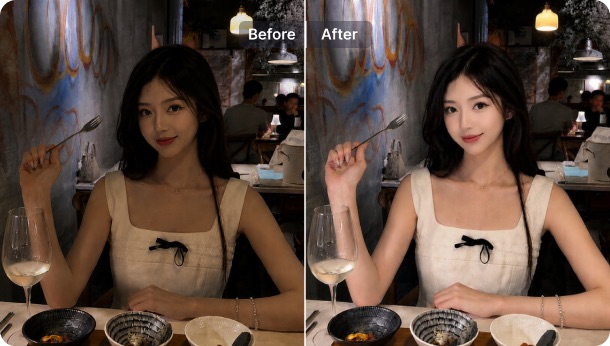
Flash should hit the subject, not blow out the scene behind them. SnapEdit applies the flash effect only to the main subject — indoor settings, street backgrounds, event venues, and product environments stay unchanged in color and detail. For indoor shots where the overall ambient light also needs lifting, run the result through the Auto Light tool for fine-grained exposure control on the full scene.
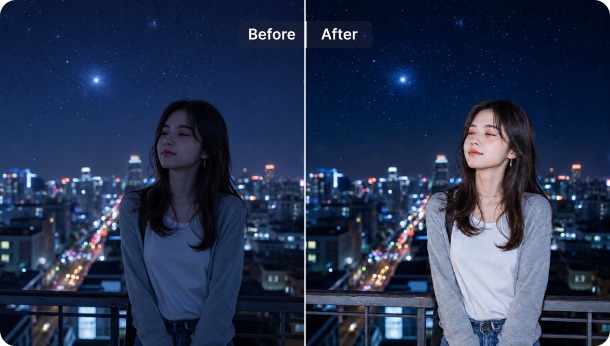
One upload, one click
No complex settings. Upload your photo and fine-tune the flash strength with one simple intensity slider.
AI flash effect in seconds
AI flash processing completes in under 10 seconds. No batch queue for individual portrait edits.
Blendable HD output
Returned in HD as a separate file, blend it with your original to control flash intensity at any opacity.
Free credits to use
10 free AI credits to add flash to photos. No account needed to start. Upgrade at pricing for unlimited use.
Download SnapEdit background remover application on iOS and Android