Upload A Photo
Upload any JPG or PNG. Works on portraits, outdoor shots, group photos, or any scene with strong backlight (sun, window, sky) where the subject looks darker than the background or appears as a silhouette.

 The easiest AI photo editor to remove unwanted objects from photos.

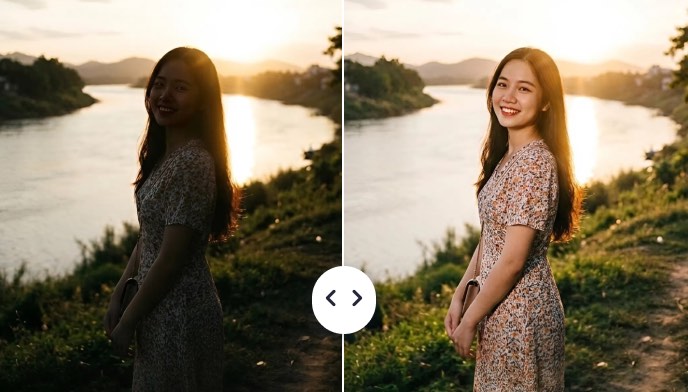
When strong light comes from behind your subject, the result is a dark face, an underexposed subject, or a washed-out background. SnapEdit's Fix Backlight AI restores natural lighting on the subject, reduces excessive brightness behind them, and gives you a corrected result you can blend to control the strength exactly the way you want.
Ctrl + V to paste image
No image? Try one of these
Upload your backlight photo, and SnapEdit's AI automatically restores the subject's exposure and reduces background brightness. No settings, no sliders, no editing skills needed.
Upload any JPG or PNG. Works on portraits, outdoor shots, group photos, or any scene with strong backlight (sun, window, sky) where the subject looks darker than the background or appears as a silhouette.
SnapEdit's fix backlight AI detects the underexposed subject, restores front lighting, and reduces excessive background brightness automatically.
Use the intensity slider to fine-tune the backlight correction before downloading, then save the new photo in HD quality.
SnapEdit uses a special AI model built for backlight correction, not a generic brightness slider. It separates the dark subject from the bright background and fixes both naturally.
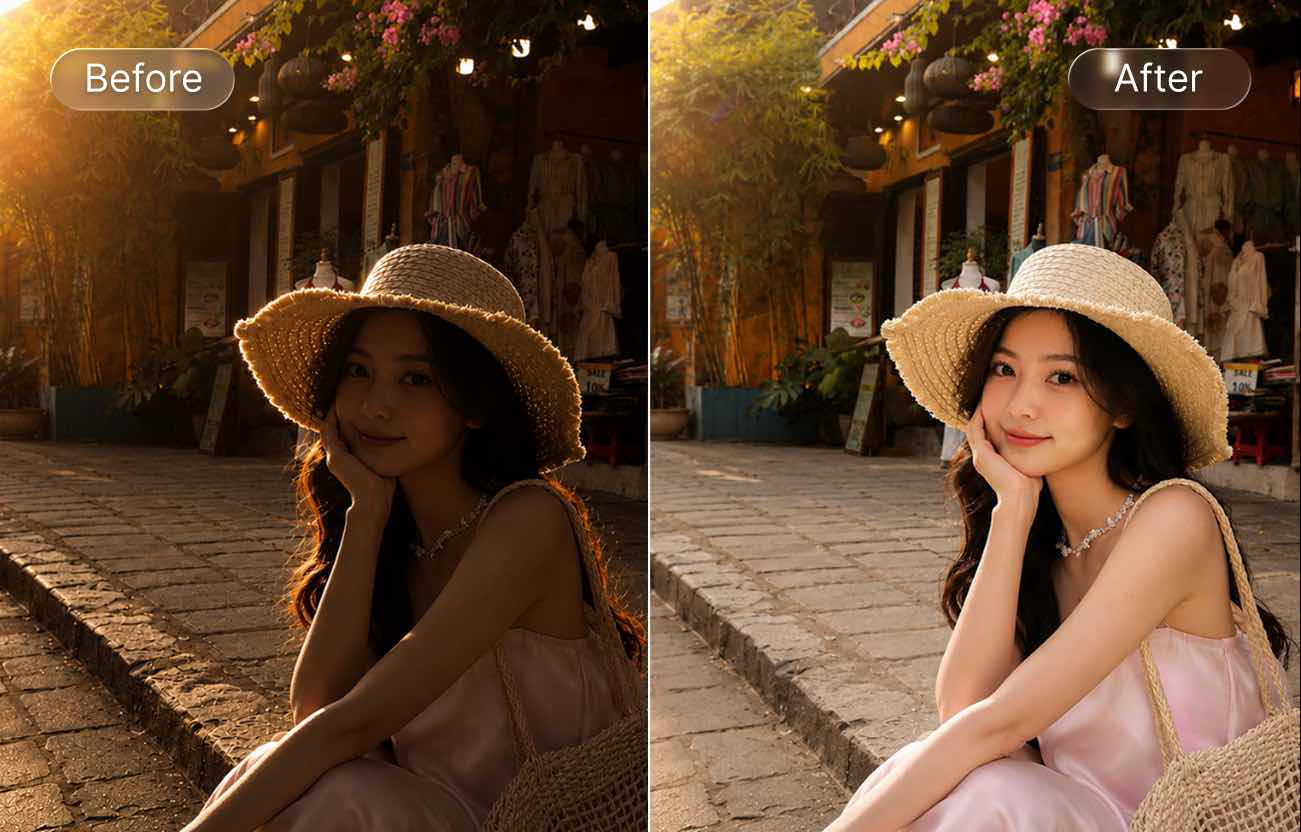
The Backlight Fix tool restores portraits where faces look too dark because strong light is behind the subject. Ideal for selfies, portraits, and family photos that need natural face brightness again.
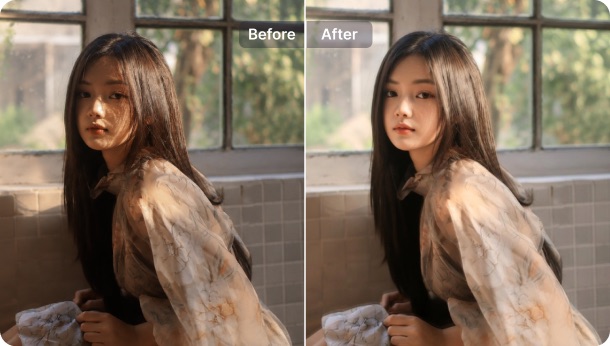
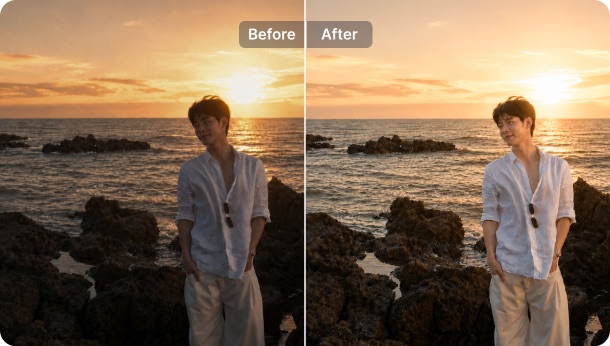
Sunsets, beach shots, and travel photos that came out too dark in the foreground? Backlight Fix balances the exposure. Pair it with our auto light tool for finer color tweaks.
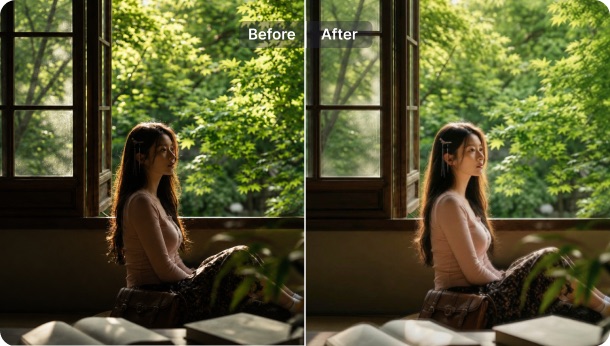
Photos taken indoors near a bright window often turn the subject into a shadow while the outside view looks too bright. Backlight Fix restores skin tone and balances indoor lighting naturally. Try our AI Flash for an on-camera flash look as a complement.
Realistic exposure recovery
Our model brings back detail on the silhouetted foreground while keeping the bright background looking natural. Skin tones stay faithful — no halos, no over-sharpened edges.
Adjustable intensity
Use the intensity slider from 0 to 100 to dial the recovery strength. Preview updates in real time so you can balance subject and background to your taste.
HD download
Download the fixed photo in HD — full resolution for sharing or printing. Your original image stays untouched.
Backlight fix online
No install needed — use the Backlight Fix tool online from any iOS, Android phone, tablet, or PC. Just open the website and start fixing photos for free.
Download SnapEdit background remover application on iOS and Android