
Once you've decided to automate your image editing instead of doing it one photo at a time, the next question is the one nobody answers clearly: how much is this actually going to cost every month?
The honest answer is that it depends less on which tool you pick and more on which pricing model that tool uses. Some charge you a flat subscription and then bill you again for every AI action underneath it. Others charge per action and nothing else. Getting this backwards is how a "cheap" workflow ends up costing more than you budgeted for by the second month.
If you're still deciding whether to use a workflow builder or call an API directly, our workflow builder vs. API guide covers that trade-off. This post is about the layer most people skip past: what each approach actually costs once you're running real volume through it.
Why AI image editing costs are hard to estimate upfront
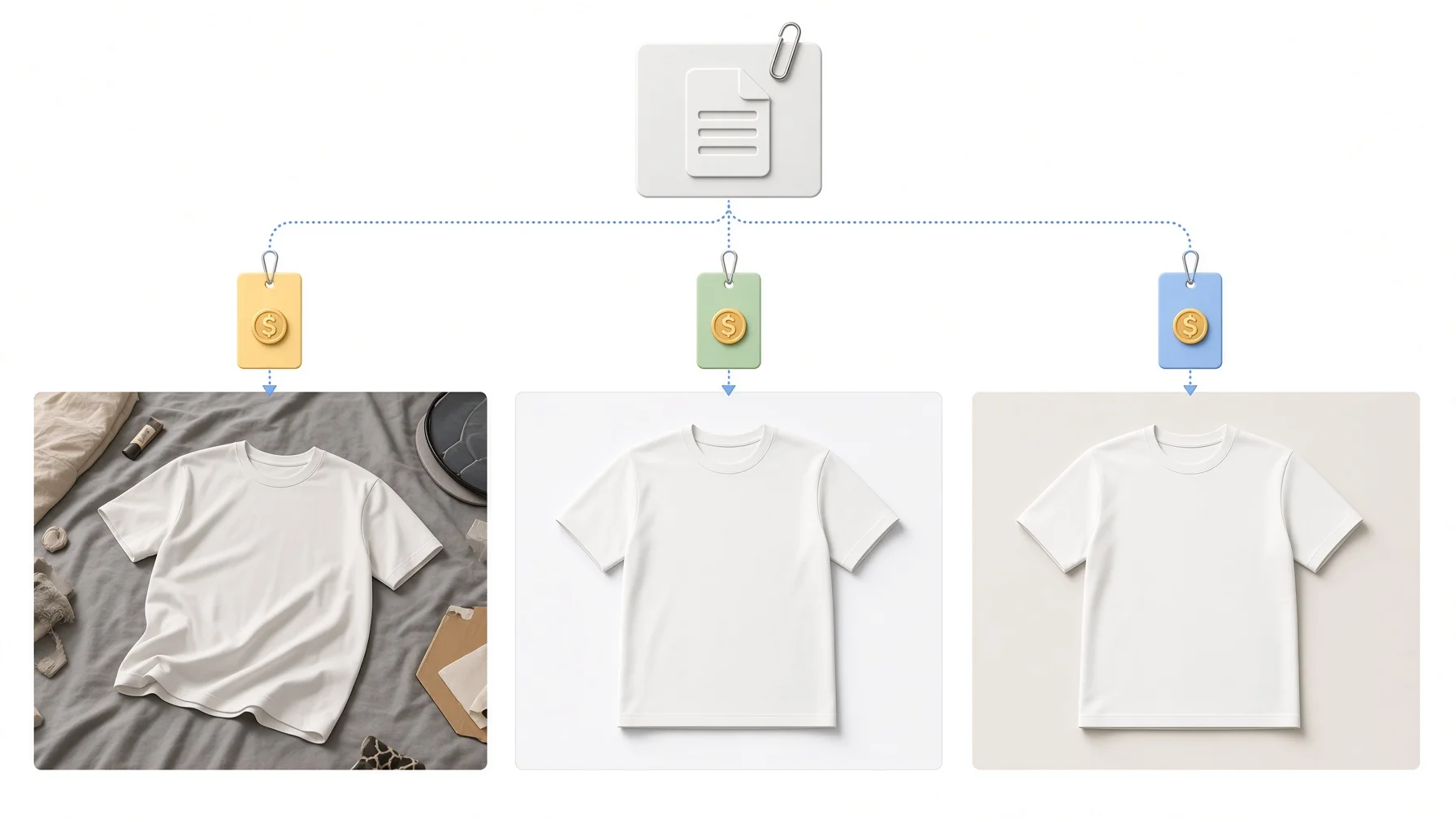
Most image editing workflows aren't a single charge. They're a stack.
You typically pay for the platform that runs the workflow (the thing that connects your steps together), and then you pay again, separately, for every AI model that platform calls. Background removal, upscaling, and background replacement are usually three different underlying AI services, even inside one workflow, and each one can bill differently: per image, per megapixel, per resolution tier, or per credit.
That's before you consider that a single "edit this photo" task is often several AI calls chained together, not one. Remove the background, then enhance the resolution, then generate a new background: that's three separate charges stacked into what feels like one action to you.
This is exactly why two workflows that look similar on paper can cost very different amounts once you're running them at real volume.
Three common pricing models for building an AI image editing workflow
1. Workflow automation platforms (like n8n): platform fee + separate API costs per step
Tools like n8n let you visually chain together any number of steps, including calls to different AI image models, and automate the whole thing. But the subscription you pay n8n only covers running the workflow itself, not the AI work happening inside it.
Here's what that platform layer costs on its own:
| n8n plan | Price | Included executions |
|---|---|---|
| Starter | €20/mo, billed annually | 2,500 workflow executions/month |
| Pro | €50/mo, billed annually | 10,000 workflow executions/month |
| Business | €667/mo, billed annually | 40,000 workflow executions/month |
| Enterprise | Custom | Custom |
That's just to run the workflow. Every node in that workflow that calls an actual AI image model, background removal, upscaling, generation, bills you separately according to that model's own API pricing, on top of your n8n plan.
The upside: total flexibility. You can mix and match models from different providers in one pipeline, self-host for compliance if you need to, and build something highly specific to your use case.
The cost catch: your real monthly bill is your n8n plan plus however many separate API invoices your nodes generate. If you're calling three or four different AI services across a workflow, you're tracking three or four different usage-based costs, none of which show up on your n8n invoice. This model rewards teams with the technical bandwidth to actually build and monitor that.
2. Single-purpose subscription tools and extensions: flat fee, plus paying the AI provider directly on top
The other common route is a narrower tool built around one specific editing task, often a browser extension you install and use without ever building a workflow. There are a lot of these, and they don't all price the same way, so here's one specific, real example rather than a generalization: AI Image Studio, a Chrome extension built by Vietnam Ecommerce Insights. It lets you hover over any image on any webpage, crop the part you want, and transform it using 20+ AI models pulled from OpenAI, Google, Ideogram, and fal.ai, aimed at designers, ecommerce sellers, and content creators.
Its pricing works like this: the free tier gives you 5 AI generations a day, and the Pro tier removes that cap for a subscription reported around $19.99 a month. But here's the part that matters for this comparison: AI Image Studio runs on your own API keys from those providers. You bring your own OpenAI, Google, Ideogram, or fal.ai key, and the extension itself adds no markup on top, meaning every generation is billed to you directly by whichever provider's key you used, separately from the $19.99 subscription.
That's not a flaw specific to this extension. It's worth naming as one clear, verifiable example of a pattern that shows up across a lot of single-purpose tools: the subscription buys you the interface and convenience, not the AI usage itself.
The upside: genuinely fast to set up, no workflow-building required, and if you already have API keys you're using elsewhere, you're not locked into a markup on top of them.
The cost catch: you're still paying in two places, a flat monthly fee for the tool plus whatever the underlying AI provider charges you directly. At low usage that second cost is small, but it scales with how much you actually generate, the same stacking problem as the workflow-platform model, just wearing a browser extension instead of a node editor.
3. All-in-one credit-based pricing: one balance, pay for what you use

The third model skips the two-bill problem by billing everything through a single credit balance, so there's no separate platform fee and API fee to track. SnapEdit works this way. One credit balance covers all 40+ models on the platform, whether that's background removal, enhancement, background replacement, or generation.
Here's roughly what individual actions cost in credits:
| Action | Credit cost |
|---|---|
| Remove background | 1 credit |
| Replace with a single background | 1 credit |
| Enhance 2x | 2 credits |
| Enhance 4x | 4 credits |
| Enhance 8x | 8 credits |
| Generate a new background | 5 credits |
And here's what that costs in dollars, based on current pricing:
| Plan type | Price | What you get |
|---|---|---|
| Personal, Free | $0/mo | 10 credits/month, limited AI features |
| Personal, Standard | $6/mo, billed yearly | 4,800 credits/year, all AI services, no watermark |
| Personal, Pro | $12/mo, billed yearly | 18,000 credits/year, includes AI Super Remove and AI Magic Enhance |
| API, Pay as you go | $30 for 10,000 credits ($0.003/credit) | Credits never expire, no monthly commitment |
| API, Subscription | $20/mo for 10,000 credits ($0.002/credit) | Cancel anytime, unused credits roll over while subscribed |
| API, Enterprise | Custom | Volume discounts, priority support |
There are two separate sets of plans here on purpose: the personal plans are built for individuals editing photos through the app, and the API plans are built for developers or businesses calling models programmatically inside their own workflow. Which one you need depends on whether a person or a system is doing the editing.
The upside: one bill, and you can calculate your actual cost before you build anything. If you know you're doing 1,000 background removals and 500 enhances a month, that's 1,000 + 1,000 credits (at 2x), a number you can check against a plan before committing to anything. No second invoice from a different provider shows up later.
The honest limitation: if your workflow needs to do more than image editing, complex branching logic, connecting to non-image tools, orchestrating an entire multi-app pipeline, a credit-based image editing platform isn't trying to replace a general workflow builder. It's built to be one clean, predictable component inside a larger pipeline, not the whole pipeline itself.
These per-credit numbers are one thing, but how does that translate against naming actual competitors? Our remove background API comparison tested SnapEdit against Photoroom, Remove.bg, and four other providers on the same image set, with real cost-per-image and quality scores.
A rough cost comparison: 1,000 background removals + 500 enhances a month
Numbers below are illustrative, meant to show how the stacking works, not a guaranteed quote. Actual API pricing varies by provider and changes over time.
n8n route: The Starter plan (€20/mo) covers the 1,500 total executions easily. On top of that, each background removal and enhance call bills separately depending on which AI API you've connected to that node, commonly landing somewhere in the $10 to $50 range for this volume depending on the provider. Estimated total: roughly $35 to $75+ a month, and that range depends entirely on which API you picked.
Extension route (using AI Image Studio as the example): $19.99/month flat for the Pro tier, plus whatever OpenAI, Google, Ideogram, or fal.ai charges you directly through your own API key for each generation, commonly landing in a similar range to the n8n estimate above depending on which provider and model you pick. Estimated total: roughly $35 to $70+ a month, limited to whatever that specific extension supports.
Credit-based route: 1,000 background removals (1,000 credits) + 500 enhances at 2x (1,000 credits) = 2,000 credits. At the API subscription rate of $0.002/credit, that's about $4 worth of usage, comfortably inside the $20/month plan's 10,000 credits, with plenty of room to grow before you'd need to upgrade.
The gap isn't because one AI model is inherently cheaper than another. It's that the credit model bills once for what you actually did, while the other two bill you for platform access and usage as two separate line items.
Which pricing model actually fits your situation
- You're building a complex, multi-tool pipeline that needs to connect image editing to other systems (inventory, email, a CRM) and you have the technical bandwidth to build and monitor it: a workflow automation platform makes sense, budget for the platform fee plus separate API costs per connected service.
- You need one specific edit type occasionally and want to start today with zero setup: a single-purpose subscription tool works, just check what the underlying AI call actually costs before assuming the flat fee is your full bill.
- You want predictable costs across many kinds of edits without tracking invoices from multiple vendors: a credit-based platform is easier to forecast, since one balance covers every model and you can calculate your cost before you commit to a plan.
If you're specifically building this for a print-on-demand or Etsy catalog, our bulk photo editing workflow for POD/Etsy guide walks through the actual steps. For general batch automation beyond background removal, see how to automate batch photo editing.
Since you've read all the way down here: SnapEdit is currently running a limited program giving 1,000 free credits to POD businesses who want to try the Workflow Builder and API for themselves before paying for anything. There are only 100 spots, and once they're gone, they're gone. Email [email protected] to grab one.
FAQ
Does a workflow tool like n8n replace the need to pay for AI APIs?
No. n8n (and similar platforms) orchestrate and run your workflow, but every AI model your workflow calls still bills you separately according to that model's own pricing.
Is a flat monthly subscription cheaper than paying per credit?
It depends on your volume. A flat subscription plus per-call API fees can end up costing more than a credit model at low to moderate volume, since you're paying for platform access whether you use it heavily or not, on top of usage costs.
Do these prices ever change?
Yes. Pricing for workflow platforms, AI APIs, and credit-based tools all change over time. The numbers in this article reflect current pricing as of publishing; check each provider's pricing page for the latest rates before budgeting.
What's the cheapest way to test an AI image editing workflow before committing to it?
Starting with a pay-as-you-go credit purchase, rather than a monthly subscription, lets you test real costs against real volume without a recurring commitment.
The cheapest workflow on paper isn't always the cheapest one to run. Before committing to a tool, work out whether you're paying once for what you use, or paying twice: once for the platform, and once again for every AI action running underneath it.