Upload Your Photo & Set the Light
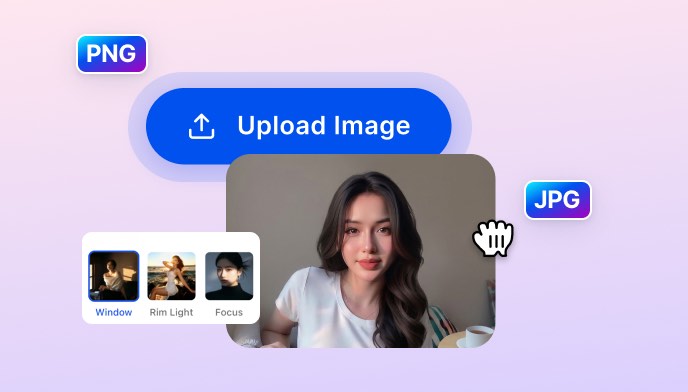
Upload your photo, then either upload a reference image with the lighting you want to match or choose from 11 presets: Window, Rim Light, Focus, Dream, Shadow, Halo, Dramatic, Side, Soft, Golden, Dappled.

 The easiest AI photo editor to remove unwanted objects from photos.

SnapEdit's AI Light Match analyzes your subject and applies realistic lighting from your reference photo or from 11 professional presets — Window, Rim, Focus, Dramatic, Golden, Halo, and more. Adjust the intensity until it looks exactly right, then download.
Ctrl + V to paste image
No image? Try one of these
Upload your photo, choose a lighting reference or preset, and SnapEdit's AI matches the light to your subject automatically. Then adjust the intensity and download.
Upload your photo, then either upload a reference image with the lighting you want to match or choose from 11 presets: Window, Rim Light, Focus, Dream, Shadow, Halo, Dramatic, Side, Soft, Golden, Dappled.
Click Apply Light Match. The AI analyzes your subject's position and structure, then calculates the most realistic light path — whether from your reference photo or the chosen preset.
Drag the intensity slider from 0–100 to dial in the exact strength. Preview updates live. Download in original, large, small, or HD quality when it looks right.
SnapEdit's Light Match AI analyzes your subject's position and structure, then calculates a realistic light path that fits the scene naturally. No manual masking, no layer blending, no understanding of lighting theory required.
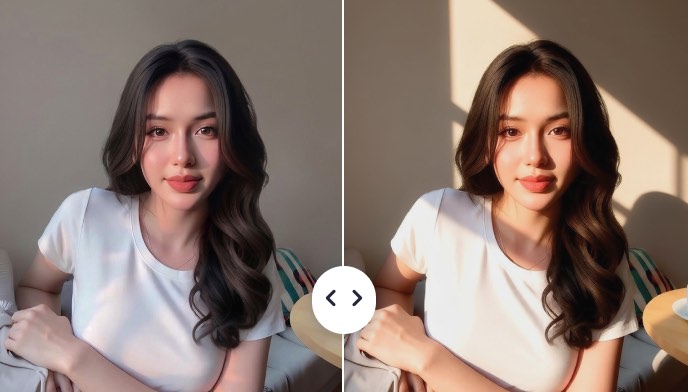
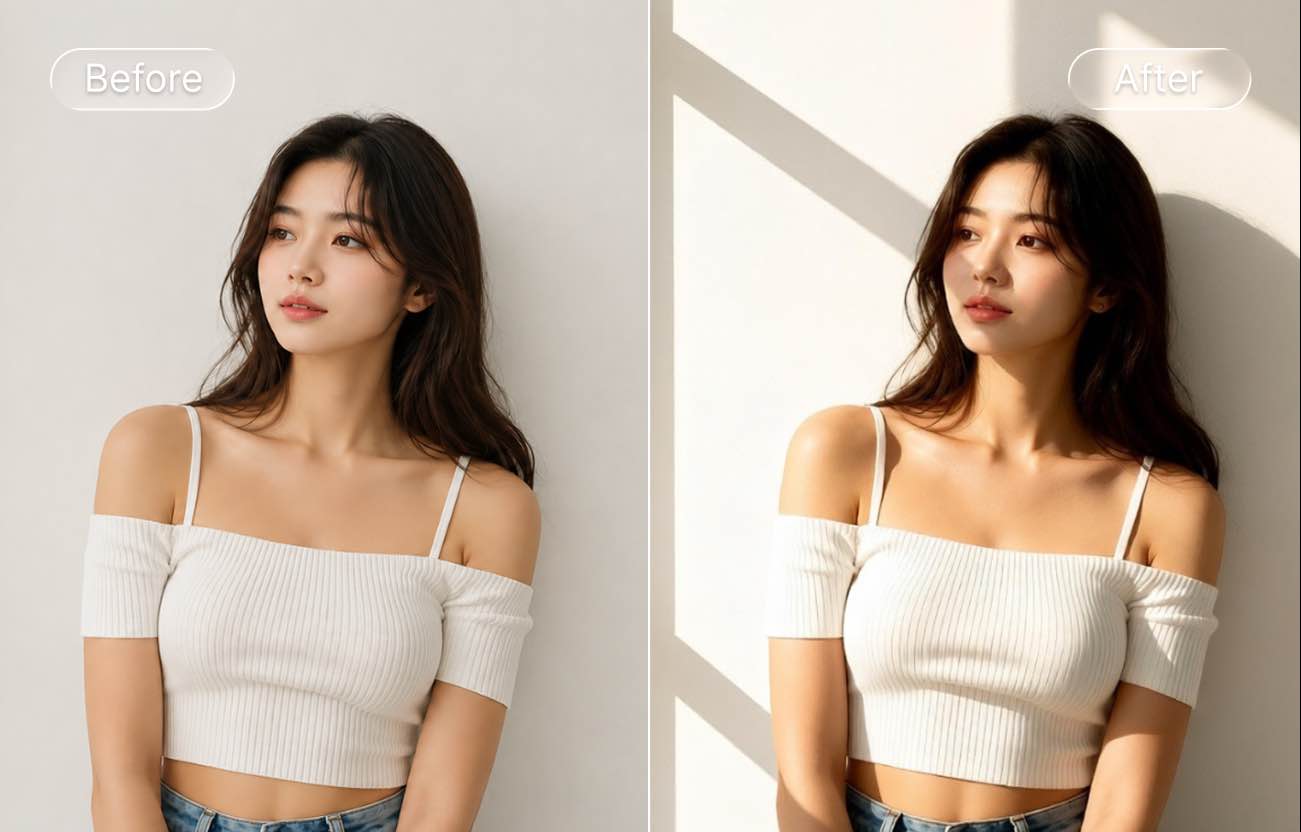
Flat, even light makes subjects disappear into the background. It's the difference between a casual snapshot and a professionally lit portrait. SnapEdit's Light Match adds directional light that creates depth, separates the subject from the background, and gives portraits the kind of structure you normally only get in a proper studio. It's the easiest way to add studio lighting to a photo without expensive equipment. Choose Side, Rim, or Dramatic for maximum subject separation. Pair it with our auto light tool for finer color control.
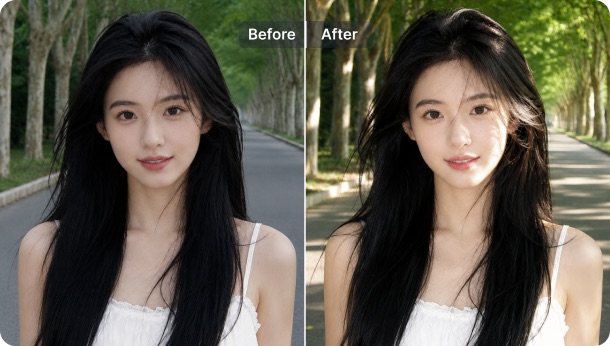
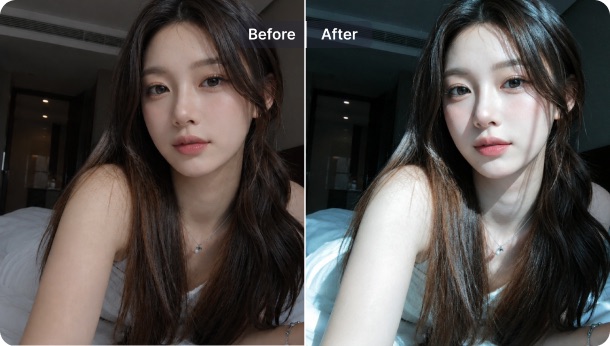
The photos that stop people while scrolling have one thing in common: the light feels intentional. Golden hour warmth, a soft halo above the subject, rays of window light cutting across the scene — these aren't accidents, they're lighting choices. Light Match presets like Golden, Halo, Dream, and Dappled add exactly this quality to any photo. Upload a selfie taken in bad indoor light and choose Golden — the result reads as warm, natural, and shot at the right time of day.
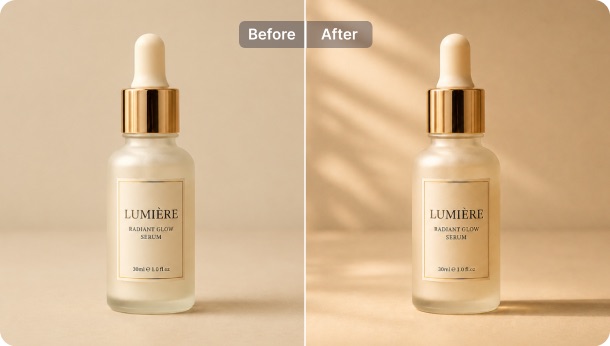
A product shot with flat lighting has no highlight, no depth, no sense of premium. Rim Light traces the edge of the product with a sharp separation line. Focus Light draws attention directly to the subject and dims the periphery. Side Light adds dimension by casting a natural shadow across the surface. Light Match lets sellers and creators apply studio-level product lighting in seconds — no equipment, no reshoot.
AI calculates light direction
The model identifies your subject's position and structure, then determines the most realistic path for the light to travel. So the effect looks like it was captured in camera, not added in post.
Professional lighting presets
Professional presets make SnapEdit a fast portrait lighting editor for selfies, profile photos, and creator content.
Intensity slider, live preview
After the AI applies the preset, drag the intensity slider to control exactly how strong the effect reads. Subtle mood at 20, full dramatic light at 100 — preview updates live.
Multiple download sizes including HD
Relight photo online and download in original size, large, small, or HD quality. Each time you apply Light Match, 8 credits are used. See SnapEdit pricing for plan options.
Download SnapEdit background remover application on iOS and Android