
 The easiest AI photo editor to remove unwanted objects from photos.
Get the app


The easiest AI photo editor to remove unwanted objects from photos.
Get the app
© 2026 SnapEdit. All rights reserved.
The easiest AI photo editor to remove unwanted objects from photos.Real Estate
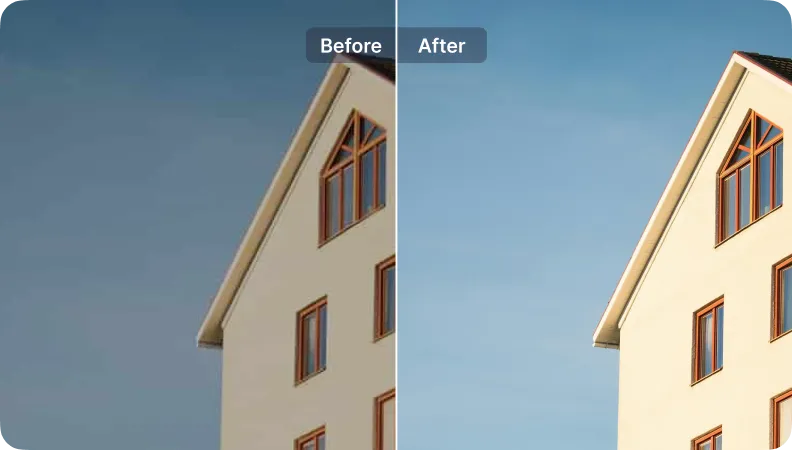
SnapEdit has specialized models that help real estate platforms automatically enhance, standardize, and optimize listing photos. All made for better listing quality, more engagement and lead generation.
Get started for free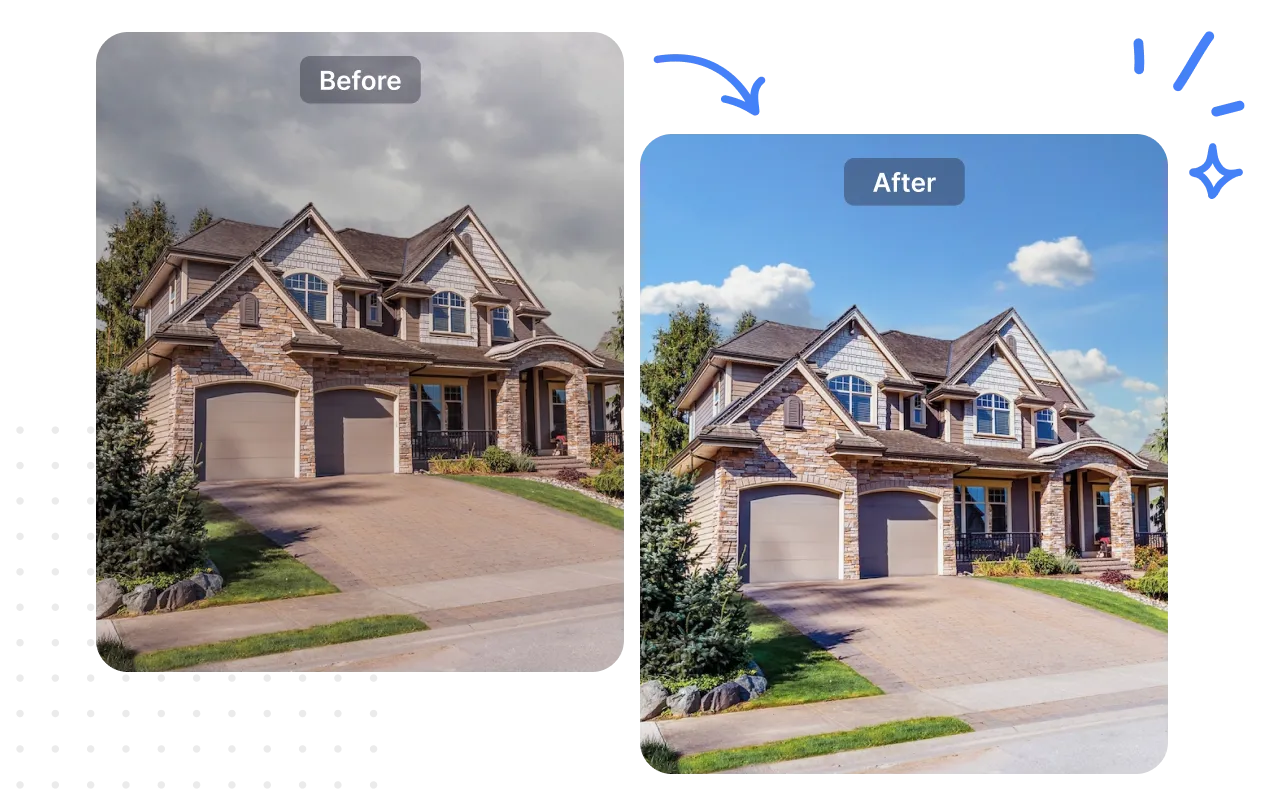
Change Sky
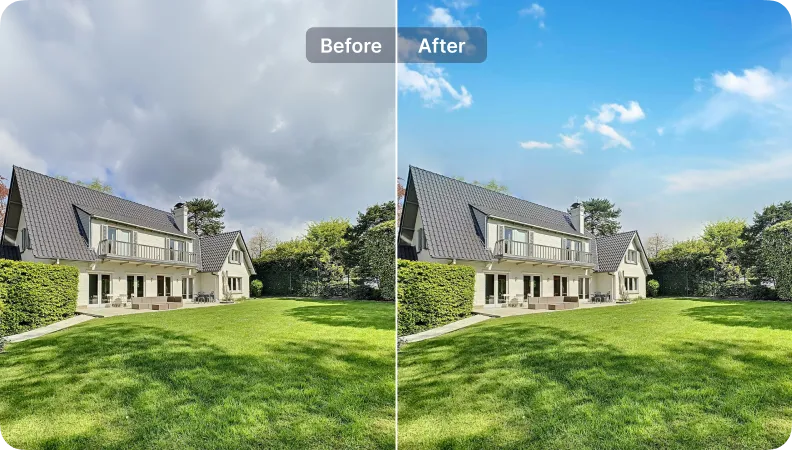
Auto Light
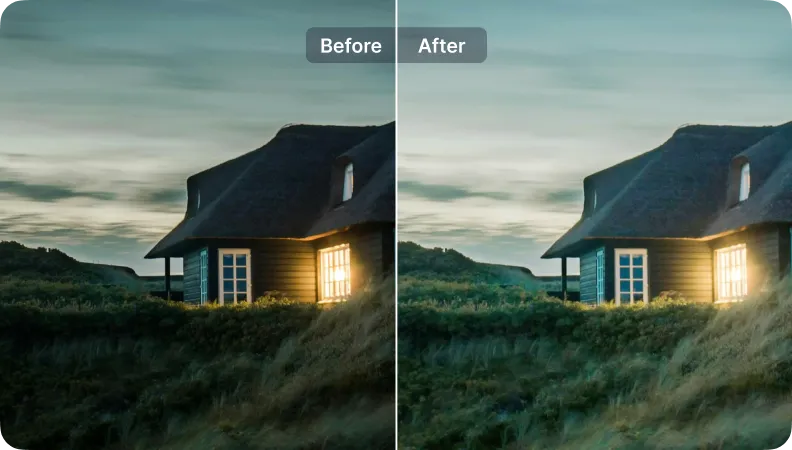
Remove Wire Line
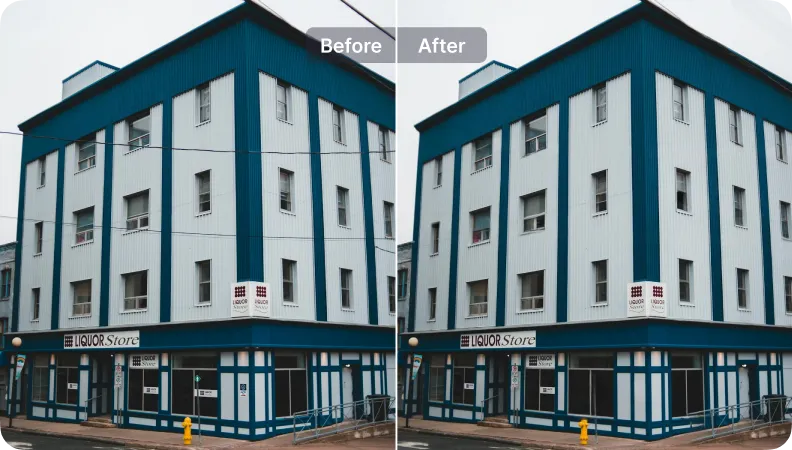
Enhance
Download SnapEdit background remover application on iOS and Android


“I love SnapEdit sky changer and the enhancement tools. They saved me hours on a luxury listing. The results were impressive, though I'd love more customization options.”

Sarah Thompson
Realtor
The numbers show how snapedit has helped Sarah Thompson
Sky Changer
Enhancer
Time save

Tools use:
Auto Light
Enhancer

Tools use:
Sky Changer
Auto Light
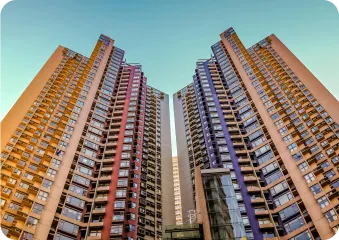
Tools use:
Sky Changer
Auto Light
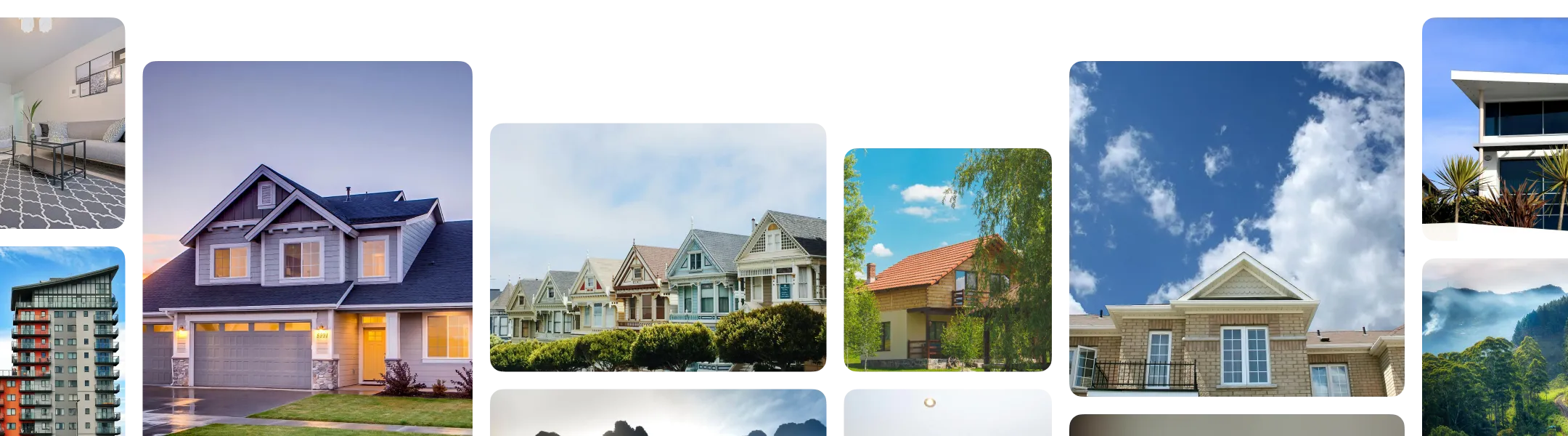
Every listing photo comes with a different combination of problems to fix. Here's how to build a workflow that matches what your photos actually need:
Sort your photos by problem, not by property. You only need to activate the specific fixes a given batch requires.
In SnapEdit's workflow builder, combine the steps that match your photos: Wire & Utility Line Removal, Reflection Removal, Object Removal, Autolight, Expand/ Reformat.
Upload a full shoot to the workflow. SnapEdit runs your saved sequence across every image at once and exports the finished set, sized and formatted for your listing platform.
Through SnapEdit's API, property platforms, MLS providers, and brokerages can process photos from many agents or listings at once, running batches instantly through a web interface. So listing photos get standardized automatically as they're uploaded into your existing system, without a manual editing step for every agent's submission.